
FIGR / UI TEMPLATE
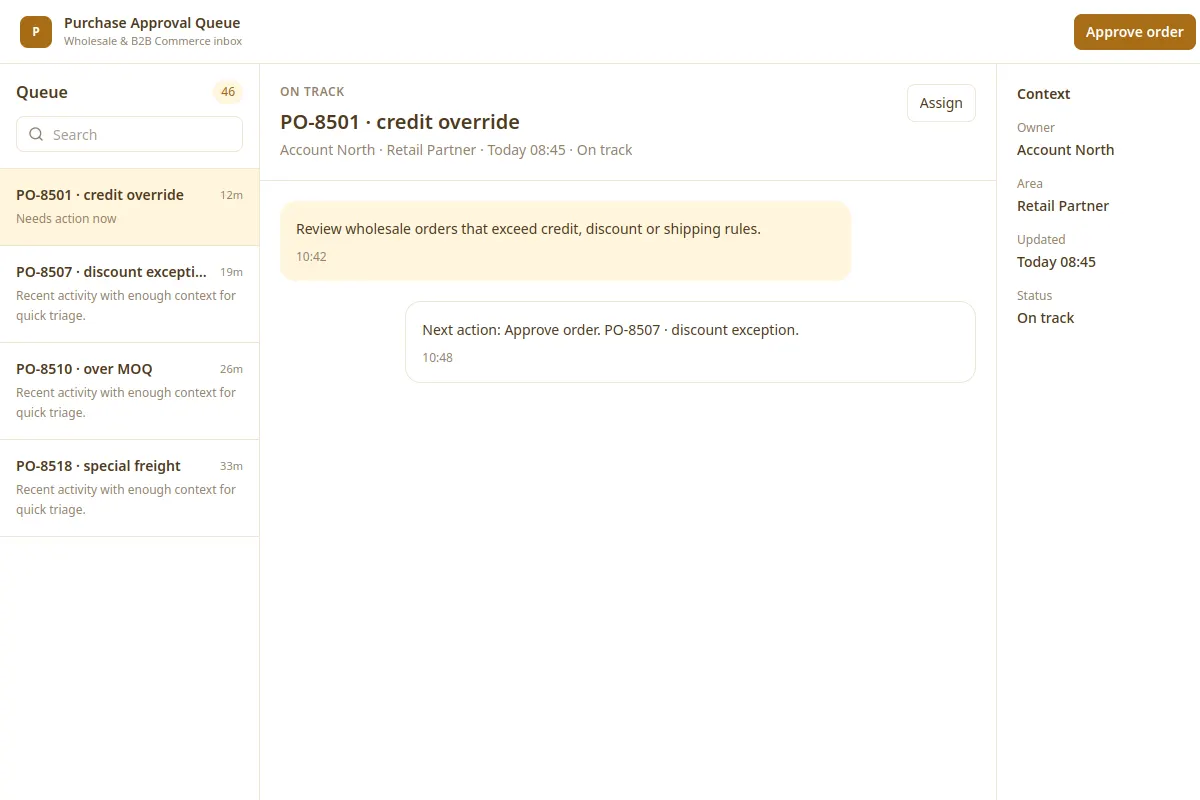
Review wholesale orders that exceed credit, discount or shipping rules.
This inbox design reference covers Wholesale & B2B Commerce with fictional sample records.
BUILD ON THIS
Explore this screen, then bring in your own product and design system to shape the next version.
Inbox
Approve order
inbox view
Default, loading, filtered, empty, warning, error, success
Independent UI reference; no 1mg design system
Review wholesale orders that exceed credit, discount or shipping rules.
Relevant sections: Accounts, Orders, Catalog, Pricing, Approvals. Primary action: Approve order.
Empty results, slow loading, restricted permissions, validation feedback, failed saves, and success.
Accounts → Purchase Approval Queue → Approve order
inbox, status, record details, filters
Keep the record's status, owner and next action visible. Use cases such as PO-8501 · credit override to check what happens when details are missing or cannot be saved.
Make pricing, stock and approver changes understandable before users confirm a trade or return.
Review Purchase Approval Queue in the context of my existing product and design system. Explore important states, edge cases and clear next actions before producing Figma-ready screens.
KEEP EXPLORING
Browse other product UI examples, compare patterns, and pick the direction that suits your product.