
FIGR / UI TEMPLATE
Track stock levels and incoming supply across locations.
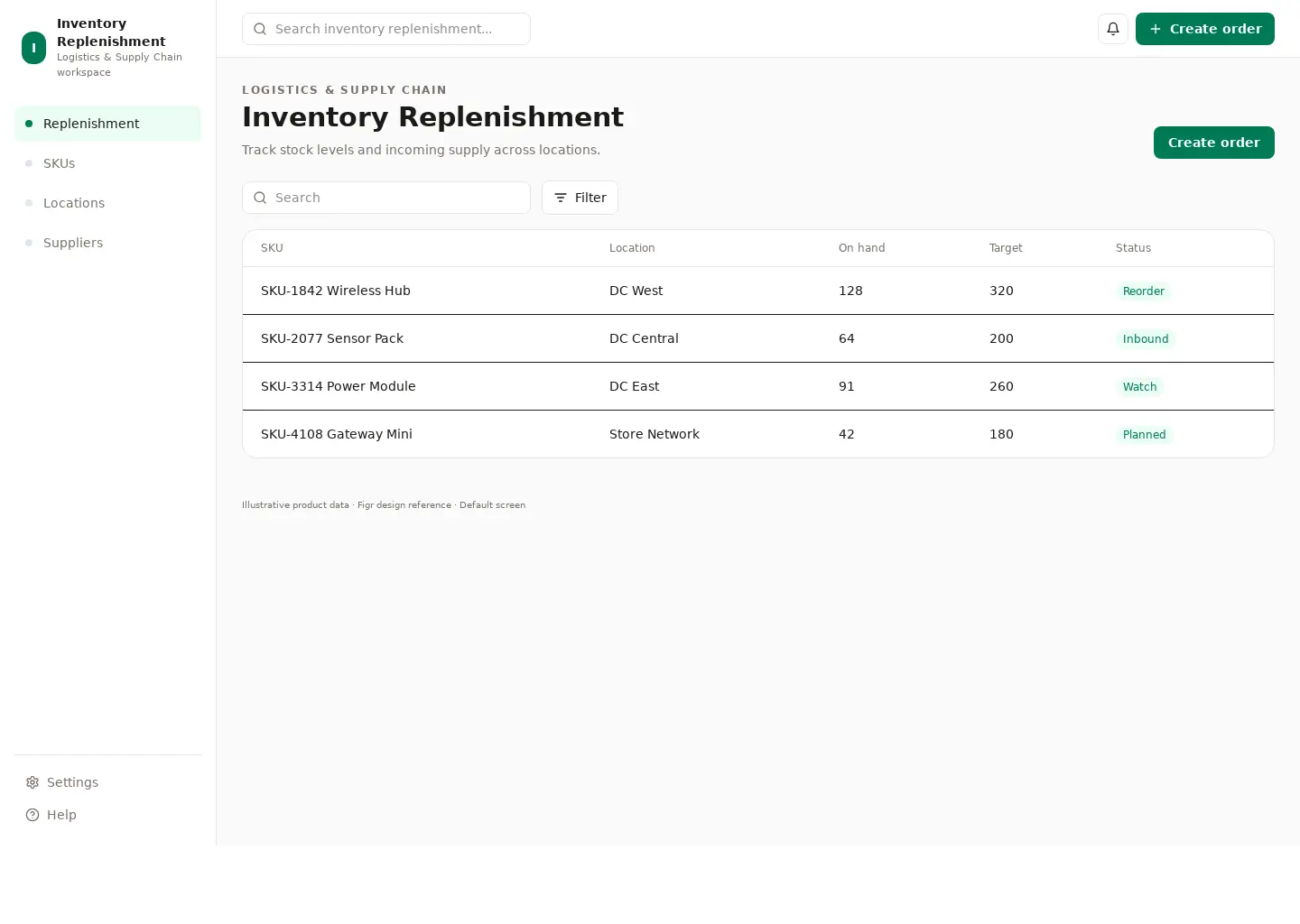
This table reference covers logistics & supply chain. Its sample screen includes SKU-1842 Wireless Hub and SKU-2077 Sensor Pack and the Create order action. Adapt its workflow to your product and design system.
BUILD ON THIS
Explore this screen, then bring in your own product and design system to shape the next version.
Table
Create order
Inventory Replenishment table
Default
Adaptable product UI theme
Show the columns that help someone choose the next action
In this example, SKU-1842 Wireless Hub is one of the records worth checking. Keep the sample data clearly separate from a live system.
Preserve filters and sort order as people open records and return
Make status, ownership, and exceptions easy to scan, including smaller screens
KEEP EXPLORING
Browse other product UI examples, compare patterns, and pick the direction that suits your product.