
FIGR / UI TEMPLATE
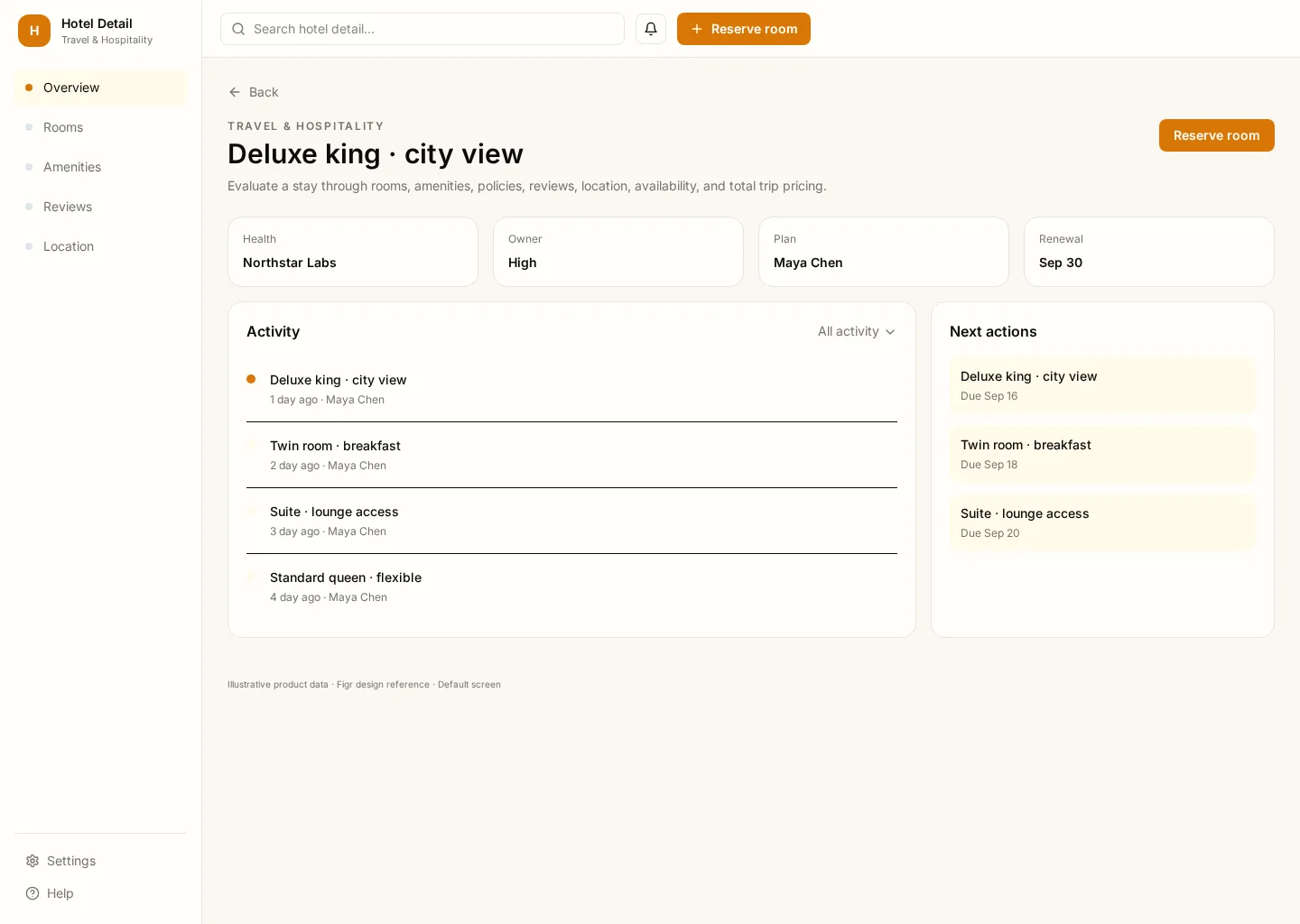
Evaluate a stay through rooms, amenities, policies, reviews, location, availability, and total trip pricing. This example brings Overview and Rooms together so travelers and booking teams can find the next task without losing context.
It includes representative records such as Deluxe king · city view and Twin room · breakfast. Use the screenshot to study the layout, then adapt its components and product states to your own design system.
BUILD ON THIS
Explore this screen, then bring in your own product and design system to shape the next version.
Detail
Reserve room
Detail
Default, loading, empty, error, permission, success
Configurable product UI theme
Product teams need to reserve room while keeping nightly, rating and exceptions visible. The interface should show what changed and who should act next.
Overview → Rooms → Reserve room → Review outcome
Detail, Overview, Rooms, contextual actions, error recovery
Emphasize record status, next action and recent changes. Put secondary history nearby without competing with the primary task.
Pay attention to overview and rooms. People need to distinguish Deluxe king · city view from Twin room · breakfast. Keep nightly visible, especially when a record changes owner or status.
Before this screen reaches handoff, verify keyboard focus, empty and permission states, and what happens after someone chooses “Reserve room”. Make error recovery as clear as the happy path.
Related screen examples to explore next: Hotel Listing, Flight Search, Travel Search.
Design a hotel detail screen inside our existing product. Use our current components, tokens and content language. Include Overview and Rooms views, credible records like Deluxe king · city view, and a clear “Reserve room” action. Use our product permissions and show loading, empty, error and success states. Keep the output editable in Figma.
KEEP EXPLORING
Browse other product UI examples, compare patterns, and pick the direction that suits your product.