
FIGR / UI TEMPLATE
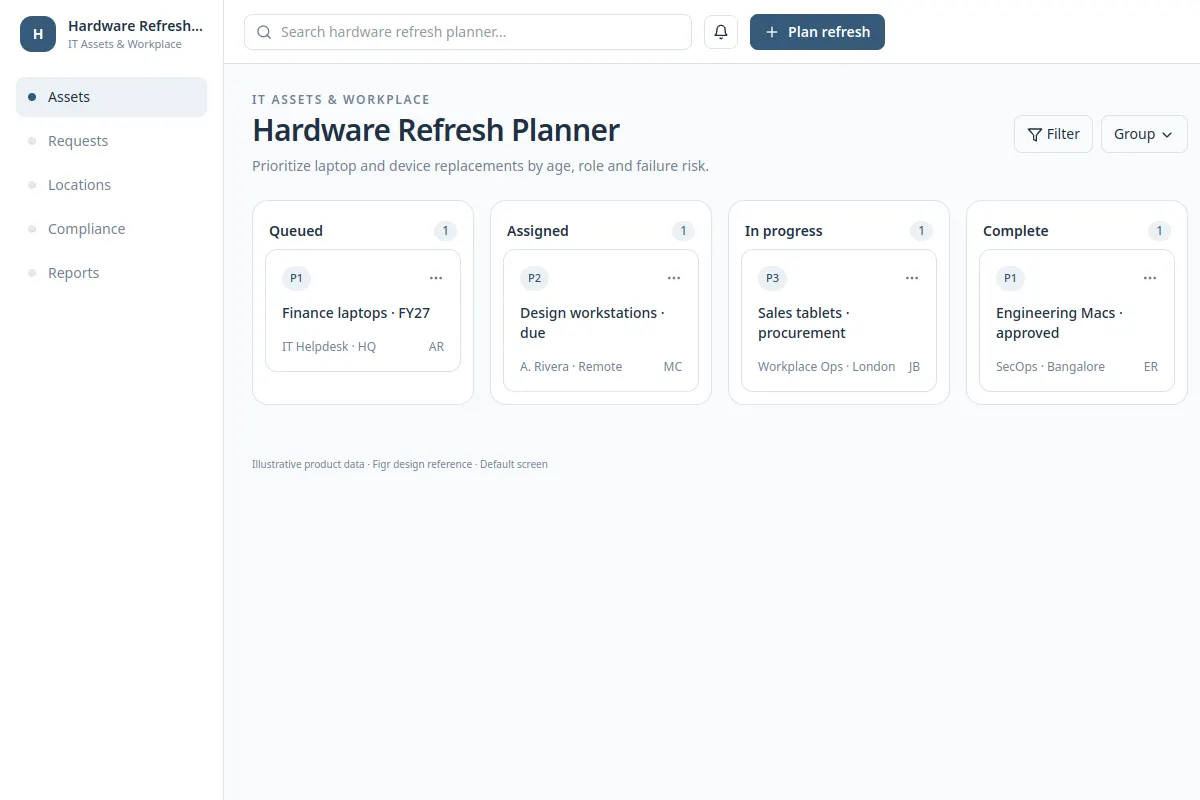
Prioritize laptop and device replacements by age, role and failure risk.
Use this product UI reference when your IT team needs to work with real device, owner and policy constraints. Records shown are fictional.
BUILD ON THIS
Explore this screen, then bring in your own product and design system to shape the next version.
board
Review and update device records
board view
Default, loading, empty, error, warning, success
Independent product UI reference; no 1mg design system
Prioritize laptop and device replacements by age, role and failure risk.
Device or license records, assignments, status, ownership and next steps.
Empty records, delayed data, restricted rights, invalid fields, update failure and success.
IT overview → Hardware Refresh Planner → Record details
board, filters, status, record details
Keep the relevant user, device status and next action together. Help reviewers see when asset information changed.
Show restricted access, missing records and failed updates without losing entered work.
Adapt Hardware Refresh Planner to our existing product and design system. Keep our current rules, roles and components. Review edge cases before creating a Figma-ready design.
KEEP EXPLORING
Browse other product UI examples, compare patterns, and pick the direction that suits your product.