
FIGR / UI TEMPLATE
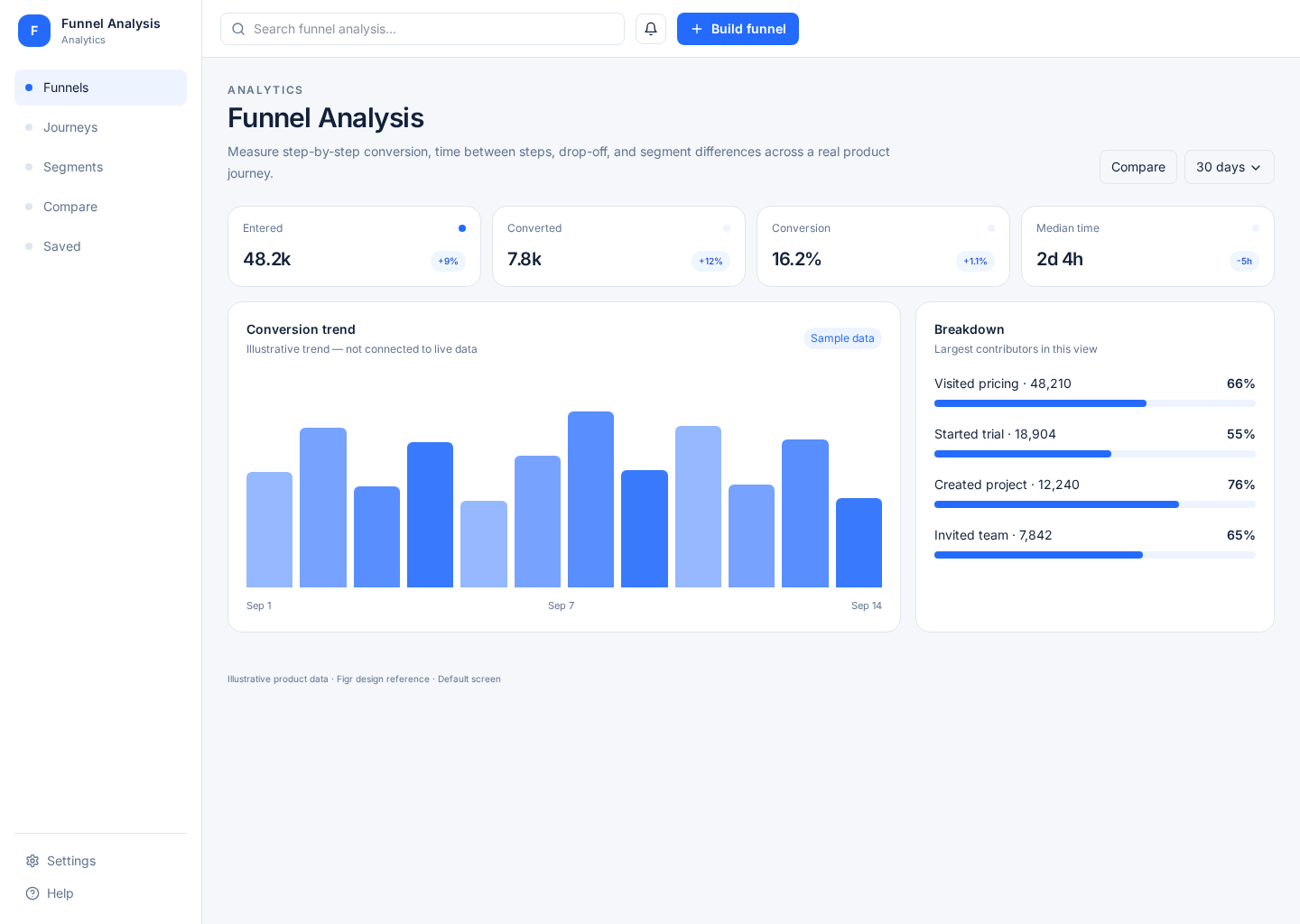
An analytics screen that shows how users move through a key flow, where they drop, and which segment or time range changes the story.
BUILD ON THIS
Explore this screen, then bring in your own product and design system to shape the next version.
Analytics
Find where users drop off
Funnel chart
Default
Vector Data
PMs and growth teams need to see where users leave a flow, compare segments, and decide which step deserves deeper work.
Analytics Home → Funnel Analysis → Step Drill-down → User / Event Detail
Funnel chart, filters, segmented metrics, comparison, drill-down
Make each step definition explicit. A polished funnel is useless if users cannot tell what counts as entering or completing a step.
Create a high-fidelity funnel analysis screen for a product analytics tool. Show realistic funnel steps, conversion, drop-off, date filters, segments, comparisons, and a path into event detail.
KEEP EXPLORING
Browse other product UI examples, compare patterns, and pick the direction that suits your product.