
FIGR / UI TEMPLATE
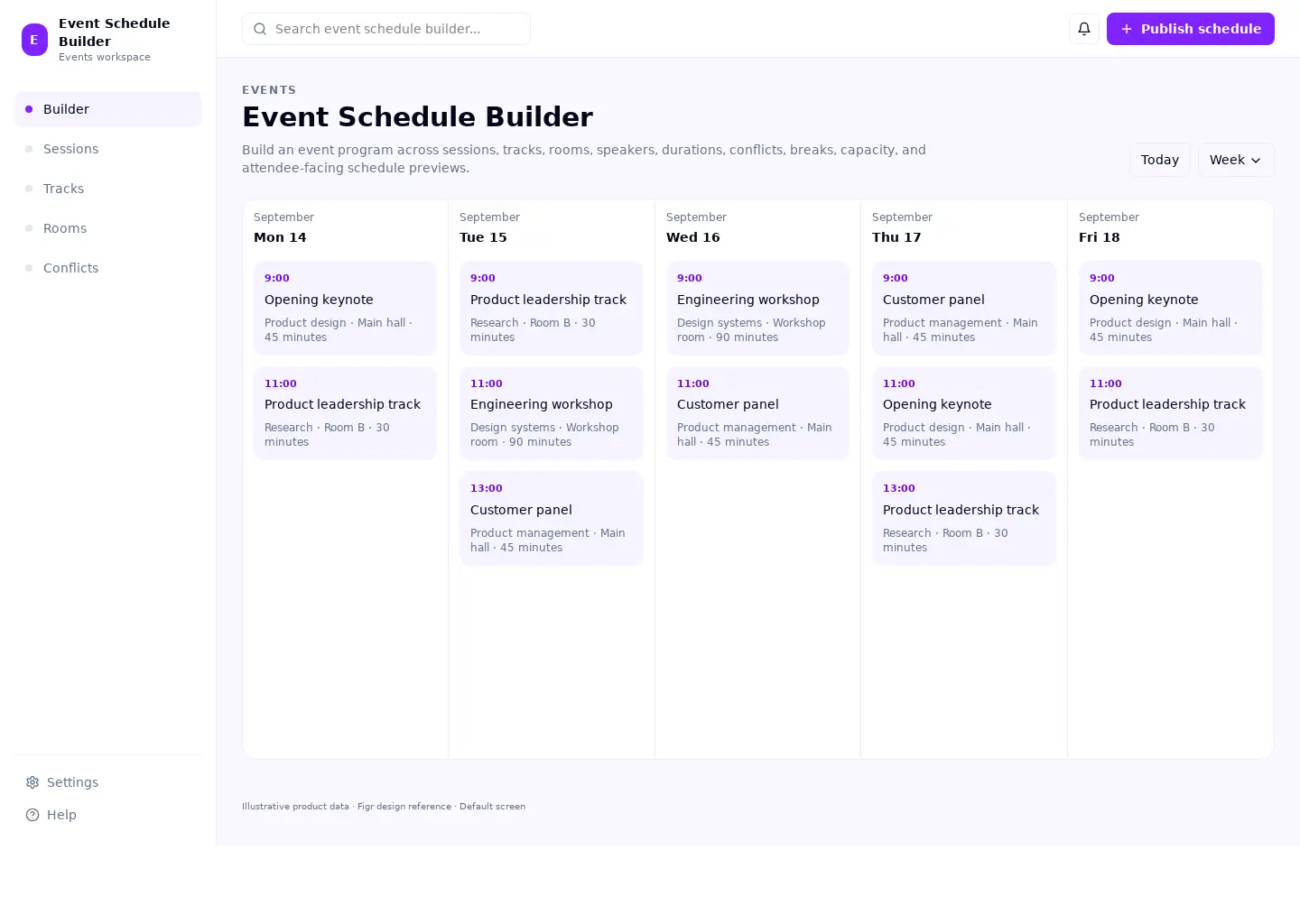
Build an event program across sessions, tracks, rooms, speakers, durations, conflicts, breaks, capacity, and attendee-facing schedule previews.
This calendar reference covers events & ticketing. Its sample screen includes Opening keynote and Product leadership track and the Publish schedule action. Adapt its workflow to your product and design system.
BUILD ON THIS
Explore this screen, then bring in your own product and design system to shape the next version.
Calendar
Publish schedule
Event Schedule Builder calendar
Default
Adaptable product UI theme
Keep the selected date, timezone, and relevant resource visible
In this example, Opening keynote is one of the records worth checking. Keep the sample data clearly separate from a live system.
Show conflicts and unavailable slots before someone commits
Protect the selected date or time if saving fails
KEEP EXPLORING
Browse other product UI examples, compare patterns, and pick the direction that suits your product.