
FIGR / UI TEMPLATE
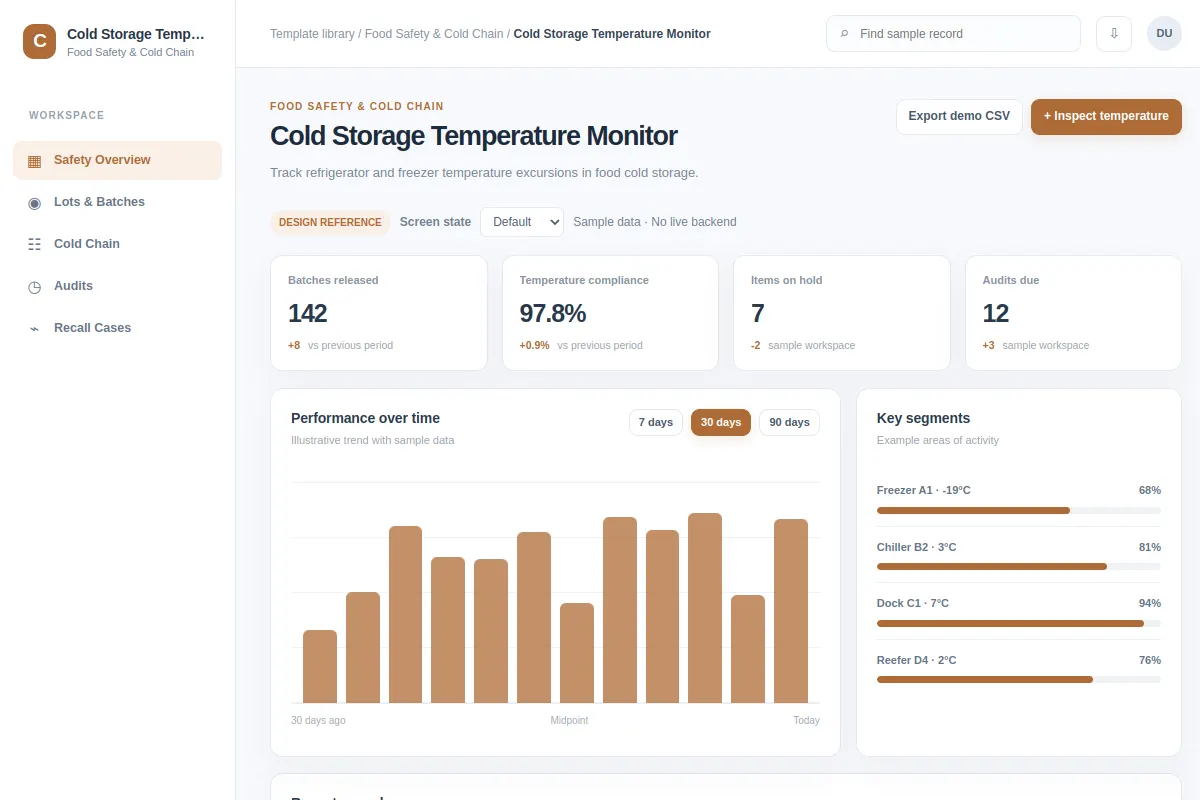
Track refrigerator and freezer temperature excursions in food cold storage.
Use this analytics reference for Food Safety & Cold Chain software. The examples use fictional records and values.
BUILD ON THIS
Explore this screen, then bring in your own product and design system to shape the next version.
Analytics
Inspect temperature
analytics product workflow
Default, Selected, Filtered, Empty, Warning, Success
Independent product UI reference; no 1mg design system
Track refrigerator and freezer temperature excursions in food cold storage.
Sections: Safety Overview, Lots & Batches, Cold Chain, Audits, Recall Cases. Records: Freezer A1 · -19°C; Chiller B2 · 3°C.
Default, Selected, Filtered, Empty, Warning, Success. Add clear recovery for missing data, failed changes and access restrictions.
Safety Overview → Cold Storage Temperature Monitor → Inspect temperature
analytics, filters, status labels, record details
Keep metric definitions, reporting periods and the last updated time visible.
Try the main action with Freezer A1 · -19°C, then check empty, warning, restricted-access and failed-save cases.
Adapt this Cold Storage Temperature Monitor workflow to my existing product and design system. Respect our screens, components and rules. Review the main task and all key states before generating Figma-ready screens.
KEEP EXPLORING
Browse other product UI examples, compare patterns, and pick the direction that suits your product.