
FIGR / UI TEMPLATE
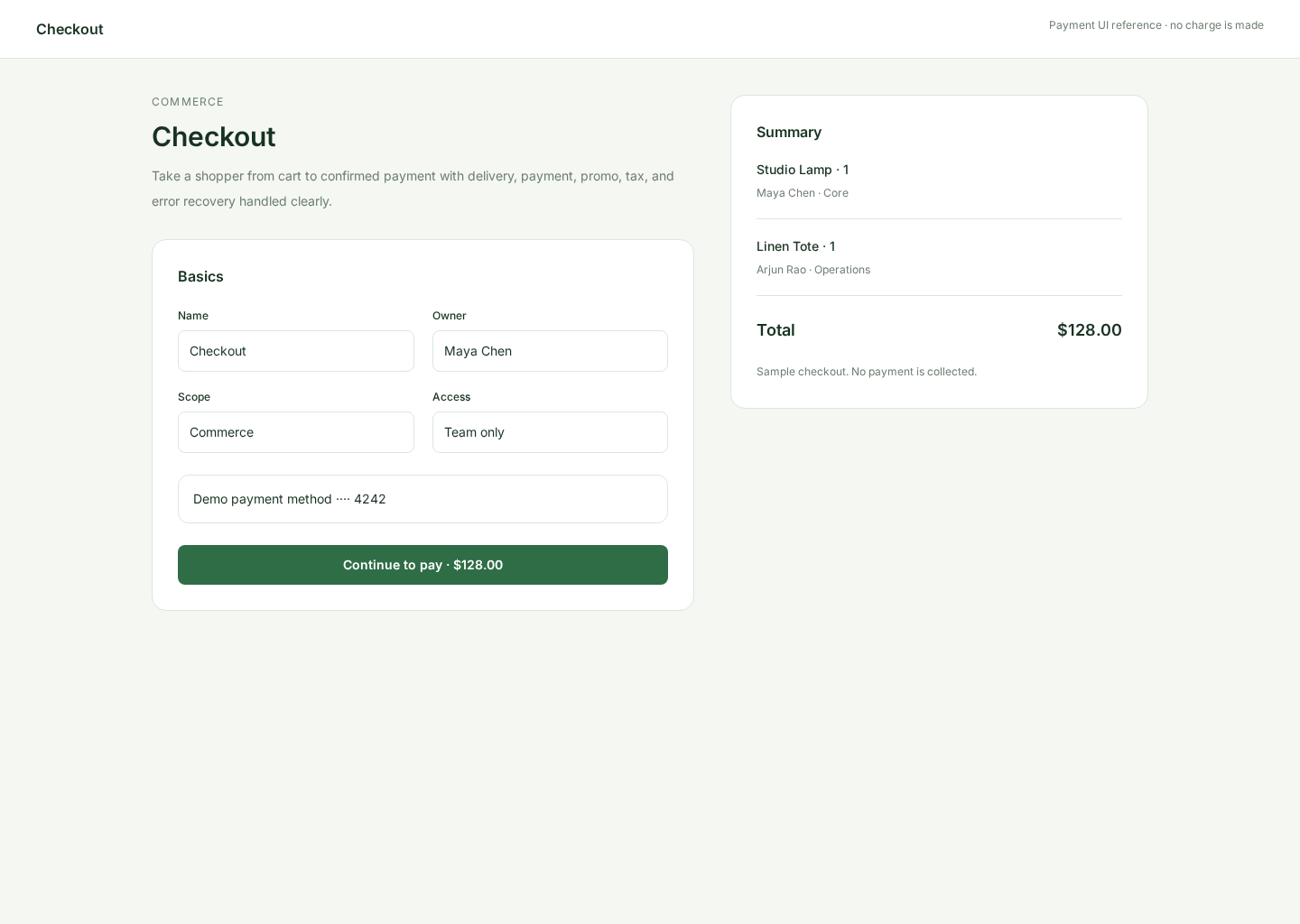
A checkout screen that keeps payment, billing, totals, trust cues, and the final purchase action clear without adding unnecessary friction.
BUILD ON THIS
Explore this screen, then bring in your own product and design system to shape the next version.
Checkout
Complete a purchase
Form with order summary
Default
Halo Consumer
Buyers need to confirm what they are buying, enter only the required payment details, understand the total, and know what happens after they pay.
Cart / Plan → Checkout → Payment Processing → Success / Receipt
Form, order summary, payment selector, validation, success state
Keep the final total visible before the user pays. Validate fields close to where errors happen, and preserve entered data when payment fails.
Create a high-fidelity checkout flow for a software or ecommerce product. Include order summary, payment method, billing details, taxes, discounts, validation, processing, failure, and success states.
KEEP EXPLORING
Browse other product UI examples, compare patterns, and pick the direction that suits your product.