
FIGR / UI TEMPLATE
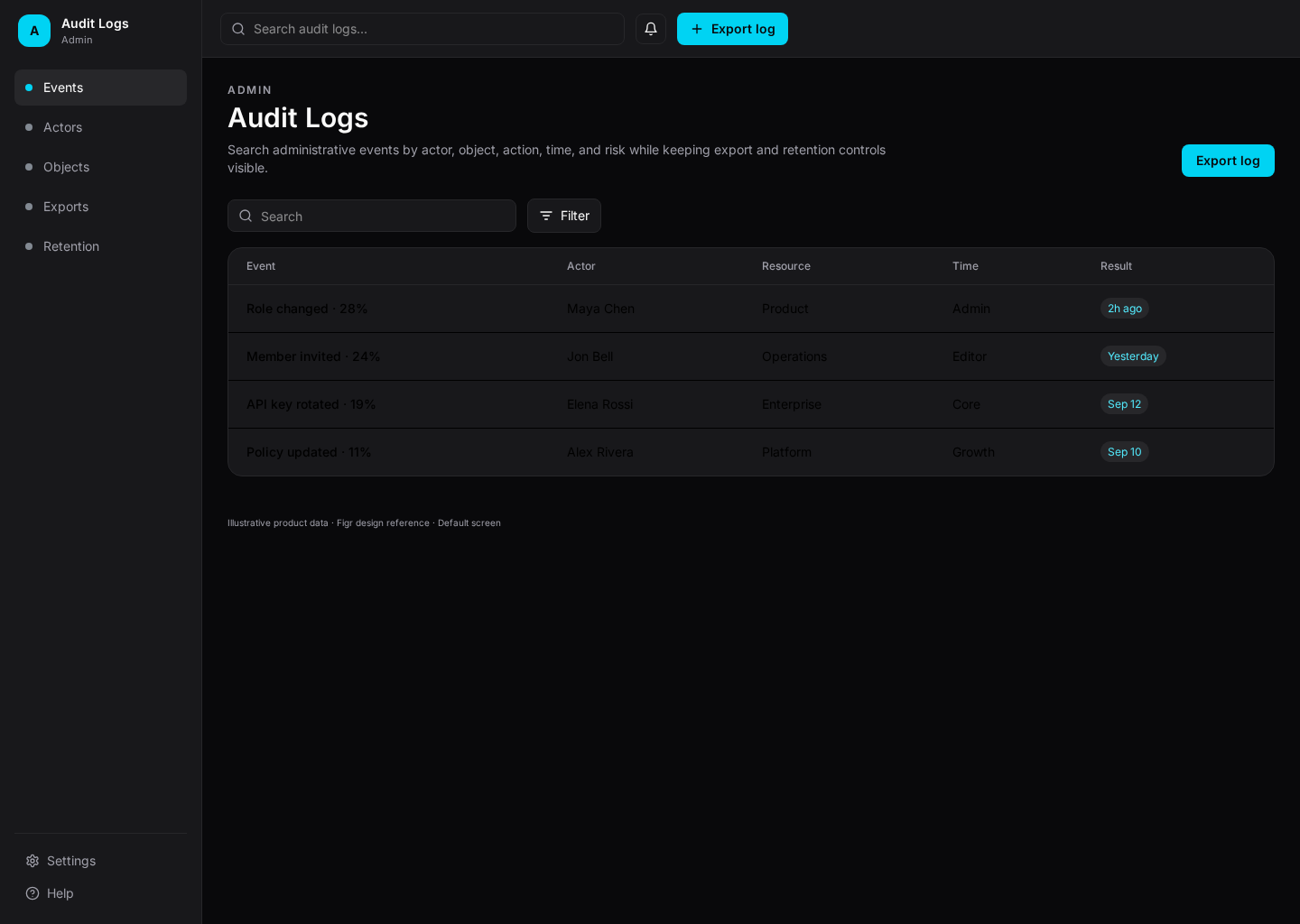
An audit log screen for admins who need to trace sensitive account actions by actor, event, resource, time, and outcome.
BUILD ON THIS
Explore this screen, then bring in your own product and design system to shape the next version.
Table
Review sensitive account activity
Data table
Default
Mono Ops
Admins and security teams need to answer who did what, when it happened, what changed, and whether the action succeeded.
Admin / Security → Audit Logs → Event Detail → Related User or Resource
Data table, filters, date range, expandable row, export
Prefer precise event language over friendly copy. Users come here to investigate, so filters, timestamps, and event detail matter more than decorative summaries.
Create a high-fidelity audit log for an enterprise admin product. Include realistic actors, actions, resources, timestamps, outcomes, filters, event detail, and export states.
KEEP EXPLORING
Browse other product UI examples, compare patterns, and pick the direction that suits your product.