
FIGR / UI TEMPLATE
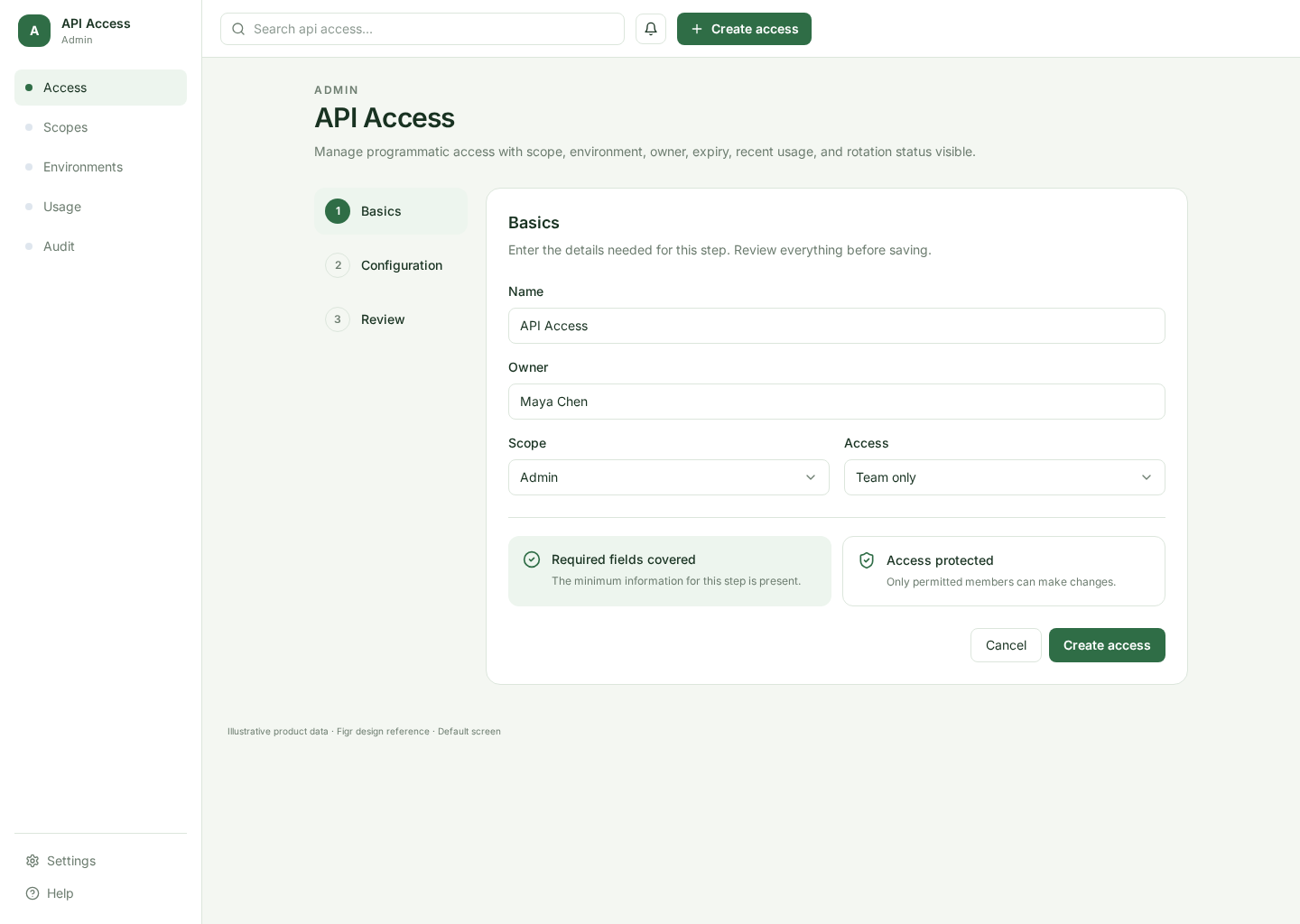
An API key settings screen for developers who need to create, name, copy, rotate, restrict, and revoke credentials safely.
BUILD ON THIS
Explore this screen, then bring in your own product and design system to shape the next version.
Settings
Create and manage API keys
Settings list
Default
Mono Ops
Developers need to create credentials quickly while still understanding scopes, last use, expiry, and the risk of exposing a secret.
Developer Settings → API Keys → Create Key → Copy Secret → Rotate / Revoke
Settings list, modal, secret reveal, copy action, destructive confirmation
Show a secret only once and make that rule impossible to miss. Separate low-risk edits from destructive revoke or rotation actions.
Create a high-fidelity API key management screen for a developer product. Include key names, scopes, last use, create, one-time secret reveal, copy, rotate, revoke, and permission states.
KEEP EXPLORING
Browse other product UI examples, compare patterns, and pick the direction that suits your product.