
FIGR / UI TEMPLATE
Check coded insurance coverage before scheduled clinical visits.
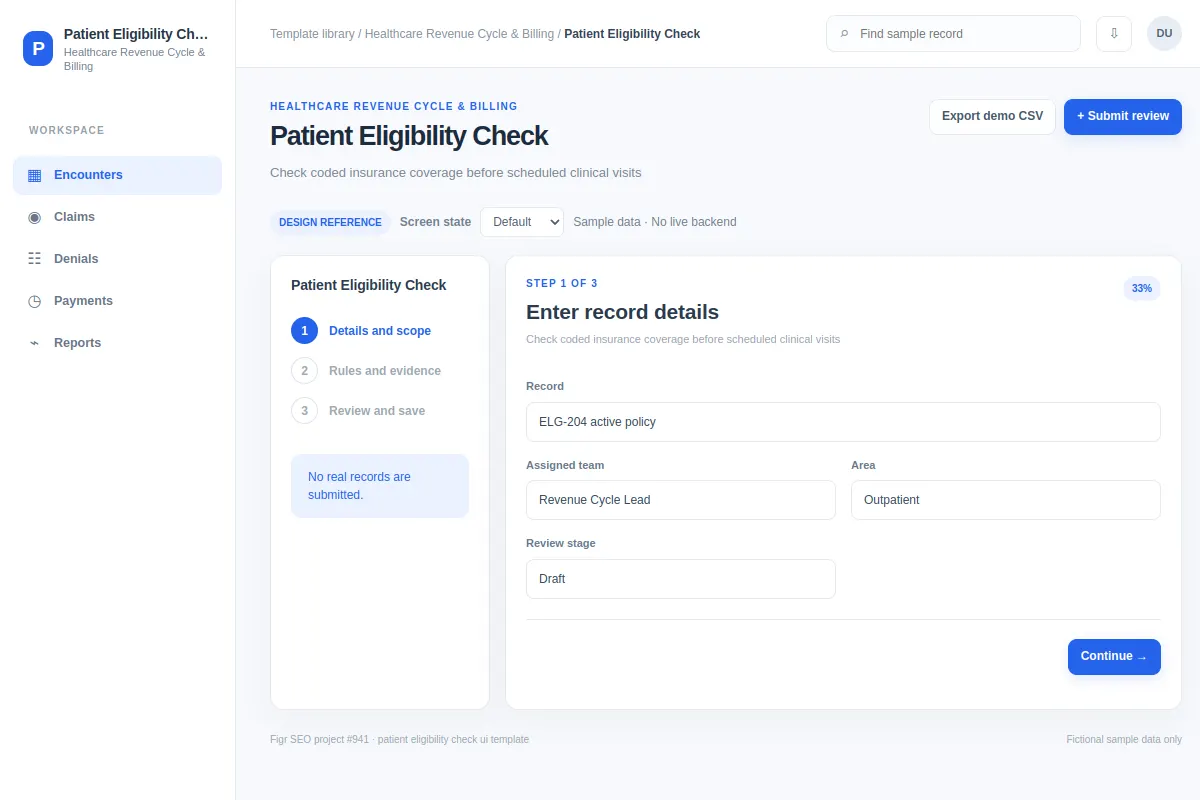
This form offers a reference for teams working in Healthcare Revenue Cycle & Billing products. Review fictional records such as ELG-204 active policy and ELG-217 referral needed, then adapt the flow, components and rules to your existing product.
BUILD ON THIS
Explore this screen, then bring in your own product and design system to shape the next version.
Form
Submit review
form with relevant records, filters, selections and task feedback
Default, Selected, Filtered, Empty, Loading, Warning, Error, Success
Independent product UI reference; no 1mg design-system assets
Find and review ELG-204 active policy and ELG-217 referral needed, identify what needs attention, and submit review with the right context.
Encounters → Claims → Submit review
form, selected-record details, search, filters, status, task feedback
Group related fields, validate input and preserve typed values.
Design Patient Eligibility Check for our current product. Read our existing UI, component library, flows and permissions first. Help users submit review for cases like ELG-204 active policy and ELG-217 referral needed. Explore two layouts, compare trade-offs and build a version our designers can edit. Cover selected, filtered, empty, loading, warning, error, success and permission edge cases. The examples here are fictional.
KEEP EXPLORING
Browse other product UI examples, compare patterns, and pick the direction that suits your product.