
FIGR / UI TEMPLATE
Approve finished goods after lab results, pack checks and QA review.
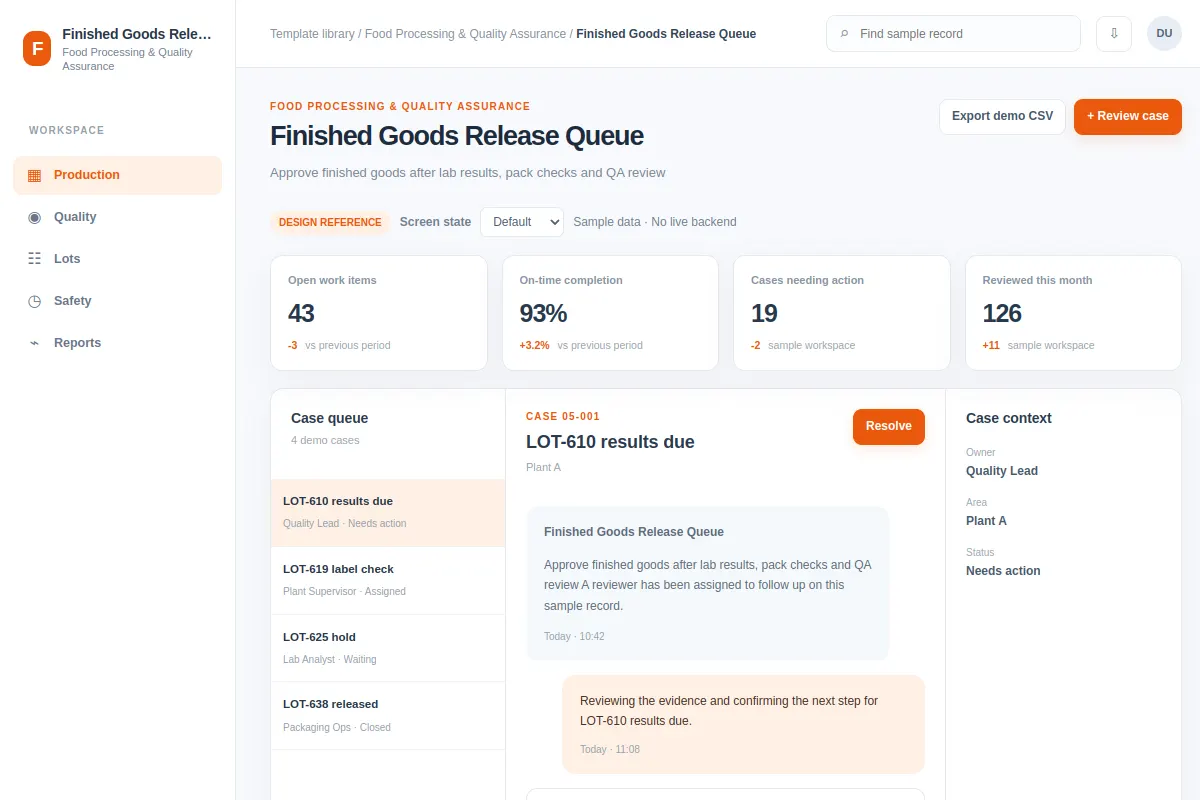
Explore how teams review case in Food Processing & Quality Assurance software. This inbox shows records such as LOT-610 results due and LOT-619 label check. Adapt the flow to your own product and design system. All data is fictional.
BUILD ON THIS
Explore this screen, then bring in your own product and design system to shape the next version.
Inbox
Review case
inbox with searchable sample records and selected-record details
Default, Selected, Filtered, Empty, Loading, Warning, Error, Success
Independent product UI reference; no 1mg design-system assets
Review LOT-610 results due and LOT-619 label check, spot issues and review case while retaining the current owner and status.
Production → Quality → Review case
inbox, record selection, search, filters, status chips, task feedback
Keep priority, owner and case history together.
Adapt Finished Goods Release Queue inside our existing product. First inspect our screens, flows, permissions, components and design tokens. Help us review case using examples like LOT-610 results due and LOT-619 label check. Compare two layouts, cover default, selected, filtered, empty, loading, warning, error and success states, then create an editable UI our designers can keep working on. Treat the example records as fictional.
KEEP EXPLORING
Browse other product UI examples, compare patterns, and pick the direction that suits your product.