
FIGR / UI TEMPLATE
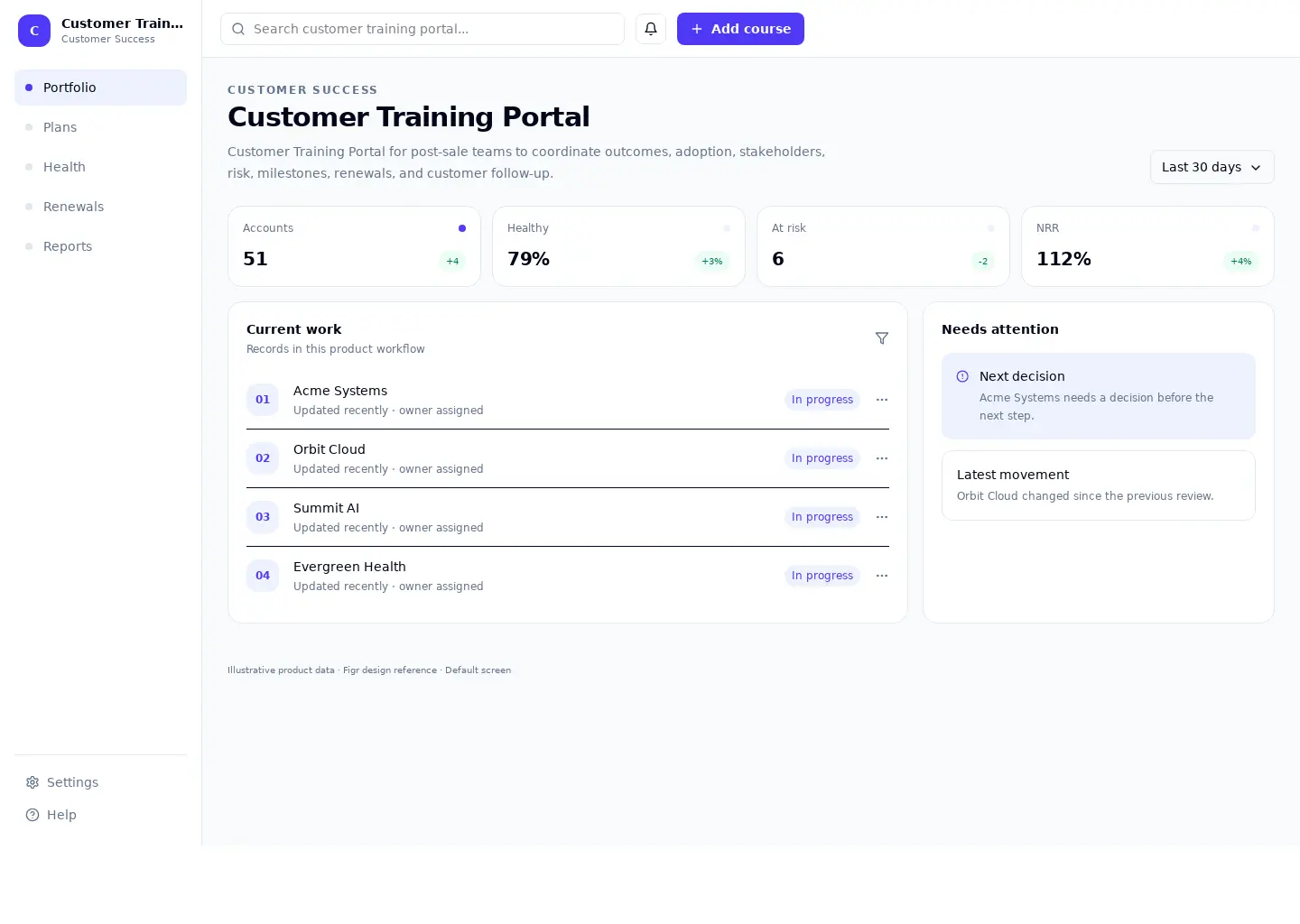
Customer Training Portal for post-sale teams to coordinate outcomes, adoption, stakeholders, risk, milestones, renewals, and customer follow-up.
This workspace reference covers customer success. Its sample screen includes Acme Systems and Orbit Cloud and the Add course action. Adapt its workflow to your product and design system.
BUILD ON THIS
Explore this screen, then bring in your own product and design system to shape the next version.
Table
Add course
Customer Training Portal table
Default, loading, empty, error, permission, success
Adaptable product UI theme
The customer training portal screen supports “Add course” while keeping portfolio and plans in view. It should show the current state even when data is missing or access is restricted.
Portfolio → Plans → Add course → Review result
Customer Training Portal table, Portfolio, Plans, permission handling, error recovery
Keep the primary record and next action visible while people explore details
In this example, Acme Systems is one of the records worth checking. Keep the sample data clearly separate from a live system.
Place ownership, progress, and related information beside the current task
Show the history and permission context that explain a change
Design a customer training portal screen for an existing customer success product. Use our actual design system, components, and content rules. Cover Portfolio and Plans, include believable records such as Acme Systems, and make "Add course" easy to find. Map empty, loading, error, permission, and success states. Keep the result editable in Figma.
KEEP EXPLORING
Browse other product UI examples, compare patterns, and pick the direction that suits your product.