

You built a working prototype with AI in two hours. You felt the rush. Screens looked polished. Flows clicked. The demo landed.
Then engineering looked at it and said, this is not how our codebase works.
Two weeks of cleanup followed. New components. Rewritten states. Security review. Naming fixes. Edge cases nobody modeled. The prototype was fast. The handoff from AI to dev was not.
That is the core problem in AI design non-technical team engineering. Front-end speed turns into back-end drag when the tool has no idea how your product is built. A lot of output from vibe coding tools and their limits looks convincing and fails under inspection. The same thing happens when a neat from screenshot to code workflow skips system context. Engineering trust in AI design drops fast when the first prototype creates more review work than a blank ticket. The basic gist is this: if you want AI prototypes engineering acceptance, you need tools that reduce ambiguity before handoff, not after. If you want another perspective on the builder side of this trend, RapidNative's take on AI app building is worth a read.
1. Figr
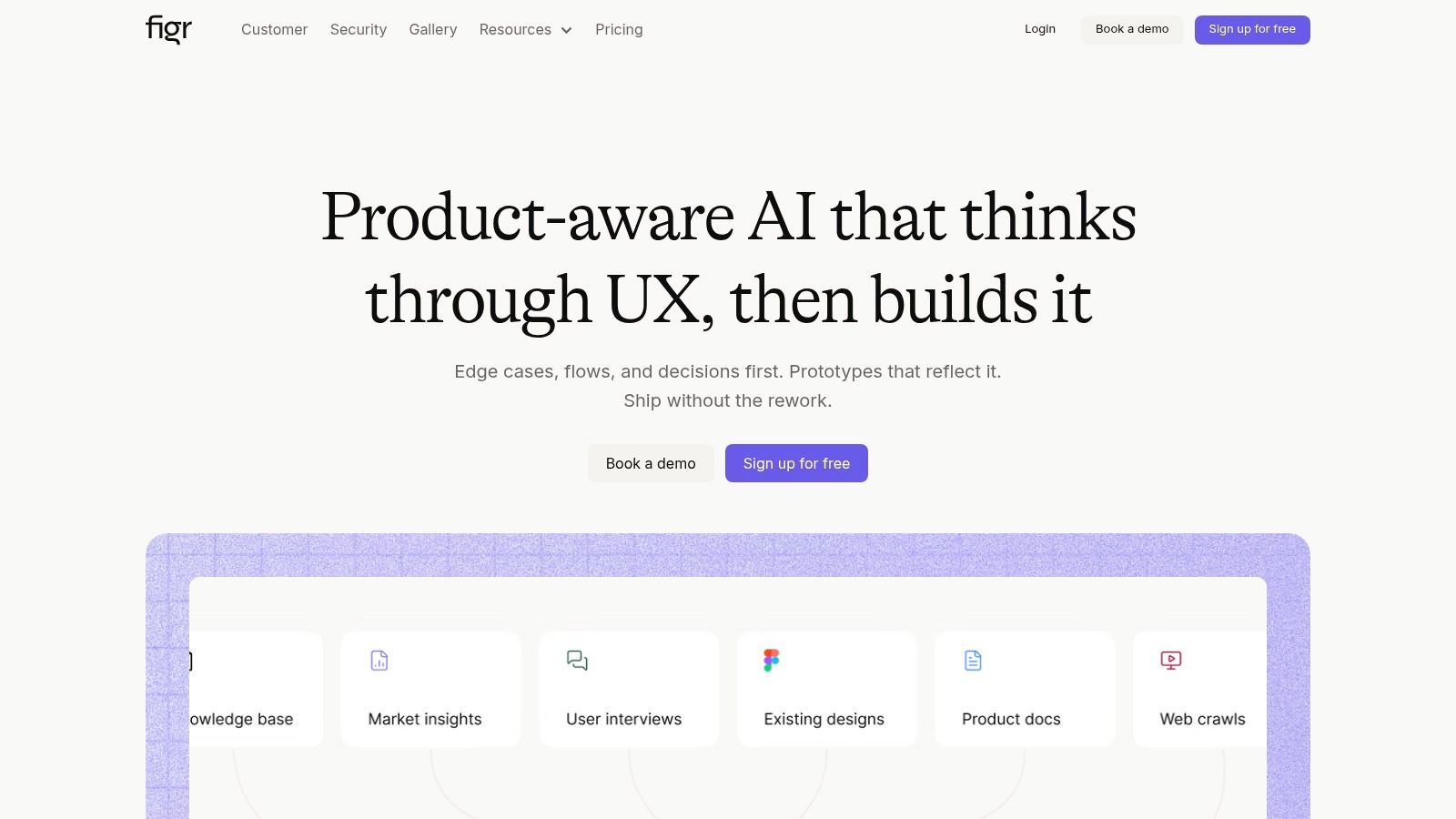
Start with Figr if the handoff keeps breaking before design even starts. The failure point is usually context. PM writes a loose brief. AI fills gaps with guesses. Engineering inherits the cleanup.
Figr is useful for teams that need the model to study the product first, then generate work. It can ingest a live web app, Figma files, screen recordings, and docs, then use that material to shape outputs. It also draws from a large library of UX patterns, which helps when the team needs structure, not just prettier screens. If you want to inspect the output style, see what teams have built with Figr, or open the Shopify checkout setup redesign.
That matters because engineering rarely rejects a prototype for visual polish alone. They reject it when state logic is missing, naming is inconsistent, and system constraints were ignored upstream.
Why engineering is more likely to say yes
Figr earns attention by producing more than mockups. It can generate PRDs, user flows, edge-case simulations, prioritized test cases, accessibility audits, UX reviews, and high-fidelity prototypes tied back to the product context it learned. That gives engineering a fuller handoff package. Less guesswork. Fewer “what happens if this fails?” threads.
As R&D World reported, engineering leaders are pushing design teams toward AI workflows that reflect company standards, not generic output. That distinction matters here. A tool that learns your product conventions has a better shot at engineering acceptance than one that only responds well to prompts.
Practical rule: If the AI cannot learn your standards, engineers will still have to.
Where it helps, and where it creates work
What works:
Product-aware generation: Outputs are shaped by your screens, system patterns, tokens, and docs, so they are more likely to match what engineering already maintains.
Shared working material: PM, design, and QA can start from the same generated artifacts instead of rebuilding intent in three different formats.
Enterprise readiness: SOC 2, SSO, and zero data retention matter once security and legal join the review.
What still needs human judgment:
Messy inputs: A half-maintained design system and conflicting docs will produce confused output faster, not cleaner output.
Engineering ownership: Figr can improve handoff quality, but frontend architecture, performance trade-offs, and code review still sit with engineering.
Team process: The main consideration is operational. Teams need a clear definition of handoff-ready, or the tool becomes another source of draft work.
Figr is strongest when the PM to engineering handoff fails because nobody captured intent, constraints, and edge cases early enough. If that is your bottleneck, it can reduce review friction. If your bottleneck is code integration, token enforcement, or component parity, another tool lower in this list may fit better.
2. Zeplin
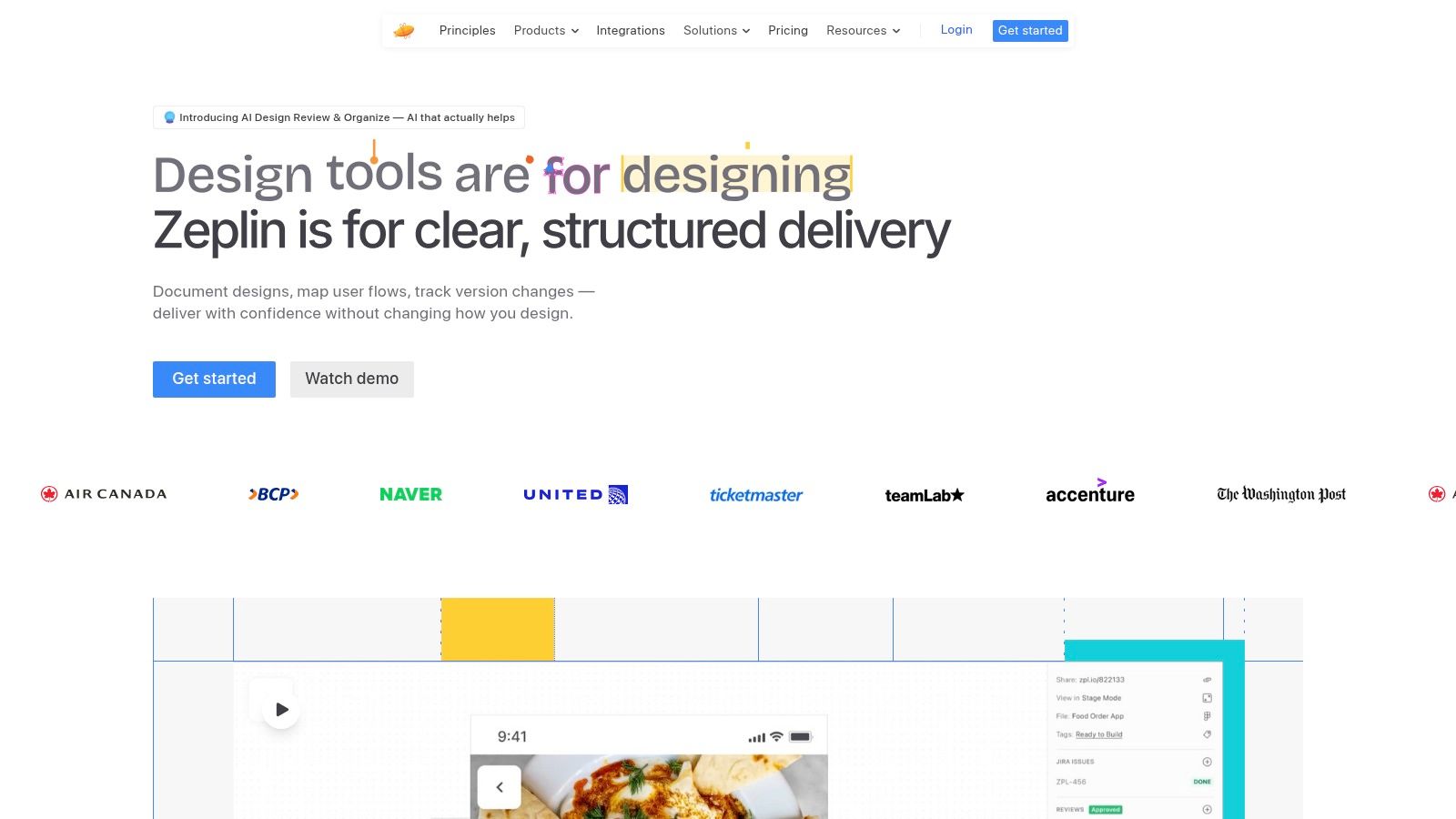
Some teams don't need another generator. They need a referee.
That's where Zeplin earns its place. It's less about making the prototype and more about cleaning the handoff surface so engineers aren't decoding raw Figma chaos. For non-technical teams, that's useful. PMs can review final flows, specs, connected components, and tokens in a space built for delivery, not design exploration.
Best for design delivery discipline
Zeplin's AI Design Review helps flag off-system colors, spacing issues, and other pre-handoff inconsistencies. That sounds small until you've watched engineers burn cycles on avoidable cleanup. Teams already struggle to trust AI output. In a report summarized by Omni Calculator, 86% of engineers in the US actively use AI in daily work or studies, but only 6% trust AI results without hesitation, and 89% verify every result before proceeding. That verification instinct carries straight into design handoff.
Zeplin fits that reality. It doesn't ask engineers to trust magic. It gives them organized specs, code-connected components, versioning, and approvals.
Clean handoff beats clever generation when trust is low.
The trade-off
Zeplin can feel like one more layer. If your team already lives in Figma Dev Mode and Storybook, people will ask why they need another seat. That's a fair question.
Use Zeplin when the failure point is ambiguity at delivery, not idea generation. If engineers say, “I can't tell what's final, what's tokenized, or what changed,” Zeplin helps. If they say, “This concept ignores our architecture,” you need something earlier in the workflow.
You can review the platform at Zeplin.
3. Anima
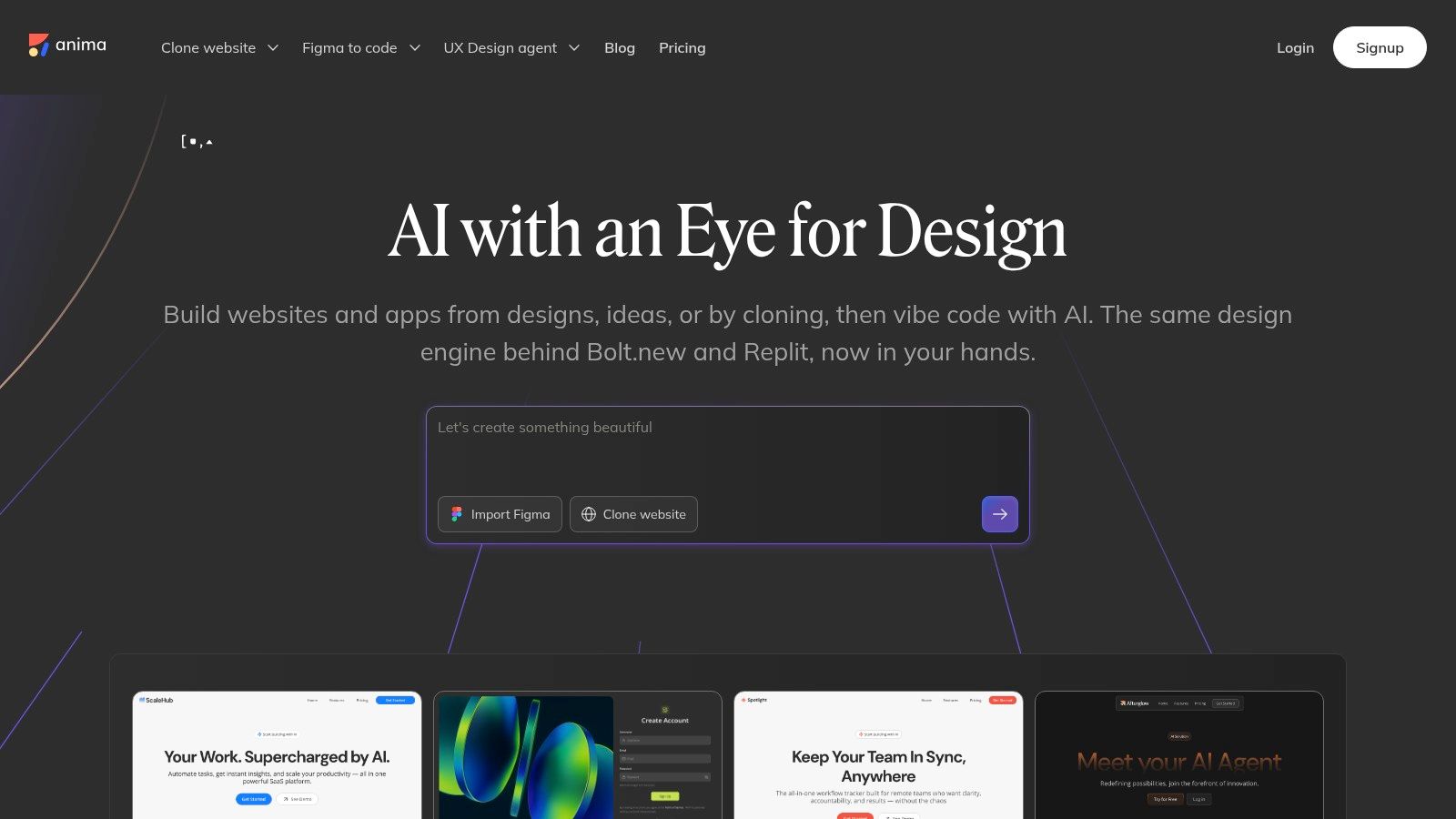
Anima is for the moment when static mockups stop being enough and your team wants code scaffolds engineers can inspect.
That's a useful middle ground. Not final code. Not just pictures. Something reviewable.
Where Anima helps
Anima converts Figma designs into HTML, CSS, and React, and it also supports website cloning, prompts, and programmatic workflows through its API and SDK. For PMs trying to improve AI prototypes engineering acceptance, that can be a smart move. Engineers often respond better to something they can open and critique in code form than to another polished deck.
Last week I watched a PM send a generated prototype that looked fine in the browser but collapsed the minute an engineer asked about responsive behavior and state transitions. That's the trap. Anima helps expose those questions earlier because the output is closer to implementation.
Where teams get burned
This is what I mean by useful but dangerous. Code generation creates a false sense of completion. You get files. You get structure. You feel closer to done than you really are.
Mixed responsiveness, brittle layout behavior, and production cleanup are still common concerns with tools in this category. So don't hand Anima output to engineering as “ready to ship.” Hand it over as a scaffold with assumptions called out.
Use it when the bottleneck is translation from design to dev-readable starter code. Skip it if your bigger problem is design system drift or missing product context.
You can test it at Anima.
4. Builder.io Visual Copilot
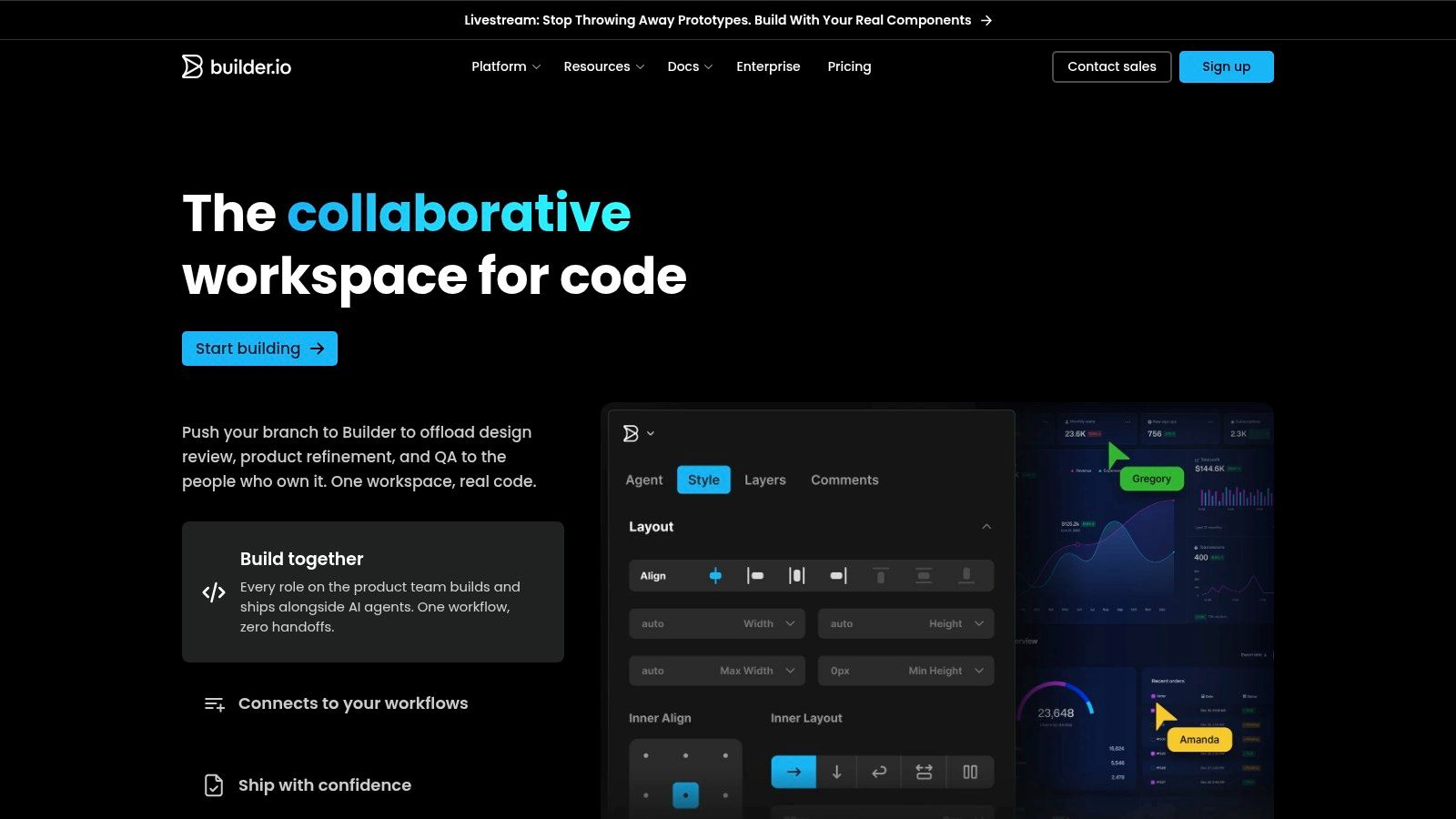
Builder.io Visual Copilot is what I reach for conceptually when the complaint from engineering is very specific: “Why did the AI invent UI we already have components for?”
That's a component mapping problem, not a creativity problem.
Better when your system is already real
Visual Copilot reads Figma and generates framework-aligned code that maps to your components, syntax, and tokens. That can materially improve engineering trust in AI design because the output has a better shot at resembling how the front end is assembled.
Many industries still have significant unrealized potential for AI in technical workflows. A write-up from Monograph notes that architecture and engineering work has high theoretical AI exposure, while real-world adoption remains low. The gap exists for a reason. Generic tools aren't grounded enough for core workflows. Builder's value is that it tries to close that gap through component-level alignment.
The real trade-off
Builder works best when you've already done the hard organizational work. Clean components. Maintained tokens. Shared engineering conventions. Without that, mapping becomes theater.
Use it if: Your front-end system is mature and engineers want generated output to reference actual components.
Be careful if: Your design files are inconsistent, your component library is outdated, or privacy constraints make service-side processing hard to approve.
It's not the best option for loose discovery. It's better for teams serious about reducing front-end reimplementation.
You can explore it at Builder.io.
5. UXPin Merge

If your team keeps getting burned by prototype drift, UXPin Merge deserves attention.
It attacks the problem at the root. Instead of drawing approximations of production components, teams design with real components pulled from a repo, Storybook, or npm. That means less drift between “approved design” and “what engineering can build.”
Best for teams with serious systems
For the handoff from AI to dev, this is one of the most credible paths because it shrinks interpretation. Interactive prototypes reflect actual component behavior, not a visual imitation of behavior.
There's a broader economic reason this matters. In engineering contexts, Monolith AI's analysis argues that organizations need executive-level data strategies to unify siloed sources before AI delivers real value. Same pattern here. Merge works when design assets, component libraries, and engineering governance are connected. Disconnected inputs produce disconnected outcomes.
The tool won't save a fragmented operating model. It will expose it.
What PMs should know
UXPin Merge is not a quick plug-in for a chaotic team. Engineering has to participate up front. Someone needs to connect libraries, maintain governance, and own updates.
That's why I like it for larger B2B SaaS teams with a genuine design system and low tolerance for variance. It's less appealing if you're still proving product direction and changing UI patterns every week.
You can learn more at UXPin Merge.
6. Locofy.ai
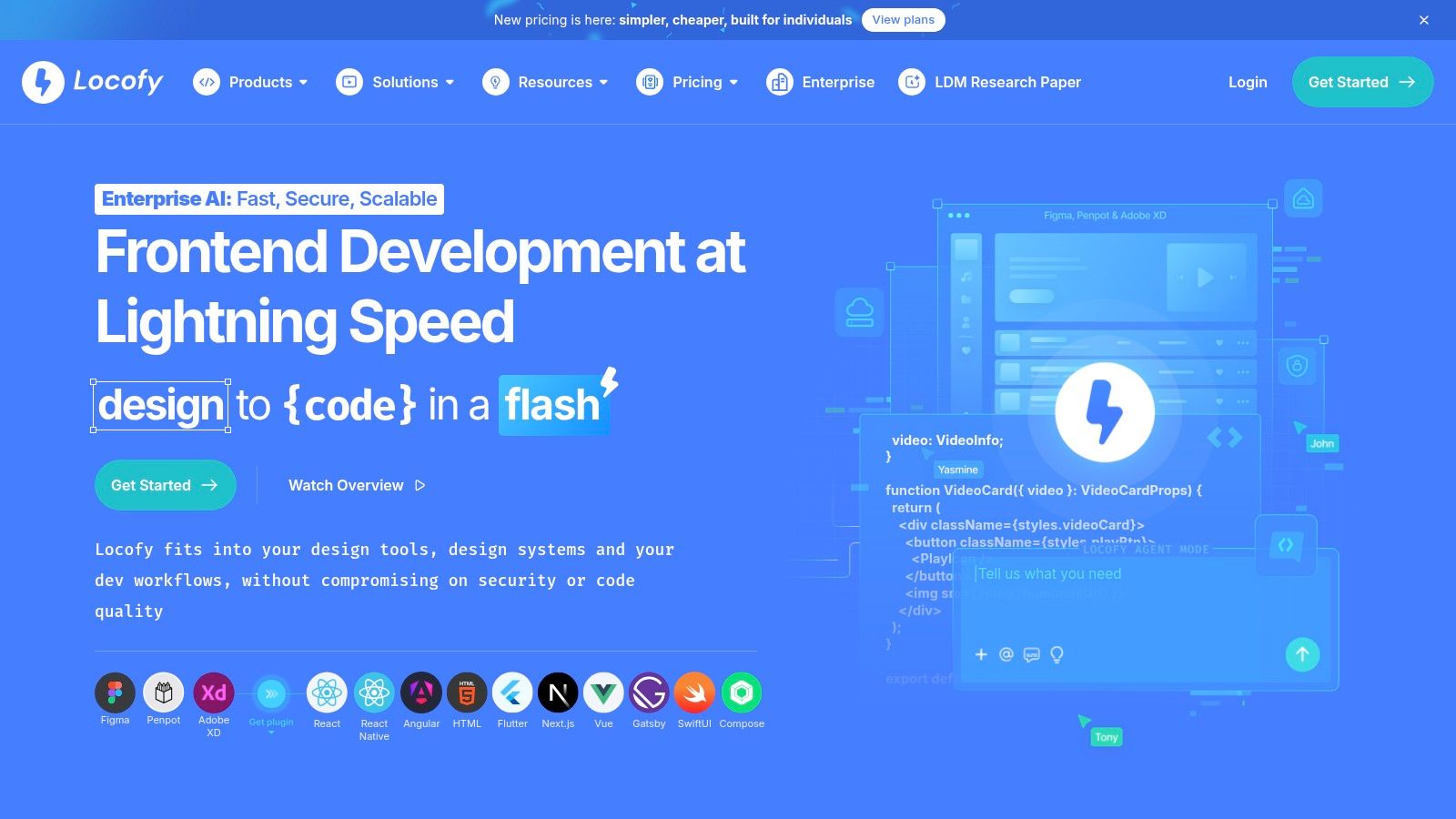
Locofy is a speed tool. That's both the appeal and the risk.
It converts designs into front-end code for web and mobile frameworks, including React, Next.js, Vue, React Native, Flutter, and plain HTML/CSS. If you need a shell fast, it can help. If you need a handoff-ready implementation without cleanup, lower your expectations.
Good for proving shape, not proving readiness
Many PMs are misled by this phenomenon. The output feels tangible, so the team starts talking as if delivery is close. But speed without context is often just faster ambiguity.
The handoff gap between non-technical teams and engineering is still under-discussed. A useful framing from Bridge the Gap is that AI doesn't bridge silos automatically. Teams need standardized outputs and shared responsibility for production excellence. That's exactly the lens to use with Locofy. It can accelerate scaffolding. It won't establish shared quality standards for you.
When to use it
Use it for: Rapid UI shells, mobile proof-of-concepts, and giving engineers something concrete to react to.
Don't use it for: Declaring that the prototype to production jump is solved.
Watch for: Dynamic data, responsiveness, and state handling. That's usually where cleanup starts.
Locofy is practical when everyone agrees it's a bootstrap layer, not the final artifact. You can explore it at Locofy.ai.
From Prototype to Production Your Next Step
The pattern across these tools is simple. The winners reduce interpretation. The losers produce shiny artifacts that engineering has to translate, sanitize, or rebuild.
A friend at a Series C company told me their biggest shift came when product stopped treating AI output as a pitch deck and started treating it as a pre-handoff system. Same screens, different posture. Engineers stopped asking, “What is this supposed to do?” and started asking, “Which parts can we reuse?”
That zoom-out matters. Teams aren't fighting over tools. They're fighting over who absorbs ambiguity. If PMs use AI to push vague prototypes downstream, engineering becomes the cleanup crew. If PMs use AI to clarify states, constraints, token usage, and edge cases before review, the economics change. Rework drops because interpretation drops. That's why leadership interest keeps rising. In that same engineering-leader survey reported by R&D World, every respondent expected AI to accelerate design reviews with potential speedup gains of 2.8 times. The opportunity is real. The workflow still decides whether you capture it.
Start with the bottleneck, not the buzz.
If your issue is raw context, use a product-aware tool. If it's token drift, use a delivery layer. If it's front-end reimplementation, use component-mapped or code-based systems. If it's rough ideation by non-designers, use the lighter generator and keep expectations honest. For a broader view of adjacent workflow gains, this piece on the benefits of AI in software development is a useful companion read.
For the complete framework on this topic, see our guide to best AI design tools.
If your team keeps shipping prototypes that stall at engineering review, try Figr. It's built for the messy middle, where PM intent, UX quality, and engineering reality need to line up before handoff, not after.