
The screens are clean. The flow looks coherent. The prompt clearly worked. Then an engineer squints at the nav, a designer notices the wrong spacing, and someone says the sentence every product team eventually says: this looks nice, but it doesn’t look like our app.
That moment has a name in my head: the uncanny valley of AI design.
The output is plausible, fast, and still somehow unusable, because it lacks your product’s DNA. Last week, I watched a team spend most of a review meeting manually correcting an AI-generated concept back into their own design system. They weren’t shipping faster. They were paying back a speed debt.
If you’re searching for a google stitch alternative, you’re probably feeling that exact friction. Stitch is impressive when the job is blank-page exploration. But once the work shifts from “show me a concept” to “show me our next feature in our product,” generic generation starts to crack. This is what I mean: the dividing line isn’t AI versus non-AI. It’s context-aware generation versus generic generation.
That’s the lens I’d use for every tool below. Some are strong when you need a fast first draft. Some are better when engineering wants code. Some are better when your team already has a living design system and can’t afford visual drift. And one, in my view, stands out because it starts from your actual product instead of pretending every SaaS interface is interchangeable.
Understanding the Google Stitch baseline
A fair read of Stitch starts with the job it was built to do. It came out of the Galileo AI lineage and now sits inside Google’s AI product suite, which explains the product shape. Fast prompt-to-UI generation. Broad accessibility. Strong first-pass momentum. As noted earlier, that positioning is also where its limits begin.
For a team staring at a blank canvas, Stitch is useful. You can type a prompt or upload a reference, and it will produce interface concepts and front-end code with very little setup. Because it is free in Google Labs, teams can test ideas before budget, security review, or tooling debates slow them down. That matters in the earliest phase of discovery.
The baseline is simple. Stitch is good at generic generation.
That makes it a strong ideation tool, especially in workshops, hack-week explorations, and early concept reviews where speed matters more than fidelity. It can generate multiple screens on a shared canvas, which helps a team react to concrete options instead of debating abstractions. If the question is, “What could this flow look like?” Stitch usually gives you enough to react to.
Where product teams run into friction is the next question: “What should this look like in our product?”
That is the axis many comparisons miss. The essential evaluation is not just feature set versus feature set. It is context-awareness versus generic generation. Stitch has clear value on the generic side of that spectrum. It gives you plausible screens quickly. But plausibility is not the same as product fit, especially once a team already has established components, interaction patterns, and logic that need to stay intact.
In practice, review costs become evident. A generated concept may look polished at first glance, then start to drift under scrutiny. Spacing does not match the design system. Navigation patterns feel borrowed from another SaaS app. States and edge cases are under-specified. The team spends the next hour editing the output back into alignment.
Generic UI generation saves time at the front of the workflow, then charges interest during review.
There are practical constraints too. Google Labs access makes Stitch easy to try, but usage caps can matter once several people rely on it during active discovery. Tooling gravity matters as well. Teams already split across Figma, React, internal component libraries, product docs, and PM workflows often need an AI tool that fits that existing stack, rather than one that pulls work toward a single ecosystem.
That is why Stitch works best as a baseline, not the answer. It sets the standard for fast ideation, and that standard is real. But if your team cares about continuity with an existing product, it helps to compare it against tools designed around context retention, system reuse, and flow-level understanding. If you want a broader market view before going tool by tool, this roundup of best AI design tools is a useful reference. For a more code-adjacent comparison, Stitch vs. Replit Agent 4 is also worth reviewing.
1. Figr AI, the context-aware alternative
The core of the google stitch vs figr decision is simple: Stitch generates from a prompt, Figr generates from context.
That difference sounds subtle until you see the outputs. Figr can learn your live product through Chrome capture, ingest Figma files and design tokens, use docs from Notion, and build persistent memory around your flows, language, and patterns. So when you ask for a new feature, it isn’t guessing what your app should look like. It’s responding to what your app already is.
That’s why I see Figr as the strongest stitch alternative for teams iterating on an existing product. Stitch gives you a plausible starting point. Figr gives you something stakeholders can review without immediately asking why the mockup ignored your design system.
What Figr does differently
Figr’s real advantage is memory.
It doesn’t stop at screen generation. It creates PRDs, maps user experience flows, surfaces edge cases from analysis of 200,000+ real screens, and keeps those artifacts connected. If a team updates a flow, the downstream prototype can update with it. That’s much closer to how product work happens.
You can see the pattern in the examples. There’s an Intercom-style dashboard in Intercom’s design system, a Linear “Since You Left” concept in Linear’s design language, a Perplexity-style search experience with inline citations, and a Gmail AI draft flow in Gmail’s visual system. There’s also a Cal versus Calendly competitive UX review and a broader Figr gallery.
Where it fits, and where it doesn’t
Figr is best when the team already has product surface area, design debt, and standards to respect. If you’re exploring from zero with no existing system, the setup can feel heavier than a raw prompt box. That’s a real trade-off. Context-aware tools ask for context.
But if your team is already doing repeated review loops to force AI mockups back into your product reality, that setup cost usually pays for itself in fewer revisions and tighter alignment. It’s also one of the more complete expressions of AI for UX design, AI tools for rapid design iteration, and practical user flow examples.
For the complete framework on this topic, see our guide to best AI design tools.
2. v0 by Vercel, for the React-focused team
Some teams don’t want a design artifact. They want code that gets them into the product faster.
That’s where v0 by Vercel stands apart as a google stitch competitor. It turns prompts into React components, usually shaped around Tailwind and shadcn/ui conventions, and gives developers something concrete to edit, test, and deploy. If Stitch feels like ideation software, v0 feels like a frontend accelerator.
What works well
v0 shines when design and engineering are tightly coupled. A PM or designer can describe a dashboard, a settings page, or a modal state, and engineering gets a live implementation path instead of a static approximation.
Code-first output: You get React-oriented building blocks, not just screenshots.
Fast iteration loop: Teams can refine in prompt form, then drop into code.
Strong ecosystem fit: It feels natural for teams already shipping with Next.js and Vercel.
This is the practical distinction. Stitch helps you think through a UI. v0 helps you start building one.
The trade-off
Its strength is also its constraint.
If your stack doesn’t center on React, Tailwind, and related frontend patterns, v0 loses much of its appeal. It’s also less useful for broad journey design. It tends to be strongest at component or screen level, not at mapping complex product behavior across a full multi-step experience.
Practical rule: Choose v0 when the bottleneck is frontend implementation speed, not design-system interpretation.
For teams hiring around that workflow, this ecosystem tends to map well to modern React developers. But if your real pain is “the generated UI doesn’t understand our product,” v0 solves a different problem than Stitch does.
3. UXPin Forge, the component-driven approach
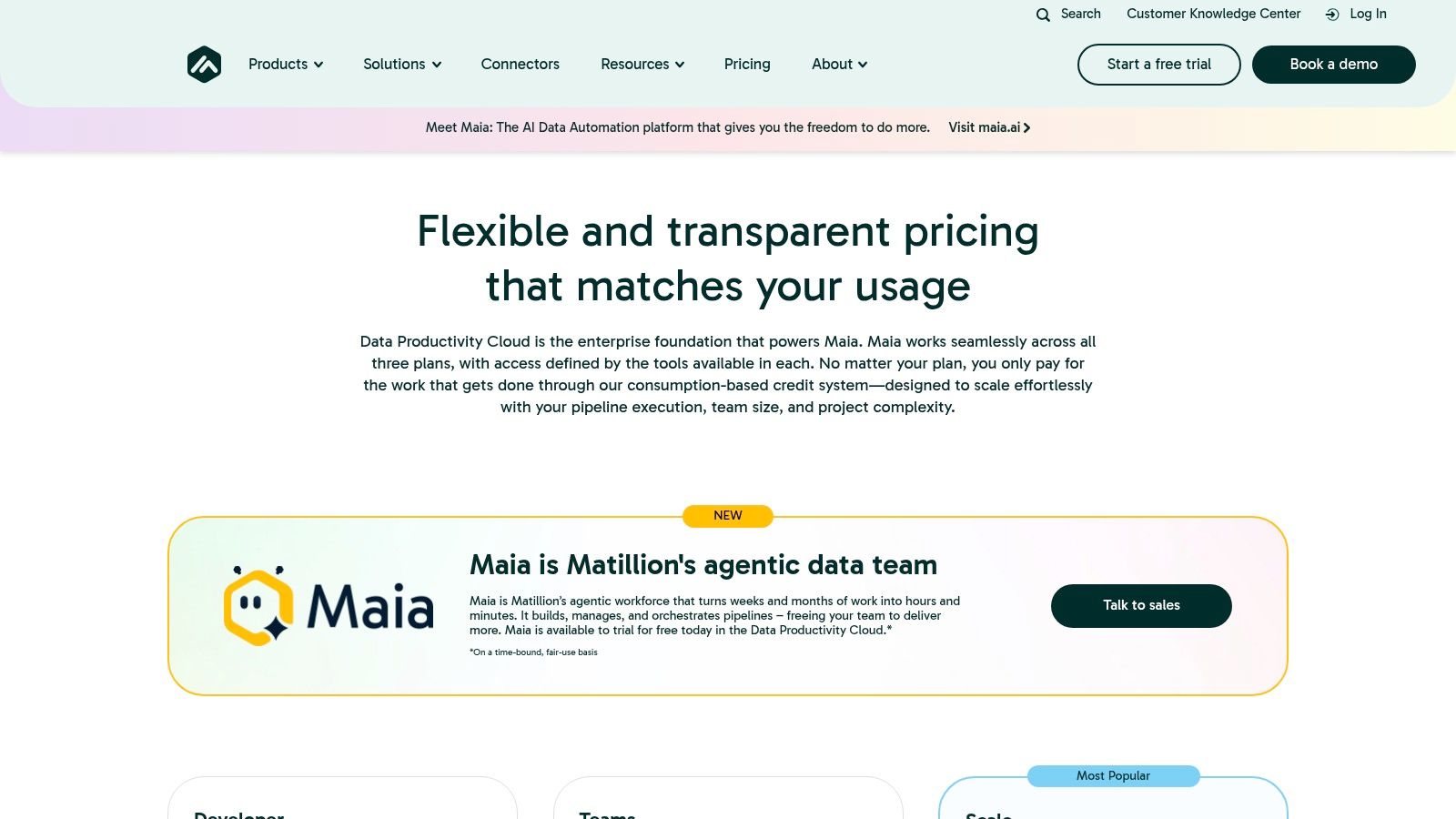
UXPin Forge sits almost at the opposite end of the spectrum from Stitch. Stitch starts with abstraction. UXPin Merge starts with reality.
Its model is simple but demanding: bring your real coded components into the design environment, then build prototypes from those components. Not approximations. Not screenshots. The actual implementation primitives your engineers already maintain.
Why mature teams like it
When teams complain that AI mockups drift away from production, what they’re really complaining about is translation loss. UXPin reduces that loss because design and development share the same foundation.
That makes it strong for organizations with a robust component library and enough engineering support to maintain the connection. In those environments, Forge can produce prototypes that feel unusually trustworthy. Interaction fidelity is higher, and the handoff argument gets shorter.
System compliance: Designs stay aligned with the actual component library.
Less visual drift: Teams don’t have to reinterpret spacing, states, or tokens later.
Better for testing: High-fidelity prototypes are more useful in stakeholder and user reviews.
Where it breaks down
The cost is effort.
UXPin isn’t the best answer for loose brainstorming or zero-to-one ideation. It asks your team to invest in structure first. If your product org is still improvising its design system, this can feel like trying to enforce rigor before the foundation is ready.
That’s why I rarely put UXPin and Stitch in direct competition. They solve different moments. Stitch is speed-first. UXPin is fidelity-first. If your team already knows what the product should feel like and needs exactness, UXPin can be better than google stitch. If your team is still searching for the shape of the idea, it can feel heavy.
4. Uizard, the non-designer’s AI assistant
There’s a kind of product work that happens outside the design team. A founder sketches on paper. A PM pastes screenshots into a deck. A marketer needs a credible mockup for a concept review. Uizard is built for that reality.
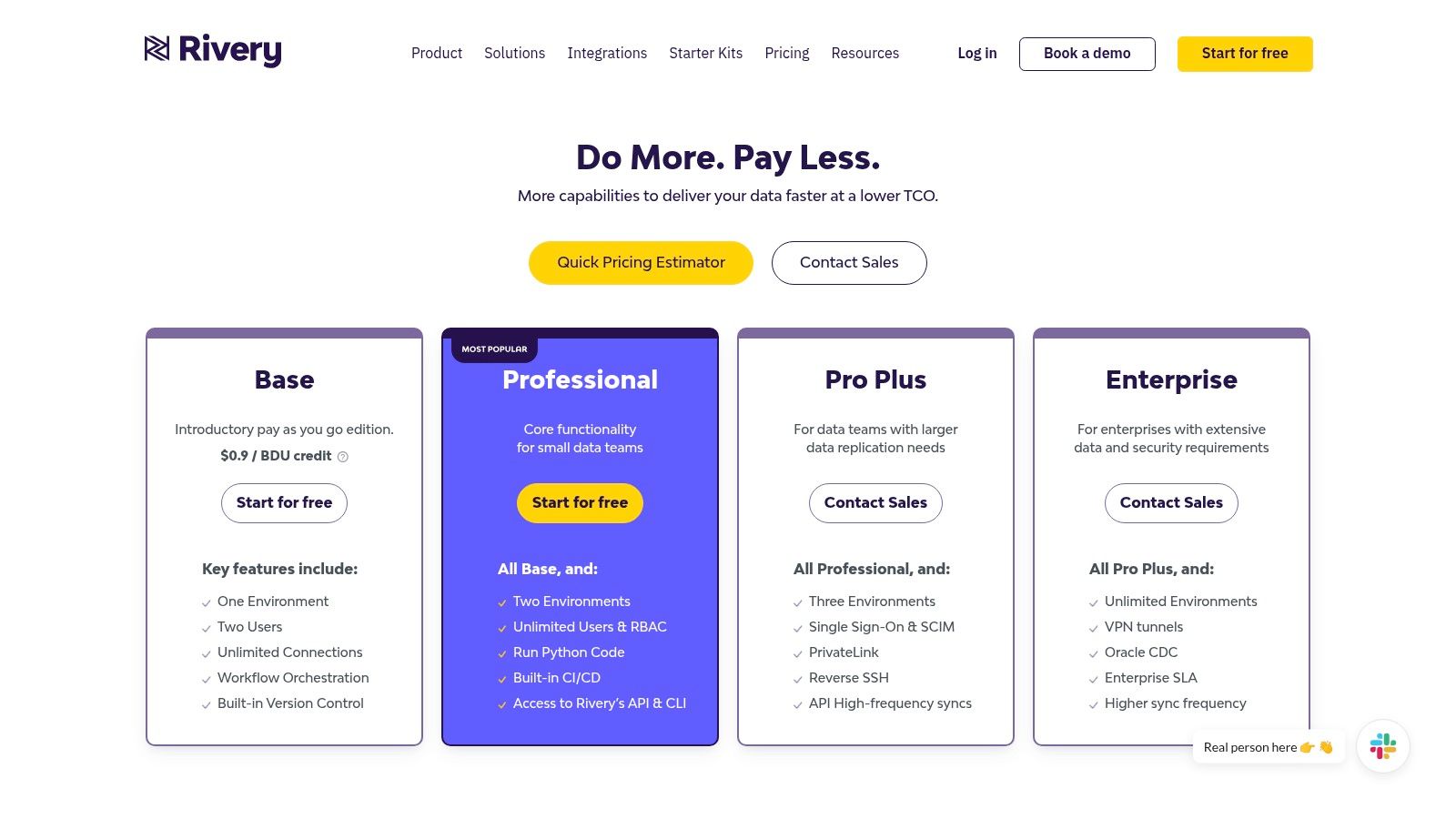
It accepts text, sketches, and screenshots, then turns them into editable UI mockups. That flexibility matters more than people admit. Not every useful product idea starts in Figma.
Why teams keep it around
Uizard lowers the intimidation factor. That’s its superpower.
A lot of AI design tools still assume you’re either a designer or a developer. Uizard doesn’t. It’s friendlier to non-specialists who need to move from rough idea to something presentable without learning a full design workflow.
Multiple input modes: Text, hand-drawn sketches, and screenshots all work.
Editable outputs: The mockup doesn’t freeze after generation.
Accessible workflow: Useful for PMs, founders, and cross-functional teams.
What it won’t solve
Like Stitch, Uizard can produce output that feels template-led unless someone spends real time refining it. And unlike a context-first platform, it lacks a complete understanding of your existing product language.
That makes Uizard a good ai design tool alternative to stitch for broad accessibility, not for precision. If your challenge is getting non-designers into the ideation process, it helps. If your challenge is preserving the subtle rules of a mature product experience, you’ll still need a stronger context layer.
5. Galileo AI, image and text to UI
There’s an interesting loop in this category. Stitch came from Galileo AI’s lineage, but Galileo AI still represents a distinct way of thinking about generation, especially for teams that want to work visually from the start.
Its appeal is that it accepts both text and image inspiration, then generates editable output inside Figma. For teams already anchored in Figma, that native fit is the point. You don’t have to export a concept and rebuild it elsewhere just to continue refining.
When it feels stronger than Stitch
Galileo can be the better choice when the idea already has a visual reference. Maybe your team has screenshots, pattern inspiration, or an existing style direction but needs speed in combining those inputs into a coherent interface.
That makes it useful in the messy middle between reference gathering and formal prototyping. It also fits naturally into broader work around AI for product design.
The basic gist is this: if Stitch is fast ideation from a prompt, Galileo is fast ideation with a stronger visual conversation built in.
Where it still feels generic
It still works from general models, not your specific product memory. So while it may produce more visually guided output, it lacks direct understanding of your component rules, your product logic, or the odd little conventions users already expect from your app.
That’s why I’d use it for concept exploration, especially inside Figma, but not mistake it for a full context-aware system. For teams trying to tighten the loop from idea to reviewable flow, the discipline of rapid prototyping for product teams still depends on grounding the tool in actual product context, not just prompting style.
6. Lovable, the why behind the what
This one is worth including precisely because it doesn’t look like a direct Stitch substitute at first glance. Lovable isn’t mainly about generating UI screens. It sits upstream, closer to understanding what users are struggling with and why.
That matters because teams often use AI design tools to skip over a harder question: what problem are we solving? If your prompt quality is weak, your generated UI will only be a polished version of a fuzzy decision.
Why it belongs on this list
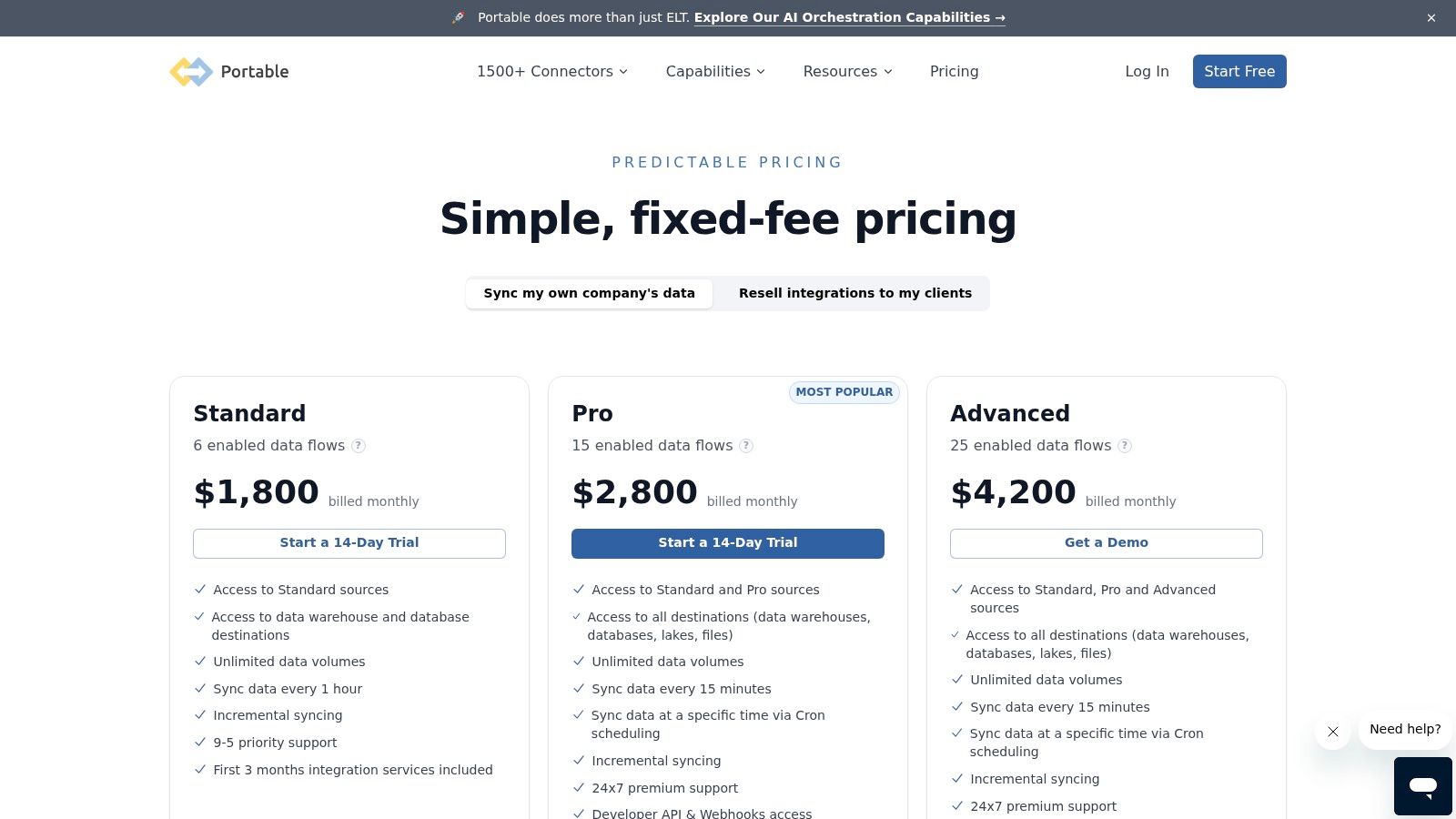
Lovable helps teams synthesize user interviews, support signals, and other qualitative inputs so design decisions start from evidence instead of assumption. That makes it a complementary stitch alternative, not a literal one.
A friend at a Series C company told me their team had no shortage of generated concepts. What they lacked was confidence in which concept mattered. That’s a common pattern. AI can multiply options faster than it improves prioritization.
The bottleneck in product design often isn’t drawing the screen. It’s choosing the right problem to put on the screen.
That’s where Lovable earns its place, especially when a team is shaping digital customer journeys or trying to connect product discovery to design execution.
Its limitation is obvious, and fine
It won’t generate production-like prototypes. It won’t replace a visual tool. But paired with a tool that can execute on the insights, it can improve the quality of the brief going in. For product leaders building more disciplined workflows, that’s closely related to practical uses of AI in product management.
7. Bolt AI, design system enforcement
Some teams don’t need another generator. They need a referee.
Bolt AI is useful when the primary issue isn’t ideation speed but design system sprawl. It works inside Figma and helps teams document components, identify inconsistencies, and keep designers using the system correctly. In other words, it addresses the mess that often appears after AI generation, not before it.
Why this matters more than it sounds
One underserved angle in any google stitch alternative discussion is enterprise-grade security and governance. A review of this gap notes that many alternatives talk about generations, exports, and screenshots, but don’t say much about compliance, retention, or how they protect sensitive product context. That same analysis notes a broader concern around enterprise users evaluating design tools and highlights Figr’s SOC 2, SSO, and zero data retention posture in contrast to less explicit tooling choices, in this write-up on the security gap in Stitch alternatives. If you handle live app captures or customer-sensitive data, that question can’t be an afterthought.
Bolt matters in a different but related way. It helps teams enforce the rules of the system they already trust.
Figma-native workflow: No major change in designer behavior.
System maintenance support: Useful for documenting and governing components.
Consistency focus: Strong fit for scaling teams where drift has become expensive.
What to expect
Bolt isn’t a text-to-UI generator. If your team wants a blank-canvas ideation assistant, this isn’t it. But if your team already knows that bad design debt often starts with small inconsistencies repeated across dozens of files, Bolt solves a real problem.
For teams doing this work seriously, it pairs well with stronger thinking around Design System Best Practices. Sometimes the right google stitch competitor isn’t the tool that generates more. It’s the one that helps your team generate less chaos.
8. Claude Artifacts, the conversational interface
Then there’s the wildcard. Claude Artifacts isn’t a traditional design platform at all, yet it’s become surprisingly useful for quick UI exploration, especially for people who think in language and code at the same time.
You ask Claude to generate a page or interaction pattern, often using HTML, CSS, or Tailwind-style approaches, and it can render a live artifact beside the conversation. Then you keep refining through dialogue. No canvas-heavy workflow. No elaborate setup. Just a tight conversational loop.
Why some teams prefer it
This approach feels natural for developers and technical PMs. They don’t have to switch into a dedicated design tool just to visualize a concept. They can reason directly in the medium of implementation.
That makes Claude Artifacts one of the most minimalist answers to the stitch alternative question. It’s less polished as a design environment, but stronger than many people expect for quick, interactive idea shaping.
The ceiling appears quickly
The limitation is obvious. You are still designing through conversation and code, not through a richer visual design system workflow. It also lacks the specialized features you’d want for multi-screen prototyping, formal handoff, or design governance.
Still, for simple interfaces, experiments, or internal concepting, it can be effective. And if your team is already exploring patterns in AI user interface design, Claude Artifacts is a useful reminder that the category is bigger than prompt-to-mockup tools alone.
Beyond the blank canvas, choosing your co-pilot
Monday morning. The PM drops an AI-generated mockup into Slack. It looks polished, the first review goes well, and then the deeper work begins. Design points out that the spacing ignores the system. Engineering notes that the states do not match the product logic. Support flags a permissions edge case. By the end of the day, the team is not evaluating a design. They are translating a generic idea back into the product they already sell.
That is the decision point behind a Google Stitch alternative.
The useful question is not which tool makes the prettiest screen. The useful question is where your team loses time and confidence. Some teams need help getting from zero to a concept. Some need code-ready output. Others already have plenty of ideas and need a tool that respects their design system, user flows, and business rules from the first draft.
Google Stitch set a clear baseline. It made fast AI ideation easy to try, especially for teams that want to move from prompt to mockup without much setup. That matters. Early exploration should be cheap.
But product teams rarely stall because nobody can generate another nice-looking screen.
They stall because generic output creates downstream cleanup. Review cycles get longer. Designers spend time correcting patterns they already standardized months ago. Engineers rebuild details that should have been right at the concept stage. The true cost is not the first screen. It is the mismatch between generated ideas and the product context around them.
Context-awareness is the axis that separates a fun generator from a useful co-pilot.
A context-aware tool works with existing constraints. It reflects your component library, your interaction patterns, your naming conventions, your accessibility requirements, and the visual habits your users already understand. A generic generator is still valuable, especially in blue-sky ideation, but it usually assumes a blank canvas. Mature product teams are almost never starting from one.
Governance matters too. Teams evaluating these tools need to ask practical questions. What data enters the model? Can the tool work with live app captures or existing design files? How does it handle retention, access control, and approvals? Those questions shape adoption as much as output quality does, especially in larger organizations.
Research on AI adoption has made a similar point for years. Tools create more value when people apply them inside real domain context, with human judgment still in the loop. Product design follows the same pattern. Generic generation helps teams start. Context-aware systems help them ship.
A simple way to choose:
Choose Stitch if the main job is fast ideation from a blank slate.
Choose v0 if the team works primarily in React and wants a shorter path to code.
Choose UXPin Forge if production components define the standard and fidelity is the priority.
Choose Uizard if PMs, founders, or marketers need presentable mockups without a designer-heavy workflow.
Choose Galileo AI if the workflow starts in Figma and visual references drive the concept.
Choose Lovable if the team needs sharper problem definition before anyone designs a screen.
Choose Bolt if design system consistency is slipping and review time is rising.
Choose Figr if the team needs output that starts inside the logic, language, and patterns of the existing product.
That last category tends to matter more as a product matures. SaaS teams with traction do not usually suffer from a shortage of interface ideas. They suffer from fragmented workflows, repeated correction, and AI drafts that look convincing in isolation but foreign inside the product.
Run the evaluation that reflects that reality. Use one screen from your own app. Include the actual context your team works with. Then compare the result against a blank-slate generator in a review with design and engineering in the room. The gap shows up fast.
If your team is tired of correcting AI mockups back into your own product language, try Figr. It is built for the phase after inspiration, when the job is making a new feature feel native to the app you already have.
