

The engineering lead pings you on Slack. “Quick question on the spec,” she writes, followed by a screenshot of a feature that looks nothing like what you designed. You scroll through your product specification document, the one you spent a week perfecting. The details are all there. So why is the result so wrong?
Because a product specification isn’t a contract, it’s a conversation.
Last week, I watched a PM at a Series C company face this exact moment. His team had skimmed the doc, latched onto a single mockup, and built the happy path without any of the edge cases that would determine whether the feature worked in production. The failure wasn’t laziness. It was interpretation.
This is what I mean. A product specification fails when a team treats it like a deliverable to throw over the wall, instead of the starting point for shared understanding. That distinction matters more than most PMs admit. It changes how you write, what you include, and which tools help.
Formal specification practice has deep roots in regulated industries. In pharmaceutical manufacturing, ICH Q6A in 1999 defined specifications as “a list of tests, references to analytical procedures, and appropriate acceptance criteria, which are numerical limits, ranges, or other criteria for the tests described,” and that framework still anchors how manufacturers establish acceptance criteria today in this PubMed paper on pharmaceutical specifications. Software teams need that same spirit of clarity, even if the artifact looks different.
A solid developer handoff playbook is your first step. But what if the product specification itself could prevent misinterpretation before handoff starts? Figr turns product specifications into something engineers can see, not just read. Feed it your spec and product context, and it generates interactive prototypes that illustrate exactly what the spec describes. Engineers stop debating interpretations when they can click through the feature.
The tools below help close that gap.
1. Figr
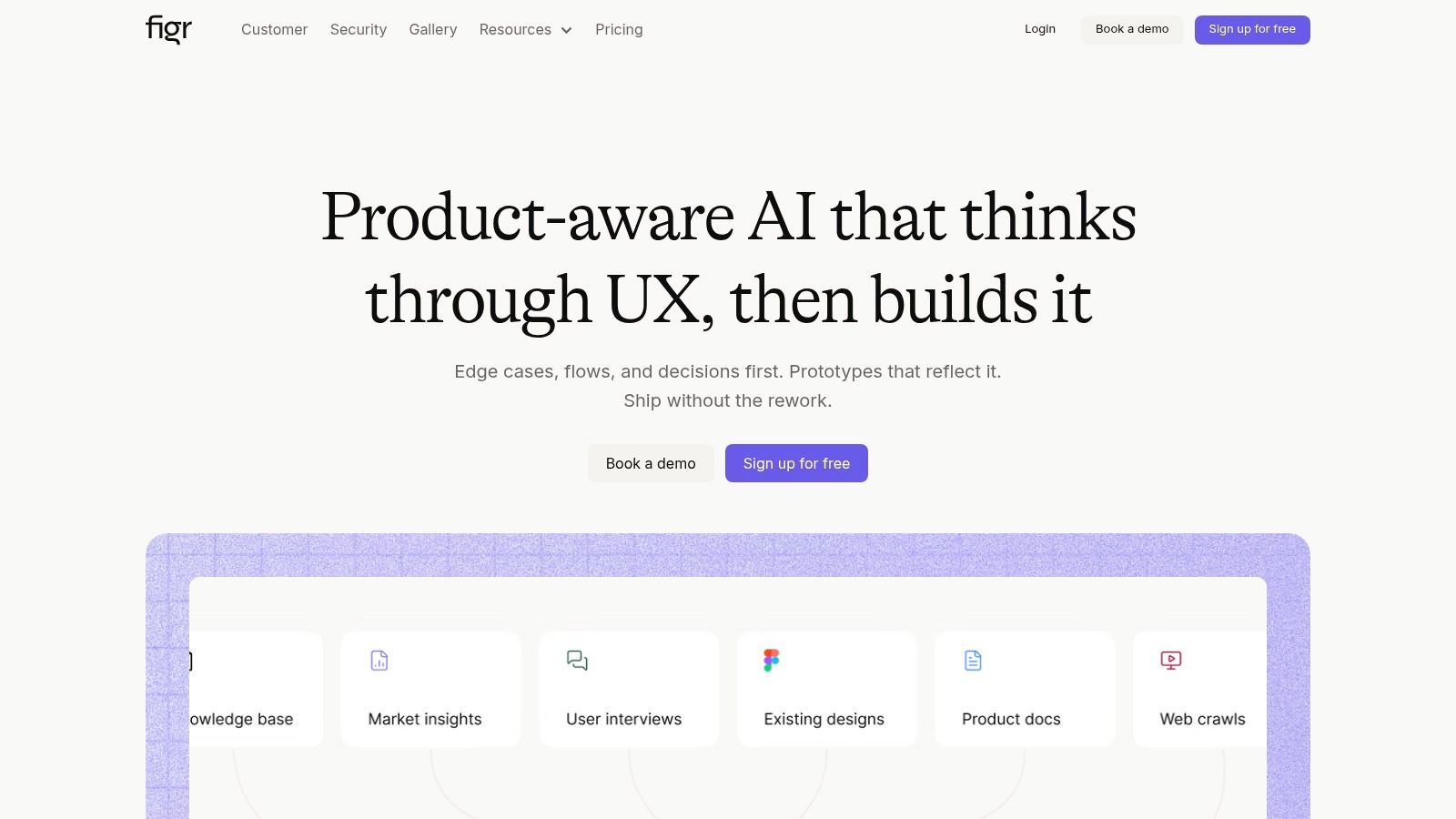
A spec review goes sideways fast. The PM is reading acceptance criteria, design is pointing at a mock, engineering is asking what happens on failure, and everyone realizes they have been discussing three different products.
Figr is built for that gap. It treats product specification as a communication problem first, then a documentation problem. That distinction matters. Teams rarely miss deadlines because the doc had the wrong heading structure. They miss because intent got lost between prose, screens, and implementation details.
Why engineers actually engage with it
Figr pulls from live product context, Figma design systems, and tokens to generate artifacts that reflect the product as it exists today. That changes the quality of the discussion. Engineers are not decoding a generic PRD template. They are reacting to flows, states, and interactions grounded in the live product.
That is the primary job of a good specification. Not more words. Better shared understanding.
A broad product spec can include business context, user stories, market inputs, functional requirements, and design details, as described in this product specification overview. Figr is useful because it carries those inputs forward into something teams can inspect: user flows, prototypes, edge cases, UX reviews, and test cases. The spec stops being a static file and starts acting like a working explanation of the feature.
Practical rule: If an engineer has to infer state transitions from prose alone, the spec is not finished.
Figr also feels stronger than generic writing assistants in this area. It reasons across the workflow instead of cleaning up a paragraph. That makes it more relevant to real PM work, especially for teams already testing AI tools for product requirements. If you want a broader view of how this product fits into product ops, Figr blog's Productboard insights add useful context on connecting specs to evidence and prioritization.
Where it fits best
Figr works best when the team already has product reality to anchor against. Existing screens help. Design tokens help. Product captures and analytics help. More context usually means less polished nonsense.
That trade-off is worth stating plainly. Teams with messy Figma files, weak instrumentation, or thin design systems will still get value, but not the full value on day one.
It is also especially good at the part of specification work teams often skip until build starts: odd states, failed validations, and test scenarios. Those details are tedious to write and expensive to discover late. A tool that surfaces them early does more than save writing time. It reduces rework.
For PMs learning AI for product documentation, that is the shift to focus on. The goal is not "write the spec for me." The goal is "help the team misread it less."
A few evaluation points matter in practice:
Context quality affects output: Stronger product data and design structure produce stronger artifacts.
Edge-case coverage is a real advantage: This is often where handoffs break and rework starts.
Enterprise controls belong in the buying decision: SOC 2, SSO, and zero data retention matter for sensitive teams.
Pricing may require a sales conversation: That can slow down teams that prefer quick self-serve evaluation.
2. Productboard
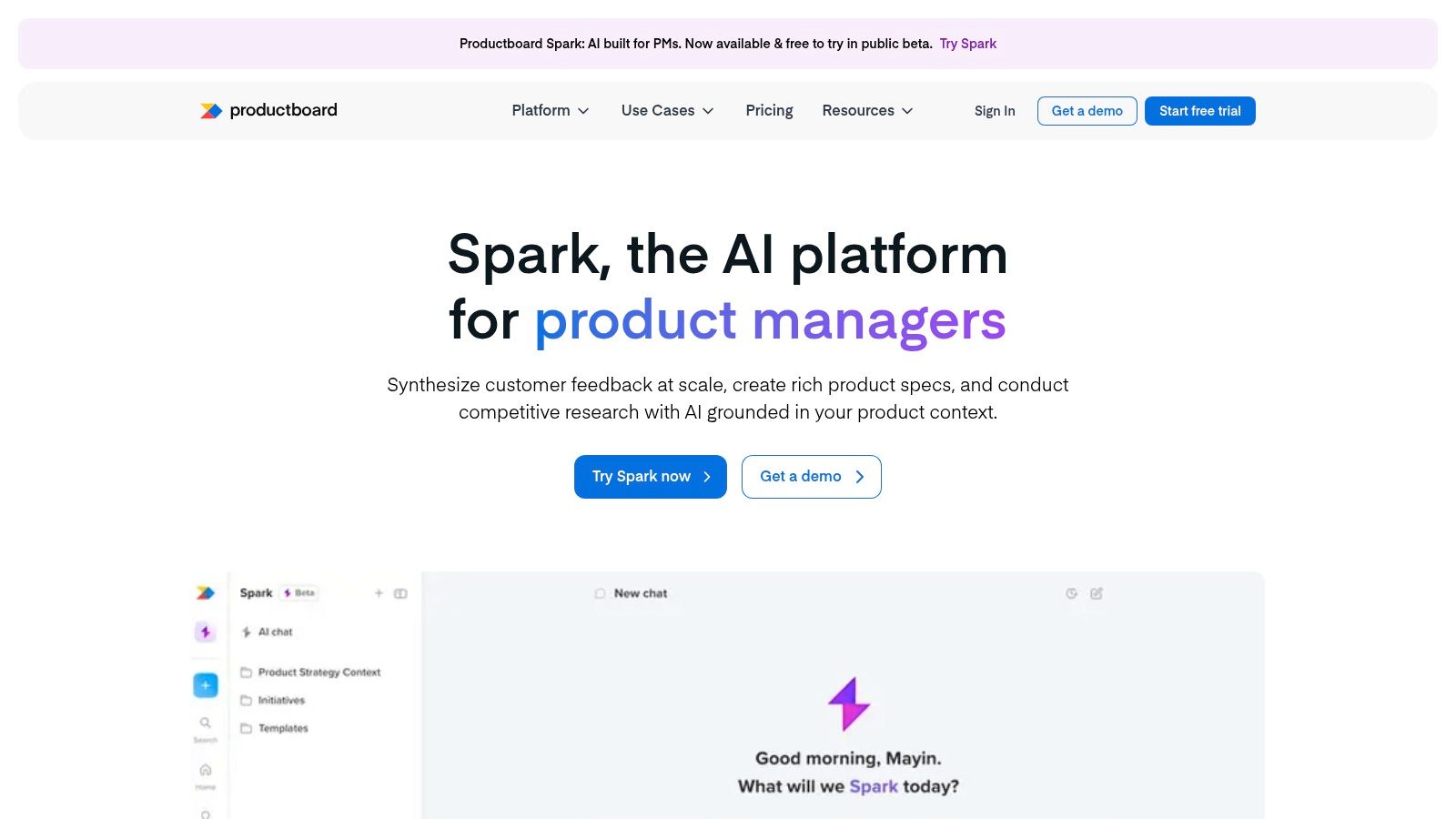
Some teams don’t have a writing problem. They have an evidence problem.
Productboard is useful when your product specification keeps drifting away from customer input the moment roadmap pressure arrives. It connects insights, prioritization, and feature records well enough that the spec can stay attached to why the work exists. That sounds obvious, but it’s one of the first links to break in fast-moving teams.
What it does well
The strongest use case is traceability. If you’re trying to write a product specification document that engineers trust, it helps when every requirement can be traced back to an observed need, not just PM preference. Productboard’s workflow supports that better than most general-purpose docs tools.
That also makes it useful for teams mapping full digital customer journeys, where the spec needs to connect feedback, opportunity, priority, and final implementation logic without losing context along the way.
Its AI-assisted workspace can reduce blank-page friction, but that isn't the core point. Its primary benefit is that prompts operate against the workspace context. A drafted spec grounded in actual evidence is more useful than a beautifully formatted guess.
The fastest way to lose engineering trust is to write requirements that can’t be linked back to a user problem.
Trade-offs to know
Productboard asks for discipline up front. If the team hasn’t built the habit of linking insights to features, the system can feel more aspirational than helpful. You can’t recover signal that was never captured.
A second trade-off is evaluation friction. The platform has multiple plan structures and add-ons, and buyers sometimes need more effort to understand what’s included than they’d like. That isn’t fatal, but it matters when you need a straightforward tool decision.
If your team already uses Productboard heavily, it’s worth reading these Figr blog's Productboard insights to think through where a roadmap-centered platform complements, rather than replaces, more visual specification workflows.
You can evaluate it at Productboard.
3. Aha! Roadmaps
Aha! Roadmaps works best in organizations where the product specification isn’t just a team document. It’s a governance artifact.
That usually means multiple product lines, layered approvals, portfolio planning, and a strong need to preserve rationale over time. In those environments, lightweight docs can feel elegant right up until nobody remembers why a requirement made it into the release train.
Best for structured organizations
Aha! combines strategy, planning, and documentation in a way enterprise teams often appreciate. Its whiteboards are particularly good when the conversation around a spec starts visually, then needs to become something durable and governed. That’s especially helpful for complex user flow examples, where visual sequencing and roadmap context need to stay connected.
If your PM org manages several teams across a shared portfolio, Aha! proves its worth. It supports a style of product spec document that isn’t just about feature definition. It’s about continuity between goals, decisions, releases, and downstream execution.
Where it can drag
The downside is obvious the moment a smaller team opens it. Aha! can feel heavy.
Not because it’s poorly designed, but because the system assumes a certain level of organizational complexity. If you just need a clean product spec template and a collaborative editing loop with engineering, this may be more structure than you want. Add-ons can also increase total cost and make the stack harder to simplify later.
Still, for product leaders managing broad roadmaps, the connection between specification and planning is strong. If that’s your reality, a more strategic companion read is this product roadmap guide.
You can find it at Aha! Roadmaps.
4. Jira Product Discovery
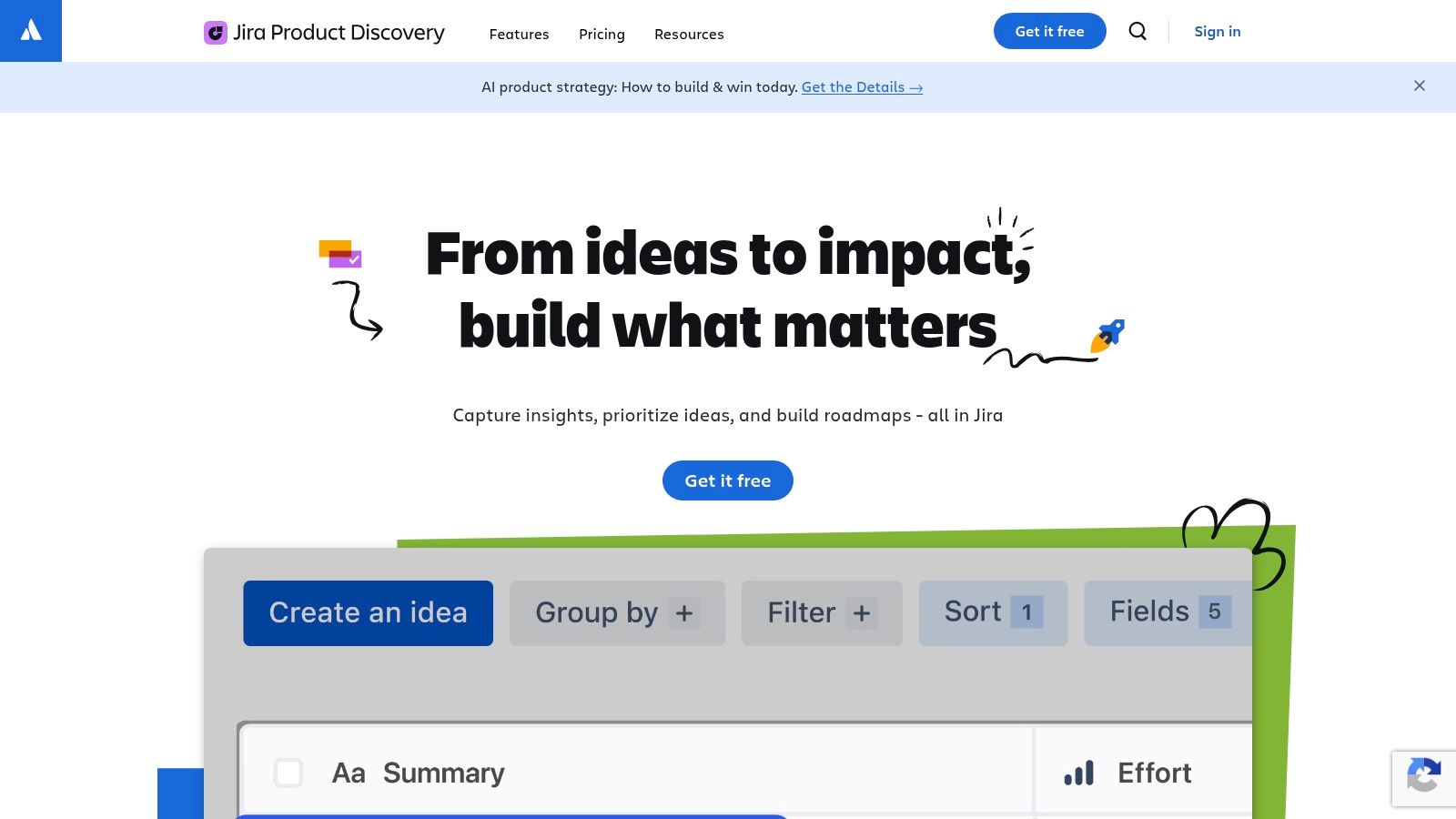
If your company already lives in Jira, the smartest move is often the least glamorous one. Stay close to the system engineers already check.
Jira Product Discovery is not the most expressive tool on this list for long-form thinking. It is one of the better options for preserving continuity from problem framing to implementation. That makes it practical.
Why it works for lean specs
The handoff gap is smaller because discovery items connect naturally to delivery work. PMs can capture opportunities, attach insights, score ideas, and connect them to epics or stories without rebuilding context from scratch in another system. For many teams, that’s enough.
This is a good fit for leaner specs, especially when the team prefers concise requirements, clear acceptance criteria, and tight traceability to execution work. If you’re figuring out how to write a product spec in a way engineering won’t ignore, proximity matters. Engineers read the thing that sits inside their workflow.
A spec that lives outside the build system needs to be twice as clear, because it has to overcome distance as well as ambiguity.
Where it falls short
Its core structure is idea-centric. That works well when your discovery practice already revolves around opportunities and scoring. It’s weaker when you need richer, more narrative specification formats with layered rationale, alternative paths, and substantial design context.
So the trade-off is straightforward. Jira Product Discovery keeps the chain from insight to build tight. It doesn’t always give PMs the most elegant space for deep specification thinking.
For a lot of product teams, that’s still a good bargain.
You can evaluate it at Jira Product Discovery.
5. Confluence
Confluence remains one of the default answers to the product specification question for a reason. Engineers already use it, security teams already understand it, and most companies can make it the official source of truth without much political friction.
That familiarity is a feature.
The practical strength
Confluence gives teams a stable home for PRDs and specifications, especially when paired with Jira. Its Product Requirements blueprint is often the first product spec template a team standardizes on, and for many organizations that’s enough to create baseline consistency.
If you need a starting point, Figr’s PRD template is a useful companion for sharpening the structure before you formalize it inside Confluence.
The strongest part of Confluence isn’t brilliance. It’s durability. Version history, permissions, and native issue references make the product specification document easier to maintain over time than in scattered docs. Engineers can move from requirement to implementation artifact without changing mental context too much.
The real weakness
Confluence is unopinionated enough to let weak habits spread.
One team writes crisp specs with problem framing, acceptance criteria, and edge cases. Another writes walls of text. A third drops screenshots into a page and calls it done. Without clear standards, the same flexibility that makes Confluence scalable also makes it inconsistent.
That’s why teams increasingly pair it with approaches for managing product knowledge using AI, especially when the documentation footprint gets too large for people to manage manually.
If your organization wants one durable place for the product spec document, Confluence is still a sensible choice. Just don’t confuse storage with clarity.
You can use it at Confluence.
6. Notion
Notion is what many PMs reach for when they want speed before they want governance.
That’s not a criticism. Sometimes speed is the right call, especially early in a product cycle when the job is to connect research, decisions, requirements, and follow-up notes without opening five tools.
Why PMs like writing specs in it
Notion makes it easy to cross-link everything. Research notes can connect to decision logs. Specs can connect to test cases. Databases can turn a rough product specification example into a repeatable system. If you’re still shaping your process, that flexibility is appealing.
Its AI features help with summarization and draft structure, which can be useful when you’re trying to turn messy discovery material into a coherent product spec document. The team can move fast from notes to something discussable.
That’s where Notion shines. It lowers the cost of getting thoughts into a shared space.
Why teams outgrow the default setup
The same flexibility can create sprawl. Large workspaces become difficult to work with unless someone establishes conventions for naming, hierarchy, ownership, and archival. Otherwise, the product specification lives somewhere, but nobody is fully sure where the latest truth sits.
For teams trying to mature without becoming bureaucratic, Streamlining product documentation becomes more than a nice idea; it evolves into operational hygiene.
Notion works especially well for small to mid-sized teams that value adaptable workflows over strict process. If your spec practice is still evolving, that flexibility is an asset. If your organization needs governed consistency, it can become a liability.
You can explore it at Notion.
7. Coda
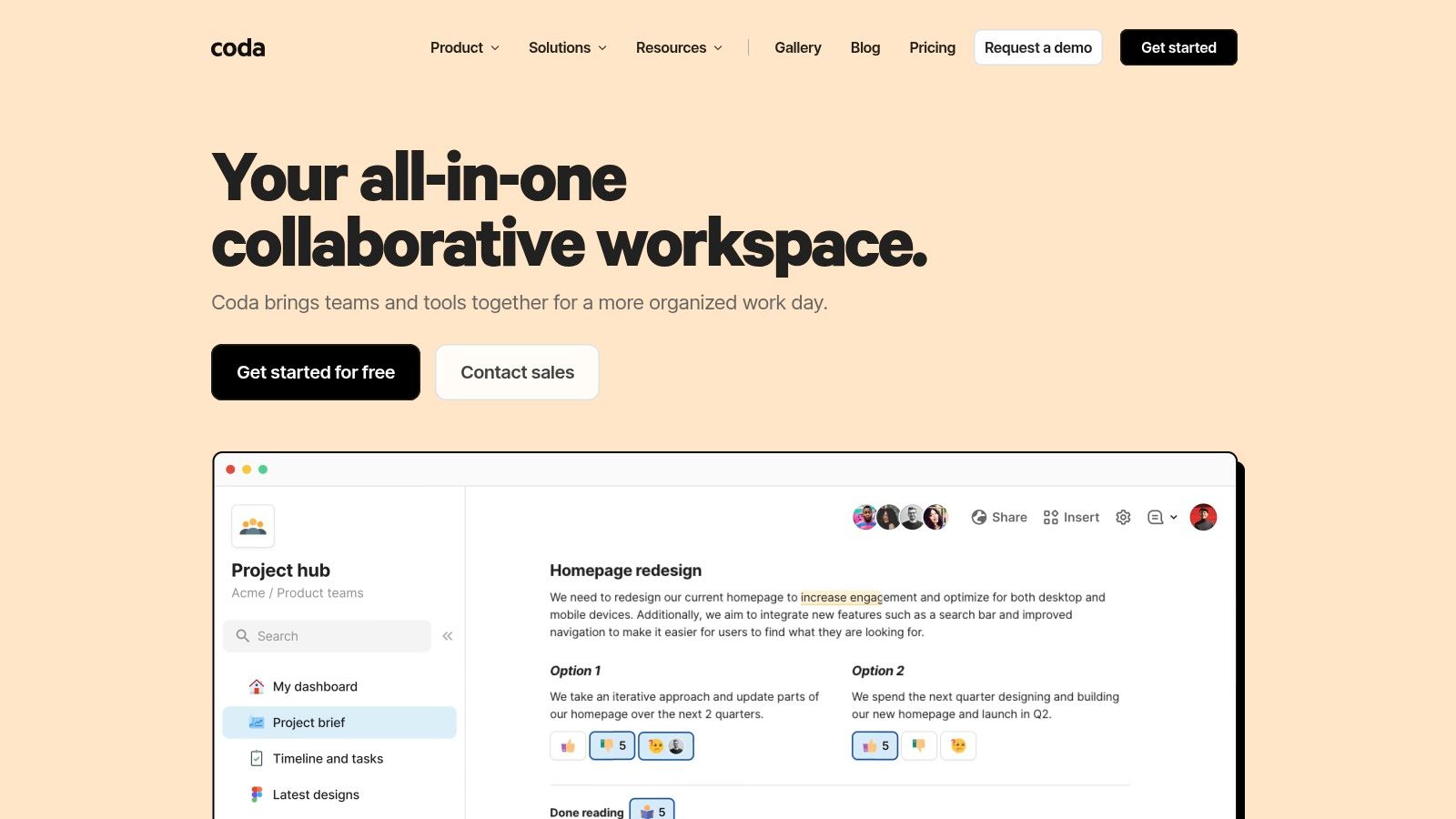
Coda is for teams that want a spec to behave more like a system than a page.
That’s the core distinction. In Coda, a product specification can become a living object with linked tables, formulas, buttons, automations, and integration packs. For the right team, that’s powerful. For the wrong team, it’s overengineering with nice typography.
Where Coda earns its place
Coda works well when your product specification needs structure that ordinary docs can’t hold cleanly. Requirements can roll up into checkable acceptance criteria. Test cases can tie back to flows. Instrumentation plans can sit next to feature logic instead of in another workspace.
That makes it a strong option for teams who want interactive documentation around complex user experience flows, especially when the spec needs to stay alive after kickoff instead of freezing into static prose.
The “doc as app” model also changes collaboration patterns. A PM can create views for engineering, QA, or leadership without duplicating the underlying logic. One source, multiple lenses.
What doesn’t work
Coda asks more from the author.
If the PM writing the spec doesn’t enjoy modeling systems, the power won’t matter. The document can become fragile, overbuilt, or dependent on one highly capable owner. That risk is real. Elegant Coda docs often look effortless from the outside and require substantial design discipline underneath.
Still, for teams who want their product specification to function like a workflow engine, not just a narrative artifact, Coda is one of the more compelling choices.
You can try it at Coda.
From Document to Conversation
So why do so many product specifications fail?
Because teams mistake the map for the territory. The spec is the map. The territory is the shared understanding in the engineer’s mind. A polished document can still fail if it leaves too much room for interpretation at the moment decisions get made.
The economics behind this are simple. Rework from unclear requirements burns time across engineering, design, QA, and product at once. One vague edge case becomes a clarification meeting, then a rebuild, then a retest, then a delayed release note. Scale that across a roadmap and you don’t just get frustration. You get waste.
Jeff Patton makes the deeper point in User Story Mapping. The goal isn’t a perfect document. The goal is shared understanding, and the document is only a means to get there. That idea matters even more now, when specs often need to align humans, design systems, and increasingly AI-assisted workflows at the same time.
A good product specification document should make intent hard to miss. It should give engineers enough context to make sound choices when reality diverges from the happy path. It should tell them what matters, what can flex, and what must not break. If it doesn’t do that, it doesn’t matter how complete it looks.
The basic gist is this. If you’re learning how to write a product spec, don’t start by asking which sections belong in the template. Start by asking which misunderstandings are most likely to happen, then write to prevent them.
Here’s a grounded way to do that:
Start with a live conversation: Book 30 minutes with your lead engineer before you draft.
Name the user problem clearly: Don’t open with implementation details.
Specify the ugly parts: Error states, edge cases, permissions, fallback behavior.
Use visuals where interpretation risk is high: A clickable flow often resolves what prose can’t.
Choose tools based on failure mode: If your issue is context loss, pick for traceability. If your issue is ambiguity, pick for visualization.
For the complete framework on this topic, see our guide to how to write a PRD.
And if your broader work touches packaging, delivery, and monetization of digital outputs, this roundup of options for selling digital products online is a useful adjacent read.
The next step is simple. Before you write the next product specification, get in a room with engineering. Talk through the user. Sketch the flow. Surface the places people are likely to make different assumptions. Then capture that shared picture in the tool that best fits your team.
That’s the version engineers read.
If you want a product specification to do more than sit in a doc, try Figr. It turns written requirements and product context into interactive prototypes, user flows, edge-case maps, and test cases that engineers can review in concrete form. That means fewer interpretation debates, cleaner handoffs, and a spec that behaves like a working model instead of static paperwork.