

It’s 9:12 on a Monday. Leadership wants an AI plan before the day ends. Product is asking about faster specs, operations wants fewer manual handoffs, and finance wants to know why the team is already paying for three AI subscriptions that barely changed output.
That is the core business case for AI. The question is not which tool has the longest feature list. The question is which tool removes an expensive bottleneck, cuts rework, reduces context switching, or helps teams make decisions faster.
I’ve seen companies buy broad AI access, then watch adoption stall because the tool never fit the work. A writing assistant does not fix a broken approval process. A chatbot does not solve design handoff delays. An AI design tool can save time for product and UX teams, but only if it fits the way those teams already create, review, and ship.
Adoption has also moved well beyond casual testing. In production environments, about 76.7% of AI users rely on OpenAI models, and GPT-4 is the single most-used model at 45% of respondents, according to Glide’s 2025 AI stats roundup. AI is now part of operating infrastructure for many teams, which raises the bar for tool selection. Buyers need clear returns, manageable risk, and a path to daily use.
If your team is also thinking about how AI changes visibility and demand capture, it helps to understand how companies Optimize for AI Overviews while updating internal workflows.
Best AI tools for businesses in 2026
1. Figr
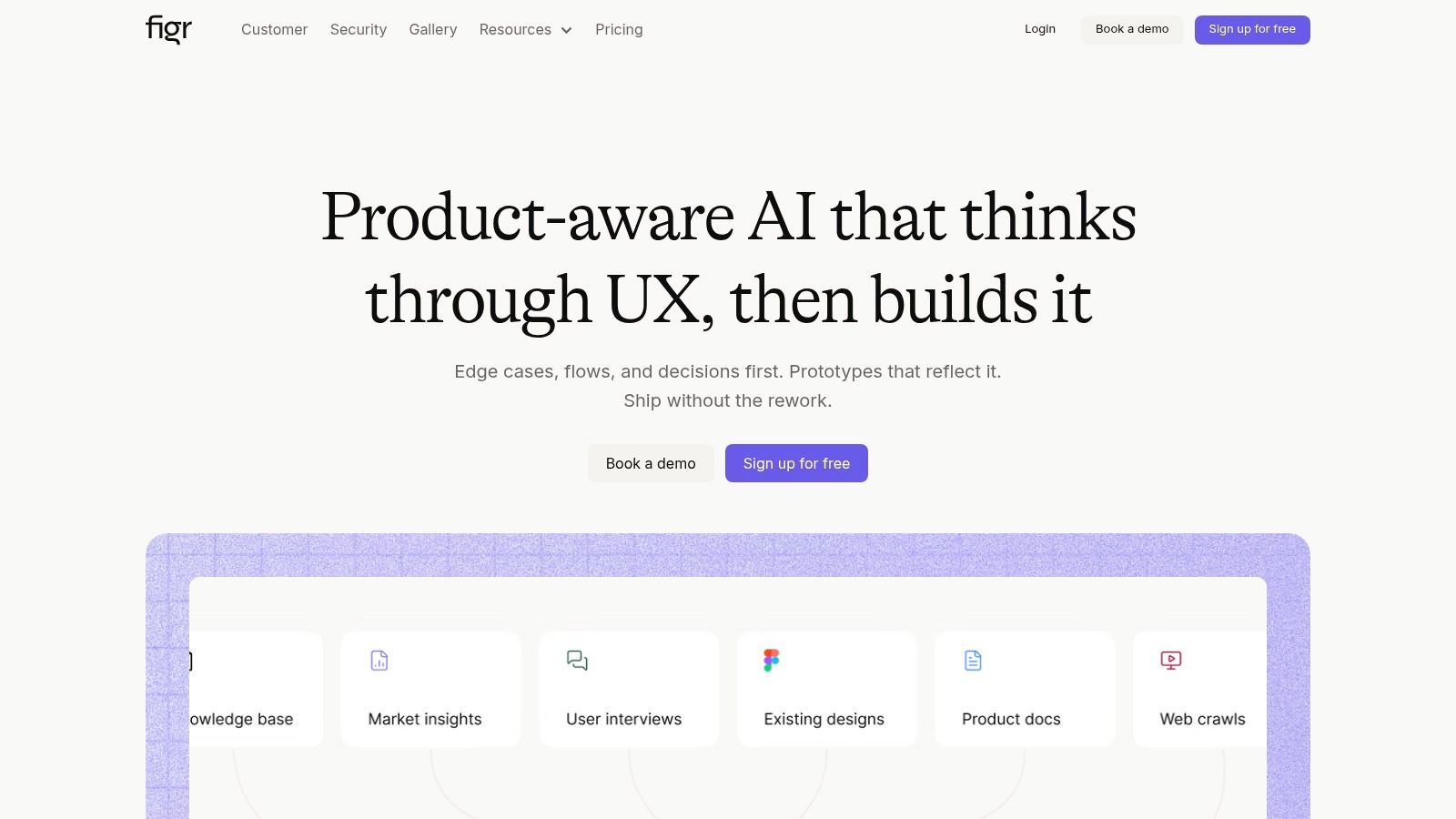
Most business AI roundups start with generic assistants. That’s useful, but it misses where product teams lose time. This drain often starts earlier, when a PM, designer, and engineer are all interpreting the same problem differently and creating rework before a single line of code ships.
That’s where Figr stands out. For product and design teams, it’s an AI design tool built to replace weeks of concept work with connected outputs that reflect the product you already have, not a blank-canvas fantasy. Feed it product context and it generates PRDs, flows, edge cases, and interactive prototypes in one workspace.
Why it works for SaaS teams
Figr’s best feature isn’t just generation. It’s grounding. The one-click Chrome capture learns from your live app, and Figma imports help it stay aligned with the design system your team already uses. That changes the quality of the output.
A generic chatbot can draft a decent requirement doc. Figr can connect that requirement to the actual flow, the design tokens, and the prototype a team will review next.
This is what I mean by workflow fit. The value isn’t in one flashy artifact. It’s in continuity.
For teams working through product discovery and iteration, Figr naturally connects to how PMs and designers already think about AI for product design, AI for UX design, and AI tools for rapid design iteration.
Practical rule: If a tool creates output that your team still has to rebuild manually in Figma, Jira, or product specs, you didn’t remove work. You relocated it.
Where Figr is stronger than general-purpose AI
The product case for Figr gets sharper when you look at what PMs and UX teams need day to day:
Context-aware artifacts: It generates PRDs, prototypes, and edge cases from the live product context, not just from prompts.
Flow thinking: It helps teams map user experience flows, study user flow examples, and reason through digital customer journeys without starting from scratch.
Pattern grounding: The platform draws on more than 200,000 screen patterns, which is especially useful when a team needs to move fast but still avoid obvious UX mistakes.
Enterprise readiness: SOC 2, SSO, zero data retention, Figma export, and analytics connectivity make it usable in serious organizations, not just innovation labs.
You can also see the style of work it enables in the Figr gallery, including a Shopify checkout redesign example and a Mercury runway forecasting example.
Trusted by 500+ product teams at Zoho, Visma, GreyOrange, and CashFree, Figr is the clearest choice on this list for software teams where the biggest cost isn’t writing text. It’s shipping the wrong flow, discovering edge cases too late, and revising work three times.
The trade-off is straightforward. If you’re a very small team doing occasional mockups, the setup may feel heavier than a generic AI assistant. But if your business lives or dies on product velocity, this is one of the few tools purpose-built for that reality.
2. Microsoft Copilot for Microsoft 365
Microsoft Copilot is less about novelty and more about reducing drag in environments that already run on Outlook, Teams, Word, Excel, and PowerPoint. If your organization lives inside Microsoft 365 all day, that native placement matters.
The appeal is simple. People don’t have to leave the apps where work already happens.
Where Copilot earns its keep
Copilot is strongest when teams need summarization, drafting, spreadsheet help, meeting follow-ups, and internal search without adding another disconnected tool. It draws on organizational context inside Microsoft 365 and works within the same governance structure many IT teams already trust.
That makes it a good fit for large companies where adoption fails the moment security, identity, and admin controls get messy.
A practical way to think about it is this: Copilot is most useful when the problem is fragmented desk work. If people spend half the day bouncing between email, meetings, files, and spreadsheets, keeping the assistant inside the suite saves time.
The fastest workflow is usually the one that removes one tab, one paste, and one re-explanation at a time.
There’s also a broader market signal behind tools like this. Business leaders expected AI to have a positive impact on operations at a rate of 87%, with 28% expecting transformational impact, according to Business Nucleus. Copilot fits that operational lens better than a standalone brainstorming bot.
What to watch before rollout
Copilot can get expensive and licensing is nuanced. That’s not a deal-breaker, but it means this isn’t a casual swipe-the-card tool. Admins need to understand which users need deep in-app Copilot access and which users only need lighter AI support.
It also helps to understand where Copilot sits compared with other spreadsheet-oriented workflows. This comparison of Excel AI vs Copilot is useful if your buying decision is really an operations question dressed up as an AI question.
If your team is debating platform-first assistants versus task-specific tools, it’s also worth comparing AI agents and traditional apps. That distinction matters more than most buying committees realize.
For Microsoft-heavy companies, Copilot is one of the best ai business tools because it cuts context switching where employees already spend their time. For teams outside that ecosystem, it can feel like buying a strong answer to the wrong question.
3. Google Workspace with Gemini

A product lead leaves a Meet call with six action items, a half-finished spec in Docs, three follow-ups sitting in Gmail, and a budget question buried in Sheets. In Google-heavy companies, work breaks down in that handoff between conversation, documentation, and decisions. Gemini matters because it shortens that gap inside the tools the team already uses.
That makes it a practical fit for collaboration-first teams. The value is less about raw model capability and more about reducing the small delays that pile up across a week. Summarizing meetings, drafting emails, structuring slides, and cleaning up spreadsheets sound minor on their own. In practice, they cut rework and help teams keep context intact.
Google-centric companies also tend to run on shared documents, quick comments, and fast iteration. They usually do not need a separate AI destination for every task. They need support during the work itself, while decisions are still forming and information is still scattered.
That is why Gemini often lands well with product managers, startup operators, and cross-functional teams. For PMs in particular, I see it as a coordination layer. It helps turn messy collaboration into usable outputs faster, but it does not replace judgment, prioritization, or customer insight. Teams working through that distinction should also read this guide on AI for product managers.
The trade-off shows up later, after the pilot goes well. Gemini covers a wide surface area, but access and capabilities can vary by plan, admin settings, and workspace setup. Buyers should check which features are available in Docs, Sheets, Meet, and Gmail for their users, then decide whether the goal is broad rollout or targeted deployment for specific roles.
There is also a stack question here. If your team already juggles separate tools for notes, drafting, search, and meeting follow-up, adding one more AI layer can create the same coordination problem you were trying to solve. That is the core issue behind the AI tool fragmentation problem.
For companies already standardized on Workspace, Gemini deserves a serious look because it addresses slow handoffs inside an existing workflow. As noted earlier, AI can improve day-to-day throughput. Gemini is one of the cleaner ways to pursue that without asking teams to change where work happens. It is less persuasive as a reason to switch ecosystems.
4. OpenAI ChatGPT Business and Enterprise
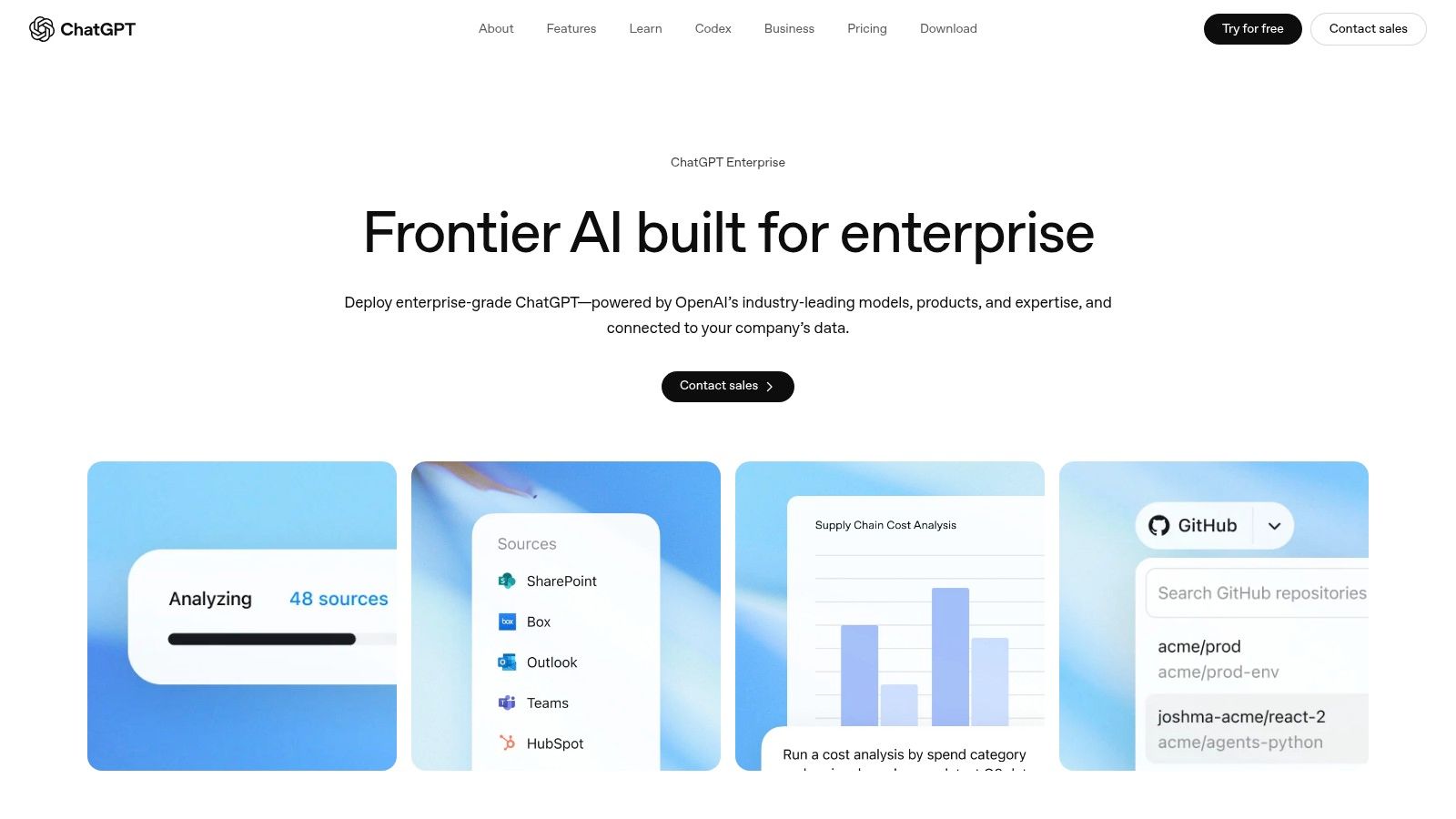
Monday morning usually looks the same. A sales lead wants a sharper account brief, support needs a cleaner summary of recurring tickets, product wants help turning call notes into a draft PRD, and operations is trying to compare three policy options before noon. ChatGPT keeps showing up in that environment because it reduces one expensive problem fast. Too much time is lost translating rough inputs into something a team can effectively use.
That familiarity is part of the product. Employees already know what ChatGPT is for, which lowers rollout friction and speeds up adoption. For a buyer, that matters more than a long feature checklist if the ultimate goal is to cut rework, shorten first-draft time, and help teams make decisions with less back-and-forth.
Where ChatGPT shines
ChatGPT is strongest as a general-purpose workbench for thinking and synthesis. It handles research summaries, drafting, analysis, brainstorming, and pattern-finding well enough to be useful across product, support, operations, marketing, and internal knowledge work.
The Business and Enterprise tiers make that broad usefulness easier to govern. Admin controls, workspace management, SSO, data controls, and enterprise features turn a consumer habit into something a company can roll out with fewer security and compliance concerns.
That said, the true value is not "AI access." It is fewer stalled tasks. A manager can move from scattered meeting notes to a usable brief in minutes. A support lead can condense hundreds of tickets into themes without waiting for an analyst. A PM can pressure-test a draft strategy before pulling six people into a review meeting. Those gains are practical, and they show up early.
Where it breaks down
ChatGPT does not fix a messy process on its own.
Teams run into trouble when they expect a highly capable assistant to act like a structured business system. If prompts, source material, approvals, and ownership are unclear, the output may be impressive and still create more work later. Someone has to verify the facts, adapt the draft to the existing workflow, and decide what happens next.
The other common failure mode is stack sprawl. A company adds ChatGPT for drafting, then picks up separate tools for meetings, search, writing polish, and research. Work starts bouncing between tabs, outputs get duplicated, and nobody is sure which system holds the latest version. That is the AI tool fragmentation problem.
For many businesses, ChatGPT earns its place because it solves high-frequency knowledge work without asking teams to change everything at once. That is a strong starting point. It is less effective as a complete operating layer unless the company also defines where it fits, who owns the output, and which workflows need a specialist tool instead.
5. Anthropic Claude Team and Enterprise
Claude has built a strong reputation among teams that need better long-form thinking. Not louder output. Better output. If your work involves PRDs, technical specs, policy drafts, support playbooks, or nuanced writing, Claude often feels calmer and clearer than more general-purpose alternatives.
That tone difference matters more than people admit.
Best for writing-heavy teams
I’d put Claude high on the shortlist for product teams, researchers, operations leads, and support organizations that produce dense internal artifacts. It tends to do well when the task requires structure, judgment, and readability over raw speed.
That makes it a useful fit for businesses where the output is a document someone else will rely on.
Anthropic’s business tiers also make a clear pitch around admin controls, retention settings, and enterprise features. For buyers who care about safety posture and tighter control over how company data is handled, that clarity is part of the product.
A broader adoption signal is worth noting here too. The Ramp AI Index reported that U.S. business AI uptake hit an all-time high in 2026, and Anthropic’s tools reached 19.5% penetration, as discussed in Atypica’s roundup of AI market research tools. That doesn’t prove Claude is right for everyone, but it does show growing enterprise comfort with the platform.
Where Claude can disappoint
Claude is not the best fit when the organization mainly needs deep app integrations, native productivity-suite embedding, or highly specialized workflow automation. It’s strongest when a person is doing serious written thinking with AI assistance.
That means buying Claude for a company that barely writes anything substantial is usually a mismatch.
Among ai tools for companies, Claude is easiest to justify when your business runs on clear communication, careful documentation, and reasoning-heavy internal work. If your pain is design rework, engineering throughput, or analytics-heavy exploration, a specialist will likely produce greater impact.
6. GitHub Copilot

Some AI tools save time by summarizing work. GitHub Copilot saves time by helping create and revise the thing the business ships. For engineering-heavy teams, that makes it one of the most straightforward purchases on this list.
When it works, it feels less like a separate tool and more like a useful layer in the IDE.
Why engineering teams adopt it quickly
Copilot fits into developer workflows with relatively little ceremony. Suggesting code, helping with implementation patterns, accelerating reviews, and reducing boilerplate are practical gains because they happen close to the work itself.
That’s why GitHub Copilot lands differently from a general assistant. Developers don’t need to leave their environment, reframe the task, and then bring the result back. The support appears inside the flow of implementation.
This matters at scale because engineering speed compounds. One faster commit isn’t the story. The story is reducing small delays across a whole team for months.
Tools like Copilot also align with a broader pattern in business AI, specialized products increasingly win when they remove a very specific bottleneck instead of trying to be universal. If you’re evaluating business ai tools 2026 budgets, engineering assistance usually deserves its own line item rather than being buried under “general AI.”
Where the real work begins
Copilot still needs change management. Teams need standards around review habits, prompting, and what can or can’t be shared. The tool can accelerate output, but it won’t protect a weak engineering process from itself.
It also performs unevenly depending on language, codebase quality, and how much context the developer provides. So expectations need to stay grounded.
For software teams, though, GitHub Copilot is one of the strongest ai tools for small business and enterprise alike because it attaches directly to product delivery. If code is your factory floor, improving that floor matters.
7. Notion AI
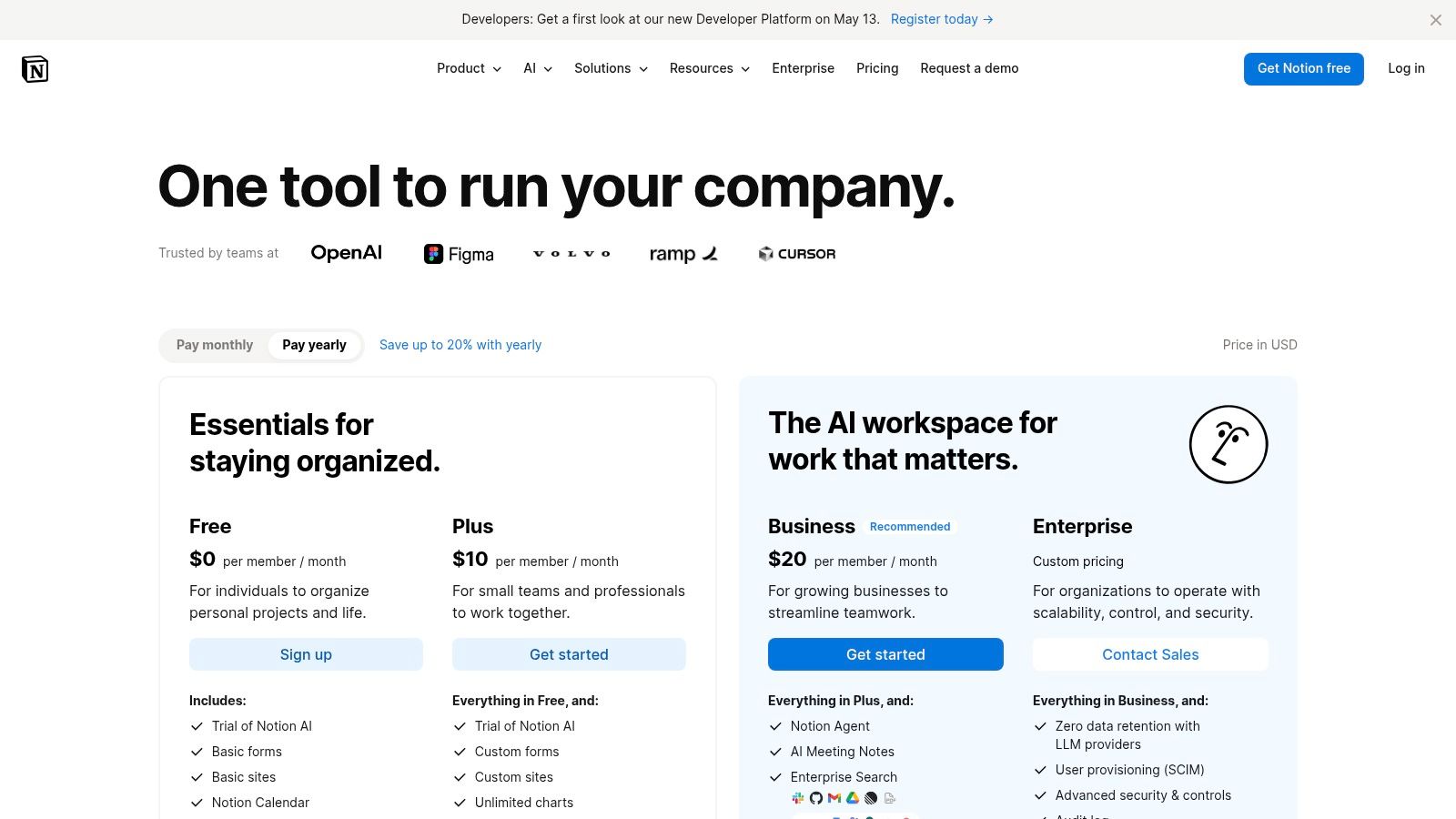
A lot of business inefficiency has nothing to do with intelligence and everything to do with retrieval. Someone made the decision. Someone wrote the spec. Someone captured the meeting notes. Nobody can find any of it two weeks later.
Notion AI is strong because it addresses that exact mess.
Best for teams drowning in scattered knowledge
If your company already uses Notion for docs, wikis, planning, and lightweight project work, adding AI there makes sense. Summaries, rewriting, note cleanup, research help, and task automation all become more useful when they sit next to the information people already maintain.
This is especially effective for cross-functional product teams. A PM can turn rough notes into a cleaner brief, a design lead can summarize feedback, and an operations manager can pull together decisions from multiple pages without rebuilding context every time.
That’s also why Notion often pairs well with product and design environments. It doesn’t replace dedicated specialists, but it reduces the drag around the thinking work that surrounds them. If your team is also evaluating visual workflow tools, this guide to best AI design tools helps clarify where Notion ends and specialist platforms begin.
The trade-off to keep in mind
Notion AI can become expensive or messy if teams over-automate low-value work. There’s a temptation to generate more pages, more summaries, more internal content. That feels productive until nobody can tell which artifact matters.
The stronger use case is selective compression. Fewer status updates written manually. Faster retrieval. Better continuity.
For businesses that struggle with scattered internal knowledge, Notion AI is one of the best ai tools for businesses because it improves the workspace people already rely on. It’s much less compelling if your company doesn’t already treat Notion as a serious operating system.
Beyond the tool and into the workflow
Monday starts with a leadership check-in. By noon, the same customer issue has been summarized in Slack, copied into a doc, reworded for a ticket, and discussed again in a meeting. Nobody is blocked by a lack of tools. They are losing time to restating context, chasing approvals, and fixing work that drifted from the original intent.
That is where the business case for AI usually sits. Not in novelty. In reducing the cost of handoffs, rework, and slow decisions.
A useful test is simple. Find the workflow that keeps forcing smart people to repeat themselves. Then examine what causes the delay. Sometimes the problem is office-suite sprawl and scattered communication. Sometimes it is weak research support, slow synthesis, or too much manual drafting. In engineering teams, it is often code review volume, repetitive implementation work, or poor documentation. In product teams, it is the gap between what users do, what PMs write, what designers design, and what engineering finally builds.
The right tool should remove one of those bottlenecks with clear consequences for speed, quality, or coordination. Copilot and Gemini make sense when work already lives inside Microsoft 365 or Google Workspace. ChatGPT and Claude fit teams that need strong reasoning, drafting, and research support across many tasks. GitHub Copilot earns its seat when software delivery speed is the constraint. Specialist tools matter when the expensive problem sits earlier in the chain, where ambiguity in product definition turns into design churn and engineering rework later.
The best AI tools for businesses do more than generate text or code. They shorten the distance between a question and a decision.
A good next step is practical. Map one slow workflow on a whiteboard. Mark each handoff, approval point, context reset, and duplicate artifact. Then choose the tool that removes the most expensive point of friction first. One workflow fixed cleanly will produce more value than a stack of disconnected AI subscriptions.
If your team’s biggest drag sits in product definition, UX thinking, and design rework, Figr is worth a close look. It helps product teams turn live product context into PRDs, flows, edge cases, and interactive prototypes without starting from a blank page, which is often where weeks disappear.