

You’re staring at a user feedback summary, three analytics dashboards, and a Slack thread debating the priority of a new feature. Everyone has an opinion. The data seems to point in two directions at once. The pressure isn’t just to make a decision, it’s to make the right one, and fast.
Does this sound familiar?
Last week, I watched a PM at a Series B company go through this exact cycle, spending a full day just to get alignment on a single button's placement. This decision paralysis is a quiet tax on innovation. It comes from a mismatch between how we think we make decisions and how we make them. We imagine a clean rational process, but Herbert Simon’s idea of bounded rationality explains the situation better. Teams choose with limited time, limited information, and limited cognitive bandwidth.
That’s why a serious ai tools list matters.
The right tools don’t make decisions for you. They sharpen judgment, structure messy inputs, and reduce the cost of ambiguity. This is what I mean: the best products in this category don’t just generate content. They reduce rework, expose blind spots, and help teams move from debate to evidence. Many of them now look more like AI assistants for product managers than generic chatbots. They also fit the growing category of AI tools bridging vision and reality.
If your pain is dashboard sprawl, there’s also a useful companion read on the best AI dashboard generator.
AI tools list for product teams
1. Figr

Website: Figr
Most AI design tools start from a prompt. Figr starts from your product.
That difference sounds small until you’re in the middle of handoff chaos, trying to reconcile a PRD, a half-updated Figma file, a funnel drop-off, and a design review that surfaced three edge cases no one documented. Figr stands out in this AI tools list because it doesn't just generate outputs from prompts. It learns your product first, then designs from that context. PRDs, user flows, edge cases, and prototypes, all connected in one canvas.
Where Figr actually changes the workflow
Figr pulls in context through one-click Chrome capture and Figma imports, then mirrors the design system and tokens already in use. That matters because generic AI mockups often look polished but break the minute they hit a real component library. Figr aims at the opposite problem: making artifacts that survive contact with engineering.
Its output range is unusually broad. Teams use it for PRDs, UX reviews, edge-case maps, test cases, and high-fidelity prototypes. Those aren’t abstract outputs. They are concrete user flow examples tied to real user experience flows and broader digital customer journeys.
You can see the style of output in the Figr Gallery, including this Intercom dashboard redesign.
What makes this more than another design assistant is grounding. The platform is described as trusted by 500+ teams and informed by patterns across 200,000+ screens in the verified data, which is part of why it feels closer to a product reasoning layer than a prompt wrapper. It also fits the growing need for AI for efficient development, where product, design, and QA all need the same source of truth.
Trade-offs worth knowing
The upside is obvious if your team already has complexity.
Product-aware output: Figr learns your live app and design system, so the artifacts map to what you ship.
End-to-end coverage: It spans discovery, requirements, UX exploration, QA, and handoff.
Security posture: The verified data notes SOC 2 compliance and zero data retention, which matters if your legal or procurement team is involved.
Analytics connection: It can tie design work back to product signals instead of stopping at visuals.
The downside is just as real.
Setup matters: You won’t get the best result without product context, imports, and integrations.
It’s not for casual ideation: If all you need is a quick pretty mockup, this is more system than sketchpad.
Pricing requires a conversation: Public pricing isn’t the entry point, so smaller teams may need to qualify fit early.
Practical rule: Use Figr when the cost of being wrong is higher than the cost of setup.
If your team regularly loses time to revision loops, token drift, and unclear requirements, this is one of the few ai tools for product management that attacks the root cause instead of decorating it. It’s also worth comparing against other best AI design tools if you’re evaluating where context-aware generation beats prompt-first workflows.
2. Futurepedia

Website: Futurepedia
When a product lead tells me, “I just need a starting point,” this is often the kind of directory they mean.
Futurepedia is broad, fast, and useful for initial discovery. It’s not where you go to make a final buying decision. It’s where you go when you need to understand the shape of a market before the market swallows your week. That makes it a practical entry in any best ai tools list, especially for teams still sorting signal from noise.
Best use case
Futurepedia works best at the very top of the funnel. You’re scanning categories, identifying vendors, and trying to build a rough shortlist before trials begin. It also includes educational content, which gives it a second job: onboarding teams that are still building AI fluency.
That educational layer matters more than most buyers admit. In the verified data, AI adoption among U.S. companies reached 46.6% in early 2026 through Ramp’s AI Index, based on more than 50,000 businesses and billions in corporate spend tracked on the platform, which is a useful reminder that the challenge is no longer whether teams will use AI, but how they’ll choose and operationalize it. See Ramp’s data here: Ramp AI Index.
What works and what doesn’t
Futurepedia is strong when you need:
Category breadth: You can move quickly across many tool types without opening a dozen random tabs.
Learning support: Courses and videos help less technical teammates get oriented.
Early vendor discovery: It’s good for finding tools you didn’t know to search for directly.
Where it falls short:
Light evaluation depth: You won’t get the level of hands-on scrutiny needed for procurement.
Limited comparison rigor: It’s better for exploration than for final selection.
Directory bias: As with any large catalog, visibility doesn’t equal fit.
A useful way to treat it is as a discovery engine, not a verdict engine.
If your team is still defining what belongs in its AI stack, Futurepedia pairs well with a narrower framework for AI tools for product managers. That combination keeps you from confusing a large directory with a good decision.
3. FutureTools
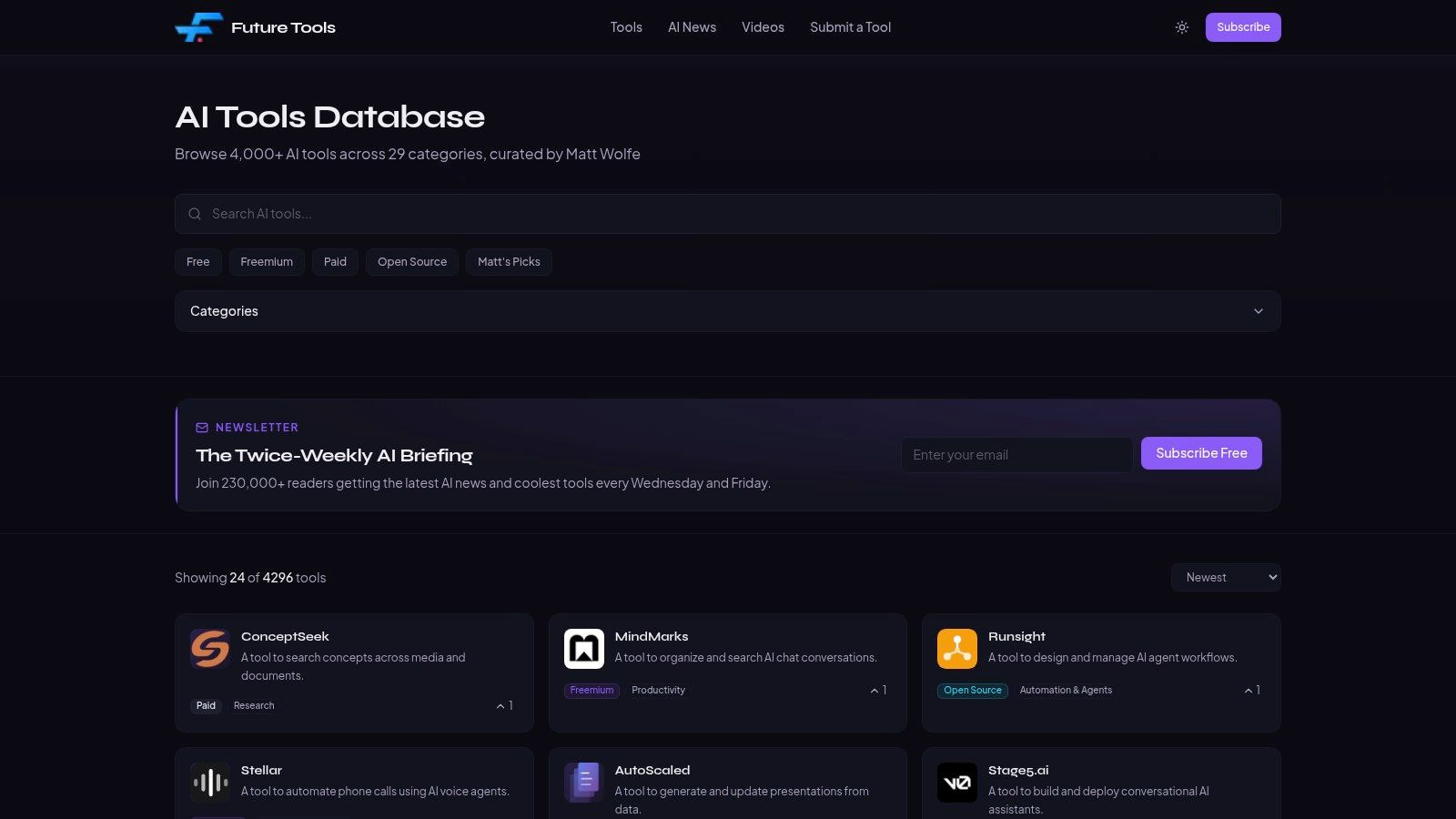
Website: FutureTools
Some directories try to win by volume. FutureTools wins by restraint.
That’s why I like it for product teams who are already overwhelmed. A smaller, curated list often beats an exhaustive one when your real bottleneck is attention. You don’t need every tool. You need a manageable set of candidates that are worth discussing in a meeting without apologizing for the research.
Why curation matters
The hidden cost of AI discovery isn’t search. It’s false positives.
A giant catalog can create the illusion of thoroughness while burying the few tools that fit your workflow. FutureTools is useful because it reduces some of that noise through editorial selection. For ai tools for business buyers, that lowers the amount of filtering your own team has to do.
It’s also a good place to spot emerging patterns without getting buried in duplicate listings and me-too products. If you’re responsible for prototyping workflows, this kind of curated lens is often more practical than a mega-directory.
You’re not choosing a tool. You’re choosing the future shape of a workflow.
Where it fits in a selection process
Use FutureTools after broad discovery and before live testing.
At that stage, you already know the category. Now you want fewer options, stronger signals, and less clutter. That’s where a hand-curated list can save time.
Its main strengths:
Lower noise: Human review tends to remove obvious clutter.
Useful discovery flow: Newly added tools and editorial structure help you keep up.
Cleaner scanning: It’s easier to review with a small team in a working session.
Its constraints:
Less exhaustive: Some niche categories won’t appear.
Selection bias: Curation always reflects editorial judgment.
Not a substitute for testing: A good listing still tells you less than a real pilot.
If your current work sits closer to product concepting and UX exploration, FutureTools is a smart companion to a more specific view of the best AI prototyping tools. That’s the move from browsing the market to shaping a usable stack.
4. Toolify
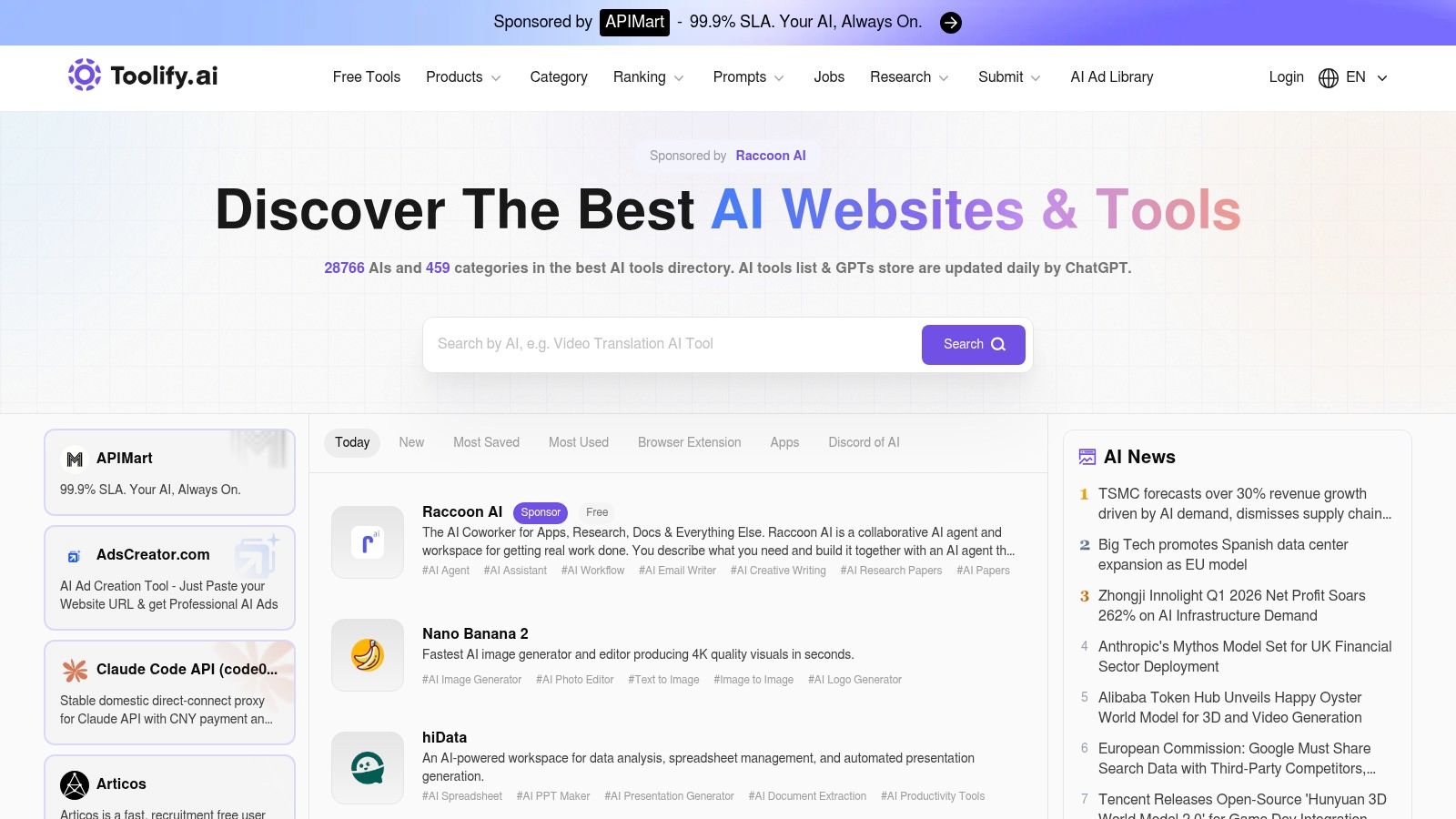
Website: Toolify
If FutureTools is the edited boutique, Toolify is the busy trade floor.
That makes it useful in a different way. Toolify is one of the better choices when you want to scan a huge market quickly, sort by multiple lenses, and build a rough shortlist for AI tools 2026 without pretending the ranking itself is the answer.
When Toolify is the better tool
Use Toolify when your job is market mapping.
You might be checking which vendors appear across regions, comparing category leaders, or trying to understand where new products are clustering. For PMs and strategy leads, that kind of directional scan can be valuable before vendor demos start.
The verified data also points to why these directories have become more relevant. Jotform’s 2026 roundup identifies a crowded professional field for AI data analysis, with top tools such as Datapad, Julius AI, Tableau, and Minitab, while GPT for Work and Domo surface overlapping but distinct sets of leading products. That proliferation reflects a market where AI tools for teams increasingly cover everything from spreadsheet-scale statistical work to enterprise visualization and forecasting. The source is Jotform’s analysis here: Jotform’s 2026 AI tools for statistics roundup.
The catch with ranked directories
Toolify’s ranking views are useful, but they’re directional.
That means you should treat visibility as a clue, not proof. Sponsored placement and paid submission options can shape exposure. So can category design. The platform is still valuable, but only if you keep your skepticism switched on.
What I’d use it for:
Broad category scanning: Fast way to understand category breadth.
Shortlist building: Good for first-pass vendor lists.
Regional and category views: Helpful when teams operate across markets or functions.
What I wouldn’t use it for:
Final selection
Security validation
Deep workflow fit
If your search is moving from broad discovery into actual prototype and design execution, pair Toolify with a more workflow-specific resource like Buy AI Tools for Product Prototyping and Design. Directory breadth helps you see the market. It doesn’t tell you which tool will survive handoff.
5. TopAI.tools
Website: TopAI.tools
Sometimes you don’t know the product category. You know the job.
That’s where TopAI.tools becomes more useful than a conventional directory. Its value is intent-based discovery. Instead of browsing a long shelf of labels, you can search for transformations. Text to video. Audio to summary. Spreadsheet to insight. That sounds simple, but it matches how teams think when a workflow breaks.
Why intent-based search matters
A lot of ai tools for teams fail during evaluation because the search process starts too abstractly. Buyers hunt for category names instead of concrete inputs and outputs. The result is overbuying, duplicate capability, and a stack full of overlapping subscriptions.
TopAI.tools is stronger when the problem statement is already clear but the vendor set is not. Its verified badges and review signals also give buyers one more layer of confidence, even if those signals still need validation in a pilot.
The basic gist is this: product teams don’t suffer from a lack of AI tools. They suffer from fragmented discovery.
Best use in practice
This platform works well when you’re trying to answer questions like:
Which tools convert one input type into another?
Which products still look active and maintained?
Which candidates deserve a real internal test?
It’s less useful when you need highly nuanced evaluation around security, implementation, or edge-case behavior.
One test I trust: if a directory helps you remove options faster than it helps you add them, it’s doing real work.
That’s also why this directory connects naturally to a broader operating problem. Teams accumulate tools faster than they retire them. If that feels familiar, read AI Tool Fragmentation Problem. It explains why the stack gets slower even when each new tool promises speed.
6. OpenTools
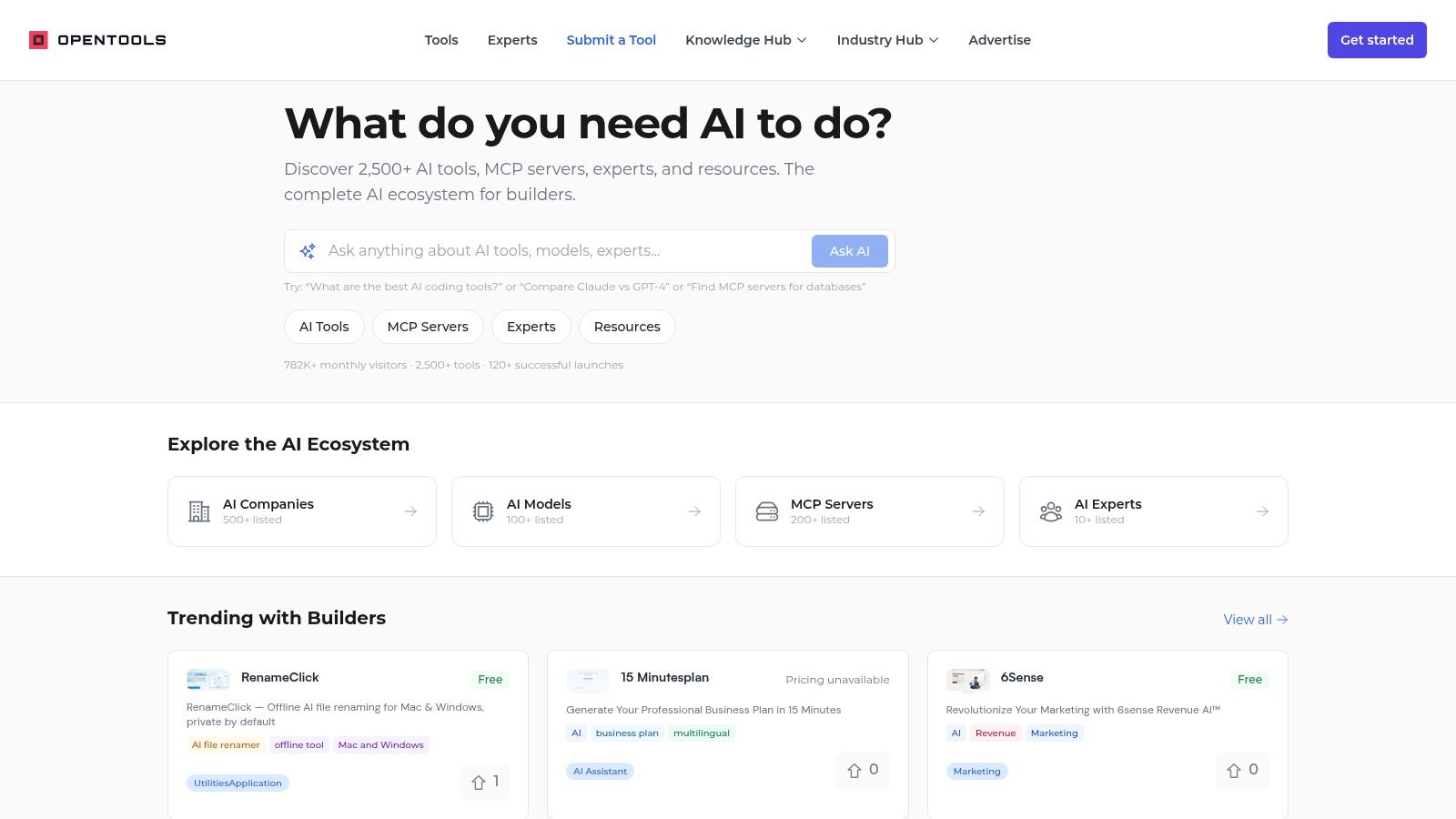
Website: OpenTools
OpenTools is what I’d recommend to the PM who sits one chair closer to engineering.
It doesn’t just catalogue apps. It also reaches into models, infrastructure, and adjacent components like MCP servers. That broader view matters when the buying decision isn’t only about a polished interface, but about whether the tool can plug into a larger system you’re already building.
Stronger for technical evaluation
Most directories optimize for surface discovery. OpenTools is more useful when you’re evaluating how things connect.
If your team is exploring agentic workflows, custom integrations, or model-layer dependencies, that makes OpenTools more practical than a generic “top AI tools” page. It’s not the broadest directory, but it gives product managers a better read on the ecosystem behind the UI.
This matters at scale. In the verified data, only 7% of AI vendors currently offer governance tools, with expectations that this will rise as regulation tightens. That’s a sharp reminder that product leaders can’t evaluate AI on features alone. Security, controls, and operational fit matter just as much. That governance detail appears in the Ramp analysis cited earlier.
What kind of team should use it
OpenTools is a fit if your team needs:
Infrastructure visibility: Helpful when the tool decision affects architecture.
Builder context: Useful for PMs working closely with engineering leads.
Catalog breadth beyond end-user apps: Models and experts can matter as much as front-end products.
It’s a weaker fit if your only goal is fast, non-technical browsing.
A friend at a growth-stage SaaS company described this problem well. Their PM team bought several AI tools quickly, then realized none of them fit the company’s actual integration standards. The software worked. The workflow didn’t.
That’s the pattern OpenTools helps expose earlier.
7. Product Hunt Artificial Intelligence topic
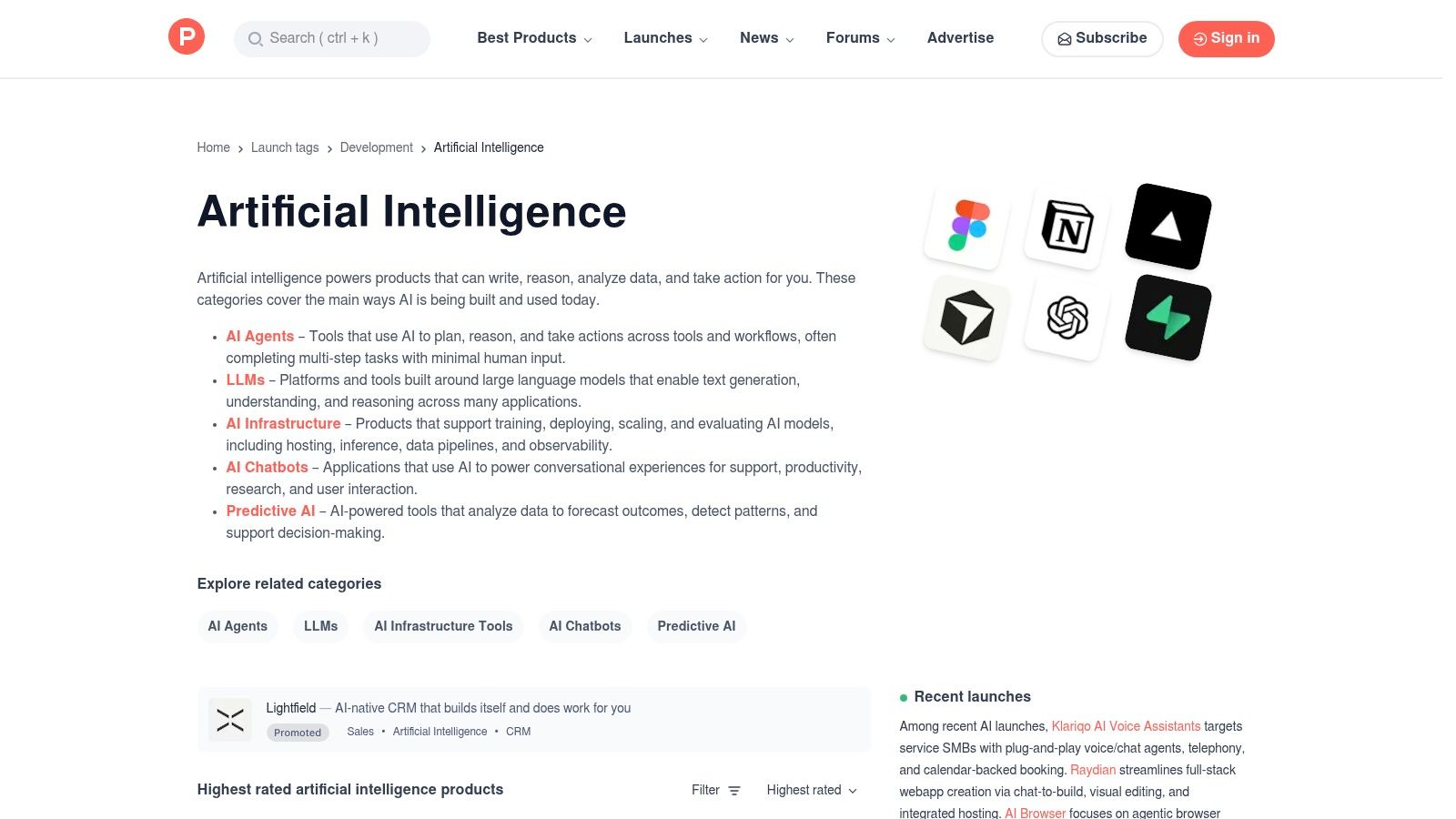
Website: Product Hunt Artificial Intelligence
Product Hunt is not a review platform. That’s exactly why it’s still useful.
It gives you something directories often smooth over: live market temperature. You can see what’s launching, what language founders are using, how early users react, and which products attract curiosity before formal analyst coverage catches up.
Best for trend sensing, not truth
If you treat Product Hunt as a scoreboard, you’ll get burned.
If you treat it as an early-warning system, it’s excellent.
For product teams, the comments are often the best part. They surface practical friction quickly. Missing integrations. Confusing onboarding. Thin differentiation. Sometimes you learn more from one skeptical early adopter than from a polished homepage.
That matters because the AI market is getting crowded fast. The verified data notes the AI software market was valued at $122B in 2024 and is projected to reach $467B by 2030 at a 25% CAGR, while generative AI is projected to grow at a 34.5% CAGR. That scale helps explain why launch velocity feels relentless and why trend-scanning matters more than it used to. Those projections are from the Ramp AI Index already referenced earlier.
The right way to use Product Hunt
Use Product Hunt to:
Spot new entrants early
Watch language and positioning
Read user reactions before formal review cycles
Monitor adjacent categories and competitors
Don’t use it to:
Judge enterprise readiness
Validate security claims
Assume popularity equals durability
For ai tools for business buyers, Product Hunt is the pulse, not the diagnosis. It tells you where attention is moving. Your own workflow testing still has to decide whether that attention is deserved.
From Tool to Workflow Your Next Step
The zoom-out moment matters here.
Your most expensive resource isn’t software. It’s focused engineering and design time. Every missed edge case, vague requirement, or unclear handoff burns that resource. Teams don’t just lose hours. They lose momentum, confidence, and the ability to work on the next important thing.
That’s the economics behind this ai tools list.
The market has expanded quickly, and adoption is no longer fringe. In the verified data, 88% of organizations use AI in at least one function, yet 62% remain in piloting, which tells you something important. Buying tools is easy. Turning them into repeatable workflows is harder. The source for that point is Master of Code’s generative AI statistics roundup.
So what works?
Don’t start with the broadest platform or the loudest launch. Start with one recurring decision that creates drag every week. Maybe your team struggles to define requirements clearly. Maybe design review turns up edge cases too late. Maybe your PMs and designers still debate flows in Slack because no one has a shared artifact with enough context.
Map that one workflow. Name the points where people stall, reinterpret, or redo work. Then choose one tool that can clarify one of those steps.
That’s the evaluation frame for ai tools 2026.
Directories like Futurepedia, FutureTools, Toolify, TopAI.tools, OpenTools, and Product Hunt help you discover. They widen the top of the funnel. But discovery alone doesn’t reduce rework. Workflow fit does. That’s why specialized products matter. Generic AI can summarize. Product-aware AI can help teams decide, design, and ship with fewer blind spots.
In short, the best tool is the one that sharpens your thinking, not just automates your clicks.
For the complete framework on this topic, see our guide to AI in product management.
If that painful decision involves turning ideas into rigorous, buildable UX, Figr is designed to bring that clarity from your very first click.
If your team is tired of bouncing between vague prompts, disconnected specs, and handoff rework, Figr is worth a close look. It learns your product context, generates the artifacts teams use, and helps product, design, and QA work from the same canvas instead of three separate interpretations.