
A document isn't a destination. It's a waypoint. It’s a snapshot of a conversation, a decision, a trade-off. But what happens when you have hundreds of them? The map becomes the territory, and you spend more time navigating your own documentation than you do building your product. This guide is about changing that.
The End of Active Searching
Information isn't the problem. Access is. The tools we use have raised the stakes. It’s no longer enough to just find information; we need it embedded directly in our workflow, right at the moment we have to make a call.
This is what I mean: It’s not about memorizing another set of keyboard shortcuts. It’s about having an assistant that understands your product on a fundamental level.
I call this concept Product Memory: the right design pattern or that one critical edge case showing up exactly when you need it. This guide is your map to making that happen inside Figr. To ship great products faster, teams have to stop actively hunting for information and start having it delivered in context.
This shift away from active searching is a big deal, and it’s not just happening in product design. You can see similar thinking driving up AI-powered productivity for developers across the industry. The core idea is the same: bring the knowledge to the work. This whole approach is powered by what we call the AI PM's secret weapon.
Capturing Reality as Your Starting Point
Real work starts with what exists, not a blank page. The Figr Chrome extension is your bridge from the live product back to the design file. Think of it less like a screenshot and more like sampling a product's DNA. It captures the DOM, the styles, the entire structure.
Last week, I watched a product manager spec out a redesign for their onboarding flow. He spent two full days manually documenting every single state. With Figr, that same job takes about three minutes.
The agent captures the flow, sees the components, and gives you an intelligent baseline instantly. This isn't about saving a few hours (though it does that, too). It's about changing your starting point from a blank canvas to a context-aware artifact. It connects the "what is" of your live product to the "what could be" of your next idea, like we did when we redesigned the Shopify checkout setup.
This quick reference guide is all about mastering that first, critical step. It’s a skill that sits right next to conducting effective primary customer research.
Mastering Core Product Development Workflows
A tool's real value isn't in its feature list. It's in the work it helps you ship. Think of Figr less as a tool and more as a system for connecting the dots between an idea and a production-ready feature.
This is your playbook for the most important loops in product development. We’re going to walk through how to generate a data-backed PRD for a new feature, map out a complex user flow, and then have Figr generate the test cases your QA team needs to validate it all.
The whole thing should feel less like a series of handoffs and more like a single, fluid motion.
It’s the difference between a line cook doing one task and a master chef overseeing the entire kitchen. A friend at a SaaS company told me they shaved a full week off their pre-development cycle just by connecting these three steps. For example, you can capture a flow, maybe for an improvement like we detailed for Spotify's AI Curation. From there, you can ask Figr to generate the PRD, and then derive all the necessary test cases for that flow. It’s this connection that turns a set of isolated jobs into a coherent process, a concept we dig into in our post on turning a PRD into a prototype.
Mapping Edge Cases to De-Risk Your Roadmap
The happy path is a lie. Or, at least, it’s only 10% of the story. The real work, the code that triggers delays and budget overruns, lives in the edge cases. It’s the network drop during an upload or the expired card during checkout.
Figr is your sparring partner for finding these hidden states. Think of it as a seasoned QA engineer who has seen it all, constantly asking "what if?" based on patterns from thousands of real-world applications. This isn't just brainstorming. It’s about systematically de-risking your feature before a single line of code gets written.
This process, from PRD to test cases, creates a tight loop between what you define, what gets designed, and what gets validated. By mapping out every scenario, you give your engineering team a clear contract that respects their time and anticipates the true complexity of the work.
We did this when mapping out all of Dropbox's upload failure states and found dozens. Uncovering these states early is non-negotiable, as we explain in our piece on the 10 edge cases every PM misses and their true cost.
Integrating with Your Team's Stack
A screenshot is just a picture. A flow diagram is just a map. By themselves, they’re artifacts stuck on an island. Figr only comes alive when it’s wired into the tools your team already lives in.
After all, a design decision without data is just an opinion. Figr is built to connect your design work to the hard numbers, turning subjective debates into objective conversations.
Turning Insight into Action
By pulling funnel data directly from analytics platforms like Amplitude or Mixpanel, Figr lets you see exactly where users get stuck. It helps you benchmark your flows against reality, not just ideals. The conversation shifts from 'I think this button is confusing' to 'The data shows we lose 30% of users on this screen.'
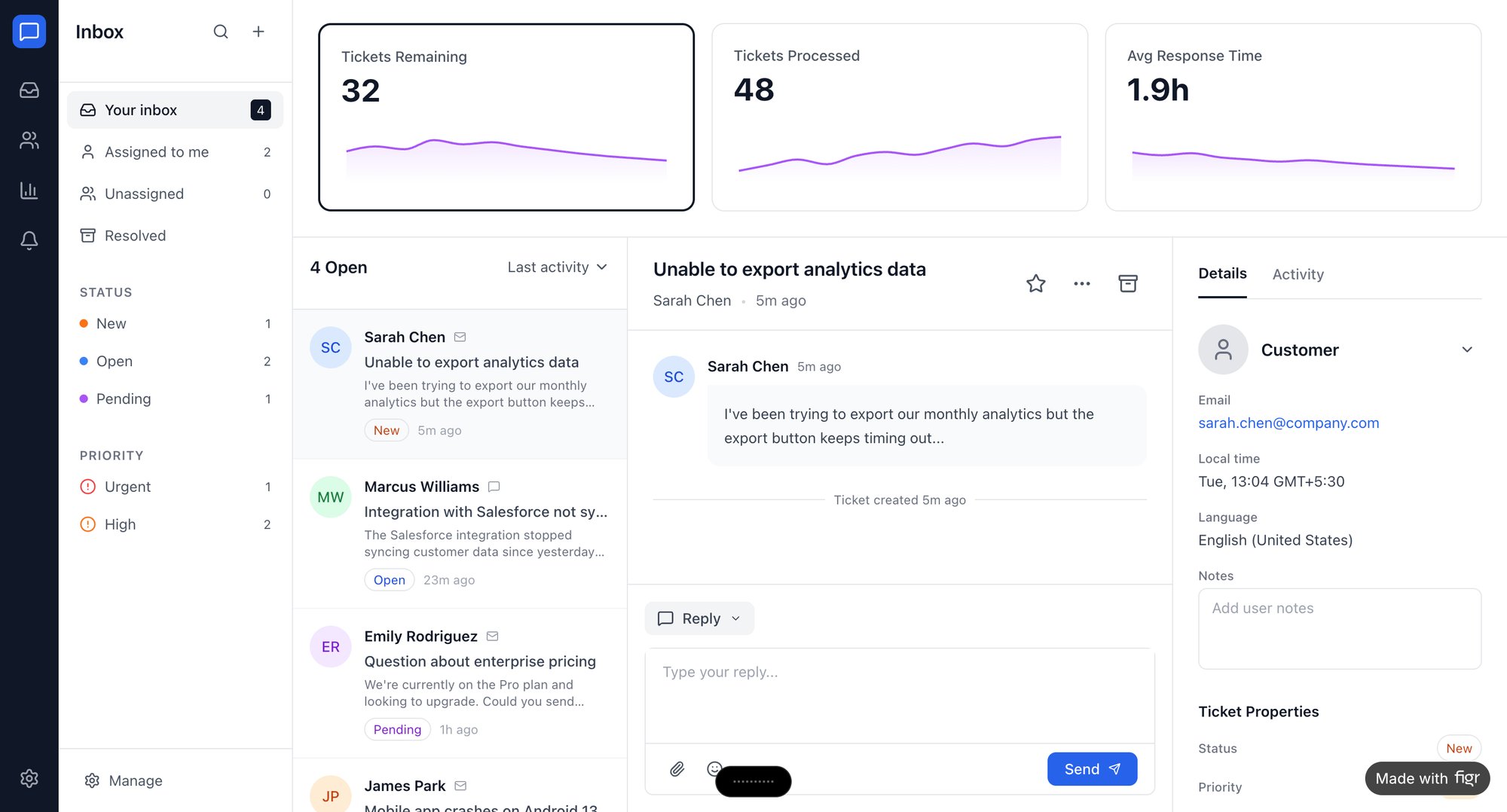
This integration works both ways. When the analysis is done, you get one-click export to Figma, with all your layers and components perfectly preserved. Your design team can immediately start iterating, not rebuilding. A redesigned dashboard for Intercom isn’t just about making things look prettier: it’s about surfacing the right analytics to drive faster support resolutions.
Enterprise-Grade Security and Collaboration
Trust isn't a feature. For leaders in big companies, the question isn’t just "Does this work?" but "Can I trust you with our data?" This section is your quick reference for security and compliance.
We’ll cover the essentials: SOC 2 compliance, single sign-on (SSO) integration, and our zero data retention policy. Your product context, captured flows, and design files are only used to help you in the moment. We don’t store them. We definitely don’t use them to train our models. This is non-negotiable.
This kind of secure tooling is becoming more critical than ever as product design is expected to be a core engine for growth. Why does this matter at scale? The economics are simple: every hour a designer spends recreating existing components or a PM spends documenting known states is an hour not spent on high-value work. As the Nielsen Norman Group notes in a report on the state of UX, the next evolution of the field demands tools that let leaders enforce design systems and generate PRDs instantly, all while respecting user privacy.
A Few Common Questions About Figr
We get a lot of questions about how Figr fits into a real product team's day-to-day. Here are the answers to the ones that come up most often, designed to get you up and running quickly.
How Does Figr Actually Capture My Product?
It starts with a one-click Chrome extension. But it’s not grabbing a screenshot. Think of it more like taking a "DNA sample" of your live product.
Figr captures the DOM, all the styling, and the underlying structure. This creates a fully interactive artifact right on the Figr canvas. It’s a living, editable foundation you can work with immediately, not a flat picture.
Can It Really Generate Production-Ready Assets?
Yes, but it's not magic. Figr's goal is to dramatically shorten the distance from idea to asset. By connecting to your Figma design system, it makes sure every prototype and component it generates already matches your brand guidelines.
In short, the result is a high-fidelity starting point. It’s not just a look-alike; it preserves the layers and components. This makes the handoff to your engineers much smoother.
The basic gist is this: a design decision without data is just an opinion. Figr moves the conversation from 'I think this looks better' to 'Data shows we lose 30% of users at this step, and patterns from high-performing apps suggest this change could fix it'.
For other common questions about using Figr AI and its features, we've put together detailed answers in our comprehensive FAQs.
Ready to stop recreating what you've already built? Your next step is to capture a single, critical user flow from your own product. See what Figr sees. Visit https://figr.design to get started.