

It’s 3:15 PM on a Thursday. A product review is running long, and a VP asks a question that should be easy: how does our new onboarding compare with what Competitor X launched this week? One person has screenshots. Another remembers a pricing change. Nobody can walk through the actual flow, the edge cases, or the strategy behind the update.
That gap shows up in a lot of teams. The problem is rarely effort. The problem is using stale artifacts to answer live strategic questions.
Competitive analysis software matters because product, marketing, and sales need different kinds of answers on different timelines. Product teams need to know whether a rival changed behavior, positioning, or both. Marketing needs current messaging and channel signals. Sales needs competitive proof points that hold up in a call, not a month-old note buried in Notion. Meanwhile, some teams are also leveraging Google Ads integrations, which makes market visibility even more fragmented if no one owns the full picture.
I’ve seen the same failure mode more than once. A team spends hours updating a competitor tracker, everyone nods along, and then a real decision lands on the table. Should we respond to that new onboarding pattern? Is the pricing shift material? Did the competitor change the funnel, or just the surface layer? The document has artifacts, but not judgment.
That is the main shift. Teams do not need more collected evidence. They need usable intelligence that matches the job at hand.
That’s why a flat list of tools is not very helpful. These products fall into three distinct buckets, and each one supports a different decision. Competitive enablement platforms help sales and product marketing keep up with rival moves and turn them into battle-ready messaging. Digital market intelligence suites track traffic, channels, audiences, and share-of-market signals. Product and UX benchmarkers go deeper into flows, interface patterns, and product execution. If you buy the wrong category, you still end up with the same silence in the meeting, just with a better interface.
If you want a grounded sense of what good competitive work looks like before choosing software, these Competitive Analysis Examples are a useful reference point.
Competitive enablement platforms
1. Crayon

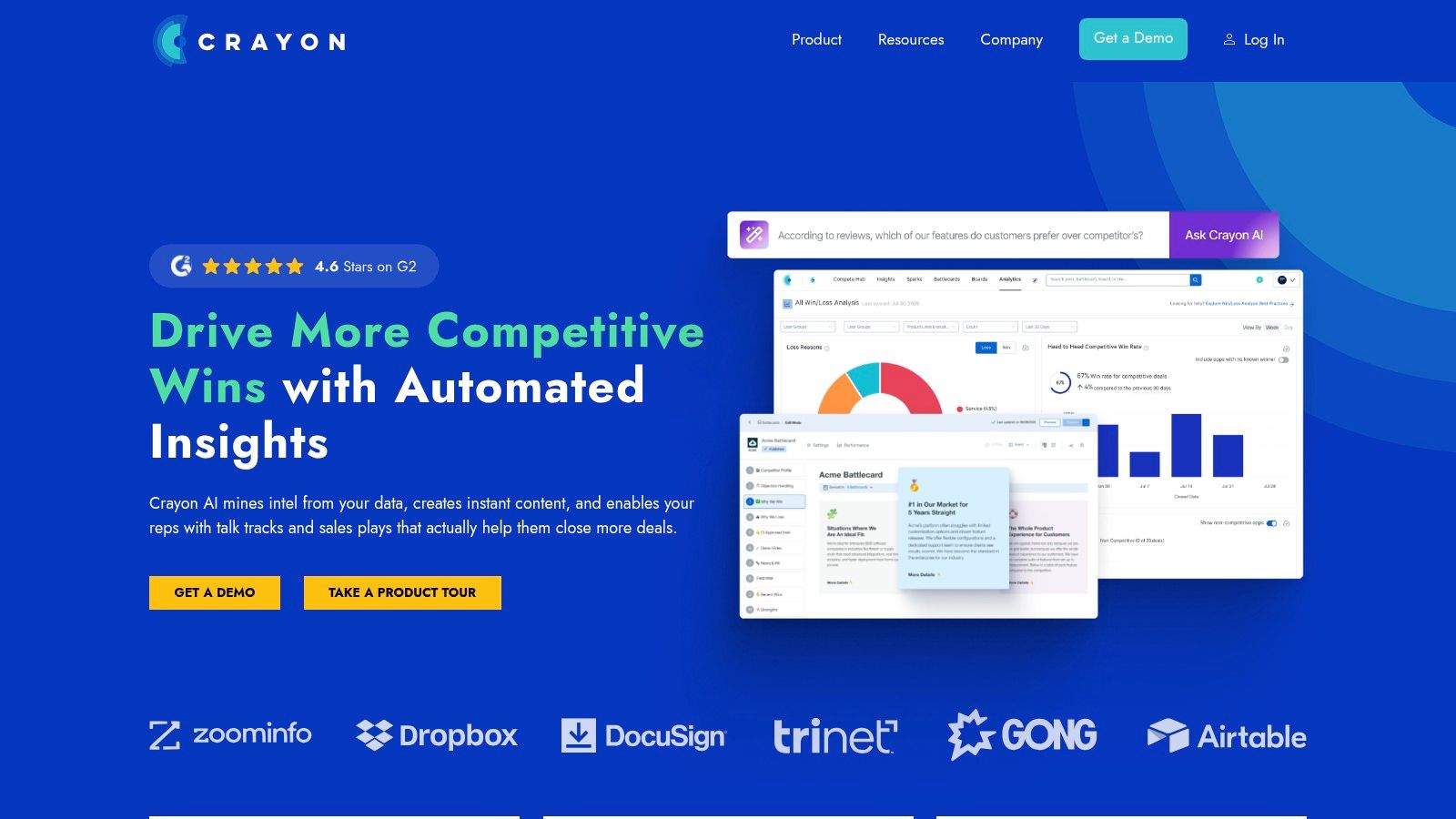
Crayon is what I reach for when the problem isn’t “what changed?” but “how do we operationalize this across the company?” It’s built for teams that need competitor moves turned into battlecards, talk tracks, and guided responses inside the systems sellers already use.
That distinction matters.
A lot of teams think they need more monitoring. What they need is distribution. Crayon’s strength is less about collecting every signal on the internet and more about turning raw intel into something revenue teams can act on. The company’s positioning around AI-powered tracking and battlecard workflows fits with the broader shift in the category. According to Market Veep, Crayon is one of the tools illustrating how AI-driven CI is being used for real-time tracking of competitor websites, pricing, and updates while supporting sales enablement via automated battlecards, within a wider market where 41% of organizations surveyed are using AI in win-loss workflows and another 41% planned adoption in 2025.
Where Crayon works best
Crayon is a strong fit when you need:
- Battlecards in workflow: Intel shows up where sellers and PMMs already spend time, not in a forgotten repository.
- Signal triage: Automated capture helps reduce the “too much noise, no decision” problem.
- Program visibility: Teams can see whether the assets they create are being used.
One practical benefit is that it creates a bridge between observation and prioritization. Once a rival launches something important, you still need to decide whether to respond in roadmap, packaging, messaging, or not at all. That’s where frameworks like an action priority matrix help, and it’s also why concrete Competitive Analysis Examples are often more useful than abstract templates.
Practical rule: If your sales team keeps asking for fresh competitor answers in Slack, you don’t have a research problem. You have a distribution problem.
The trade-off is straightforward. Crayon tends to make the most sense when someone owns competitive intelligence as an actual function. If nobody curates the signals, edits the narratives, and decides what deserves escalation, the platform can become an expensive stream of alerts.
You can learn more at Crayon.
2. Klue
Klue has always made sense to me as a “make the answer easy to retrieve” product. If Crayon often feels like a CI program hub, Klue feels like a competitive enablement platform built around usability. That difference sounds subtle until you’re inside a product launch or a tense renewal cycle.
Then it’s everything.
Klue is one of the best competitive analysis tools for companies that need insight packaged by audience. Sales wants objections. Executives want category shifts. Product wants pattern recognition. Klue’s role-specific distribution model is well aligned with that reality, and features like conversational retrieval lower the friction for teams that won’t log into yet another dashboard unless they have to.
Why product teams still care
A lot of product leaders dismiss enablement tools as “for sales.” That’s a mistake. Competitive narratives shape what gets prioritized internally. If field teams repeatedly report the same competitor message landing with buyers, product should hear that early.
Use cases where Klue earns its keep:
- Role-based intel: Product, sales, and leadership don’t need the same framing.
- Noise reduction: Teams get the signal without digging through every market update.
- Native workflow delivery: Insights are more likely to be used when they meet people where they work.
This is also where a Comparative Analysis Guide becomes useful. The issue isn’t just collecting rival data. It’s translating it into the kind of comparison each function can act on.
Most teams don’t lose competitive context because the data was unavailable. They lose it because the answer was hard to retrieve at the moment it mattered.
The trade-off with Klue is familiar to anyone who has rolled out enterprise software. Setup discipline matters. Governance matters. Taxonomy matters. If your naming conventions, competitor lists, and audience definitions are messy, the output will be messy too.
Still, for organizations trying to make competitor analysis software part of daily operating rhythm, not just a quarterly exercise, Klue is one of the cleaner fits.
Explore it at Klue.
3. Kompyte by Semrush

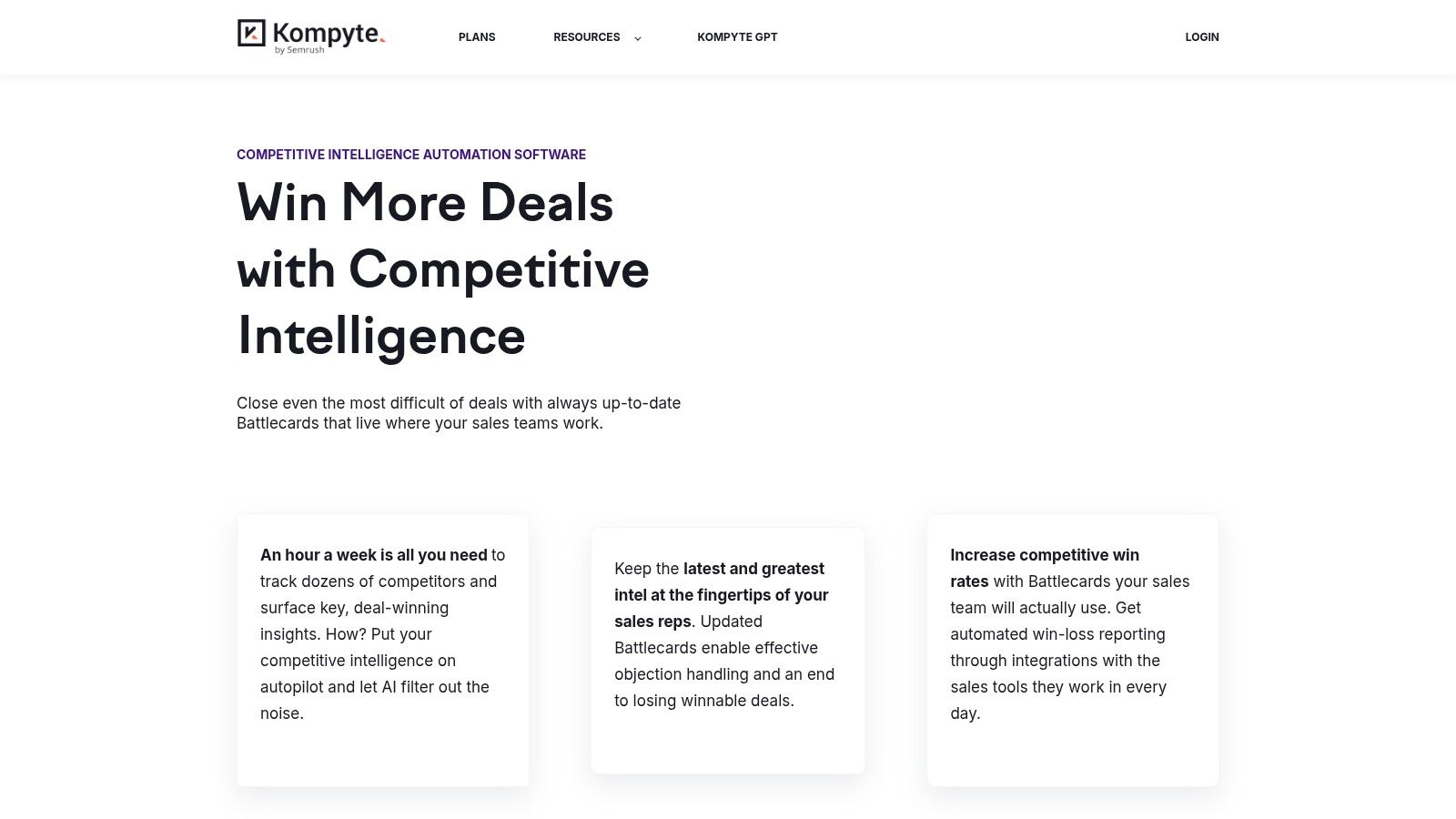
Kompyte sits in an interesting middle ground. It’s dedicated competitor analysis software, but it benefits from being connected to the broader Semrush ecosystem. If your company already lives in Semrush for search, traffic, and market research, Kompyte can feel less like a new purchase and more like a missing layer.
That matters when adoption is fragile.
Kompyte is strongest when you want automated competitor profiles, alerts, and battlecards without building a full intelligence machine from scratch. It helps product marketing and revenue teams keep an always-on view of rival websites, campaigns, and updates, then turn those into curated assets.
The real trade-off
The good part is operational clarity. Teams know what competitors they’re tracking, what changes triggered alerts, and where battlecards live.
The harder part is maturity. Kompyte works best when your organization is ready to turn observation into process.
A few practical fit signals:
- You already use Semrush: The ecosystem alignment reduces friction.
- You need persistent monitoring: Better than ad hoc screenshot sweeps.
- You have PMM or CI ownership: Someone still needs to shape the narrative.
Where I’ve seen teams struggle is when they expect automation to replace judgment. It won’t. It can surface website changes and messaging shifts quickly, but someone still has to decide whether a new launch page reflects a meaningful strategy change or just a campaign experiment.
That’s why I’d place Kompyte above lighter monitoring tools but below deeper workflow products if your goal is broad organizational adoption. It’s a good fit for companies that want a real CI operating layer, not just another feed of updates.
You can check it out at Kompyte.
Digital market intelligence suites
4. Similarweb Web Intelligence
If the first category answers “what are competitors saying and selling,” Similarweb answers a different question: “how are they growing, and where is the traffic coming from?”
This is the platform I’d use when product teams need market context, not just feature context. Similarweb gives a high-level view of digital behavior across websites and apps, which makes it useful for sizing categories, checking channel mix, and spotting shifts in acquisition patterns.
When Similarweb is the right lens
Similarweb is valuable when you need to understand:
- Traffic composition: Which channels seem to matter most for a rival.
- Category dynamics: Who is gaining visibility across a market.
- Audience pathways: Where visitors come from and where they go next.
For product leaders, that can shape much more than marketing assumptions. It changes how you think about funnel design, activation, and even packaging. If a competitor appears to rely heavily on a particular acquisition route, that may explain why their onboarding flow or landing-to-app transitions look the way they do.
That’s where UX competitive analysis becomes a useful second step. Similarweb tells you where attention is moving. It doesn’t tell you whether the product experience is converting that attention well.
The limitation is worth saying clearly. Similarweb is a digital market intelligence suite, not a product behavior microscope. It’s excellent for directional benchmarking, but smaller sites and low-traffic properties can be harder to read with confidence. You still need a second layer of analysis before changing roadmap or UX based on traffic patterns alone.
A wider zoom-out helps here. Product teams increasingly need both market sensing and execution sensing. The economics are simple: when assumptions about traffic, demand, or channel strength are wrong, teams build the wrong acquisition hooks and onboarding flows. That waste compounds across design, engineering, and go-to-market.
You can explore the platform at Similarweb.
5. Semrush Traffic and Market Toolkit
Semrush’s Traffic and Market Toolkit is one of the most pragmatic forms of competitive intelligence software for teams that don’t need a full battlecard apparatus. It gives product managers and growth-oriented PMMs a workable way to inspect traffic, search, ads, and market movement from one ecosystem.
That “workable” part is important.
A lot of competitor analysis software looks impressive in demos and then turns into overhead. Semrush often avoids that because teams already use it for search or content work, so the incremental learning curve is lower.
What Semrush is unusually good at
Semrush shines when the question is tied to acquisition and digital discovery. In one real-world deployment cited by iBeam Consulting, an eCommerce retailer used Semrush’s keyword research, competitor analysis, and site audit tools in an SEO campaign that led to a 300% increase in organic revenue. That same source also notes technical breadth including analysis across 25 billion keywords and 43 trillion backlinks, plus Position Tracking for more than 1,000 keywords daily.
For product teams, the practical implication isn’t “become an SEO team.” It’s this: if you don’t understand the search and discovery terrain around your product, you may misread which competitor moves matter.
Useful workflows include:
- Traffic benchmarking: Compare broad movement across peer domains.
- Market mapping: See who else is competing for the same attention.
- Change monitoring: Track campaign and content shifts over time.
It’s also a useful partner to AI-powered market trend analysis when product planning needs a stronger external signal.
The trade-off is that Semrush isn’t trying to be your full competitive operating system. It won’t replace enablement platforms if your sales org needs battlecards everywhere. It also won’t compare user flows or interaction patterns inside the app in detail. But for teams that need a practical competitive analysis platform focused on market motion, it often hits the sweet spot.
Learn more at Semrush.
6. Rival IQ
Rival IQ is narrower than Similarweb or Semrush, and that’s exactly why some teams should choose it.
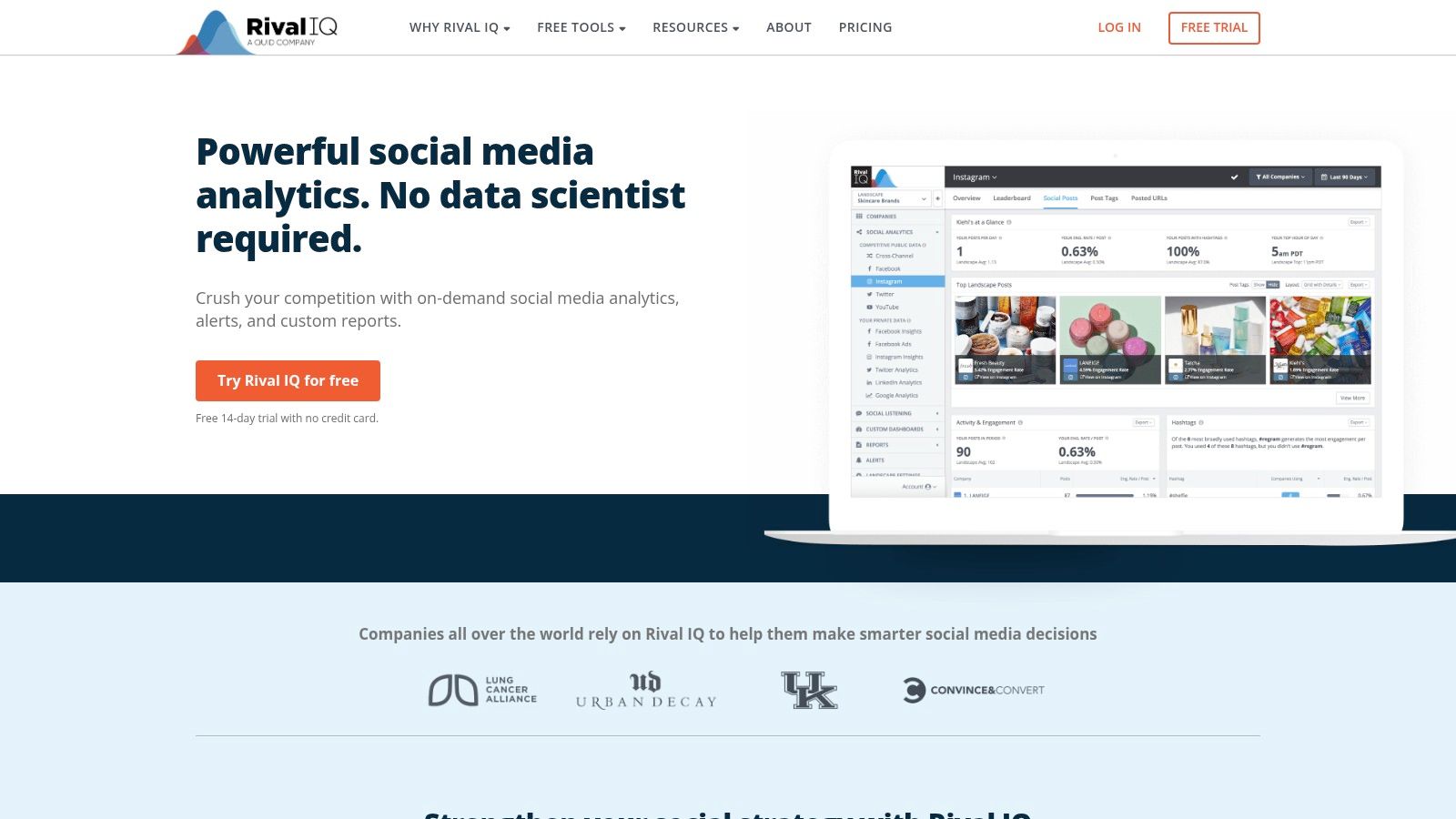
It focuses on competitive social analytics. That means messaging, posting cadence, engagement patterns, and paid social clues rather than broad market share or sales enablement. If your competitors shape perception in public before they shape it in product, this is a useful lens.
Why social signals matter for product
Product teams often treat social activity as a marketing artifact. That’s too narrow. Social channels reveal what competitors want the market to believe about their product, what features they repeat, what narratives they retire, and which launches they keep boosting.
That can help with:
- Positioning validation: What claims do rivals repeat most often?
- Launch analysis: Which product themes get sustained amplification?
- Qualitative context: How do users react in public to feature messaging?
I especially like Rival IQ when paired with deeper product work. Start with public narrative, then compare it against the actual in-product experience. That sequence can expose a lot of strategic gaps. A company may loudly market “faster onboarding” or “AI-first workflow,” but the product reality may lag behind the message.
That’s also why AI tools to benchmark product performance vs competitors belong in the same workflow. Social analysis tells you what competitors are trying to own in the conversation. Benchmarking tells you whether they’ve earned it.
The obvious trade-off is scope. Rival IQ isn’t trying to be a full competitor analysis platform for product, sales, and strategy. It’s a social intelligence specialist. If your key question is public positioning and channel behavior, that focus is an advantage. If you need battlecards or deep UX comparison, it isn’t enough on its own.
You can see it at Rival IQ.
Product UX benchmarkers
7. Figr
This is the category most articles miss.
Most competitive analysis software was built around messaging, SEO, ads, and sales enablement. Useful, yes. But if you’re a PM, designer, or UX lead, the question often isn’t “what keyword are they buying?” It’s “why does their onboarding feel clearer than ours?” or “where exactly does their upgrade flow reduce friction?”
Figr is built for that layer.
Figr takes competitive analysis beyond spreadsheets. Feed it competitor screenshots or HTML, and it generates side-by-side UX reviews comparing navigation, layout, interaction patterns, and accessibility against 200k+ real UX benchmarks. That makes it one of the few tools in this space that treats the product itself as the primary object of analysis rather than just its marketing surface.
Where Figr changes the workflow
What I like about Figr is that it closes the gap between insight and artifact. You’re not just producing observations. You’re moving toward flows, PRDs, test cases, and prototypes grounded in actual product context.
That matters because product teams rarely fail at noticing competitors. They fail at translating what they noticed into a form engineering, design, and QA can use.
Useful examples are already public. You can review the Cal vs Calendly comparison, dig into the Linear vs Jira experience, or compare conversational product behavior in this Gemini vs Claude vs ChatGPT analysis.
Those aren’t just galleries. They show the shape of the job.
What works, and what doesn’t
Figr is especially strong when you need:
- Actual UX comparison: Navigation, layout, flows, and accessibility, not just feature lists.
- Artifact generation: PRDs, user flows, edge cases, test cases, and prototypes in one workspace.
- Context-aware output: Inputs can reflect your live app and design system rather than generic templates.
This is also why Figr fits naturally with AI tools for competitor feature comparison, practical user flow examples, and broader thinking about user experience flows.
A screenshot archive tells you what exists. A UX benchmarker helps you understand what the experience is doing to the user.
There’s a deeper market reason this matters. Existing guidance still leans heavily toward SEO-centric tools, while product and UX benchmarking remain underserved. That gap is visible in commentary from monday.com’s overview of competitive analysis, which notes broad approaches like SWOT and market comparison but doesn’t address how product teams can directly translate competitor experience patterns into design output or prototype-ready artifacts, leaving a clear opening for product-context tools like monday.com’s competitive analysis overview.
If you want a tactical way to use Figr, start by mapping one rival journey side by side with your own. Compare the signup path, the handoff screens, and the error states. Then connect those findings to your digital customer journeys. That’s where competitive analysis becomes product strategy, not just research.
See the platform at Figr.
From analysis to action
Monday morning usually exposes the gap.
Sales has a fresh objection from the field. Product has a roadmap review in an hour. Design has three screenshots from a competitor’s new onboarding flow, but nobody knows whether that change is cosmetic or part of a broader shift. Leadership wants an answer that ties product moves to market risk. What the team has instead is scattered evidence and competing interpretations.
Competitive analysis software matters because it gives product teams a repeatable way to answer different kinds of questions. Not every question belongs in the same tool. Enablement platforms help sales and PMM keep competitor narratives current. Digital market intelligence suites show where traffic, channels, and share of attention are moving. Product and UX benchmarkers show what the experience feels like in the hands of a user.
That distinction is easy to miss, and teams pay for it. They buy a monitoring platform and expect UX insight. They buy a traffic tool and expect battlecards. They end up with more data, but not better decisions.
A feature matrix still has value. It just has a short half-life.
What changes outcomes is continuity. Signals need to be captured regularly, interpreted by the right team, and pushed into execution. Otherwise marketing builds one view of the market, sales builds another, and product plans against a third. Misalignment starts small, then shows up in launch positioning, roadmap priority, and win-loss performance.
Start narrower than you think. Pick one direct competitor and one live product question. Compare their upgrade path, onboarding friction, pricing presentation, or messaging promise against your own. Then choose the tool category that matches the job. Crayon, Klue, and Kompyte support competitive enablement. Similarweb, Semrush, and Rival IQ help with digital market intelligence. Figr fits the deeper product and UX benchmarking work, where the question is how the journey works, not just how the company talks about it.
If your team needs a simple method before choosing software, this guide on how to conduct competitor analysis is a useful starting point.
The primary trade-off is focus versus coverage. One tool used consistently around a specific workflow beats five tools that nobody fully trusts. Good competitive work is less about collecting everything and more about building a system the team will use.
For the complete framework on this topic, see our guide to product management best practices.
If your team is tired of comparing products with screenshots, stale docs, and opinionated guesswork, try Figr. It helps PMs, designers, and QA teams turn competitor screenshots or HTML into side-by-side UX reviews, grounded flows, and production-ready artifacts you can use in planning and handoff.