

It’s 4 PM on a Thursday. Your lead engineer pings Slack with a blocker: the mockup shows a success toast, the ticket says nothing about copy or timing, and the release is still scheduled for tomorrow. The designer is offline in another time zone. The PRD has three conflicting edits and no clear owner. An hour disappears into a question the team already answered once.
That gap is what broken collaboration looks like in practice.
The cost rarely shows up as one dramatic failure. It shows up in rework, slow approvals, fuzzy ownership, and bugs that started long before anyone opened a pull request. Product wrote the rationale in one place. Design handled edge cases somewhere else. Engineering got a stripped-down version in the ticket. By the time the team notices the mismatch, everyone is solving the same problem from a different artifact.
The collaboration software market keeps growing because teams are trying to reduce that waste. Analysts at GM Insights project steady category growth through the next decade, which tracks with what product and engineering teams already know from experience: once misunderstandings make it into production, fixing them gets much more expensive.
I’ve seen this pattern on teams that were not short on tools. They had docs, tickets, designs, repos, chat, and standups. What they lacked was a shared source of truth that carried intent across the handoff points between Product, Design, and Engineering. That is the lens for this roundup.
The tools below are not ranked on feature breadth alone. They are judged on a harder standard: how well they preserve context as work moves from idea to spec to design to implementation. Some tools are strong because they keep planning and execution tightly linked. Others are strong because they reduce ambiguity at developer handoff. A few do both.
If handoff quality is the problem, a solid developer handoff playbook is a good place to start. If you are also evaluating adjacent workflow software, this roundup of 10 essential web dev tools adds useful context. Teams exploring AI-assisted design workflows should also review these best AI prototyping tools.
1. Figr: The Context-Aware AI Design Partner

A PM signs off on the PRD. Design updates the flow two days later. Engineering starts implementation from an older prototype, QA finds an edge case nobody documented, and the team spends the sprint reconstructing a decision that was already made once.
That is the handoff problem this roundup focuses on.
Figr is built for the gap between product intent and shipped behavior. Instead of treating specs, flows, prototypes, and design decisions as separate artifacts that teams have to manually reconcile, it keeps them connected in a shared workspace. That matters for cross-functional teams because the highest-cost failures usually happen at the boundaries between Product, Design, and Engineering, not inside any one function.
Where Figr changes the handoff
Figr starts from product context rather than a blank file. It can learn from a live app, pull in Figma design systems and tokens, and carry those decisions forward into flows and prototypes. The practical benefit is simple. Teams spend less time translating intent across tools and fewer cycles rediscovering why something was designed a certain way.
That makes it particularly useful in a few handoff-heavy moments:
PRDs stay tied to execution: Product rationale is easier to trace when flows and prototypes live close to the original requirement.
Edge cases surface earlier: Teams can review failure states and exceptions before they become QA surprises.
Design consistency holds up better in build: Imported systems and tokens reduce the near-match implementations that create rework for engineering.
QA can start before code is finished: Test cases generated from design artifacts help expose ambiguity sooner.
Atlassian’s own discussion of collaboration tooling leaves room for a deeper focus on the designer-developer handoff bottleneck, which is often where context breaks apart. That gap is summarized in this analysis of the developer handoff bottleneck.
Practical rule: If a tool cannot preserve edge cases, decisions, and design intent in one place, the handoff still depends on memory, meetings, and cleanup work.
Figr is also relevant for teams trying to automate designer-to-developer handoff without reducing the process to a ticket export.
Best fit for PM, design, and engineering together
A lot of collaboration tools claim alignment because they support comments, approvals, and multiplayer editing. Those features help, but they do not create a shared source of truth on their own. Handoff quality improves when artifacts stay connected enough that engineering can see the reasoning behind the UI, and product can see how requirements changed in design.
Figr is stronger than many general-purpose tools on that specific point. Teams can map detailed user flow examples, expand them into broader user experience flows, and connect that work to larger digital customer journeys. If you want to inspect how that looks in practice, the Cal.com full canvas is a useful example.
It also fits a newer expectation from product teams. Design decisions should be grounded in product behavior, not only stakeholder opinion or a static mockup. Figr’s approach of connecting design work to live product context addresses that better than tools that treat design as a standalone file handoff.
There are trade-offs. Figr gets better as teams feed it more context, including design systems, product surface area, and analytics inputs. It is not a substitute for design review or engineering judgment. Pricing is also not publicly listed, which can slow evaluation for teams that need to compare vendors quickly.
If your main collaboration failure is repeated re-synchronization between PMs, designers, and engineers, Figr is one of the few tools in this category built around that exact problem.
2. GitHub: The De Facto Home for Code

If there’s a center of gravity in modern engineering, it’s usually GitHub.
That doesn’t mean GitHub solves cross-functional friction on its own. It doesn’t. What it does do, better than almost anyone, is make the code side of collaboration legible. Repositories, pull requests, review history, branch rules, CI hooks, and security checks all live in one familiar environment.
Why GitHub still anchors the stack
For engineering teams, GitHub is often a foundational layer. Product and design tools may change. The source-of-truth for shipped code usually doesn’t.
Its strongest collaboration features are practical, not flashy:
Pull requests with guardrails: Required reviewers, protected branches, and repository rules make review discipline enforceable.
Actions inside the repo: CI/CD workflows stay close to the code they validate.
Codespaces for setup consistency: Cloud dev environments help reduce “works on my machine” onboarding drag.
Security built into workflow: Dependabot, code scanning, and secret protection keep review from being only about style and logic.
The market context helps explain why these integrated workflows matter. Loop Studio notes that in 2025, a significant percentage of developers worldwide use AI-powered tools within collaboration platforms. GitHub has become one of the clearest homes for that shift because AI assistance now sits directly beside code review and repository activity, not off to the side.
Where GitHub helps, and where it doesn’t
GitHub is excellent at engineering collaboration. It is not, by itself, great at preserving product context.
That’s the trade-off.
A PR can tell you what changed. It usually can’t tell you whether the acceptance logic matched the original design edge case, or whether the PM’s intent changed three comments deep in another tool. That’s why teams usually need a stronger bridge upstream. If handoff is where your process breaks, this guide on how to automate designer-to-developer handoff is worth pairing with your GitHub workflow.
GitHub is where implementation gets disciplined. It shouldn’t be where product meaning goes to disappear.
Another caution: cost governance matters. Actions, storage, and Codespaces usage can creep. Notification noise can also get out of hand fast, especially when orgs treat every repository like its own island.
Still, among collaboration tools for software development, GitHub remains the default engineering foundation because almost every other tool has to integrate with it, work around it, or justify replacing it.
Website: GitHub
3. GitLab: The All-in-One DevSecOps Platform

A PM updates acceptance criteria in one tool. Design leaves edge-case notes in another. Engineering merges code in a third, then security opens a finding after the release train has already started moving.
That kind of handoff friction is exactly what pushes teams toward GitLab.
GitLab works best for organizations that want planning, code, CI/CD, security checks, and release signals in one place. The value is not just consolidation for its own sake. A key benefit is shared context. Product can see what is blocked, Design can trace whether implementation matched intent, and Engineering can move without stitching status across five different systems.
Why GitLab works for cross-functional handoffs
The strongest case for GitLab is fewer context breaks between functions.
A ticket can connect directly to a merge request, pipeline run, security scan, and deployment status. That reduces the usual back-and-forth of "which version shipped," "was this reviewed," or "did security sign off." For teams that struggle at the boundary between planning and execution, that linkage matters more than another standalone feature.
Its practical strengths are familiar, but the cross-functional impact is what makes them useful:
Built-in CI/CD: Delivery lives beside the code and issue history, so release readiness is easier to verify.
Security checks in the workflow: SAST, DAST, and dependency scanning happen close to merge and deploy decisions, where trade-offs are made.
Value stream visibility: Teams can spot where work stalls across planning, review, testing, and release.
Flexible deployment models: Cloud, dedicated, and self-managed options help teams that need tighter control over data or compliance.
GitLab also tends to fit organizations that are tired of maintaining fragile integrations between separate planning, repo, and security tools. Fewer connections usually means fewer silent failures in the handoff chain.
The trade-off with an all-in-one stack
GitLab asks teams to accept breadth in exchange for fewer tool boundaries.
That is a reasonable trade if your biggest problem is coordination. It is a weaker trade if every function already loves its specialist tool and resists changing habits. The interface can feel dense for new users, and some of the platform's more advanced capabilities only make financial sense at higher tiers. Teams should go in with clear eyes about both adoption cost and licensing scope.
From a product operations perspective, GitLab gets stronger when issue hygiene is already good. If requirements are vague, no platform will fix that. But if your team is trying to keep idea capture, backlog decisions, implementation, and delivery closer together, workflows like AI tools that auto-generate Jira tickets point to the same broader lesson: handoff quality improves when context is created once and carried forward instead of recreated in each tool.
GitLab is a strong choice when the main goal is reducing translation work between Product, Design, Engineering, and Security. If your process breaks at the seams, its single-application model can remove a surprising amount of operational drag.
Website: GitLab
4. Jira & Confluence: The Enterprise Standard for Planning
Jira and Confluence don’t win because they’re elegant.
They win because they can survive organizational complexity.
If you work inside a larger company, or one that expects auditability, traceability, role-based permissions, and process control, Atlassian’s pairing still shows up everywhere for a reason.
What they do better than lighter tools
Jira is the machine for structured work. Confluence is the place where rationale, specs, decisions, and internal operating memory can live, at least when teams keep it healthy.
That combo is powerful when handled with restraint:
Custom workflows: You can model complicated delivery paths across teams.
Backlogs and roadmaps: Product planning scales better than in many lighter tools.
Automation and permissions: Governance is strong when admins stay disciplined.
Docs linked to delivery: Confluence pages can connect requirements to tickets and implementation.
Atlassian’s larger ecosystem also aligns with broader market demand for integrated communication and collaboration. Loop Studio reports that the worldwide unified communications and collaboration market grew significantly year over year and is projected to reach a higher value by 2029. That doesn’t make Jira the right answer for everyone, but it explains why enterprises keep standardizing around platforms that connect work, documentation, and communication layers.
Where teams go wrong with Jira
Most Jira pain isn’t caused by Jira itself. It’s caused by overconfiguration.
A board with too many issue types, statuses, fields, and automations stops clarifying reality and starts obscuring it. Confluence can fail the same way. Pages multiply. Ownership blurs. Search returns five contradictory specs.
Field note: Keep Jira workflows simpler than your org chart. The moment your ticket system mirrors every reporting line, delivery slows.
The right use case is clear. Jira and Confluence work best when your organization needs process durability more than speed-of-opinion. They are less ideal for teams that want lightweight, high-velocity planning with minimal admin overhead.
If your team is trying to reduce manual translation between ideas and execution, newer AI tools that auto-generate Jira tickets can also help tame the front end of the workflow.
Website: Jira
5. Linear: The Opinionated, High-Velocity Challenger
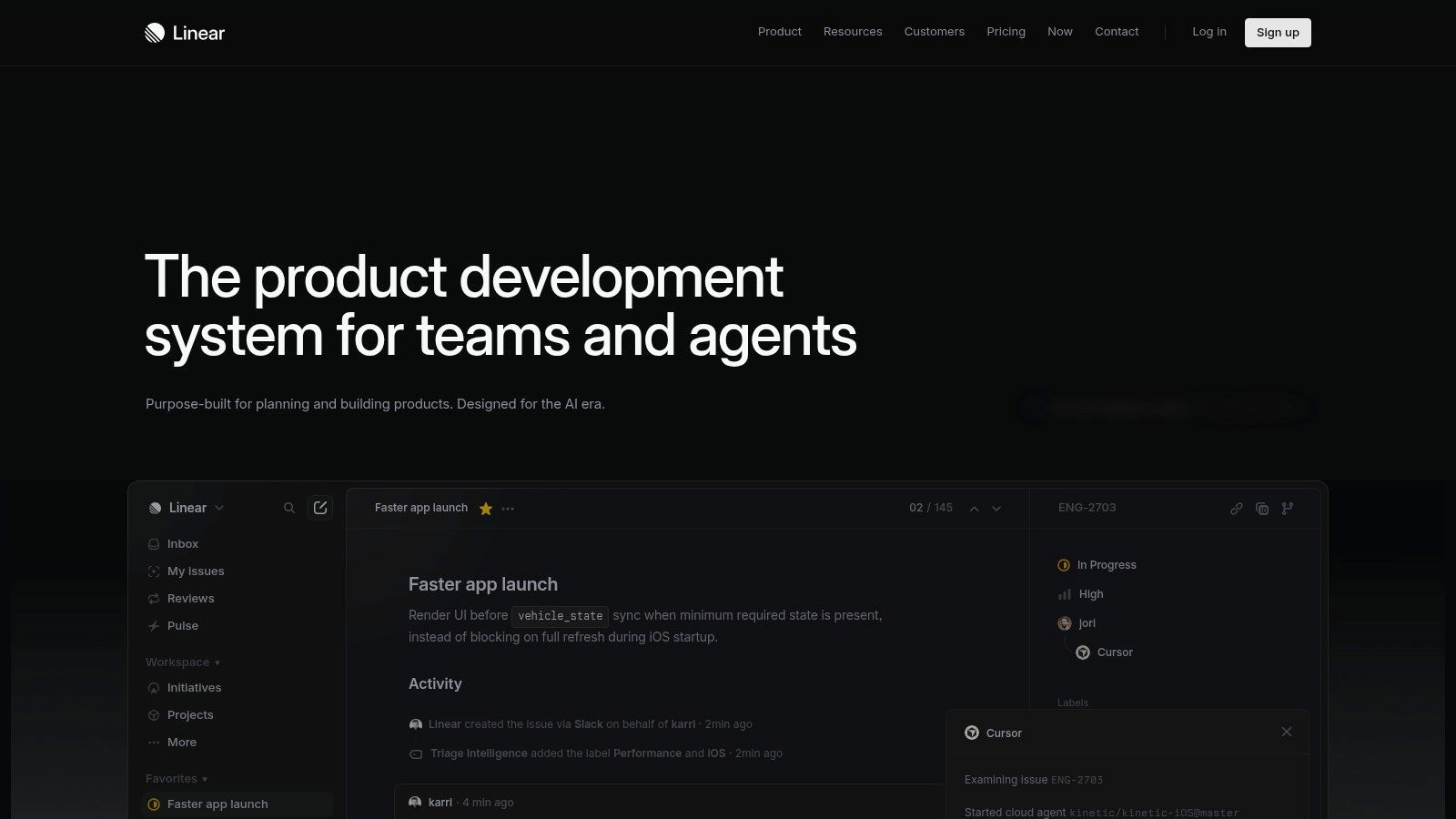
Linear feels like a reaction against bloated process.
Open it for five minutes and that becomes obvious. Fast keyboard navigation, clean issue management, cycles instead of ceremony, and very little invitation to over-design your workflow. Linear is popular because it assumes teams want momentum more than custom configuration.
Why fast teams love it
The best thing about Linear is that it removes excuses for stale work tracking. Updating issues feels less like admin tax. For modern product and engineering teams, that’s not cosmetic. It changes behavior.
Its strongest points are easy to feel:
Opinionated issue tracking: Teams inherit a cleaner process by default.
Cycles and projects: Planning stays structured without becoming heavy.
GitHub and Slack integrations: Development signals stay connected to execution flow.
Emerging AI support: Summaries and triage features reduce repetitive maintenance.
Linear also fits a broader trend around AI adoption and hybrid collaboration. Keyhole Software cites Stack Overflow’s survey showing that a high percentage of developers use or plan to use AI tools in their processes. Tools like Linear benefit because their value isn’t just issue tracking anymore. It’s helping teams process, route, and summarize work without extra admin loops.
For teams that connect design exploration and product planning closely, this article on connecting wireframe and prototype tools with product management platforms maps well to how Linear is usually adopted.
There’s also a useful view of adjacent integrations with Linear if you’re building around it.
The cost of opinionated software
Linear asks you to accept its worldview.
That’s the bargain.
If your company needs intricate approval chains, deep compliance states, or bespoke portfolio mechanics, Linear can feel too narrow. If your company mostly needs clean prioritization and fast execution, that narrowness becomes a strength.
I’ve seen teams become more disciplined because the tool stopped letting them indulge process bloat. That’s not a small thing. Among development team collaboration tools, Linear is one of the clearest examples of a product shaping team behavior in a positive direction.
Website: Linear
6. Azure DevOps: The Microsoft Ecosystem Hub
Monday starts with a familiar enterprise argument. Product is reviewing roadmap commitments in one system, Design feedback is buried in Teams threads, and Engineering is asking which ticket state maps to release readiness. Nobody is missing a tool. The team is missing a shared operating model.
That is the context where Azure DevOps tends to make sense.
It works best in organizations that already run on Microsoft across identity, cloud, security, and workplace collaboration. In those environments, Azure DevOps is less about having the most loved issue tracker or repo experience. It is about reducing handoff friction by keeping planning, code, testing, and release controls close to the systems the company already trusts.
Where Azure DevOps earns its place
Azure Boards, Repos, Pipelines, Artifacts, and Test Plans give teams a connected path from requirement to release. That matters most at the seams between functions.
A product manager can turn approved work into tracked backlog items without inventing a separate workflow for engineering. Engineering can connect that work to pull requests, branch policies, builds, and deployments. QA and compliance stakeholders can trace what changed, who approved it, and what shipped.
Useful strengths include:
Boards for structured delivery: Good fit for teams that need backlog hierarchy, sprint planning, and clear status ownership.
Repos with policy controls: Pull request rules, branch protections, and reviewer requirements support disciplined engineering teams.
Pipelines and Artifacts: CI/CD and package management stay tied to the same workstream, which cuts context loss during release handoffs.
Identity and governance alignment: Strong fit for organizations using Entra, Azure, and Microsoft security controls.
The bigger advantage is organizational consistency. If meetings happen in Teams, access is managed through Microsoft, and infrastructure already sits in Azure, Azure DevOps has less adoption friction than a tool that asks the company to bolt on a different governance model. That consistency often matters more than having a prettier interface.
The trade-off
Azure DevOps can feel modular to a fault. Boards, Repos, Pipelines, and Test Plans connect, but they do not always feel like one tightly designed product surface.
That has consequences for cross-functional work. Product and Design teams may not enjoy working in it the way engineers tolerate or even prefer to. If your goal is a single source of truth that every function wants to live in daily, Azure DevOps may need help from adjacent Microsoft tools and stricter team habits. Without that discipline, work can still split across tickets, wiki pages, chats, and approval threads.
It also lacks the default developer gravity of GitHub. Teams hiring engineers who expect GitHub-first workflows should factor in the onboarding cost and the cultural resistance that can come with it.
Still, among collaboration tools for software development, Azure DevOps remains a practical choice for companies that value traceability, policy control, and Microsoft-wide alignment. It is rarely the tool teams adopt for excitement. It is often the one they keep because it makes cross-functional delivery easier to govern at scale.
Website: Azure DevOps
7. JetBrains Space: The Developer-Centric All-in-One
A product manager updates the spec in one tool. Design leaves feedback in another. Engineering reviews code in a third, then asks in chat which decision is current. The work is still moving, but the handoff cost keeps rising because context lives in too many places.
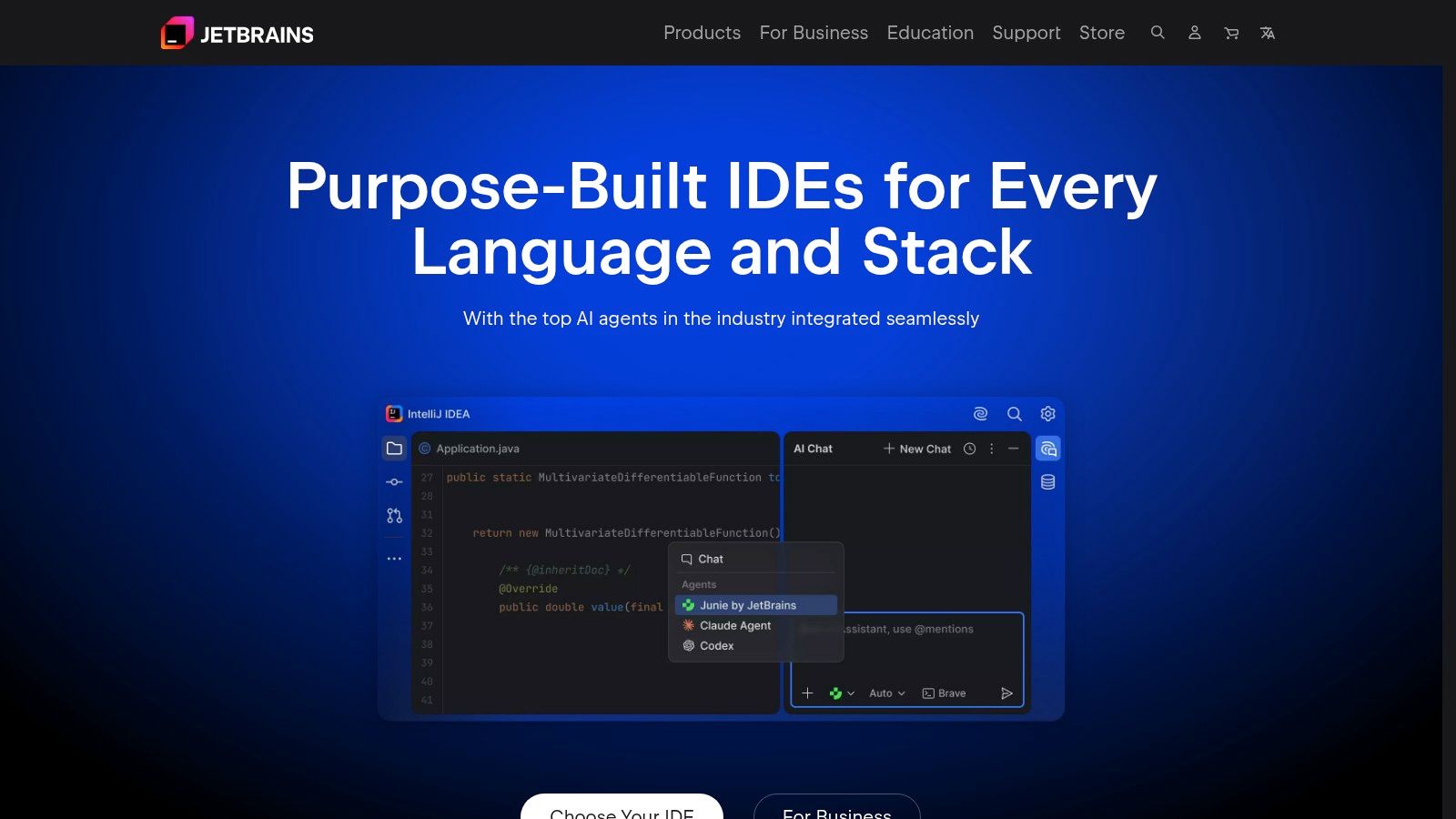
JetBrains Space is built to reduce that kind of drift. Its appeal is not just that it combines chat, docs, repos, code review, and automation. Its primary value is that it keeps the discussion around the work closer to the work itself, which matters most when Product, Design, and Engineering need one current version of the story.
Why Space feels different
Space starts from a developer workflow, then pulls collaboration around it. That creates a different operating model from tools that begin with ticketing or documentation and connect engineering later.
For cross-functional teams, that shows up in a few practical ways:
Conversations stay closer to delivery work: Product decisions, technical trade-offs, and implementation details are easier to trace without hunting across disconnected systems.
Docs and execution live in the same environment: Teams spend less time asking whether the spec, comment thread, or code review reflects the latest decision.
JetBrains IDE integration lowers switching costs: Engineering teams already committed to JetBrains can review, discuss, and ship with less context loss.
Self-hosted and cloud options give teams more control: That matters for companies balancing consolidation with security or infrastructure requirements.
The strongest use case is a company that wants a shared operating surface without forcing engineers to leave the environment they already trust. In those setups, Space can improve handoffs because the path from requirement to implementation is shorter and easier to reconstruct later.
The trade-off
Space works best when engineering has significant influence over tool selection and daily workflow. That is a strength, but it also sets the boundary. Product and Design teams can collaborate in Space, yet the center of gravity still sits with developers more than with broader business functions.
Adoption is the other constraint. Space does not have the same ecosystem depth or default familiarity as category leaders. New hires may need more onboarding, and teams that depend on a wide range of third-party integrations should check fit carefully before consolidating.
I would consider Space in organizations where the main collaboration failure is not lack of planning discipline, but fragmented execution context. If the recurring problem is that handoffs break because nobody can quickly connect the spec, discussion, review, and code, Space is a credible fix.
Website: JetBrains Space
A Tool is Not a Strategy
Monday morning, the PM is pointing at a ticket, the designer is pointing at a prototype, and the engineer is pointing at a pull request. All three are describing the same feature, and none of them are looking at the same source of truth.
That is a central collaboration problem.
Teams rarely fail because they picked the wrong software category. They fail because decisions are scattered across docs, mockups, comments, chat threads, and sprint boards with no clear rule for where truth lives. A better stack can reduce friction, but it cannot fix an operating model that leaves handoffs ambiguous.
The cost shows up at the seams between Product, Design, and Engineering. Requirements get rewritten as tickets. Design intent gets compressed into screenshots and comments. Engineers reconstruct missing rationale from fragments, then QA finds the edge case nobody captured. Each extra translation loop adds delay and creates a new chance for the team to ship the wrong thing.
That is why this category keeps growing. Distributed delivery, cloud-based workflows, and AI-assisted work have increased the value of shared access and clear context. The pressure is not just to move faster. It is to lose less meaning between idea, design, implementation, and release.
The practical question is not which platform has the longest feature list. It is what behavior the tool will reinforce on your team.
Across the tools in this list, the pattern is straightforward:
Figr fits teams that keep losing context at the handoff between product decisions, design intent, and implementation details.
GitHub fits teams that want code review, repository discipline, and integrations to anchor collaboration.
GitLab fits organizations trying to reduce tool sprawl by keeping planning, code, CI/CD, and security closer together.
Jira and Confluence fit environments where traceability, approvals, and process control matter more than speed of setup.
Linear fits teams that want fast execution and are willing to accept opinionated constraints to get it.
Azure DevOps fits companies already standardized on Microsoft identity, Azure infrastructure, and enterprise governance.
JetBrains Space fits developer-heavy teams that want chat, code, automation, and documentation in one developer-centered environment.
Selection gets easier once you stop evaluating tools as isolated products and start examining your broken handoffs. Look at where work stalls. Is product handing over tickets without enough user-flow context? Is design review producing decisions that never make it into execution? Are engineers opening three systems just to answer a basic implementation question? Is QA discovering expected behavior that was never written down?
The strongest setups handle those failure points on purpose. They keep product rationale close to execution. They make design decisions visible instead of implied. They reduce how often engineers have to stop and ask what a requirement was supposed to mean.
Start there. Follow one feature from idea to shipped behavior and mark every point where context drops, ownership blurs, or a team has to recreate intent. That exercise will tell you more than any comparison grid.
As noted earlier, the handoff playbook matters here. If your team is specifically trying to close the gap between PM, Design, and Engineering, Figr is relevant because it is built around that cross-functional handoff, not just task tracking or file storage. Its role in the stack is specific: keep requirements, flows, prototypes, edge cases, and implementation context connected so fewer decisions get lost between functions.