

A release candidate is queued for approval. Then someone runs an accessibility scan, the report fills with warnings, and the discussion shifts from launch prep to damage control. The hard part is rarely finding a tool. The hard part is deciding which findings are real defects, which ones are code-level fixes, and which ones trace back to design decisions that should never have reached QA.
Teams run into trouble with wcag compliance testing tools because they expect one product to settle the question. In practice, accessibility compliance works as a chain of checks across structure, interaction patterns, content, and design system consistency. Automated scans catch fast, repeatable issues. Manual review catches keyboard traps, focus order problems, misleading labels, and context failures that scanners cannot judge well.
I use a simple model for this: the Compliance Flywheel. Automated checks feed manual audits. Manual audits feed design standards, component updates, and clearer acceptance criteria. The next sprint starts with fewer repeated mistakes, fewer arguments over severity, and less time spent rediscovering the same issue in a new screen.
That loop only works if the handoffs are clear.
A PM needs tools that help turn findings into scope and release decisions. Designers need feedback early enough to fix color contrast, focus states, error handling, and content structure before engineering builds around bad assumptions. QA needs repeatable checks and enough context to tell the difference between a true violation and a noisy alert. Engineering needs outputs they can act on without reverse-engineering intent from a screenshot and a vague ticket.
I saw this play out on a SaaS team recently. The PM had a browser extension open with dozens of warnings, the designer was reviewing a Figma file with inconsistent focus treatments, and QA was still asking whether the modal trap issue had genuinely been fixed or just stopped appearing in one browser. That is the fundamental selection problem. The right toolset reduces ambiguity between teams. It turns accessibility from a late-stage inspection task into a working system that starts in design, shows up in tickets, and holds together in regression testing.
That is also why prevention deserves a place in the same conversation as scanners and audit platforms. Teams that ground interface decisions in core UX principles usually create fewer accessibility defects to clean up later. The tools in this list matter most when they fit that broader operating model, not when they promise a one-click verdict.
If you want a broader foundation before the shortlist, Four Eyes' web accessibility insights are a useful companion read.
1. Figr
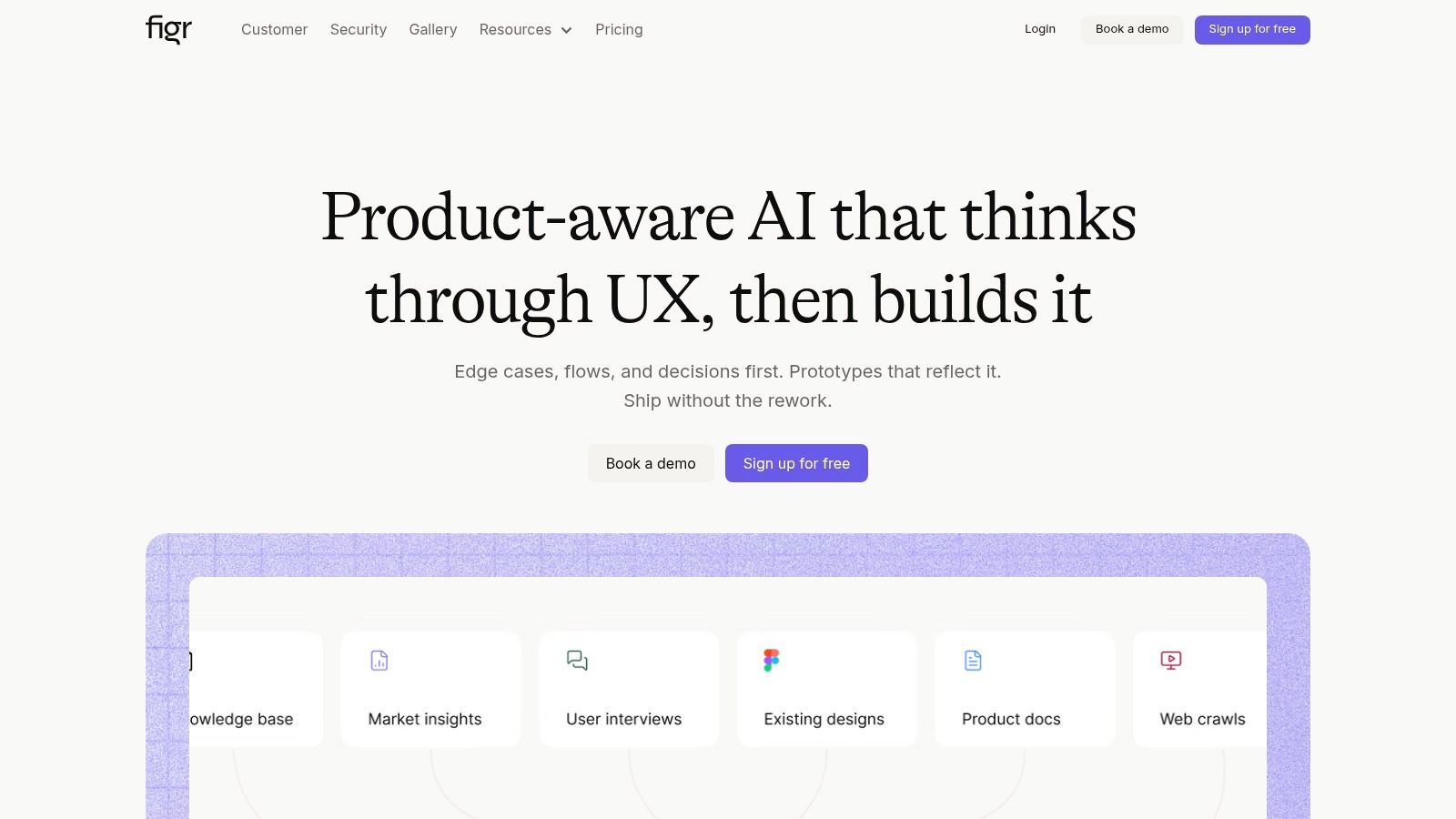
Most wcag compliance testing tools start after the interface already exists. That's their hidden tax. They're good at detection, but they enter the process after design debt has already hardened into tickets, regressions, and release anxiety.
Figr takes a different angle. It's product-aware, not just page-aware. It learns your live product through Chrome capture, imports your Figma design systems and tokens, remembers decisions across sessions, and generates artifacts that match your product. That changes the accessibility conversation because the best fix for many WCAG issues is prevention, not better triage.
Where Figr fits in the flywheel
This is what I mean by a compliance flywheel. Figr sits upstream. It helps PMs, designers, and QA teams translate accessibility intent into production-shaped deliverables before engineering starts guessing.
That includes PRDs, flows, edge-case maps, accessibility checks, UX reviews, test cases, and high-fidelity prototypes that reflect the intended UI instead of generic wireframes. It also enforces design tokens and exports back to Figma, which is exactly where many teams lose consistency around contrast, focus treatment, labels, and error states.
A practical strength here is context. Figr doesn't just produce screens. It produces reasoning grounded in your own product structure, your analytics, and your design system. If your team is already trying to work from core UX principles, that matters because accessibility failures often start as ordinary UX failures with extra consequences.
Practical rule: Use Figr before browser scanners ever enter the picture. If a flow already encodes accessible patterns at design time, you're not asking QA to discover what design could have prevented.
There's also a scale story. The platform draws on patterns from 200,000+ screens, supports enterprise controls like SOC 2, SSO, and zero data retention, and is used by 500+ teams. I'm citing those product facts because they tell you what kind of buyer this suits: not just a solo designer, but a cross-functional product org trying to reduce rework.
Trade-offs
Figr isn't the right mental model if you want a one-click legal answer. It's not a replacement for manual assistive-tech testing, and it still needs human judgment. Teams need to give it context, including captures, design-system inputs, and ideally analytics, or the outputs won't be as sharp as they can be.
The other catch is pricing transparency. There's a free entry point and a 14-day trial, but beyond that you'll likely need a demo or sales conversation.
Still, if your current accessibility process begins with bug discovery instead of design prevention, Figr can move the work upstream, which is often the cheapest fix your team will make.
You can explore it at Figr.
2. Deque axe DevTools

A sprint is closing, QA has started filing bugs, and an engineer opens a browser extension to check whether the latest UI change broke anything obvious. That is the environment where axe DevTools earns its place.
Axe works because it fits how developers already build. Scan the page, inspect the issue, fix the markup, rerun the test. The loop is fast enough to survive deadlines, which is a bigger advantage than many accessibility teams admit. A tool can be accurate and still fail if nobody uses it until the release candidate is already shaky.
Where it fits in the compliance flywheel
Deque axe DevTools is strongest as the automated layer of the compliance flywheel. It catches repeatable code-level issues early, which gives QA and accessibility specialists fewer basic failures to sort through later. That handoff matters. Manual audits should spend time on keyboard flow, screen reader behavior, focus management, and task completion, not on preventable color contrast or missing labels that a browser scan could have surfaced in minutes.
For PMs, that means axe is useful when you want accessibility checks inside the normal delivery workflow instead of parked in a separate compliance track. For designers, the patterns it flags can feed back into best practices for product design, especially when the same issues keep showing up across forms, dialogs, and navigation. For QA, it creates a cleaner starting point for manual verification.
Axe also scales with team maturity. Many teams start with the extension, then add CI checks, IDE support, guided testing, and reporting once accessibility moves from individual effort to team process.
The trade-off is straightforward. Automated scanners are good at finding detectable failures, but they do not tell you whether a customer using a keyboard or screen reader can finish the job.
Axe is a strong first pass for engineers. It does not answer the full product question of whether the experience actually works for people using assistive technology.
Trade-offs
The free version covers a lot of day-to-day developer needs. The broader governance layer, including team reporting and more formal workflow support, sits behind paid plans and usually requires a sales conversation.
I'd use axe when the main problem is adoption. If engineers need a default accessibility checker they will keep open, it is one of the safest choices. I would not use it as the sole basis for a compliance claim, and I would not let a clean scan cancel a manual audit.
Explore it at Deque axe DevTools.
3. WAVE by WebAIM
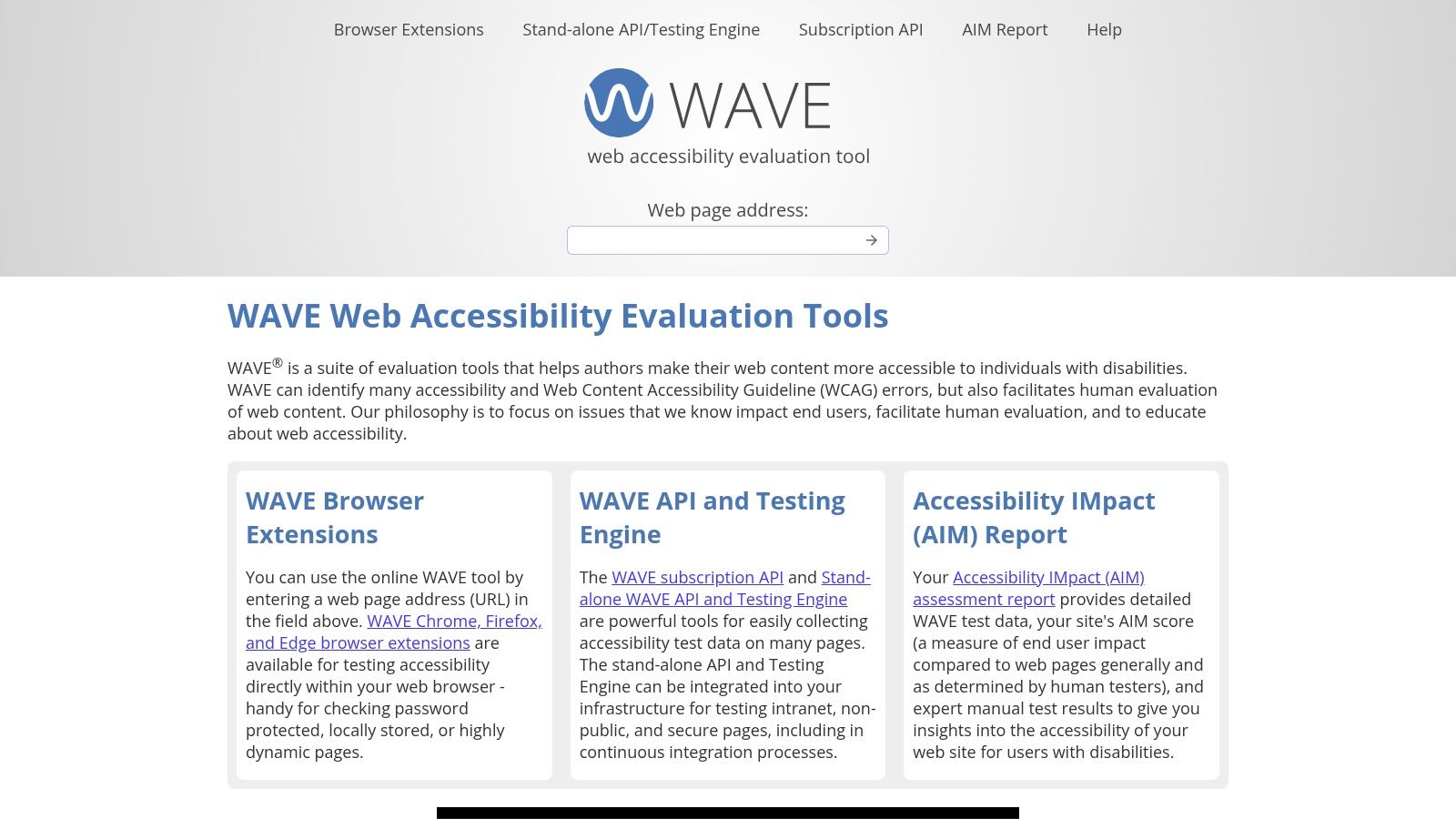
Some tools are better at teaching than policing. WAVE is one of them.
Its visual overlay is the reason many teams keep coming back. Instead of handing you a detached report, it marks the page itself with errors, alerts, structure cues, and context. For design reviews and PM conversations, that visibility is useful because it connects the issue to the interface the team is looking at.
Why teams keep WAVE around
WAVE is especially good when accessibility knowledge is uneven across the room. Designers, content people, PMs, and engineers can all look at the same annotated page and discuss the same problem without translating from a dense audit log.
That educational angle makes it a practical companion to broader best practices for product design. Teams don't just see that something failed. They see where structural decisions create failure.
The limitation is equally clear. WAVE is still an automated checker. It helps you inspect the page and learn faster, but it won't validate the lived experience of a complete workflow, especially once dynamic states and assistive technologies are involved.
Trade-offs
Use WAVE when you want clear page-level triage and a tool that sparks better cross-functional conversations. Don't use it as your whole program.
A browser extension and free online checker make it easy to start. If you need APIs or larger-scale automation, that moves into paid territory. That split is sensible. WAVE shines brightest as a learning-oriented layer inside the team, not as the sole backbone of enterprise governance.
You can try it at WAVE by WebAIM.
4. Accessibility Insights
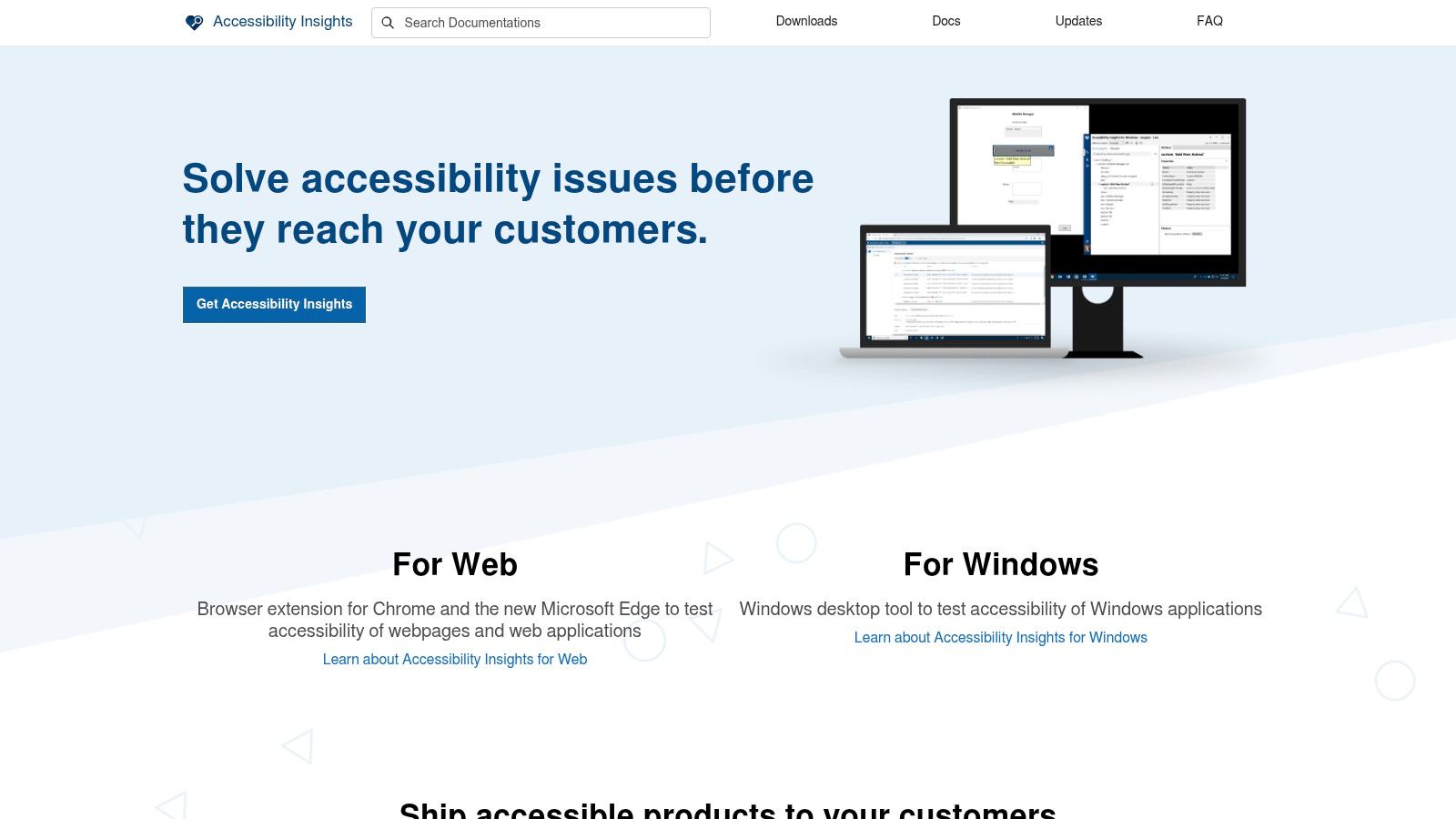
A familiar failure mode looks like this. The team runs automated checks before release, gets a short list of issues, fixes a few obvious ones, and assumes they are in decent shape. Then QA tries the signup flow with keyboard only, or a screen reader user hits a modal, and the gaps show up immediately. Accessibility Insights is useful because it closes that gap between quick scans and guided human review.
That makes it a strong fit for the compliance flywheel this article argues for. Automated checks catch repeatable code issues early. Guided assessments push the team into manual validation. The patterns you find there should feed back into design decisions and component standards, especially if your team is still tightening its user interface design.
Where Accessibility Insights stands out
Microsoft's web extension combines FastPass checks with structured assessment flows. The practical value is consistency. Instead of each engineer, PM, or QA analyst inventing a personal accessibility checklist, the team can work from the same method and compare results in a way that is useful.
I have seen this matter more than feature depth.
Teams rarely fail because they lack one more scanner. They fail because findings from automation never turn into a repeatable manual test habit, and manual findings never make it back to design or component ownership. Accessibility Insights helps with that middle handoff.
It is also free and open source, which changes rollout math. Product teams can install it widely without procurement delays or seat-count debates. That makes it realistic to use across disciplines, not just inside engineering.
Best use inside a product workflow
Accessibility Insights works well when you assign clear handoffs:
PMs use FastPass results to spot risk areas in a flow before launch reviews get tense. Designers review guided assessment findings to see where focus order, names, roles, and state changes break the intended experience. QA uses the assessment steps as a shared script for regression testing. Engineers fix the immediate issues, then push recurring failures into the design system or component backlog.
That is the flywheel. Scan. Audit. Prevent.
Trade-offs
Accessibility Insights is not a governance platform. It will not give a large organization the reporting, ownership tracking, or portfolio-level oversight that compliance teams often need. It is better suited to product squads that need disciplined testing habits and a clearer bridge between automated checks and manual verification.
Used that way, it punches above its weight. It helps teams stop treating accessibility as a last-minute scan and start treating it as an operating practice.
Use it at Accessibility Insights.
5. Siteimprove Accessibility
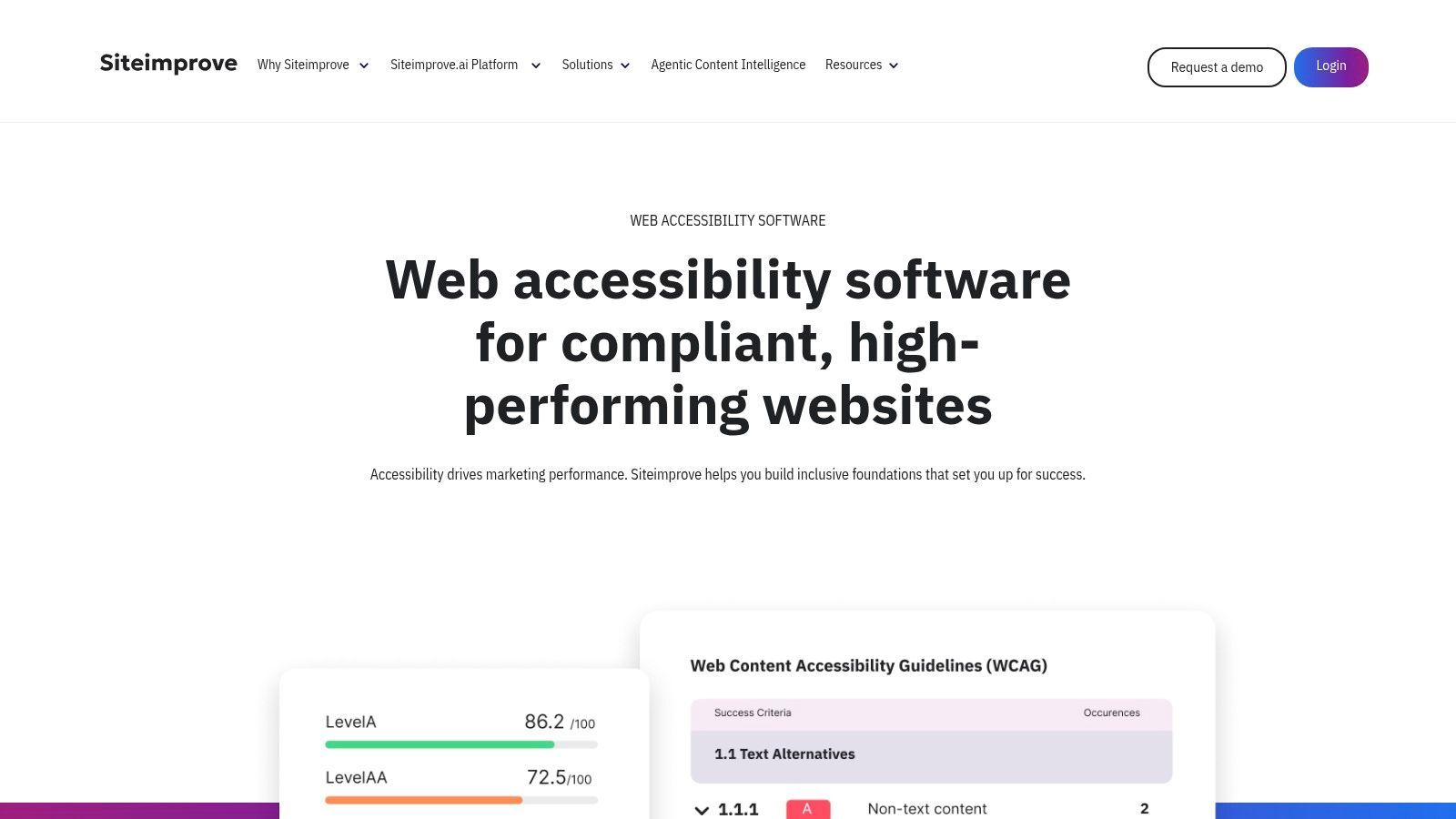
A common failure pattern shows up after the first accessibility push succeeds. Teams fix the obvious issues, pass a release review, then drift back into old habits as new pages, campaigns, and content authors reintroduce the same problems. Siteimprove is built for that reality. It helps organizations run accessibility as an ongoing program with ownership, reporting, and follow-through.
That matters in large content environments. A product squad working on one app can often get by with browser extensions and manual audits. A university, government publisher, or enterprise marketing team with thousands of pages usually needs a system that tracks what changed, who owns it, and whether the backlog is shrinking.
Built for governance
Siteimprove is strongest when the Compliance Flywheel needs a governance layer. Automated scans catch recurring failures across templates and content types. QA and accessibility specialists use those findings to decide where manual review should go deeper. Then the patterns feed back into design and component work so teams fix the source, not just the symptom.
That last handoff is where teams either make progress or stall.
If your team is still cleaning up inconsistent user interface design, site-wide scanning can expose repeated issues across navigation, forms, headings, and reusable content blocks. That gives PMs a clearer remediation queue, gives designers evidence for system updates, and gives QA a better target for regression coverage.
A report from Market Growth Reports on the accessibility testing tools market estimated the market at USD 1.9 billion in 2024 and projected 13.6% CAGR through 2034, while noting that manual testing still accounted for 53.20% of the share as of 2025 and automated solutions were growing at 6.54% CAGR. That lines up with how these programs run. Teams buy platforms for scale, then still rely on human review for keyboard flow, screen reader behavior, and task completion.
Trade-offs
Siteimprove makes more sense for organizations with content sprawl, reporting pressure, and clear ownership. It is less compelling for a small product team that mainly needs page-level checks during development. Pricing is not publicly listed, and the platform delivers more value when someone is accountable for triage, routing, and standards.
Used well, it closes a gap that lightweight tools leave open. Scans create visibility. Manual review adds judgment. Design and component teams prevent the same defects from coming back.
See Siteimprove Accessibility.
6. TPGi ARC Platform and ARC Toolkit

TPGi's ARC offering is interesting because it spans two very different needs. ARC Toolkit is a free Chrome DevTools extension for page-level testing. ARC Platform moves into organizational scanning, knowledge resources, and program support. Together, they create a cleaner line between developer diagnosis and enterprise oversight.
That pairing is useful when teams are trying to stop the classic disconnect where developers see one set of findings and auditors produce another.
Why this stack works
ARC Toolkit is practical for engineers because it lives where they already debug. ARC Platform is practical for accessibility leads because it adds the governance layer, support structure, and reporting depth that browser tools alone can't provide.
The market is on a clear trajectory. Vispero's overview of accessibility testing tools highlights how the category is shifting from point-in-time audits toward ongoing monitoring, dashboards, and remediation guidance. That trend matters if your product isn't static. Most SaaS products aren't.
The best enterprise accessibility stack doesn't just find defects. It gives developers, auditors, and leaders a shared source of truth.
Trade-offs
ARC Toolkit by itself won't run your program. It's a useful free extension, but the broader management and reporting story lives in the paid platform.
I'd shortlist ARC when you want continuity between hands-on debugging and a larger accessibility practice. If your team already works with external experts or formal audit processes, that alignment can save a lot of duplicated argument.
Take a look at TPGi ARC Platform and ARC Toolkit.
7. Google Lighthouse

A common pattern shows up on product teams. A PM asks whether a release is safe, an engineer runs Lighthouse in Chrome, and everyone relaxes when the accessibility score looks decent. Then the manual audit lands a week later and exposes missing form labels, weak focus handling, or a modal that works with a mouse but falls apart on keyboard.
That gap is why Lighthouse still matters, and why it needs clear boundaries.
Lighthouse is already sitting inside Chrome DevTools, and it also works in CLI and Node-based workflows. That makes it one of the easiest ways to get accessibility checks into everyday development without budget approval or process change. It also helps that teams already use it for performance and SEO. Accessibility gets adopted faster when it shows up in a tool engineers and PMs already trust.
Best used at the front of the flywheel
In the compliance flywheel, Lighthouse belongs near the start. It catches obvious issues early, before they become audit findings, support tickets, or design debt. Developers can run it during implementation. QA can use it as a quick regression signal on key templates. PMs can treat score drops as a prompt to investigate, not as proof of compliance.
That handoff matters.
Automated checks should feed manual review, and manual review should feed prevention. If Lighthouse repeatedly flags low-contrast components or unlabeled controls, the next step is not just fixing tickets. The next step is updating the design system, component guidance, and acceptance criteria so the same issue stops reappearing.
Trade-offs
Lighthouse is convenient, but convenience creates false confidence. Its score is a directional signal, not a compliance decision. It cannot judge task flow clarity, meaningful focus order, screen reader quality, or whether error messaging helps someone recover.
I use Lighthouse as a baseline and a guardrail. I would not use it as the artifact that defends a WCAG claim to legal, procurement, or an external auditor.
That makes Lighthouse a strong fit for smaller teams, product squads that need fast feedback, and CI setups where catching obvious regressions early has real value. It becomes weaker when stakeholders start treating one number as the whole accessibility story.
Find it through Google Lighthouse.
8. Pa11y
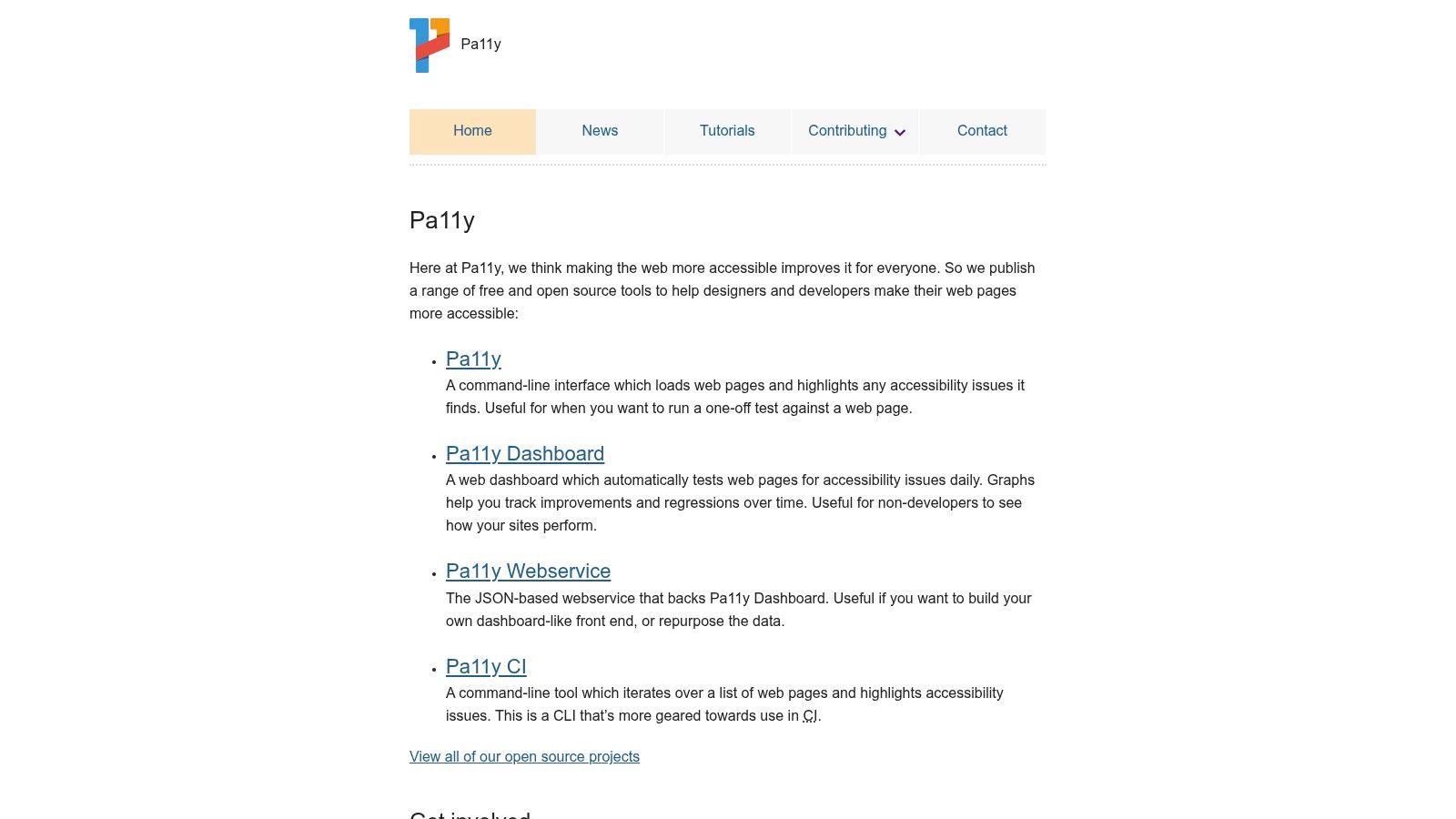
Pa11y is the answer for teams who don't want vendor lock-in and do want scriptable accessibility checks inside CI/CD. It's open source, command-line driven, and built for people who are comfortable expressing policy as automation.
That means it won't charm non-technical stakeholders. It isn't trying to. Its value is speed, flexibility, and control.
Strong fit for pipelines
If your team already treats linting, tests, and quality gates as code, Pa11y fits naturally. You can run single-page and multi-page checks, wire it into CI, and use it as a lightweight regression layer without adding a commercial platform.
This is increasingly relevant because not all wcag compliance testing tools are designed for continuous delivery. AmericanEagle notes that the stronger consensus is to combine automated scans with manual testing and disabled-user testing, while also warning that scanners can't reliably validate issues like keyboard traps, error recovery, or nuanced screen-reader experiences in their accessibility testing tools overview. That's exactly the right frame for Pa11y. Great for regression detection, not a certificate.
Trade-offs
The command-line focus is the point, but it's also the limit. If you need dashboards, executive reporting, or broad adoption across non-technical teams, Pa11y won't cover that by itself.
For developer-led product teams that want lightweight automation and no procurement drag, though, it remains a practical choice.
Use Pa11y.
9. IBM Equal Access Accessibility Checker
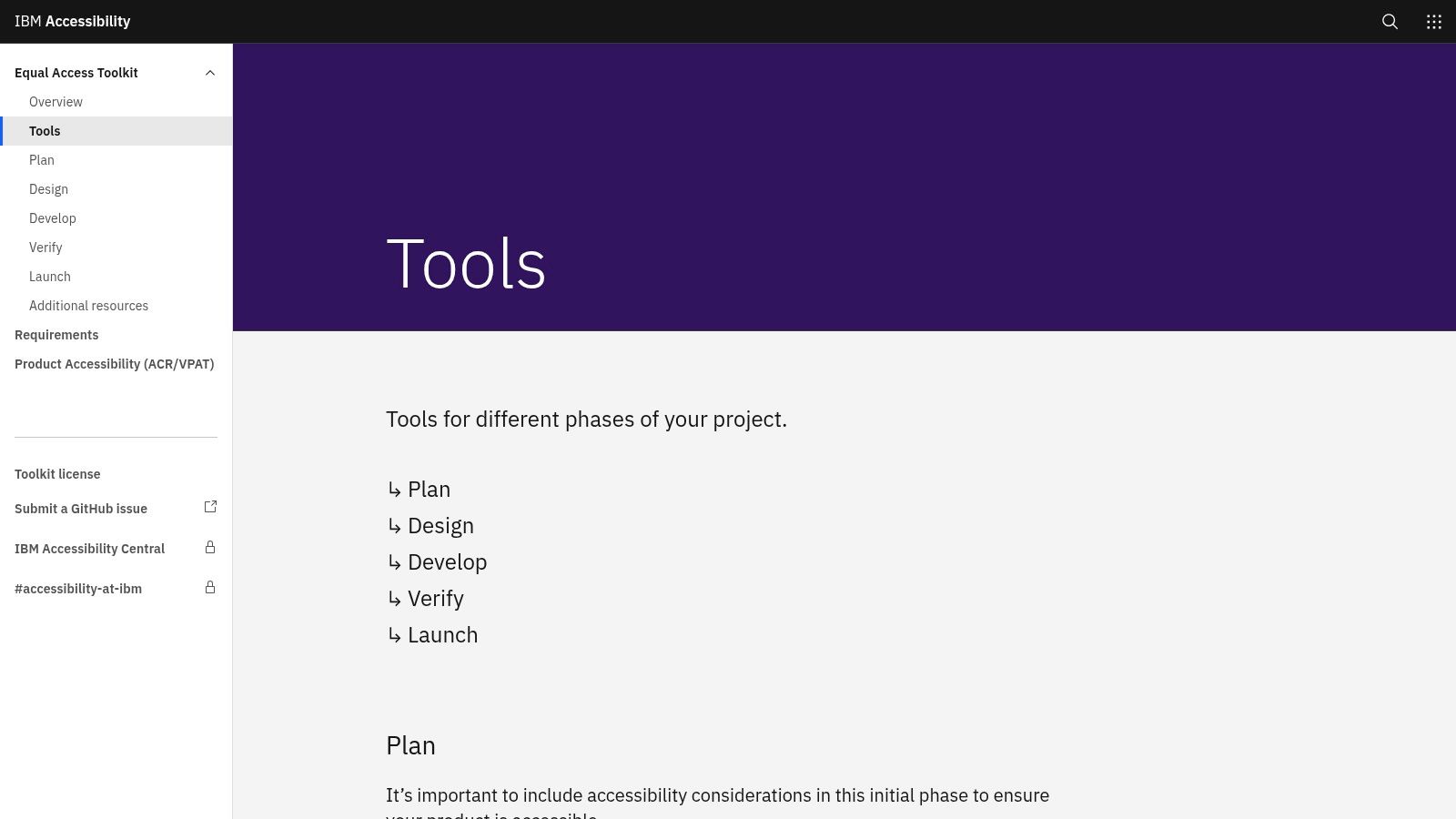
IBM Equal Access Accessibility Checker is a solid second-opinion tool. I like tools in this category because accessibility teams can become too dependent on one scanner's worldview. Running a complementary checker often reveals different phrasing, issue grouping, or guidance that helps developers understand the problem more clearly.
IBM's extension works in major browsers, generates reports, and connects into the broader Equal Access Toolkit, which includes documentation and assisted testing guidance.
Where it adds value
This is a good fit for engineering and QA teams that want fast checks in DevTools plus a body of structured guidance behind them. IBM has long invested in accessibility practice, and that shows up in the surrounding documentation, not just the extension itself.
The W3C's evaluation-tool ecosystem is the bigger lens here. As noted earlier, accessibility testing has matured into a broad set of tools rather than one universal validator. That's why a checker like IBM Equal Access can work well as part of a layered stack instead of a one-tool doctrine.
Trade-offs
The extension itself is still mainly about automated findings. It doesn't replace manual review, and it doesn't become an enterprise governance platform just because it generates reports.
I'd use IBM Equal Access when a team wants another reliable browser-level scanner in the mix, especially if they value strong documentation and want to compare findings across tools.
Try IBM Equal Access Accessibility Checker.
10. Level Access Platform
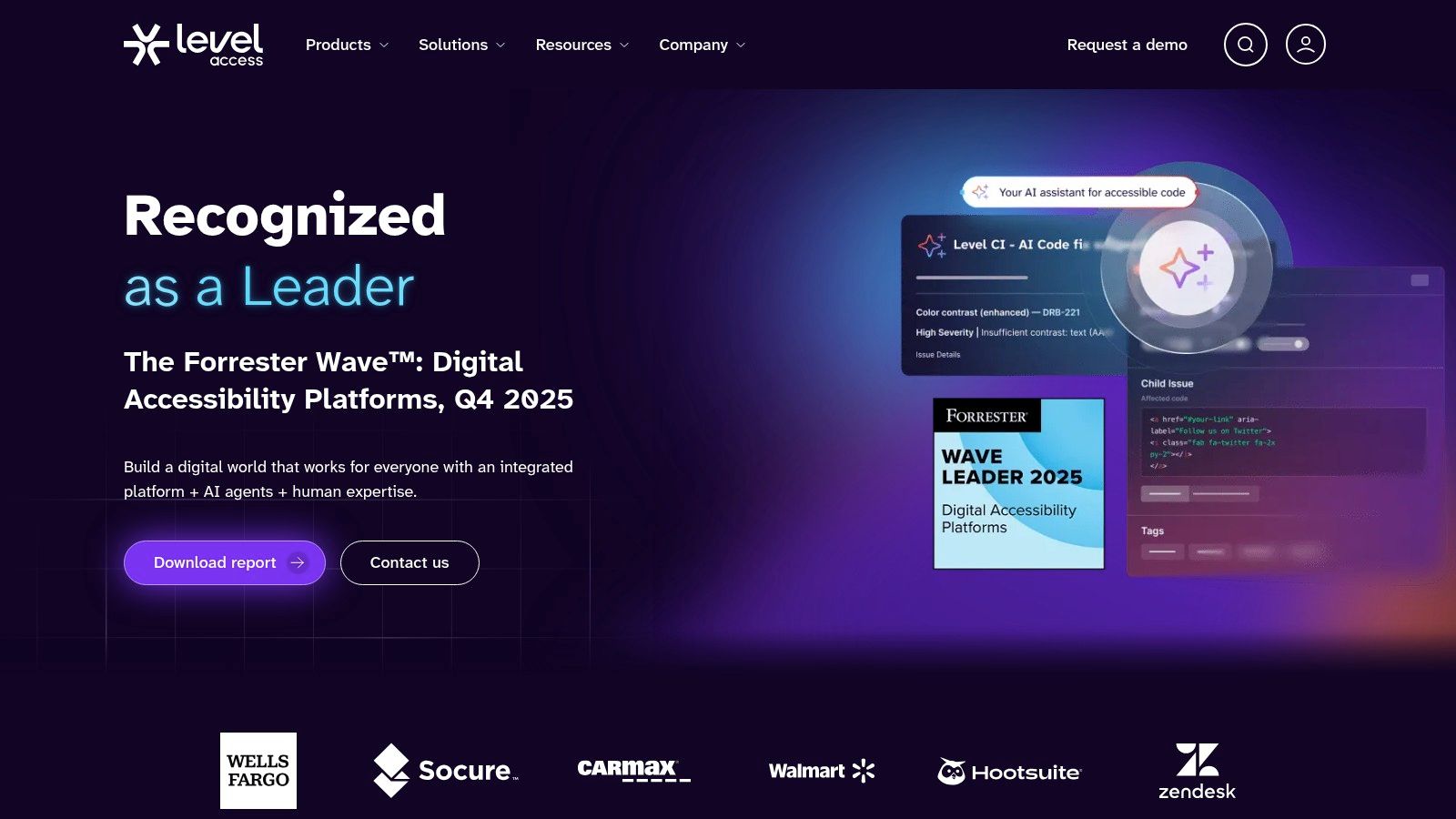
A familiar enterprise failure looks like this: engineering runs scans, a consultant delivers a manual audit, design keeps shipping the same contrast and focus issues, and nobody owns the handoff between those steps. Level Access is built for teams trying to fix that operating model, not just add another scanner.
The platform brings together automated testing, manual evaluations, training, remediation workflows, and centralized reporting. Level CI pushes that work into developer pipelines, which matters if you want accessibility checks to happen before release week. For organizations with multiple products, business units, or vendors, the primary value is consistency. PMs can see open risk, QA can verify fixes, and program owners can track whether recurring issues are dropping.
That makes Level Access a strong fit for the compliance flywheel. Automated findings surface repeatable defects. Manual audits catch the issues automation misses and show where user impact is highest. Those patterns then feed design standards, training, and acceptance criteria so the same defects stop reappearing sprint after sprint.
The training layer is a meaningful part of that cycle. Teams rarely struggle because they lack one more dashboard. They struggle because designers, engineers, and QA interpret accessibility requirements differently, or only see them at the end.
Analysts at Mordor Intelligence estimate the accessibility testing market at USD 642.29 million in 2026 and project growth to USD 827.86 million by 2031 at a 5.21% CAGR, according to Mordor Intelligence's accessibility testing market report. The practical takeaway is straightforward. More organizations now treat accessibility as an ongoing operating function with budget, process, and executive visibility.
Trade-offs
Level Access makes the most sense when accessibility needs governance, workflow, and accountability across a large team. Small teams can find that scope heavy. The buying process is usually sales-led, and implementation takes real coordination across engineering, QA, design, and compliance stakeholders.
I'd shortlist it when the problem is organizational drift as much as defect detection. If your team needs one system that connects scans, audits, assignments, and training into a repeatable process, Level Access is worth a serious look.
Top 10 WCAG Compliance Testing Tools, Quick Comparison
| Product | Primary focus | Key features | Target audience | Standout / Pricing & security |
|---|---|---|---|---|
| Figr | Product-aware AI design & UX delivery | One‑click live app capture, Figma import/export, PRDs, flows, prototypes, analytics benchmarking, accessibility checks | Product teams, PMs, Designers, QA | Recommended, context‑aware, production‑ready artifacts; free entry + 14‑day trial; enterprise security (SOC 2, SSO, zero data retention) |
| Deque axe DevTools | Accessibility scanning for developers | axe‑core engine, browser extension, CI/IDE integrations, project reporting (Pro) | Developers, accessibility engineers, enterprise programs | Industry standard rules engine; free extension, Pro/Enterprise tiers (quote) |
| WAVE (WebAIM) | Visual evaluation & education | Visual overlays, browser extensions, API/engine for bulk scans | Designers, auditors, educators, small teams | Clear learning‑oriented results; free checker, paid API for scale |
| Accessibility Insights (Microsoft) | Guided automated + manual assessments | FastPass automated checks, guided assessments, web/Windows/Android variants, open source | Developers, QA, cross‑platform teams | Free and open source; strong step‑by‑step guidance, no built‑in enterprise roll‑up |
| Siteimprove Accessibility | Site‑wide governance & compliance | Site crawling, dashboards, compliance mapping, CMS integrations, Snapshots | Large orgs, regulated sectors, compliance teams | Mature governance features for enterprises; enterprise pricing |
| TPGi ARC Platform + Toolkit | Org governance + dev extension | ARC Toolkit extension, platform scans, WCAG/508 mapping, knowledge resources | Enterprises needing program support and audits | Free ARC Toolkit + paid ARC Platform with expert services; pricing via sales |
| Google Lighthouse (Accessibility) | Lab audits & CI gating | Built into DevTools, CLI/Node, weighted accessibility scoring, docs | Developers, CI pipelines, performance teams | Free, ubiquitous baseline audits; automated only, pair with manual checks |
| Pa11y | CI/CD friendly automated testing | CLI tools, pa11y‑ci for multi‑page runs, open‑source, CI integration | DevOps, CI engineers, developers | Lightweight, scriptable and free; no centralized dashboards |
| IBM Equal Access Accessibility Checker | Automated checks + IBM guidance | Browser extension, generated reports, Equal Access Toolkit resources | Developers, QA teams wanting IBM patterns | Free extension backed by IBM guidance; manual testing still required |
| Level Access Platform (incl. Level CI) | Enterprise program + pipeline automation | Centralized dashboards, Level CI for CI/CD, training and remediation workflows | Large organizations, compliance programs, public sector | End‑to‑end program support with services; enterprise pricing via sales |
Final Thoughts
A familiar scene plays out late in the release cycle. QA opens a bug queue full of contrast failures, missing labels, and keyboard traps. Engineering fixes what it can before launch. Design says the component library never captured those states. PM asks which tool would have caught it earlier.
That question usually points at the wrong problem.
Tool selection for WCAG compliance works best as a workflow decision. The strongest teams use tools to keep a loop running across the product lifecycle. Automated checks catch repeatable issues fast. Manual audits expose task-level failures and edge cases automation misses. Those findings then feed design patterns, acceptance criteria, and component updates so the same defects stop recurring.
This is the value of the Compliance Flywheel. It turns accessibility from a late-stage inspection exercise into a system that improves with every release.
The category itself is broad, and that is useful. No single product covers design prevention, developer scanning, manual testing, governance, and program management equally well. The better question is which combination fits your team structure and release process.
A practical setup usually looks like this:
- For design-stage prevention: Figr helps teams carry accessibility intent into PRDs, flows, prototypes, and edge cases before code locks in avoidable problems.
- For developer-first scanning: axe DevTools remains one of the clearest choices for fast issue discovery during implementation.
- For visual page review and education: WAVE is still excellent for showing what is happening on the page in a way mixed-discipline teams can discuss.
- For guided free testing workflows: Accessibility Insights gives teams a solid manual and automated starting point.
- For enterprise governance: Siteimprove, TPGi ARC, and Level Access fit organizations that need dashboards, ownership, policy mapping, and program oversight.
- For baseline audits and CI checks: Lighthouse and Pa11y are practical options that fit easily into existing engineering workflows.
- For a second browser-based checker: IBM Equal Access is a useful addition, especially for QA teams that want another perspective during verification.
The failure pattern is also predictable. Teams run one scanner, export a report, and call the job done. Six months later, the same component defects are back because nobody translated findings into reusable fixes upstream.
Ownership breaks before tooling does.
PMs need accessibility requirements in the definition of done. Designers need approved patterns for focus, error states, structure, and contrast. Engineers need checks in local development and CI. QA needs a manual path that includes keyboard and screen reader validation. Someone senior needs to watch the whole loop and resolve handoff gaps when one team assumes another team owns the issue.
Start with a smaller stack than procurement wants. Pick one browser checker, one automated test in the pipeline, and one repeatable manual review path. Then make the handoffs explicit and review them after a sprint or two. That is how teams get beyond reports and build a product that gets easier to keep accessible over time.
If your team wants to move accessibility earlier in the process, Figr is worth evaluating in that context. It supports the upstream part of the loop by helping PMs, designers, and QA teams produce product artifacts with accessibility considerations built in.