

It's 4:47 PM on Thursday. Your VP just asked for something visual to anchor tomorrow's board discussion. You have a PRD. You have bullet points. You have 16 hours and no designer availability.
The space between a vague request and a buildable feature is where projects go to die. It's a fog of unanswered questions. What does "done" actually look like? This is the moment a functional specification document saves you. It’s not a checklist, it's a shared map of reality for engineering, design, and business.
Think of it as an architectural blueprint. The blueprint doesn't just show a picture of the finished house, it details the plumbing, the electrical wiring, and the load-bearing walls. It answers the ‘how’ behind the ‘what,’ preventing catastrophic surprises after the foundation is poured.
Last week, I watched a PM describe a "quick export" button. They imagined a CSV download. The engineer heard "export" and built a complex PDF generator. Two weeks of work were lost translating a single word. The culprit wasn't a lack of talent, it was a lack of a shared picture. A solid functional specification document example would have closed that gap before a single line of code was written.
This article provides more than just templates, it offers battle-tested blueprints. We will dissect seven resources, from AI-driven platforms to formal standards. For each, you’ll get a strategic breakdown, key sections to replicate, and common pitfalls to avoid.
This is how teams turn ambiguity into buildable plans.
1. Figr
Most product teams see documentation as a tax on shipping, a static artifact created after the real thinking is done. Figr challenges this entire premise. It's an AI design partner that treats specs as a dynamic byproduct of the discovery process itself. It ingests your live product context: screenshots, screen recordings, even Figma files, then generates the artifacts you need. User flows, prototypes, test cases, all emerge from your existing reality.
It acts less like a documentation tool and more like a prosthetic for your product brain.
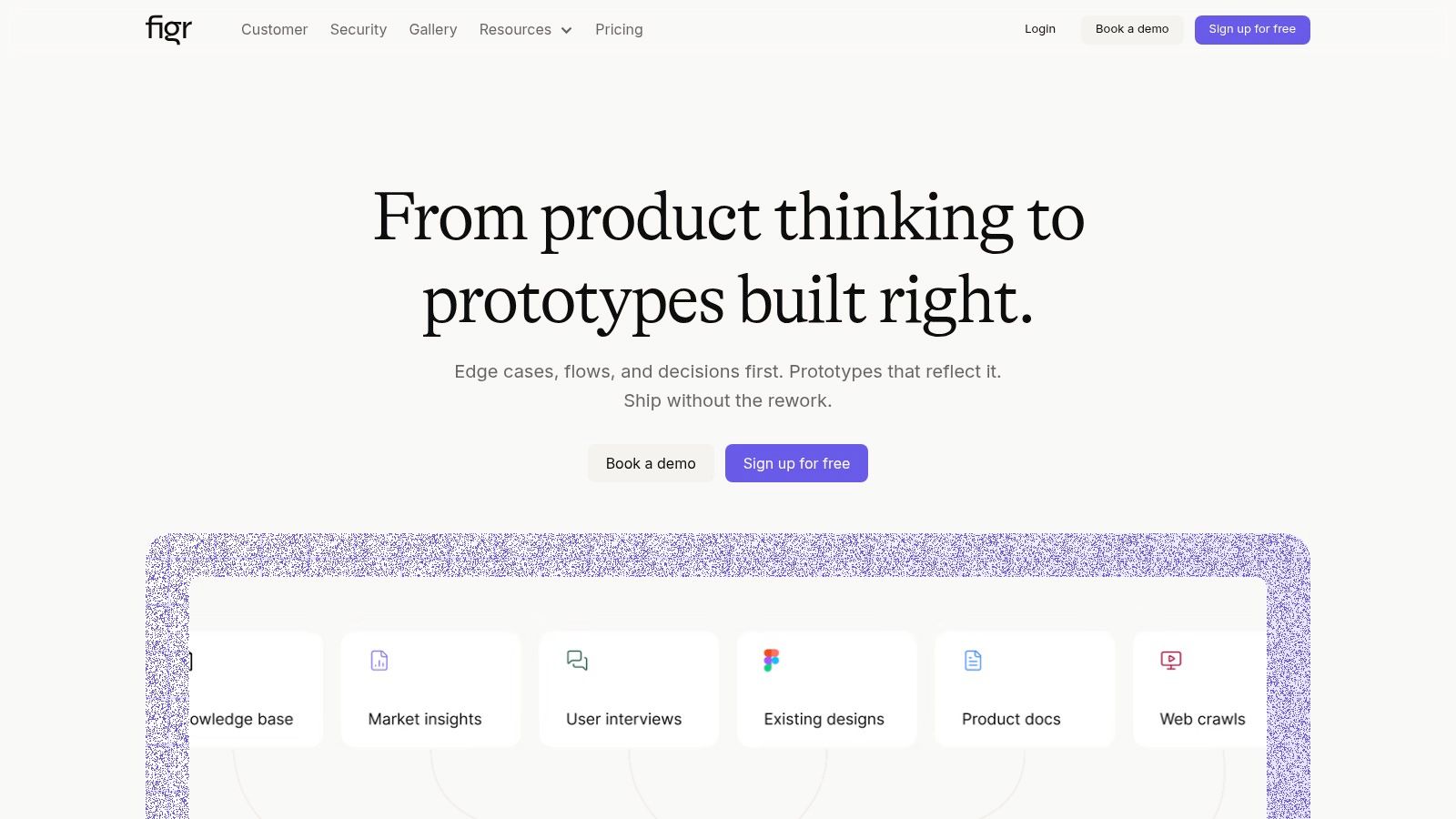
The platform’s core strength is its product-aware nature. While traditional templates start from a blank canvas, Figr starts from your product. It captures your app’s UI and logic, understands your design system, and uses its training on over 200,000 screens to reason through UX decisions. This means the functional specification document example it produces isn't generic, it’s a reflection of your actual product.
Strategic Analysis: Context-Driven Artifact Generation
Figr’s model is built on a simple, powerful idea: the best specs come from deep product understanding. The output isn’t just a document, it’s a data-informed recommendation.
Key Takeaway: Stop writing specs in a vacuum. Figr demonstrates that when an AI has access to your product’s real state (UI, analytics, design tokens), it can generate documentation that is not only faster but also more strategically sound. It shifts the PM's job from pure writing to high-level validation and refinement.
For teams buried in rework cycles, this is significant. Figr claims users see roughly 45% less rework and 40% fewer revisions. The reason is straightforward: when you map out all the edge cases and generate test cases before code is written, you preempt the "what if" questions that derail sprints. For instance, rather than just describing a file upload, Figr can help you map every failure state, from network drops to permission errors. For a deeper dive, Figr's team has published a useful framework for evaluating AI documentation tools that details this philosophy.
Practical Applications and Key Features
- End-to-End Artifact Suite: Generate PRDs, user flows, edge-case maps, test cases, and accessibility audits from the same source inputs. For a tangible example, see how Figr can generate a comprehensive list of test cases for modifying a trip in Waymo.
- Product-Aware Prototyping: The tool doesn't just create documents, it builds high-fidelity, interactive prototypes that enforce your design tokens and can be exported back to Figma.
- Data-Grounded Recommendations: By integrating with analytics, Figr provides a measurable rationale for UX improvements. It can identify friction in your checkout flow and propose a redesigned setup experience based on where users are dropping off.
- Enterprise-Grade Security: With SOC 2 compliance, SSO, and a zero data retention option, Figr is built for teams that handle sensitive user data.
Access and Onboarding
Figr does not publish its pricing publicly, which can be a hurdle for teams needing immediate budget estimates. You can sign up for free to explore its core capabilities or book a demo. The best results require providing access to your product via its Chrome capture tool and connecting design artifacts, so expect a brief setup period.
Website: https://figr.design
2. Smartsheet
Sometimes, the goal isn't to reinvent the wheel but to find the best possible wheel that's already been made. Smartsheet operates on this principle, offering a hub of downloadable templates that act as solid, pre-built foundations. It’s less a tool and more a well-stocked workshop for teams that need a functional document now.
This is the digital equivalent of grabbing a blueprint.
You still have to build the house, but you aren't staring at an empty plot of land wondering where to start digging.
Strategic Analysis: The "Good Enough" Starting Point
Smartsheet’s value isn't in radical innovation. Its strength lies in practicality. The templates are immediately downloadable in formats like Word, Google Docs, and Excel. This non-gated approach is a key differentiator: there's no form to fill out, no demo to book, just a direct download.
Key Insight: Smartsheet provides templates as a utility, not a lead magnet. This builds trust by solving an immediate, tactical problem without demanding anything in return, positioning their core product as a helpful next step rather than a mandatory entry point.
For product managers under pressure, this is a lifesaver. You get a structured document with placeholder text that guides you through sections like scope, user requirements, and acceptance criteria. It's a functional specification document example you can edit and deploy within minutes.
Actionable Takeaways & Best Practices
To get the most out of Smartsheet's offerings, think of their templates as a first draft written by a competent but generic assistant.
- Choose Your Flavor: Don't just grab the first template. They offer variations for Agile projects, traditional waterfall documents, and use-case-driven specs. Select the one that mirrors your team’s workflow.
- Aggressively Prune and Tailor: The biggest mistake is filling out every section just because it's there. A friend at a B2B SaaS company used one of these templates but deleted nearly 40% of the sections. Your goal is clarity, not completion.
- Combine with Other Specs: Use the functional spec template as the "what" and pair it with a more detailed visual flow. You could link from the "User Scenarios" section of the doc directly to a canvas mapping out edge cases for a network degradation event, providing layers of detail without clutter.
Pros and Cons
- Pros: The templates are completely free and don't require a Smartsheet account. The wide variety of formats ensures compatibility.
- Cons: The templates are intentionally generic and may require significant customization. The surrounding web pages are heavy with marketing for the Smartsheet platform.
Website: Smartsheet Free Functional Specification Templates
3. Atlassian Confluence
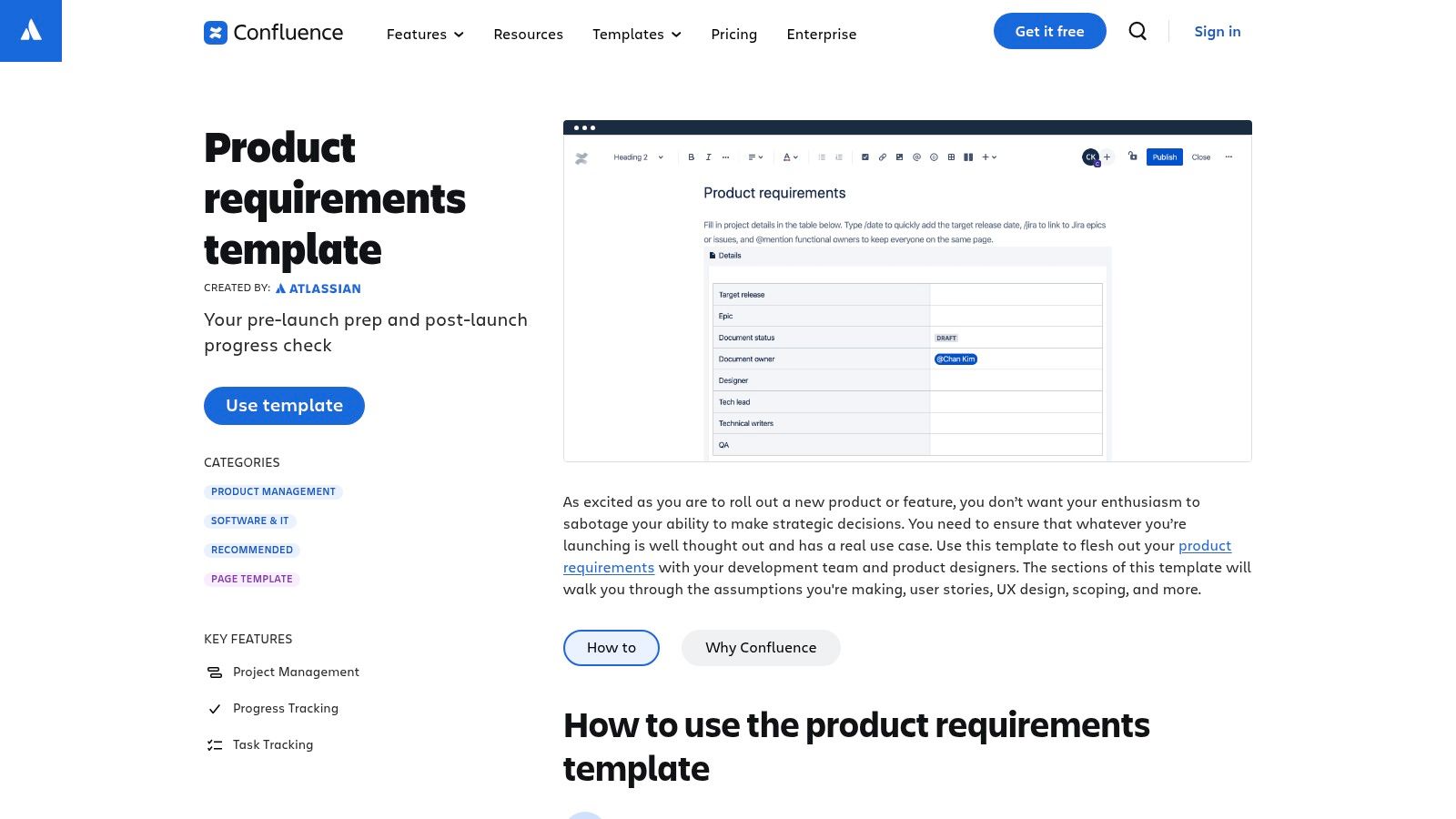
If a spec document is a map, Atlassian's Confluence turns it into a living atlas. It’s not just a place to write requirements, it’s an integrated environment where those requirements connect directly to the work. For teams already in the Atlassian ecosystem, this isn't another tool, it's the central nervous system for product development.
Using Confluence for your specs is like building your city hall right next to the construction site.
The planners can see the builders, the builders can reference the blueprints, and every change is recorded in a shared public ledger.
Strategic Analysis: The Traceability Engine
Confluence’s core advantage isn’t the template itself. The real power is its native integration with Jira. Each user story on the Confluence page can be linked directly to a Jira ticket. This creates an unbreakable chain of custody from idea to implementation.
This is what I mean: when an engineer looks at a Jira ticket, they can click a link and see the exact requirement that spawned it, complete with business context, goals, and success metrics. The "why" is never more than a click away.
Key Insight: Confluence treats a functional specification document not as a static artifact but as a dynamic, traceable source of truth. By linking requirements to tickets, it solves context drift, where the original intent of a feature gets lost during handoff.
For regulated industries or complex projects, this traceability isn't a nice-to-have, it's a requirement. Confluence provides this out of the box, turning your documentation from a reference file into an active part of your workflow.
Actionable Takeaways & Best Practices
To leverage Confluence effectively, you must embrace its "living document" philosophy.
- Master the Jira Macro: Use it to embed live-updating lists of tickets directly into your spec. Create sections for "Implementation Stories" or "Bugs" and populate them with filtered Jira queries. This keeps stakeholders informed without leaving the spec page.
- Use Page Properties for Rollups: The "Page Properties" macro is your secret weapon for portfolio management. By adding key metadata to each spec (like "Status," "Team," "Target Quarter"), you can create a master index page that automatically pulls in data from all your functional specs.
- Embed, Don't Attach: Resist the urge to attach Word docs. Embed everything. Link directly to Figma prototypes, Loom videos, and even visual explorations of failure states, such as a map of what happens during a file upload failure.
Pros and Cons
- Pros: The deep integration with Jira provides unparalleled traceability. Its collaborative editing, versioning, and enterprise-grade permissions are best-in-class.
- Cons: Its value is deeply tied to the Atlassian ecosystem. Exporting a clean document for external stakeholders often requires extra formatting effort.
Website: Atlassian Confluence Product Requirements Template
4. Miro (Miroverse templates)
A document isn't always a document. Sometimes, it’s a conversation. Miro’s approach treats the spec as a living, collaborative space. Through its Miroverse template library, it offers visual, board-based specs that feel less like a dense contract and more like a shared workshop.
This isn’t about writing a spec and emailing it for review.
It's about inviting stakeholders into the room where the spec is being built, letting them add sticky notes, draw arrows, and leave comments directly on the canvas.
Strategic Analysis: The Collaborative Blueprint
Miro’s core advantage is transforming documentation from a solitary writing task into a multiplayer team activity. The templates provide structured frames for scope, functional requirements, and user stories, but their real power lies in the infinite canvas that surrounds them. This makes the functional specification document example a dynamic tool for workshops.
The act of building the spec becomes the alignment mechanism.
Key Insight: Miro treats the FSD as a process, not just an output. The value isn't the final PDF export; it's the shared understanding built during the collaborative creation of the board. This turns a potential point of friction (document review cycles) into a moment of collective ownership.
For remote teams, this is a game-changer. It replaces a dozen disjointed email threads with a single, contextual conversation hub. The visual nature also helps bridge the gap between technical and non-technical stakeholders.
Actionable Takeaways & Best Practices
To leverage Miro’s templates effectively, you must embrace their collaborative, visual nature.
- Run a Live Workshop: Don't just send a link. Schedule a 60-minute session where you walk through the template with key stakeholders. Use the board as your presentation and capture feedback live. This compresses a week of asynchronous review into one focused hour.
- Link, Don't Duplicate: Use the infinite canvas. Instead of trying to cram every detail into the main FSD frame, link out to other artifacts. You could connect a user story to a detailed flow diagram showing how a recruiter might post a job on LinkedIn.
- Establish a "Lock" Point: The biggest risk with a living document is perpetual change. Define a clear point where the spec is "versioned." Export the board as a PDF once alignment is reached and share that static version as the official record for that sprint.
Pros and Cons
- Pros: The highly visual format is excellent for workshops. Real-time collaboration makes achieving alignment faster. The ability to export boards as PDFs provides a path to creating static artifacts.
- Cons: It requires a Miro account for all collaborators. Teams accustomed to traditional Word formats may find it unconventional.
Website: Miro Functional Specification Document Template
5. Notion Template Marketplace
A functional spec isn’t a static artifact, it’s a living system of agreements. Notion’s template marketplace treats specs less like formal documents and more like dynamic, collaborative workspaces. It's a library of pre-built databases and pages, designed to be dropped directly into your team's workflow.
This approach transforms the document from a deliverable into a destination.
It becomes the single source of truth because it's where the work actually happens, not just where it’s described.
Strategic Analysis: The Integrated Starting Point
Notion’s core advantage is its deep integration into a team’s daily operations. While other tools offer standalone templates, Notion provides skeletons that are immediately wired into your project management, wikis, and meeting notes. The PRD templates often come with structured fields for goals, user stories, and acceptance criteria that function like database properties.
The functional specification becomes a queryable, linkable object. It’s not just a document, it’s a node in your company’s knowledge graph.
Key Insight: Notion sells a system, not a document. The templates are an onboarding ramp into their "all-in-one workspace" philosophy. By providing a structure that is immediately useful and deeply integrated, they make it harder to leave.
For teams already using Notion, this is frictionless. You can duplicate a highly-rated template, tailor the properties, and have a functional spec ready in under an hour. Many templates are seeded with realistic example content, lowering the barrier to entry.
Actionable Takeaways & Best Practices
To leverage Notion effectively, you must treat its templates as configurable apps, not just documents.
- Vet the Creator: The quality on the marketplace varies. Look for templates from established product leaders, and check the ratings. A good template reflects a coherent product development philosophy.
- Adapt, Don't Just Adopt: The default fields are a great start, but customize them. A PM I know added a "Decisions Log" relation to their template, linking each requirement directly to the meeting notes where the decision was made.
- Link Out for Depth: A Notion spec should be the hub, not the entire universe. Use it to link out to granular artifacts. The "Requirements" section can link directly to a canvas detailing the test cases for a new card freeze flow, keeping the main document clean. You can find more examples of templates and frameworks for product requirements documents.
Pros and Cons
- Pros: Templates deploy instantly into an existing Notion workspace. The flexible, database-like structure is easy to customize.
- Cons: It's only useful if your team is committed to the Notion ecosystem. Exporting to a polished PDF or Word doc can be clunky.
Website: Notion Product Requirements Document Templates
6. ISO/IEC/IEEE 29148:2018 (IEEE/ISO Standards Store listings)
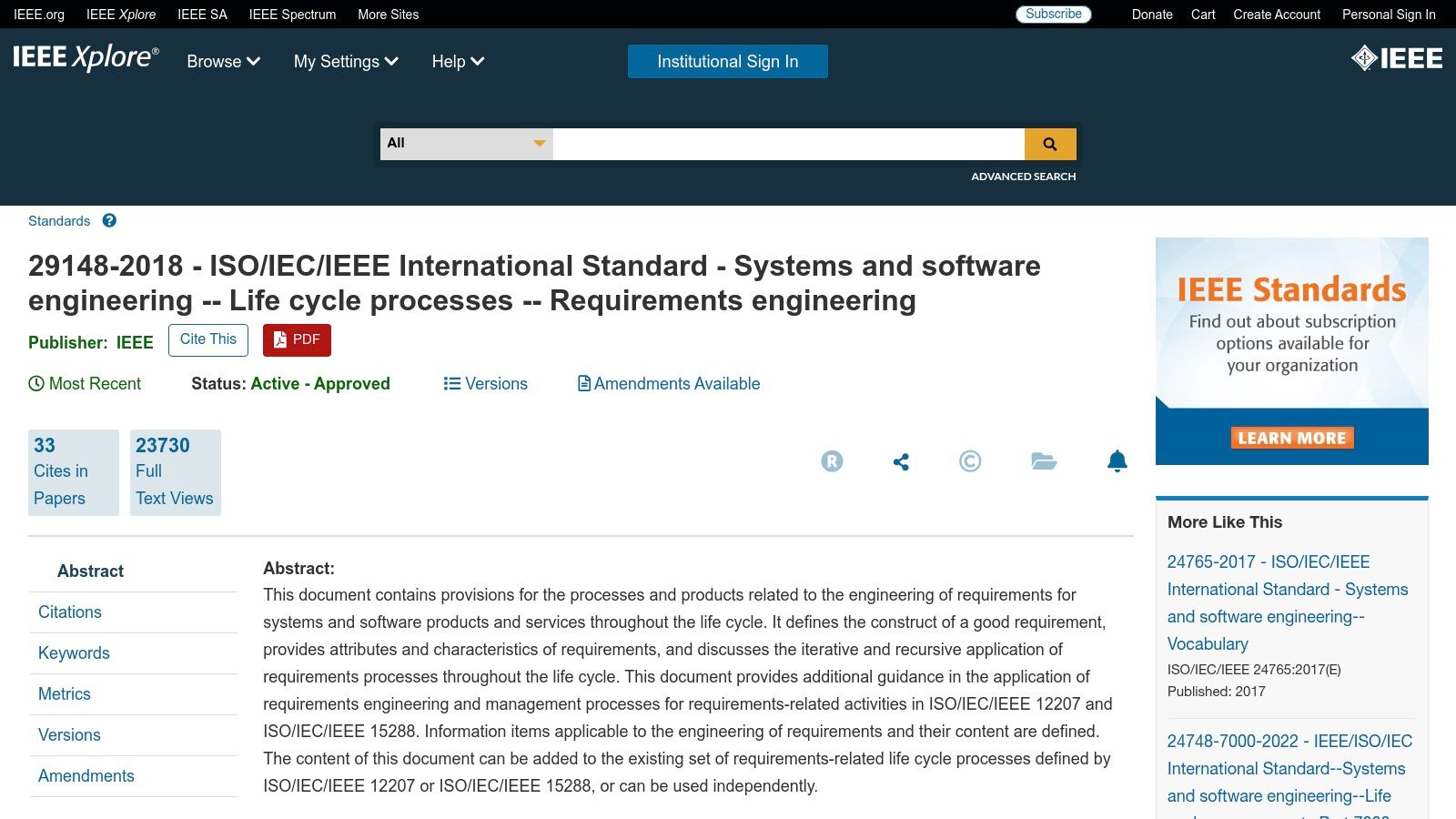
For some projects, particularly in aerospace, finance, or medical devices, "good enough" is a liability. You don’t need a convenient template, you need an authoritative, defensible, and globally recognized standard. This is where ISO/IEC/IEEE 29148:2018 comes in. It’s not a downloadable Word doc but the official international standard for requirements engineering.
Purchasing this standard is like buying the official rulebook for the game.
Instead of relying on a blog post interpretation, you get the source material that defines what a high-quality requirements document must contain. It provides the formal framework that auditors and regulatory bodies expect.
Strategic Analysis: The Blueprint for Compliance
The value of this standard is its rigor. Unlike informal templates, it provides a detailed structure for different types of requirements specifications. It dictates the necessary sections, from introduction to specific requirements, appendices, and indexes.
This isn't about speed, it's about precision and risk mitigation. For a team building a payment gateway, getting requirements right isn't just about shipping a good feature, it's about adhering to PCI DSS compliance. This standard ensures no stone is left unturned.
Key Insight: The standard forces a level of discipline that prevents ambiguity. By mandating specific sections for functionality, usability, reliability, and supportability, it pushes teams to define success comprehensively, reducing the risk of compliance failures.
For teams in high-stakes environments, this document isn’t just a guide, it’s a form of insurance. It provides a shared language that aligns product, engineering, and quality assurance, ensuring everyone is building to the same exacting specifications.
Actionable Takeaways & Best Practices
Adopting an international standard can feel daunting, so the key is to translate its formal language into a practical workflow.
- Create Internal Templates From the Standard: The biggest mistake is handing the raw PDF to your team. Read the standard and then build your company’s own internal Word or Google Docs templates based on its guidance.
- Map Functional Requirements to Specific Clauses: When writing your functional specification document example, explicitly reference which clause of the standard each section satisfies. This creates a clear audit trail.
- Use It to Define Non-Functional Requirements: Agile teams often neglect non-functional requirements. Use the standard's structure to force conversations about performance, scalability, and maintainability early. This can prevent situations where a feature works but can't handle production load, a classic example of costly edge cases every PM misses.
Pros and Cons
- Pros: It's the gold-standard reference, providing an unimpeachable framework for compliance-sensitive projects. The guidance is durable and based on decades of engineering best practices.
- Cons: The standard must be purchased. Its formal, dense language requires effort to translate into a practical template. It can be overkill for smaller projects without strict regulatory needs.
Website: ISO/IEC/IEEE 29148:2018 at the IEEE Xplore Digital Library
7. TechRepublic Premium
There are times when a project requires more than a bare-bones template. You need something that feels less like a sketch and more like a professionally drafted, legally sound document. This is the niche TechRepublic Premium fills, acting as a pay-to-play resource library for enterprise-grade IT documentation.
This is the equivalent of hiring a consultant to draft your initial paperwork.
It's a deliberate procurement. You're buying a polished asset designed to project authority and thoroughness from the very first page.
Strategic Analysis: The "Buy vs. Build" Document
TechRepublic Premium’s strategy is rooted in a classic business decision: buy versus build. Why spend internal hours creating and vetting a document structure when you can purchase one? Their assets are sold as standalone products or through a subscription, positioning them as professional tools.
The value proposition is about saving a very specific, expensive type of time: the time spent in meetings debating what a formal specification should contain. For teams in regulated industries or those engaging with bureaucratic partners, starting with a document that looks official can streamline approvals.
Key Insight: TechRepublic Premium sells compliance and confidence as a service. The purchase isn't just for a Word document, it's for a piece of process that has been pre-validated for corporate environments, reducing the perceived risk of starting from scratch.
This approach is perfect for scenarios where the document itself is a key deliverable, scrutinized by non-technical stakeholders like legal or finance. It provides a formal functional specification document example that requires less internal justification.
Actionable Takeaways & Best Practices
To leverage TechRepublic Premium effectively, treat their documents as a formal starting point that accelerates the bureaucratic phase of a project.
- Filter for Specificity: The library is broad. Don't just search for "functional specification." Use more precise terms like "software development policy" or "IT project management checklist."
- Use as a Stakeholder Alignment Tool: Before filling it out, circulate the blank, purchased template to key stakeholders. Ask them: "Does this structure cover everything you need to see for sign-off?" This preemptively handles objections about format.
- Integrate with Visual Artifacts: These documents are text-heavy. A former colleague working on a government contract used a TechRepublic template but embedded links to more dynamic artifacts. The section on user interactions linked out to a visual map of all the test cases for a mid-trip change in a Waymo ride.
Pros and Cons
- Pros: The documents are professionally formatted and often include business-friendly licensing. The one-off purchase model is great for teams who don't want another recurring subscription.
- Cons: The paywall is a significant barrier. The quality and relevance can vary, with many assets being more policy-focused than feature-specific.
Website: TechRepublic Premium
From Document to Decision Engine
If you walk away with only one idea, let it be this: a great functional specification document is not a static artifact. It's a decision engine.
Its power is in the uncomfortable questions it forces you to ask before a single line of code is written. Who is this for? What happens when it fails? Have we accounted for the empty state, the error state, and the success state? Each functional specification document example we reviewed serves this one primary purpose: to replace ambiguity with clarity. Our step-by-step guide on how to write a PRD walks through this entire process.
The Escalating Cost of Ambiguity
There's an economic principle at play here. Why does this matter at scale? As Barry Boehm outlined in his foundational work on software engineering economics, the cost to fix an error rises exponentially the later it is discovered. A requirements error that costs one dollar to fix during the specification phase could cost five dollars during development, ten during testing, and a hundred or more after release.
Your functional specification is the cheapest place to find a flaw.
It’s an architectural blueprint that lets you find a structural weakness on paper, not after you’ve poured the concrete. Mapping out the full user flow for a simple feature like freezing a credit card can reveal a dozen edge cases, from network failures to conflicting permissions, that would have become bugs.
From Ambiguity to Action
I remember a senior engineer at a Series B company reviewing a spec for a new dashboard. After a few minutes, he looked up and said, "This is the first spec I've seen in years that I can actually build from without asking 20 questions."
That’s the goal. Not just to document, but to empower.
In short, the objective is to shift documentation from a bureaucratic chore to a strategic tool for acceleration. This transformation is not just about better templates, it’s about a better process. To truly transform functional specifications from static files into dynamic assets, exploring tools that automate the process can bridge the gap between static text and interactive blueprints your entire team can rally around.
Your next step is not to find the perfect template. It's to embrace the process.
The basic gist is this: before you write your next user story, map the full user flow on a canvas first. Identify every screen, every state, and every decision point. A great example of this process can be seen in the user flow for a Shopify checkout setup redesign. That map is the beginning of your next great spec. It’s the foundation for a document that doesn’t just describe a feature, it builds consensus.
The examples in this article show how mapping user flows, uncovering edge cases, and generating test scenarios are the bedrock of a strong functional specification. Instead of wrestling with static documents, Figr lets you build these visual, interactive blueprints collaboratively and with AI assistance. Go from a vague idea to a clear, actionable spec that your engineers will thank you for.
Start building better specs today at Figr.