
You feel it in the pit of your stomach. The sprint review where engineering has built precisely what was on the ticket, yet it’s completely wrong for the user. That slow-motion disaster didn't start today. It started weeks ago, when a vague idea became a lifeless diagram of boxes and lines. This is the moment a project’s fate is sealed, long before a single line of code is written. The blueprint was flawed from the beginning.
This failure mode has a name: Context Collapse. It’s the gap between an abstract requirement and a tangible user flow. Choosing the right wireframing software isn't a design decision, it's a strategic defense against this very collapse. It's about finding the tool that builds a bridge.
A friend at a Series C company told me their switch to a new tool felt like moving from "drawing pictures of a product to building a working skeleton of it." That’s the critical difference. This shift minimizes ambiguity and aligns everyone around a shared, interactive vision. To truly understand its value, you must see wireframing as part of the larger ecosystem of modern product development software.
This guide is built to help you make that choice. We will move beyond marketing copy and into a detailed comparison of the top wireframing tools available in 2026. For each platform, you'll find an honest assessment of its strengths, ideal use cases, and limitations.
Let's find the tool that fits your team's workflow, budget, and ambition.
1. Figr
Figr positions itself not as a tool for creating visuals, but as a product-aware AI design agent. It aims to bridge the gap between abstract product thinking and tangible user experience. The premise is to move beyond the blank canvas, which so often lacks the context of a live, evolving product. Instead, Figr captures your existing application with a one-click extension, imports your Figma design system, and builds a working memory of your product's logic.

This is what I mean: it generates high-fidelity prototypes that mirror your actual UI, not generic templates. The platform analyzes over 200,000 screens to suggest proven UX patterns, run accessibility checks, and enforce design token consistency. For product teams, this contextual approach is a significant shift from traditional wireframing software. The basic gist is this: it's less about drawing boxes and more about solving product problems with context.
Key Strengths and Use Cases
Figr’s real power emerges when it connects to your product’s data. By integrating with analytics platforms, it can benchmark user funnels, pinpoint drop-offs, and recommend prioritized fixes grounded in actual user behavior. Last week I watched a PM use this to identify a friction point in their onboarding flow that wasn't obvious from the analytics dashboard alone. The platform visualized the drop-off against the actual UI, making the problem and potential solution immediately clear.
This makes it an exceptional choice for:
- Product Managers and Leaders: Who need to validate ideas quickly with realistic prototypes and data-backed rationale.
- UX Researchers: Who can generate multiple, testable hypotheses based on live app context and analytics.
- QA Teams: Who can use the auto-generated edge cases and test scenarios to build more rigorous testing plans.
The core benefit is a dramatic reduction in the friction between ideation, design, and development. Customers report faster development cycles and significantly less rework, because the "wireframes" are already aligned with the live product.
Limitations and Access
Figr’s main limitation is its dependency on an existing ecosystem. To unlock its full potential, a team needs a live product, an established design system in Figma, and an analytics platform. This makes it less suited for pure greenfield projects or teams without mature design infrastructure. Additionally, pricing is not public. While you can sign up for free and access a 14-day trial, full pricing requires a sales conversation, which can be a hurdle for smaller organizations. For enterprise teams, the inclusion of SOC 2 compliance and SSO offers critical security assurances. Understanding what is a wireframe in this new, context-aware paradigm is the first step to seeing its value.
2. Figma
Figma is the de facto standard for product design teams. Is there any wonder why? Its cloud-based, collaborative nature transformed how designers, product managers, and developers work together. For many, it's the entire product design environment, handling everything from early brainstorming in FigJam to pixel-perfect UI. As a wireframing tool, its strength lies in this very integration. A PM sketches a flow in FigJam, which a designer then evolves into detailed wireframes and eventually high fidelity wireframes within the same ecosystem.
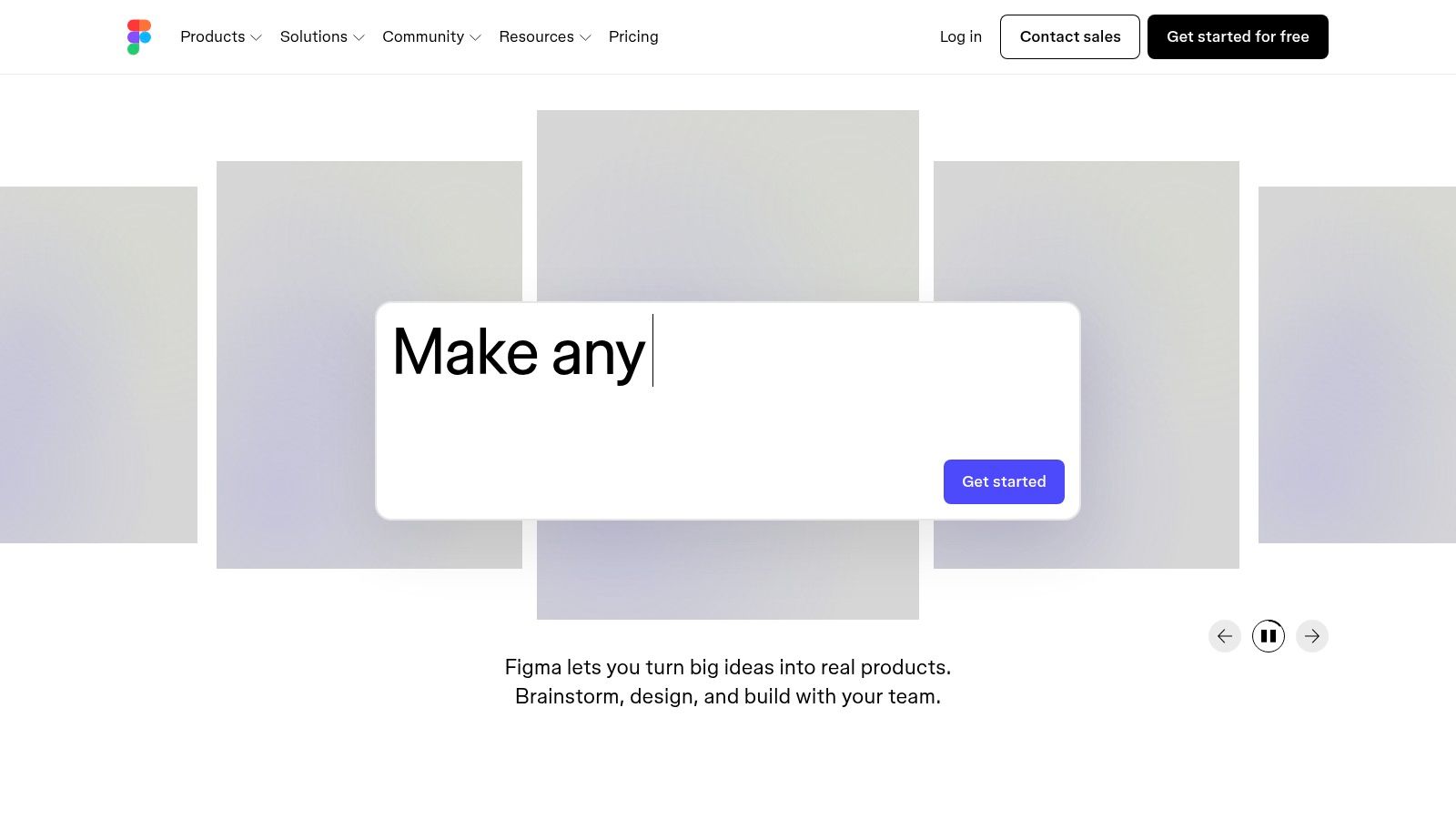
The platform’s power for wireframing comes from its component-based architecture. Teams build and share libraries of reusable elements, ensuring consistency and dramatically speeding up the design process. This makes it an exceptional piece of wireframing software for organizations looking to scale design operations. The massive community and plugin ecosystem also provide countless templates, so you rarely have to start from a blank canvas.
Key Considerations
- Best Use Case: Teams that need a single platform for the entire product design lifecycle, from initial ideation to developer handoff.
- Pricing: While a free tier exists, professional and organizational plans have seen price increases as of March 2025. Teams should review seat types and AI credit limits.
- Pros: Market-standard tool with a vast community, extensive templates, and powerful component libraries for efficient wireframing.
- Cons: Can be overkill for simple wireframing tasks. Recent pricing and AI credit models require careful financial planning for larger teams.
Website: https://www.figma.com
3. Sketch
Sketch was the original king of the UI design hill. It offered a polished, Mac-native experience that many designers still swear by. Its strength has always been its speed and simplicity for screen design, making the jump from concepts to detailed wireframes incredibly fast. While browser-based tools have gained ground, Sketch’s offline-first, native performance remains a key differentiator. It offers a focused environment where designers can create without the distractions of a web browser.
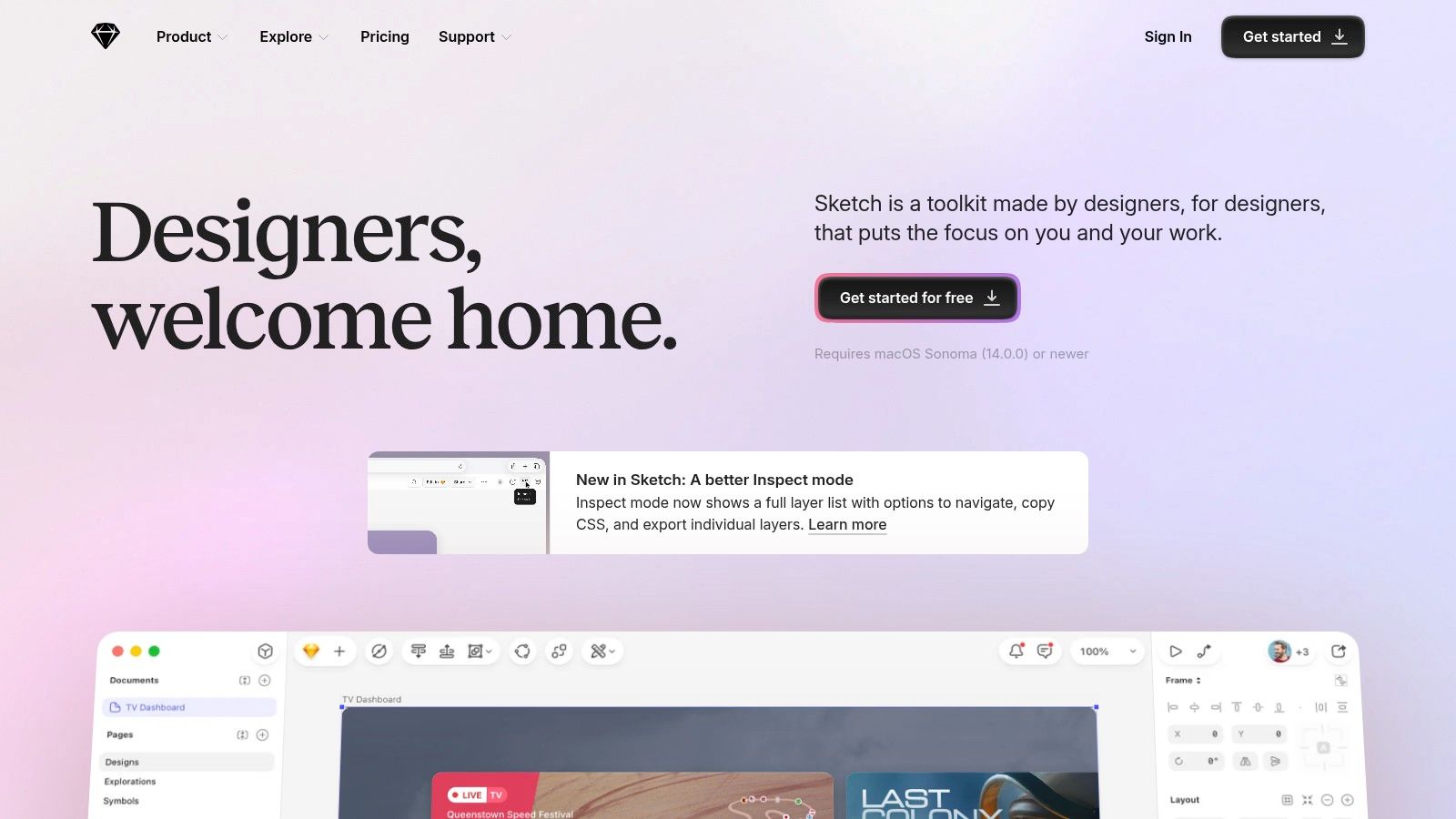
The platform provides a logical path from wireframe to final UI. Designers can start with basic shapes and layouts, then progressively add detail using powerful features like Symbols, Smart Layout, and style libraries. This makes it an efficient piece of wireframing software, especially for those in the Apple ecosystem. The introduction of a web app for viewing and commenting means non-designers on any platform can participate in the review process.
Key Considerations
- Best Use Case: Mac-based design teams and solo designers who prioritize native application performance for moving quickly from wireframes to high-fidelity UI.
- Pricing: A predictable per-editor subscription model with unlimited free viewers. A Mac-only perpetual license is also available for those who prefer one-time purchases.
- Pros: Excellent performance on macOS, a focused design environment, and a straightforward pricing model with free viewer access.
- Cons: Authoring is restricted to macOS, which excludes Windows and Linux users from creating designs. Real-time co-editing isn't as platform-agnostic as browser-based tools.
Website: https://www.sketch.com
4. Balsamiq
Balsamiq has carved out a distinct niche by championing one core idea: speed over polish. It’s purpose-built for the very beginning of the design process, when ideas are cheap and rapid iteration is everything. The platform intentionally uses a sketchy, hand-drawn aesthetic to keep the focus purely on structure, layout, and flow. This prevents teams from getting bogged down in color palettes and font choices. It’s the digital equivalent of grabbing a sharpie and sketching on a whiteboard, but with reusable components.
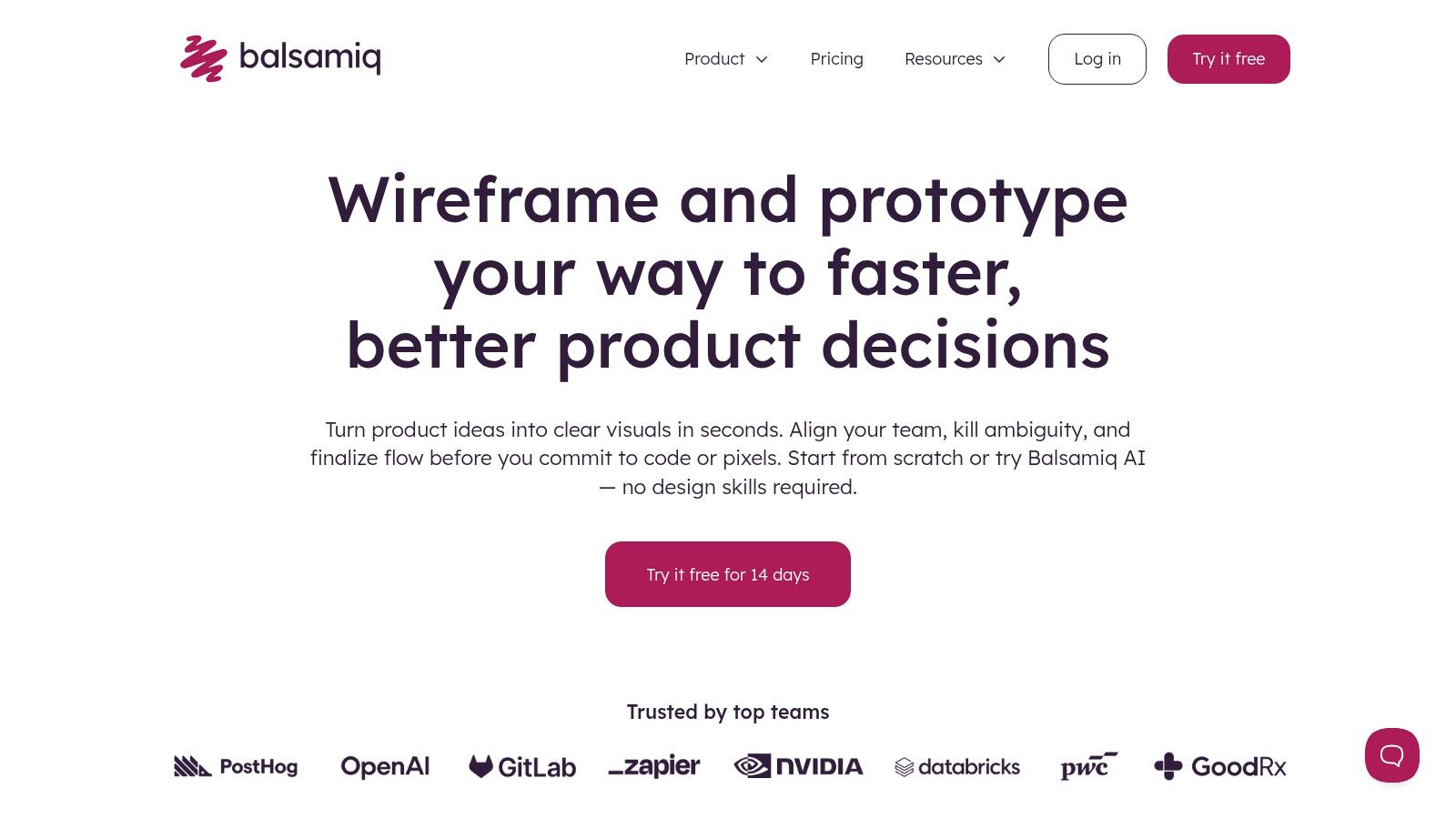
The platform’s drag-and-drop interface is incredibly intuitive, allowing non-designers like product managers to contribute without a steep learning curve. Recently, Balsamiq has integrated AI features to generate and edit screens, further accelerating the initial drafting phase. Its unique pricing model, based on active projects rather than user seats, makes it a financially sensible piece of wireframing software for organizations that want to involve many stakeholders without escalating per-seat costs. It’s designed for a specific moment, and it executes that mission perfectly.
Key Considerations
- Best Use Case: Early-stage ideation, brainstorming, and collaborative workshops where the goal is to generate and validate as many low-fidelity concepts as possible, fast.
- Pricing: Cloud plans are priced per project, with unlimited users. This is a cost-effective model for teams with wide-ranging, intermittent collaboration needs.
- Pros: Exceptionally fast for generating low-fidelity ideas. The hand-drawn style forces focus on structure, and the unlimited user model is great for broad collaboration.
- Cons: Intentionally limited for high-fidelity prototyping. The visual style can feel restrictive if a project needs to quickly transition to a more polished look.
Website: https://balsamiq.com
5. Axure RP
When your wireframe needs to do more than just show screens, what do you do? You turn to Axure RP. It has carved out a niche as the go-to platform for creating highly interactive, data-driven prototypes that can model complex application logic. This isn't just about linking static images, it’s about simulating real-world behavior with conditional logic and dynamic panels. For teams building intricate SaaS platforms, Axure provides the depth needed to explore edge cases long before code is written.
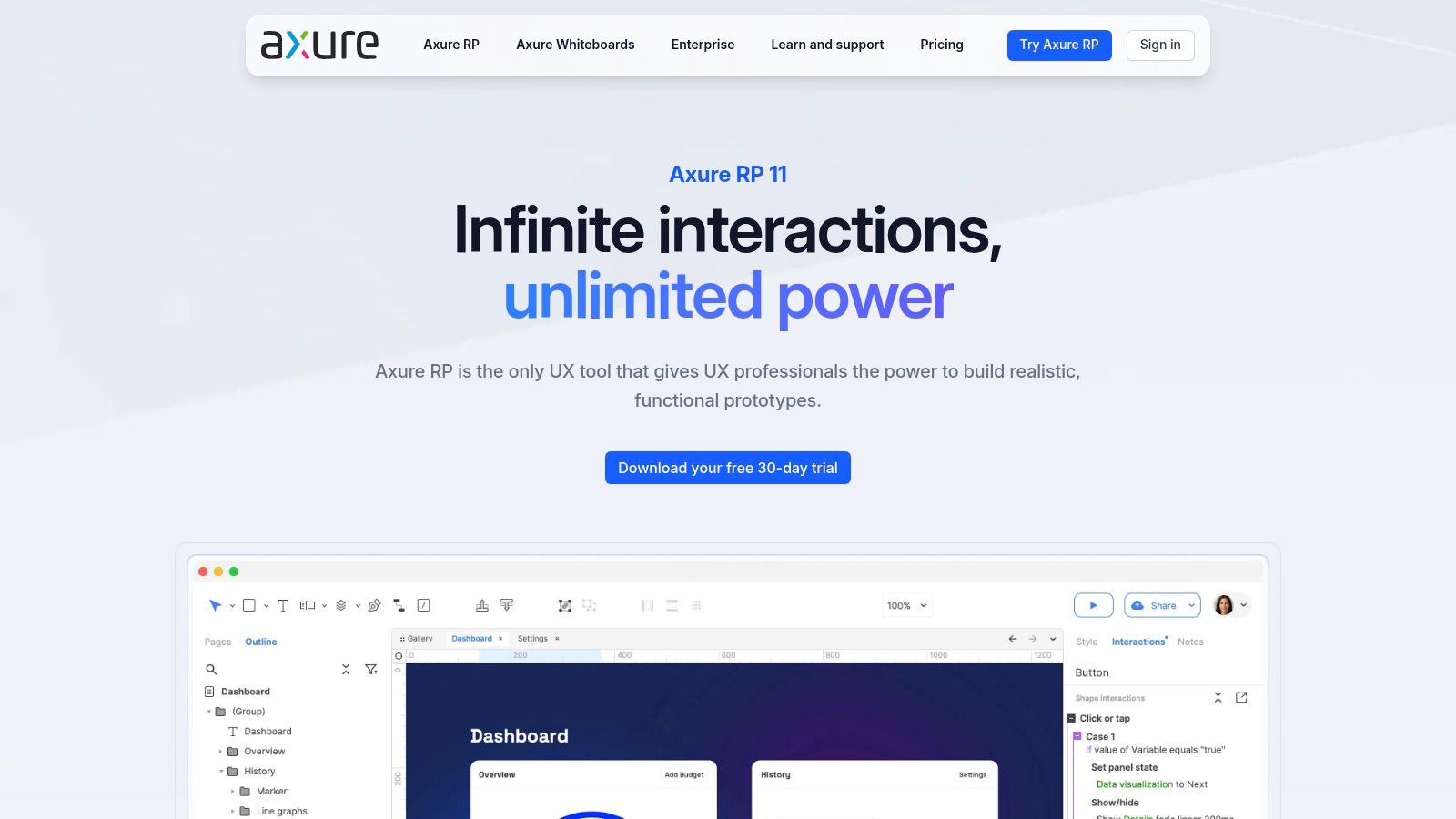
Its strength lies in bridging the gap between a low-fidelity wireframe and a functional prototype, making it a key part of wireframing software stacks in regulated or complex industries. While it has a steeper learning curve, the investment pays off when demonstrating sophisticated interactions to stakeholders. This focus on detailed simulation is central to the practice of rapid prototyping for product teams, as it allows for validation of core logic, not just static layouts.
Key Considerations
- Best Use Case: Enterprise teams, UX architects, and product managers who need to prototype complex, logic-driven applications and test intricate interaction models.
- Pricing: Operates on a subscription model (Axure RP Pro and Team). Axure Cloud for Business adds enterprise features like SSO and is priced separately.
- Pros: Unmatched for creating prototypes with complex conditional logic. Free prototype viewers for stakeholders streamline the review process.
- Cons: The desktop authoring workflow can feel heavy compared to modern browser-based tools. Its significant power comes with a considerable learning curve.
Website: https://www.axure.com
6. Miro
Miro has carved out a space as the digital whiteboard for cross-functional teams. This makes it a natural starting point for collaborative ideation and early-stage wireframing. It excels in the unstructured phase of product discovery where product managers, designers, and engineers converge. Its strength as a wireframing software isn't in creating pixel-perfect UIs, but in facilitating shared understanding through quick layouts and user flows before committing to a higher-fidelity tool.
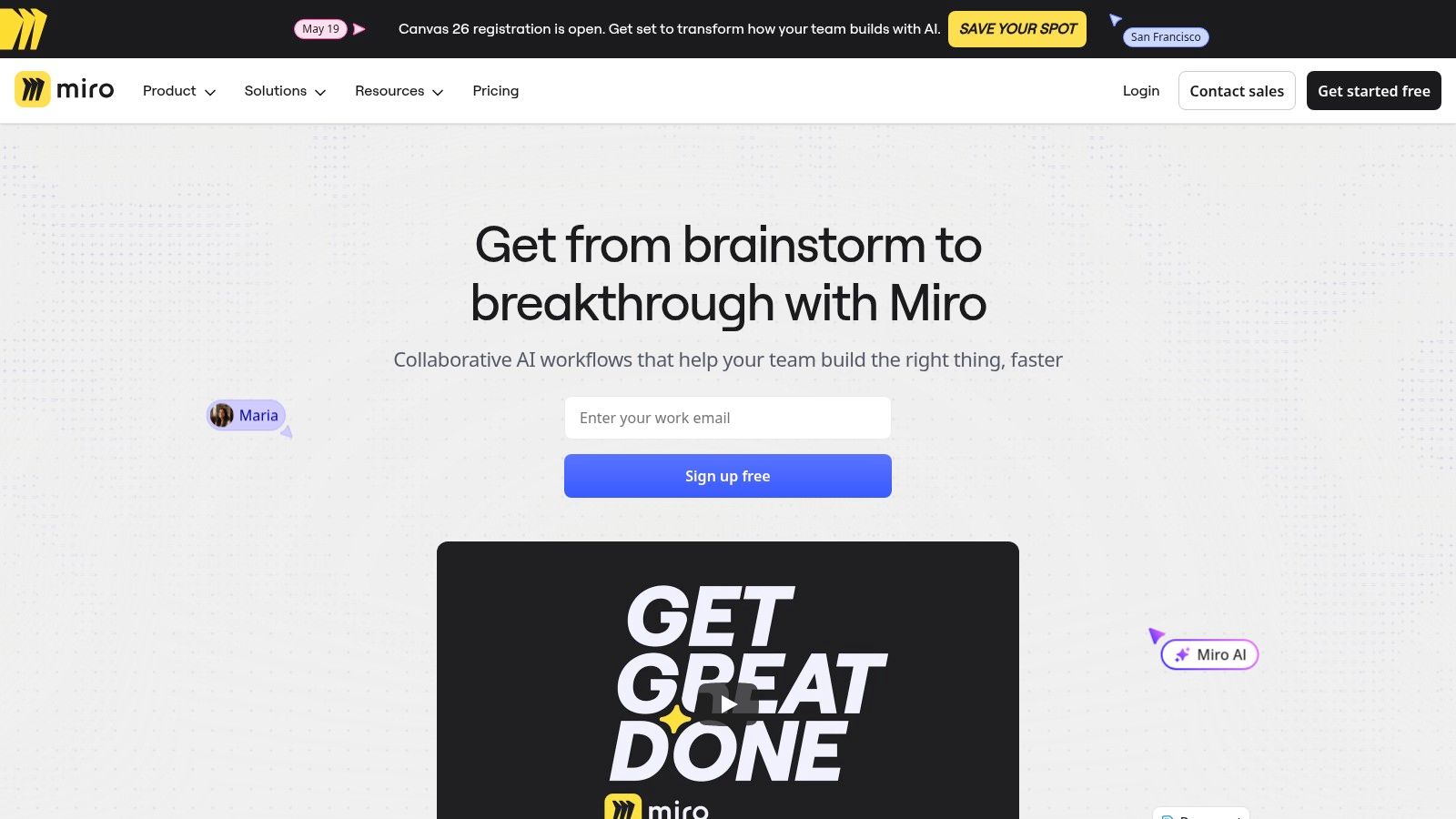
The platform offers a wireframe library with standard components and hundreds of templates, allowing teams to move from brainstorming to a structural outline within the same canvas. Features like Miro Prototypes extend this capability, letting teams link frames together to test basic concepts very early on. This workflow is useful for validating ideas before investing significant design resources. A key benefit is the way it supports the broader ecosystem, making it a crucial step in connecting wireframe and prototype tools with product management platforms.
Key Considerations
- Best Use Case: Cross-functional teams needing a collaborative space for brainstorming, user journey mapping, and creating low-to-mid-fidelity wireframes in tandem.
- Pricing: A free plan offers core functionality. Paid plans unlock unlimited boards and advanced features. Note that some capabilities are often add-ons that increase the total cost.
- Pros: Excellent for large-scale, real-time collaboration. Scales well from individual users to large enterprises needing security features like SSO.
- Cons: Not a replacement for dedicated high-fidelity prototyping tools. Key features like AI are often gated behind higher-tier plans or require separate credits.
Website: https://miro.com
7. Lucidspark
For many teams, wireframing doesn't begin on a structured canvas. It starts on a chaotic, sprawling whiteboard. Lucidspark is the digital version of that whiteboard, a space designed for the messy ideation that precedes formal design. It excels at the earliest stages of product thinking, where teams map user flows, brainstorm features, and sketch foundational screen concepts using digital sticky notes.
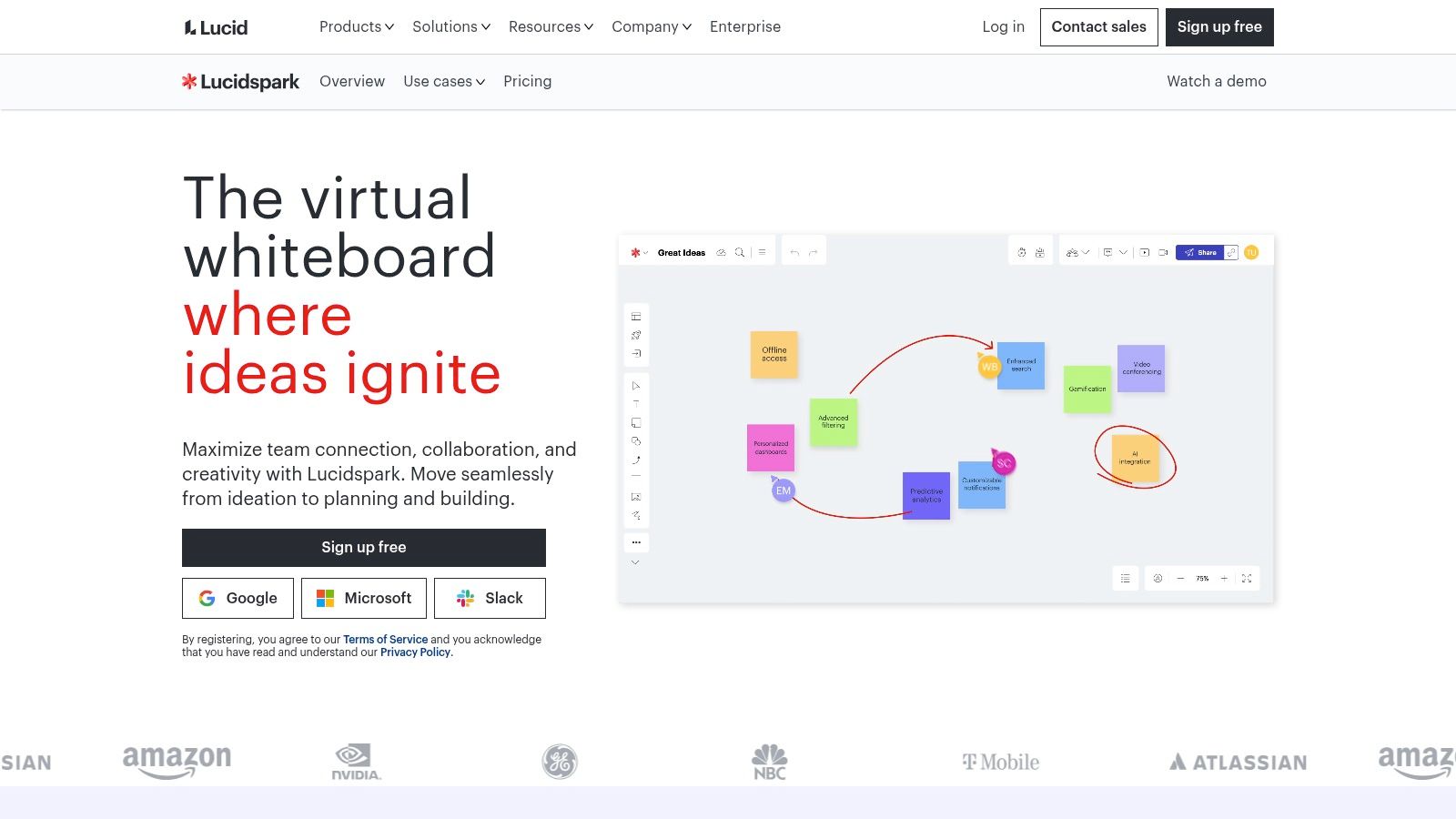
Lucidspark's power comes from its accessibility to non-designers. Its familiar whiteboard interface, complete with timers and voting features, invites participation without the intimidation of a complex design tool. It is not intended for building high-fidelity prototypes, but as an initial piece of wireframing software, it shines. Its integration with Lucidchart allows teams to formalize these early sketches into structured diagrams, creating a clear path from raw idea to a more refined concept.
Key Considerations
- Best Use Case: Cross-functional teams that need a collaborative space for initial brainstorming and very low-fidelity wireframing before moving to a dedicated design tool.
- Pricing: While a free tier is available, exact enterprise and team pricing can be opaque and often requires contacting sales, which may be a hurdle for some buyers.
- Pros: Highly intuitive for non-design stakeholders, excellent for collaborative brainstorming, and a strong security posture for enterprise procurement.
- Cons: Lacks advanced prototyping and high-fidelity design features. The sales-gated pricing model can complicate budget planning.
Website: https://lucid.co/lucidspark
8. Whimsical
Whimsical is where speed and simplicity converge. It’s the digital equivalent of a product manager grabbing a marker and sketching on a whiteboard, but with the structure needed for remote teams. Its strength is not in creating pixel-perfect UIs, but in facilitating the rapid thinking that precedes them. It combines wireframes, flowcharts, and mind maps into one fluid canvas. This makes it an ideal piece of wireframing software for teams who prioritize speed of ideation.
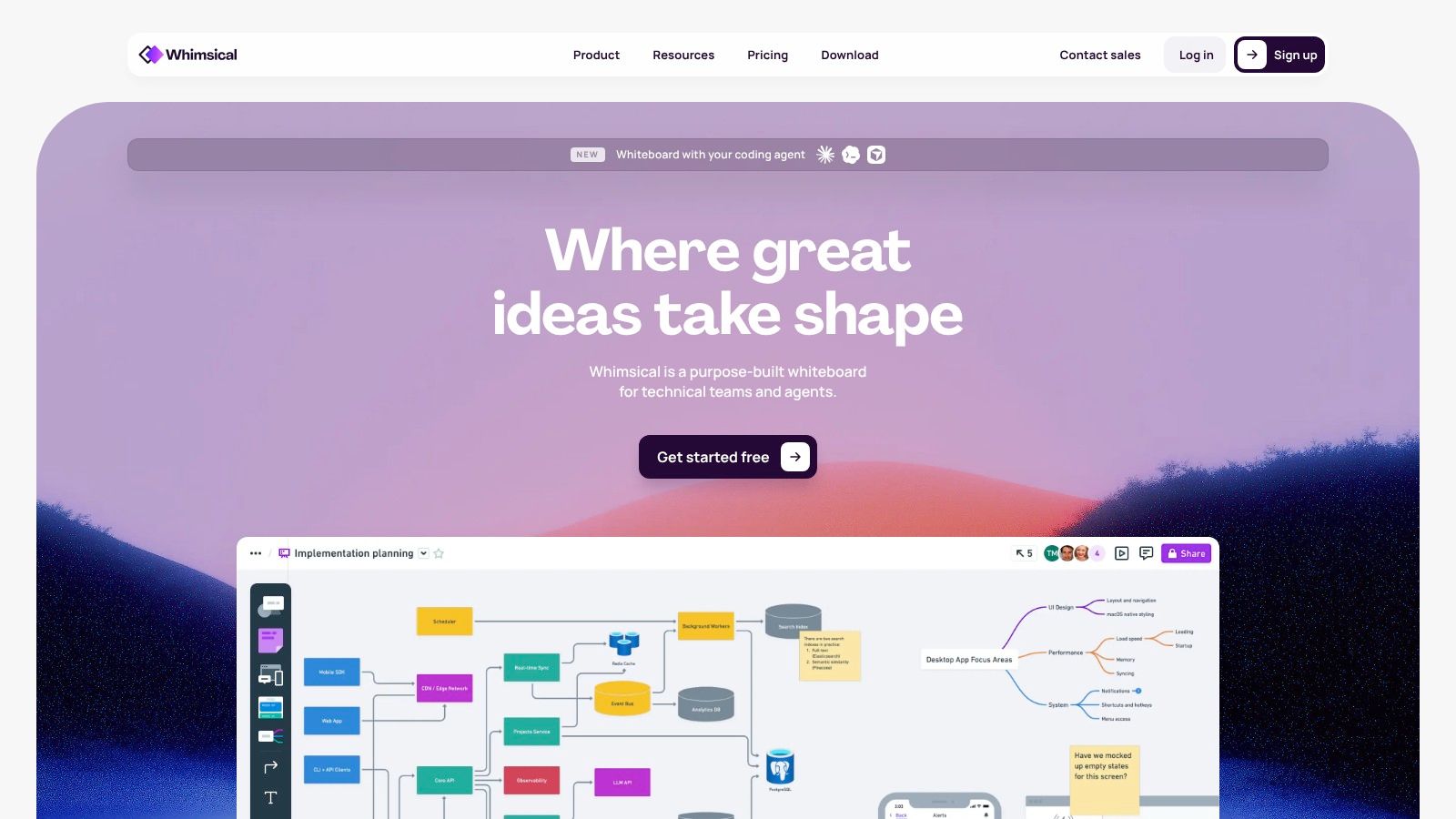
The platform's near-zero learning curve is its defining feature. You can onboard a new team member, and they can be productively creating flowcharts and low-fidelity wireframes within minutes. This accessibility makes it a go-to for PM-driven design where the goal is to communicate a concept clearly, not to finalize visual details. The intentionally simple component library keeps the focus on structure and flow.
Key Considerations
- Best Use Case: Product managers and cross-functional teams needing a very fast tool for creating low-fidelity wireframes, user flows, and diagrams.
- Pricing: Offers a free plan with board and AI action limits. Paid plans are per-editor with free viewers, with clear discounts for educational and nonprofit organizations.
- Pros: Extremely easy to learn and use, making it perfect for rapid ideation. Combines multiple diagramming tools into a single canvas.
- Cons: Lacks the depth for high-fidelity mockups or advanced prototyping. Advanced security controls are reserved for the highest enterprise tier.
Website: https://whimsical.com
9. Uizard
Uizard operates on a powerful premise. What if you could turn a napkin sketch or a simple text prompt into a multi-screen wireframe in seconds? For product managers or founders needing to visualize an idea without design resources, this is a major speed boost. It excels at the earliest stages of ideation, translating abstract concepts into tangible, clickable layouts. This makes it one of the more interesting AI tools that turn product ideas into wireframes.
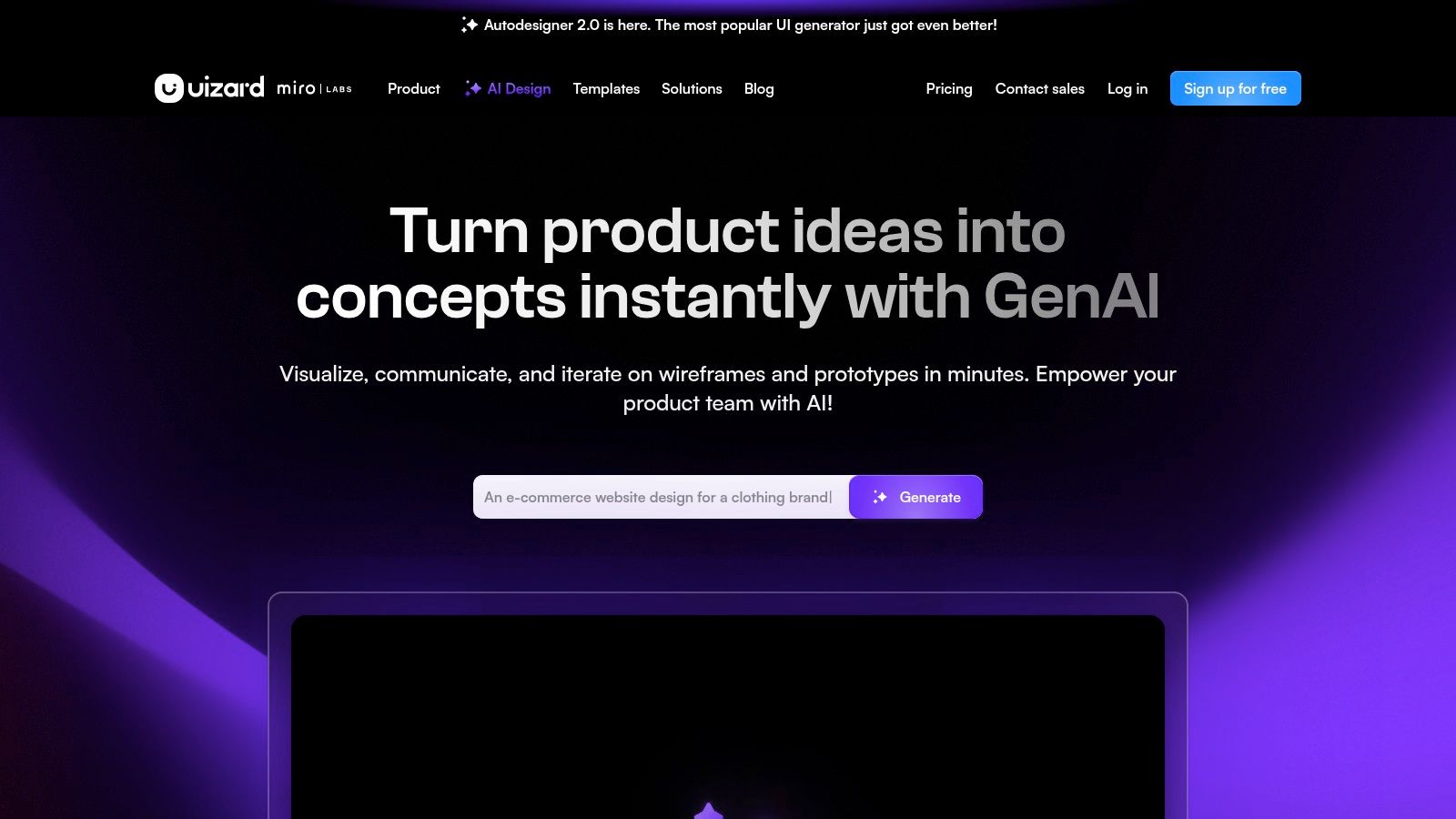
The platform’s Autodesigner feature can take a screenshot, a hand-drawn sketch, or a descriptive prompt and generate a complete, editable design. This dramatically lowers the barrier to entry for creating initial concepts. While the generated designs are a starting point, they provide a solid foundation for discussion. For non-designers, Uizard serves as a bridge, transforming a fleeting idea into something concrete. It's a valuable piece of wireframing software for rapid validation.
Key Considerations
- Best Use Case: Product managers, entrepreneurs, and non-designers who need to quickly generate initial wireframes from prompts, sketches, or screenshots for early validation.
- Pricing: A free plan exists for quick tests. Paid tiers are required for features like developer handoff code (CSS/React) and removing Uizard branding.
- Pros: Extremely fast turnaround from idea to a shareable wireframe. The AI features are user-friendly for those without a design background.
- Cons: The AI-generated outputs often lack brand specificity, requiring significant refinement by a professional designer. Advanced features are gated behind higher-priced plans.
Website: https://uizard.io
10. MockFlow (WireframePro)
MockFlow carves out its niche as a pragmatic, browser-based suite focused on rapid ideation and wireframing. It's less of a comprehensive design system and more of a dedicated workshop for getting ideas onto a canvas quickly. Its core product, WireframePro, is designed for speed. It offers a straightforward toolset that allows product managers and early-stage designers to map out screen layouts without getting bogged down. This focus makes it a strong contender for teams that prioritize velocity.
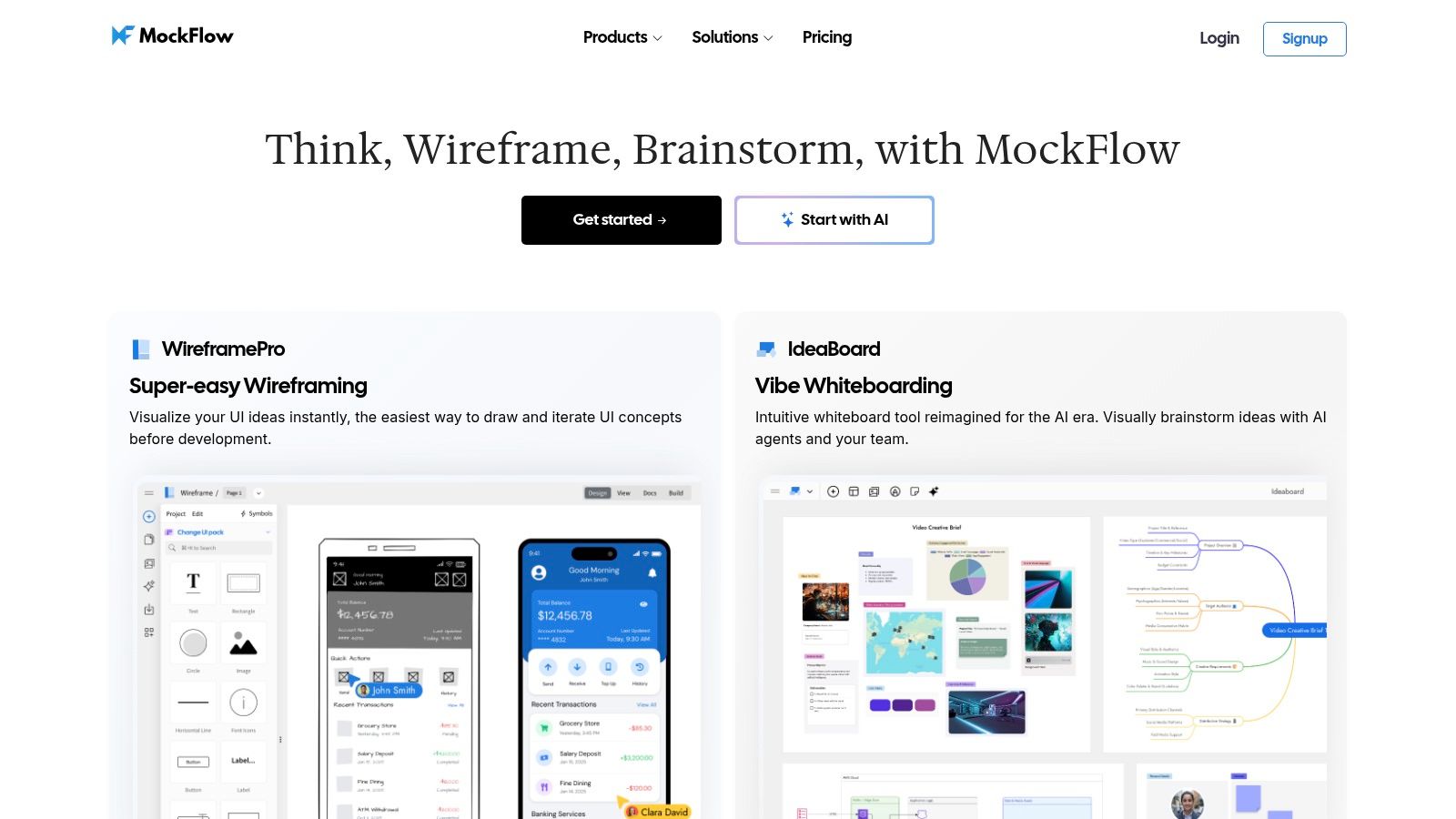
The platform extends beyond simple wireframes with tools for brainstorming and bridging the gap between design and code. Features like multiplayer editing and on-design comments facilitate collaboration, while integrations with AI coding assistants show a forward-looking approach. For teams needing a simple but effective piece of wireframing software with generous project limits and useful offline capabilities, MockFlow presents a compelling alternative.
Key Considerations
- Best Use Case: Individuals or teams needing a fast, no-frills tool for creating low-to-mid-fidelity wireframes, especially when budget and project volume are key concerns.
- Pricing: Offers a free tier with limitations. Paid plans are competitively priced, often including unlimited projects, but enterprise features may require an annual license.
- Pros: Excellent value with unlimited wireframes on paid tiers, easy stakeholder review processes, and practical design-to-code and AI workflow integrations.
- Cons: The visual polish and advanced prototyping capabilities don't match market leaders. Some administrative features are locked behind more expensive annual-only plans.
Website: https://mockflow.com
11. Justinmind
For teams that need to go beyond static boxes and arrows, Justinmind offers a desktop-first environment built for creating highly interactive prototypes. While many tools focus on screen layout, Justinmind excels at defining complex logic, mobile gestures, and dynamic content without writing code. This makes it a strong contender for projects where validating intricate user flows or testing data-heavy forms is the primary goal. It bridges the gap between low-fidelity wireframes and functional, testable prototypes.
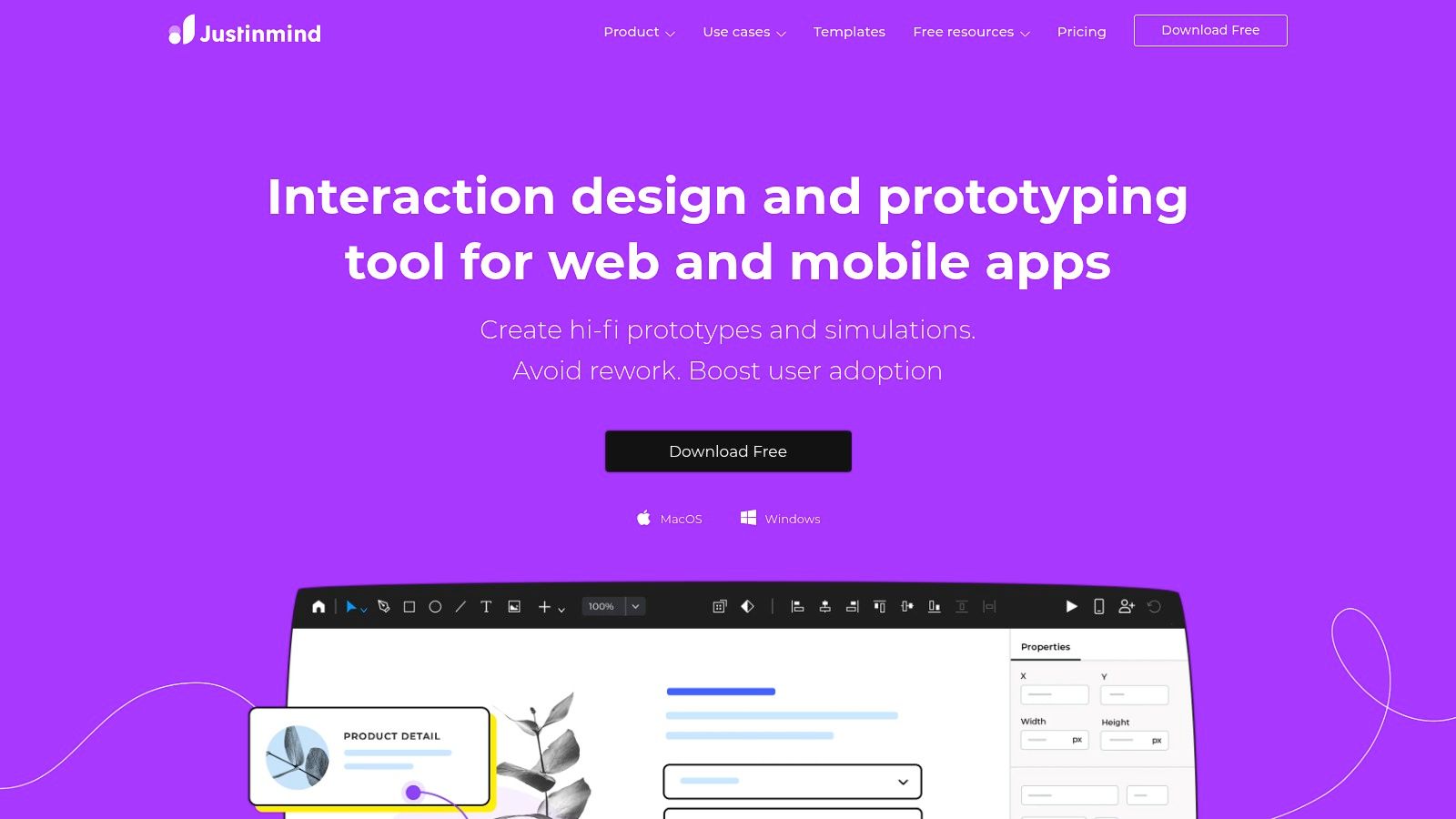
The platform's power lies in its detailed interaction and logic features. You can build wireframes with conditional navigation, simulated data inputs, and animated transitions that mimic a final product. This depth makes it a piece of wireframing software particularly suited for rigorous usability testing before development begins. The ability to share prototypes with unlimited viewers also simplifies the feedback loop with stakeholders, allowing them to experience a near-real representation of the application.
Key Considerations
- Best Use Case: Creating complex, high-fidelity prototypes for applications that require detailed interaction logic, data simulation, and extensive usability testing.
- Pricing: Offers a free plan with limitations. Paid plans unlock unlimited projects and advanced features, priced per user, with discounts for annual billing.
- Pros: Excellent for building complex interactions and testable prototypes. Unlimited viewers on paid plans make stakeholder review seamless.
- Cons: The desktop-first nature and advanced logic features present a steeper learning curve. Its collaboration model is less fluid than real-time, browser-based alternatives.
Website: https://www.justinmind.com
12. Penpot
Penpot enters the conversation as a powerful, community-driven alternative built on an open-source foundation. For teams wary of vendor lock-in, its existence is a significant advantage. It presents a browser-based design environment that covers the full spectrum from initial wireframes to high-fidelity, interactive prototypes. Its core appeal is control: because it’s open-source, organizations can self-host the platform, ensuring their design data never leaves their own infrastructure. This makes it a compelling piece of wireframing software for security-sensitive industries.
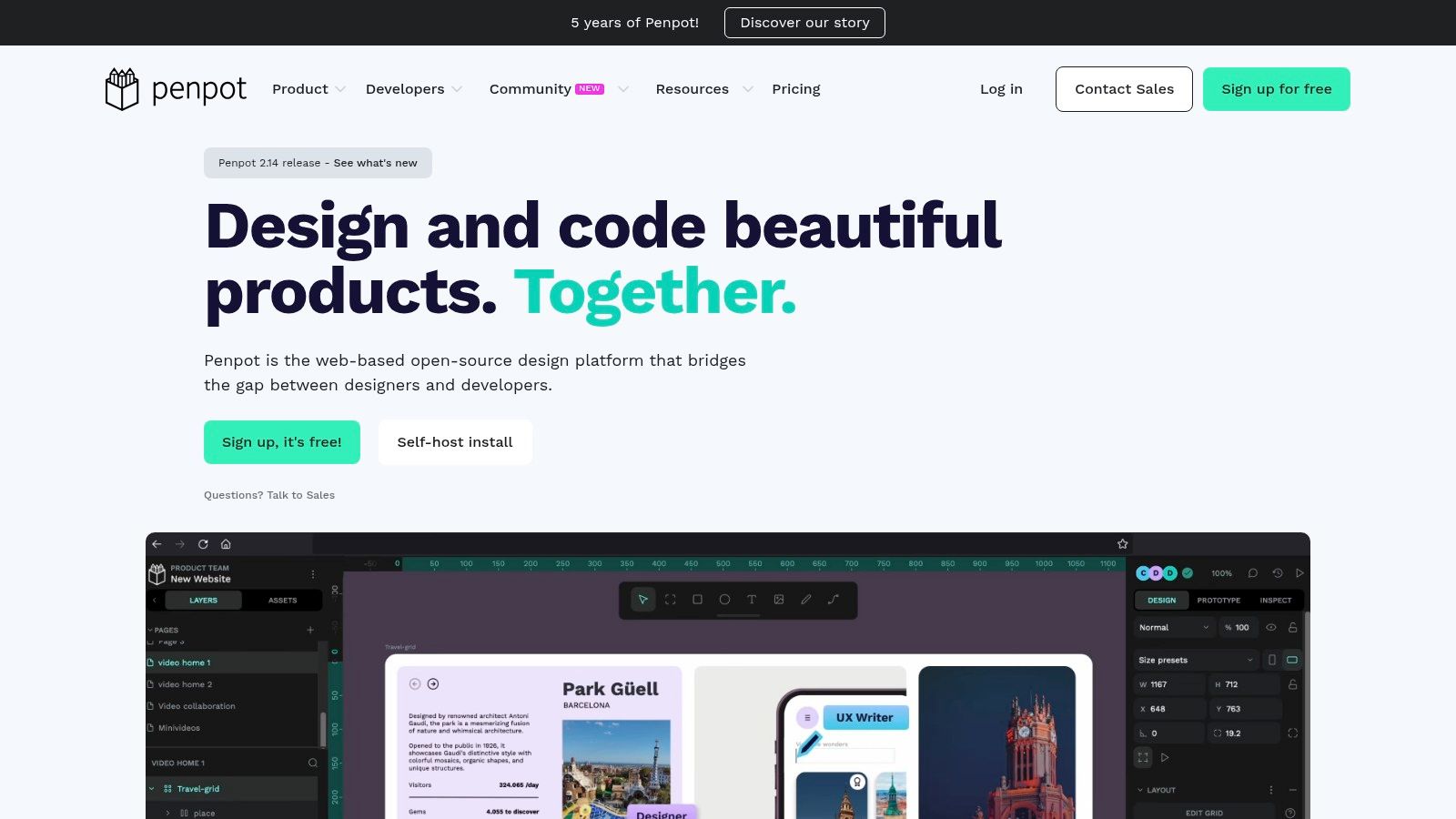
Functionally, Penpot feels familiar, offering components, styles, and prototyping links. It operates on open standards (SVG), which eases developer handoff. The pricing model is also a major differentiator. The ability to self-host means zero license fees, while the cloud-based SaaS offering includes a generous free tier and an 'Unlimited' plan that caps costs for the entire team, a stark contrast to the per-seat pricing that dominates the market.
Key Considerations
- Best Use Case: Teams seeking a cost-effective, open-source tool with the option for self-hosting for maximum data control. Ideal for large teams looking to avoid escalating per-seat software costs.
- Pricing: A free self-hosted version is available (MPL 2.0). The SaaS option has a free tier, a low-cost 'Unlimited' tier with capped billing, and a flat-rate Enterprise plan.
- Pros: Open-source flexibility avoids vendor lock-in. Extremely cost-efficient for large or growing teams, especially with self-hosting or flat-rate plans.
- Cons: The community and template ecosystem are smaller than those of established leaders. Certain SaaS features like expanded storage are limited to paid tiers.
Website: https://penpot.app
Top 12 Wireframing Tools Comparison
| Tool | Core capabilities | Best for / Target audience | Unique selling point | Enterprise & pricing |
|---|---|---|---|---|
| Figr | Product-aware AI: one-click live app capture, Figma import, PRDs, user flows, prototypes, accessibility checks | Product teams, PMs, UX leads, QA who need contextual, production-ready UX | Generates prototypes that mirror your live product; data‑grounded recommendations; memory across sessions — Recommended | SOC 2, SSO, zero data retention; free signup / 14‑day trial referenced; contact sales for full pricing |
| Figma | Cloud design, components, interactive prototypes, FigJam | Designers, PMs, cross-functional teams needing real-time collaboration | Market standard with vast templates, plugins and live collaboration | Seat tiers (Full/Dev/Collab); published pricing; AI credit limits noted |
| Sketch | Mac-native UI design with collaborative web workspace | Mac-based designers wanting fast local authoring | Fast native performance and predictable per‑editor pricing | Business/Enterprise: SSO, SCIM, BYOK, Private Cloud; subscription or Mac license |
| Balsamiq | Low‑fidelity, sketchy wireframes, drag‑and‑drop stencils | Fast ideation, non‑designers, teams avoiding pixel polishing | Very quick ideation; style prevents over‑polish; unlimited users on projects | Per‑project pricing with unlimited users; AI options available |
| Axure RP | Advanced prototyping with conditional logic, variables, dynamic panels | UX researchers and teams modeling complex SaaS interactions | Best for realistic behavior and edge‑case modeling | Axure Cloud hosting; SSO on Business tier; paid RP subscriptions |
| Miro | Collaborative whiteboards, wireframe library, prototypes add‑on | Cross‑functional discovery, workshops, early flows | Excellent for team alignment and scaled workshops | Unlimited boards on paid plans; SSO/governance add‑ons; some features gated |
| Lucidspark | Virtual whiteboard, journey mapping, brainstorming tools | Non‑design stakeholders, enterprise procurement teams | Tight LucidSuite integration and strong procurement/security docs | Enterprise docs (VPAT/ACR); pricing often gated; fewer hi‑fi features |
| Whimsical | Boards & Docs for wireframes, flowcharts, maps | PMs and fast‑moving teams needing simple wireframes | Very fast to learn with clear published pricing and free viewers | Per‑editor pricing published; SSO/SAML on Business/Enterprise |
| Uizard | AI autodesigner: prompts/screenshots → multi‑screen wireframes | PMs and non‑designers for rapid exploration | Extremely fast idea→wireframe generation from prompts/sketches | Developer handoff on paid tiers; higher tiers for brand control |
| MockFlow (WireframePro) | Browser wireframing, templates, offline apps, design‑to‑code tools | Value‑focused teams needing many wireframes and stakeholder review | Unlimited wireframes (paid); design‑to‑code utilities | Desktop apps and yearly licensing for SSO/SCIM; value pricing |
| Justinmind | Desktop prototyping with data simulation, gestures, unlimited screens | Usability testing teams and complex interactive prototypes | Strong for testable, data‑driven prototypes and mobile gestures | Paid plans for unlimited screens; heavier authoring workflow |
| Penpot | Open‑source browser design/prototyping with self‑host option | Security‑sensitive orgs, large teams avoiding vendor lock‑in | Self‑hostable MPL2.0 platform; flat enterprise pricing option | Free self‑hosting; low‑cost SaaS “Unlimited” tier; Enterprise flat pricing |
Final Thoughts
The path from a fleeting idea to a fully realized product is rarely a straight line. It's a winding road of iteration, feedback, and refinement. We've seen a dozen different tools, from the raw ideation canvas of Miro to the context-aware intelligence of Figr. Each piece of wireframing software offers a distinct map for navigating that early, ambiguous stage of creation.
The basic gist is this: your choice of tool is less about features and more about your team's communication style and workflow velocity. Are you a small team that needs to move from a whiteboard sketch to a testable concept in hours? A tool like Balsamiq or Whimsical might be your best companion. Are you a large enterprise where consistency and security are paramount? Then Sketch or the enterprise tiers of Figma become serious contenders.
Choosing Your Compass: A Decision Framework
Selecting the right wireframing software requires looking inward at your team’s unique processes. I once watched a product manager at a health-tech startup spend two weeks crafting a pixel-perfect wireframe, only to have the core user flow invalidated in the first 20 minutes of user testing. The fidelity of the tool had created a false sense of finality.
This is a common trap. The tool should match the fidelity of your thinking. To avoid this, consider these guiding questions:
- What is the primary goal? Is it to quickly validate a user flow, align stakeholders, or provide detailed specs for development?
- How does your team collaborate? Do you work asynchronously or in real-time workshops? Tools with strong multiplayer capabilities are built for live collaboration.
- What is your "source of truth"? Does your organization centralize everything in a system like Jira? Prioritize tools with robust integrations.
Ultimately, the right tool facilitates seamless communication. It acts as a shared language, reducing the friction between idea and implementation. For those looking to expand their development capabilities, you might explore options to Hire LATAM developers. A strong team, equipped with the right tools, is the foundation of any successful product.
The Next Frontier: Context and Intelligence
The most significant shift in this space is the move from static canvases to dynamic, context-aware environments. This is the difference between drawing a map by hand and using a live GPS that understands traffic. Tools like Figr are pioneering this shift by integrating product context directly into the wireframing process. A 2021 study in the Journal of Systems and Software found that context-aware systems can reduce cognitive load on developers by up to 35%, a principle now being applied to design tools. These tools understand your components, user data, and business logic.
This evolution is about intelligence, not just speed.
In short, it's about creating a system where your tools don't just help you draw faster, they help you think better. As you make your choice, don’t just evaluate what a tool can do today. Ask what it helps your team become tomorrow. Choose the software that not only captures your vision, but also sharpens it.
Your next step is to pick one tool that fits your current challenge and run a small experiment.
Use it for one feature.
See if it clarifies your team's thinking.
That's how you'll find your answer.
Ready to move beyond static wireframes and into a world of context-aware, AI-driven design? Figr connects your wireframes to your live product data, helping you build smarter, faster, and with more confidence. See how it works by visiting Figr and start building the future, today.
