
The churn report lands on Monday morning, right when the team is still pretending coffee can solve strategic uncertainty. A friend at a Series C company told me he dreads that meeting more than board prep. The numbers are clean, the charts are precise, and none of them answer the only question that matters: why are people leaving?
His team tracks every click. They know where users stall, which screens get skipped, and which flows leak attention. But they're still flying blind. They know what users do, not what they think.
That's the quiet crisis inside a lot of product teams. There's no shortage of dashboards. There's a shortage of questions that produce usable truth. The basic gist is this: quantitative data shows you where the problem is, but only asking the right questions can tell you what the problem is. Without the voice of the customer, you're just guessing with more decimal places.
And guessing gets expensive fast.
A few months ago, I watched a PM present a polished roadmap built on behavior data alone. Then one customer call unraveled half of it. The “adoption problem” wasn't weak demand. Buyers didn't trust the output yet, because nobody had asked whether the product felt grounded in their real workflow.
This is what I mean by feedback intent. Not all customer questions do the same job. Some uncover unmet need. Some expose friction. Some test trust. Some predict churn. If you treat them as interchangeable, you'll collect noise.
Below are the questions to ask customers about your product when you want signal, not ceremony.
1. How well does our product solve your core problem?
A customer says, “We like the product,” and the room relaxes too early. Then you ask what they would do if it disappeared tomorrow, and the answer gets shaky. That gap matters more than the polite praise.
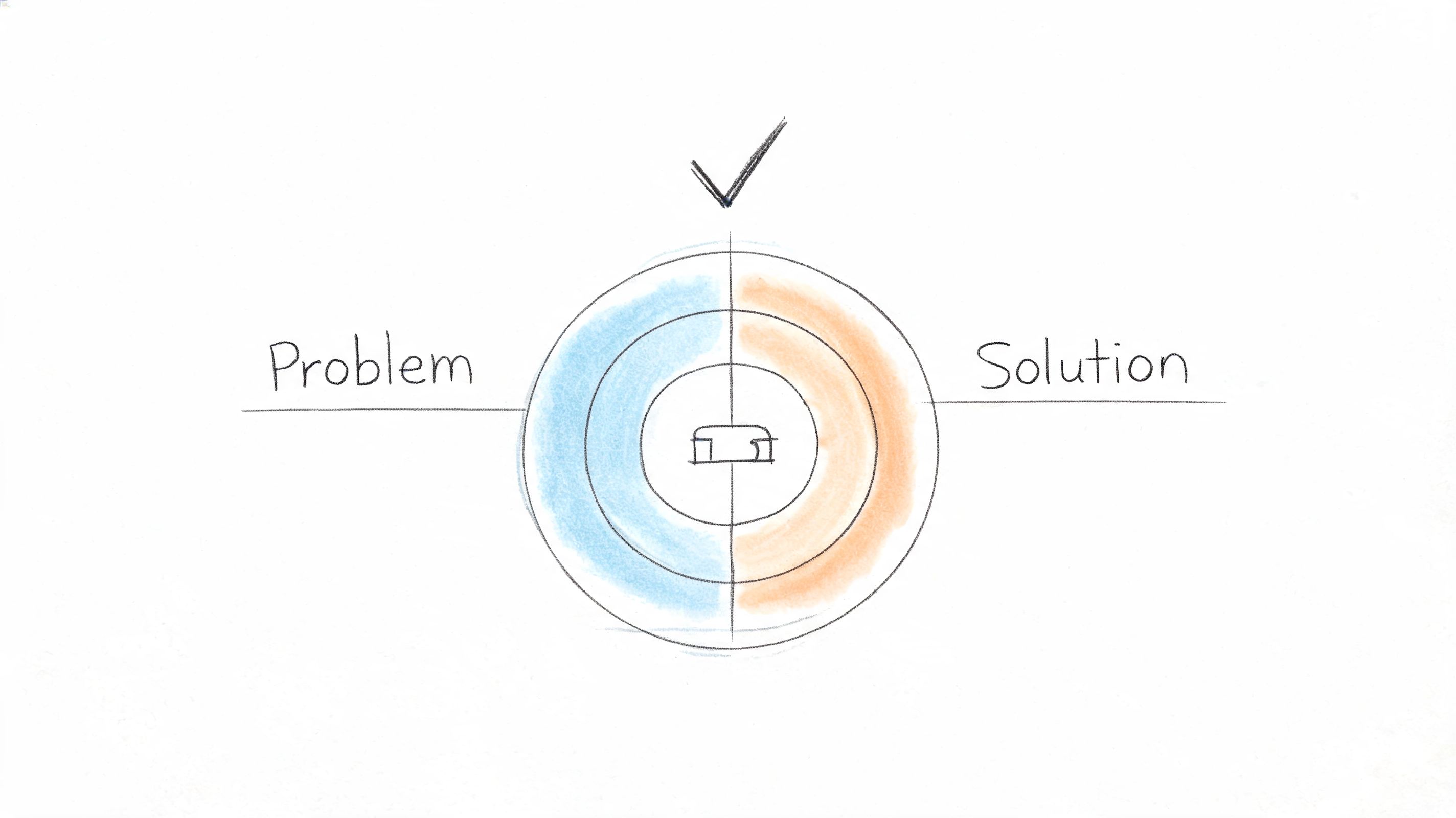
This question sits in the Discovery bucket of your feedback system. Its job is to test whether your product is solving the problem the customer hired it to solve, for this role, in this workflow, under real constraints. If you ask it loosely, you get flattering noise. If you ask it with clear intent, you learn whether you have real value, partial value, or a packaging problem.
For a product like Figr, the core problem is different depending on who is answering. A PM may want to turn messy product context into a usable PRD and flow. A designer may care whether the output reflects the actual design system instead of a generic pattern. A QA lead may care whether risky edge cases appear before handoff instead of after release.
Ask for fit, then diagnose the gap
Start with a direct question tied to the customer's job to be done: “How well does our product solve the main problem you bought it for?” Then get specific fast. I prefer a simple rating followed by evidence: “What is working well today?” and “Where does it still fall short?”
That sequence does two things. It gives you a comparable signal over time, and it keeps the interview from drifting into vague satisfaction language. A high score with a sharp gap can still point to the next roadmap priority. A mediocre score with strong retention behavior can signal a positioning issue rather than a product failure.
Use role-specific scripts instead of one generic prompt:
- For PMs: How well did Figr help you turn product context into a usable PRD or flow?
- For designers: How well did Figr's output reflect your actual design system, not a generic pattern?
- For QA teams: How well did Figr surface edge cases you would've otherwise caught later?
Then use follow-up prompts that force clarity:
- “What part of the problem do we solve reliably?”
- “Where do you still need a workaround?”
- “What did you expect us to handle that still requires manual effort?”
- “If you stopped using Figr tomorrow, what would become harder first?”
Practical rule: Never ask a value question without a missing-value follow-up.
The listening mistake here is subtle. Teams hear “pretty well” and move on. Don't. Ask for the last real example. Ask what happened before the customer used the product, what changed after adoption, and where the old process still survives. Concrete stories beat abstract praise every time.
There is also a timing trade-off. Ask this right after a launch and you will often capture release sentiment, curiosity, or confusion. Ask it after the product has been used in a real project and you get a better read on problem-solution fit. Segment the answers by role, account maturity, and use case. “The customer” usually includes several people, and each one may define the core problem differently.
2. How easy is it to get started with our product?
Most products don't lose new users because the long-term value is weak. They lose them because the path to first value feels confusing, risky, or too much like work.
That's why this question belongs early in your feedback system. If onboarding feels heavy, users won't stay around long enough to discover the thing you're proud of.
Here's a useful visual for that first-mile problem.
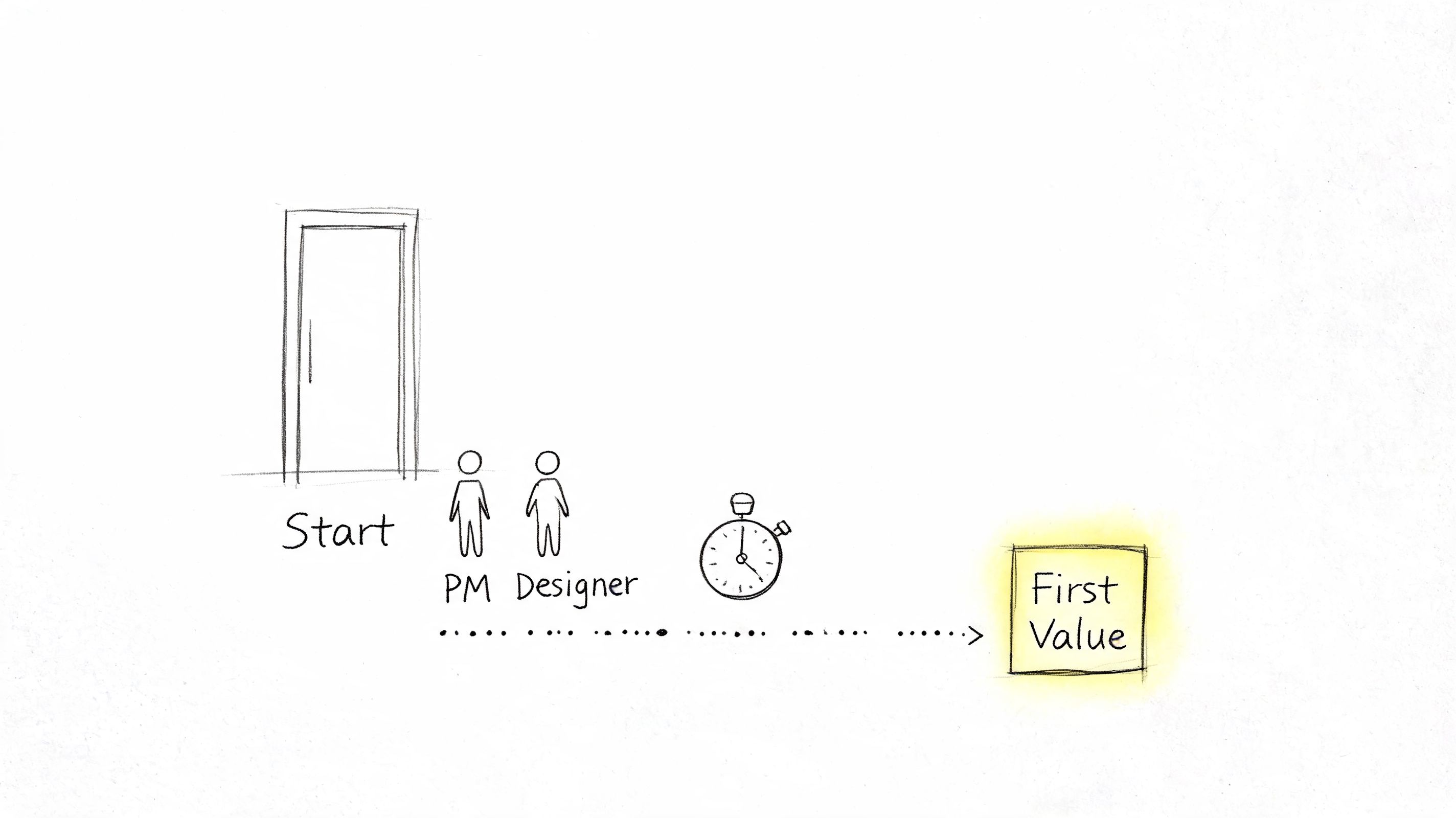
For Figr, “getting started” might mean capturing a live app through the Chrome extension, importing Figma design systems and tokens, or generating a first high-fidelity prototype that feels grounded in real product context. If any of those steps feel fragile, people hesitate.
Listen for the first point of uncertainty
Don't just ask whether setup was easy. Ask where confidence dropped.
A useful script is: “What was the moment you were most likely to stop?” That question gets you closer to the actual onboarding blocker than a generic satisfaction score ever will. Sometimes the issue is technical friction. Sometimes it's trust. Users may not believe the first output will be good enough to justify the setup.
Userpilot's guide to measuring product adoption notes that SaaS products with activation rates above 40-50% typically achieve strong retention, while products below 20% signal serious onboarding friction. The same piece also argues that activation is a leading indicator, which is exactly why this question matters so much.
Later in the conversation, show the team what “good first value” looks like in practice.
What works?
- Define activation clearly: For Figr, that might be a successful first capture or first grounded prototype.
- Separate by role: A PM's first win isn't the same as a designer's.
- Probe for hesitation: Ask what felt irreversible, confusing, or too expensive in time.
What doesn't work is treating every abandoned signup as lack of intent. Often it's just unclear activation design.
3. Which features do you use most frequently?
This question sounds basic. It isn't. It's where roadmap mythology goes to die.
Every product team has a version of this mistake: they assume the most discussed feature is the most valuable feature. Then usage tells a different story. Customers might rave about AI generation in demos, yet return daily for analytics-driven benchmarking, design system enforcement, or one-click export back into Figma.
So ask what they use, not what they admire.
Frequency reveals value, but context explains it
Start with the simple version: “Which features do you use most often?” Then add a second layer: “What job are you trying to get done when you use them?” Frequency without context can push teams toward the wrong conclusion. A feature used often may be beloved, or it may be a workaround for missing product design.
Behavior and conversation ought to meet. If someone says they mostly use PRD generation, ask why prototype generation or UX review isn't part of the same workflow. If they use analytics benchmarks but ignore A/B exploration, ask whether the recommendation engine feels useful or just ornamental.
According to Product Marketing Alliance on product adoption metrics, products with intentional feature discovery mechanisms see 40-60% higher adoption rates for secondary features. That's a strong reminder that low usage doesn't always mean low value. Sometimes it means poor discovery.
The feature customers mention first and the feature they rely on most often are not always the same feature.
A few follow-ups usually produce much better signal:
- First-use question: Which feature did you try first, and why that one?
- Abandonment question: Which feature did you try once and not come back to?
- Expectation question: Which feature do you think should matter more than it does?
What doesn't work is asking this in a vacuum. Pair it with product analytics so you can explore contradictions. Those contradictions are where the roadmap gets sharper.
4. What obstacles or pain points do you encounter while using our product?
A customer says, “It works, mostly,” then spends five minutes describing the checks, edits, and side notes their team has to add before they can trust the output. That is the signal. The pain is rarely a dramatic product failure. It is the extra review step, the workaround in Figma, the Slack message asking someone senior to confirm the result is safe to use.
This question belongs in the friction part of your feedback system. Its job is to surface where effort piles up after the product appears to succeed. If you only ask whether users are satisfied, you will miss the hidden labor around verification, recovery, and handoff.
For AI products, that distinction matters even more. A polished output can still create downstream work if it misses product context, invents details, or forces the user to re-check every recommendation. The practical question is not “Did you like it?” It is “Where did this create extra work?”
Ask for the moment of friction
Start with a prompt tied to behavior: “Walk me through the last time the product slowed you down.” That phrasing gets you out of opinion and into sequence, which is where the useful detail lives.
In Figr's world, that might surface design token mapping that breaks on a non-standard system, a prototype that looks credible but misses edge cases, or analytics recommendations that do not match what the team already knows from the funnel.
The broader gap is how teams ask about AI-specific trust issues. Digital Leadership's article on identifying underserved customer needs argues that standard feedback methods often miss how users evaluate agentic AI products. That matches what product teams run into in practice. Users can report that a flow felt fine while performing manual verification on every important output.
Use prompts that separate usability pain from trust pain:
- Workflow prompt: Where in the process do you lose time because of the product?
- Grounding prompt: Did the output reflect your real product context, or did you need to correct invented details?
- Verification prompt: What did you feel responsible for checking before you could use the result?
- Recovery prompt: When something was wrong, how long did it take to fix or redo?
Good friction questions expose trust debt, review debt, and workaround debt.
The follow-up matters as much as the question. Ask, “Show me the last example.” Ask, “What did you do next?” Ask, “Who else had to get involved?” Those prompts reveal severity. A minor annoyance stays local. A real product obstacle creates delay, pulls in another teammate, or makes the user switch tools.
There is a trade-off here. Broad surveys can help you spot patterns across accounts, but they are weak at capturing nuanced failure modes, especially with AI outputs that look correct on first pass. Live interviews are better for this category because you can inspect the artifact, the workflow, and the recovery path in one conversation.
One mistake comes up often. Teams hear a complaint and log it as a feature request. Sometimes the issue is missing functionality. Often it is confidence. If users keep asking for export controls, audit trails, or clearer citations, they may not want more product. They may want fewer unknowns.
5. How does our product compare to alternatives you've considered or used?
Your competition isn't always another vendor. Sometimes it's a spreadsheet, a Figma ritual, a Notion doc, a manual QA checklist, or a team member who's become the human API between systems.
That's why this question needs range. If you only ask about named competitors, you'll miss the actual substitute.
A buyer evaluating Figr may compare it to generic AI design tools, manual prototyping in Figma, agency support, or doing less upfront design exploration and accepting more rework later. The answer tells you what market you're in, which isn't always the one your homepage implies.
Comparison answers expose switching logic
Ask, “What did you use before this?” Then ask, “What feels better, and what still feels worse?” Don't defend the product while they answer. You're listening for migration logic.
Sometimes the best insight comes from vulnerability. If a customer says, “Your output is more grounded than generic AI tools, but it still takes me too long to trust the export,” that's not a negative review. That's a positioning brief.
A few strong follow-ups:
- Choice question: Why did you choose us over your next-best option?
- Reversal question: What would make you switch back?
- Asymmetry question: Where are competitors stronger, even if you still prefer us?
This is the zoom-out moment product leaders often skip. Markets don't reward feature parity. They reward clarity around which trade-off you make easier to live with. If your product saves time but creates uncertainty, buyers will compare you against the certainty of slower work. That's the economics underneath the answer.
What works is documenting comparison language exactly as customers say it. What doesn't work is collapsing every rival into a static competitor matrix.
6. How well does our product integrate with your existing tools and workflow?
Integration questions sound operational, but they're really about whether your product earns a durable place in the customer's day.
A standalone product can win a trial and still lose the account. Why? Because the team has to copy, export, reformat, explain, and reconcile work across the rest of the stack. The product may be good in isolation and exhausting in practice.
For Figr, workflow fit might include Chrome capture from the live app, importing a Figma design system, exporting high-fidelity outputs back into Figma, or connecting analytics data so recommendations reflect actual funnel performance. Every handoff point is a chance to create confidence or friction.
Map the work around the work
Ask customers to walk you through what happens before they open your product and after they close it. That's where integration pain hides. Teams often focus feedback on the in-product experience and forget that the primary burden lives in all the manual stitching around it.
SurveyStance's roundup of customer satisfaction statistics notes that more than 50% of people won't spend over 3 minutes on feedback, which is another reason to keep workflow questions tight and concrete when you use surveys. This isn't a place for long forms. Ask one or two precise questions tied to a recent task.
Try prompts like these:
- Setup friction: Which connection or import step took more effort than it should have?
- Manual patching: Where do you still rely on copy-paste, screenshots, or side notes?
- Workflow confidence: Which handoff feels least reliable today?
If users describe elaborate workarounds, don't just log an integration request. Ask why they built the workaround that way. Their answer often reveals the underlying workflow they're trying to protect.
7. How has our product impacted your team's productivity and output quality?
A design lead finishes a launch review and says, “We shipped faster.” That sounds good, but it is not enough to guide product decisions. The useful answer is what got faster, for whom, and what quality trade-off came with it.
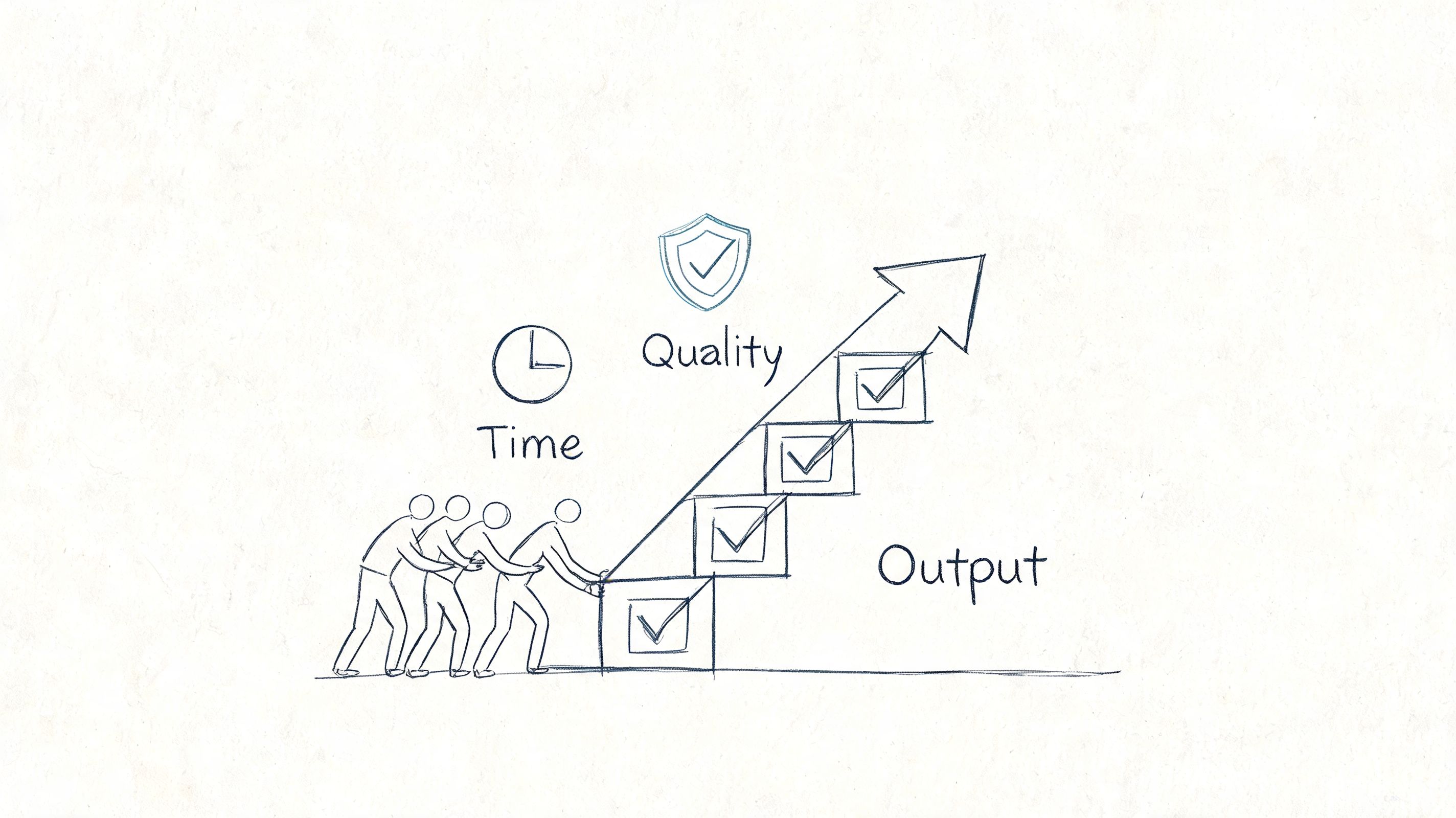
This question belongs in the value-validation bucket. Its job is to connect product usage to changed work. Ask it too broadly and you get vague praise. Ask it around a recent workflow and you learn where the product is creating speed, reducing errors, or improving consistency across a team.
For a team using Figr, the impact may show up in fewer revision cycles before handoff, faster PRD creation, better edge-case coverage, stronger accessibility reviews, or more consistent output because the product applies design tokens from the existing system.
Ask for a recent workflow, not a summary judgment
Productivity questions go wrong when teams ask for ROI too early. Few users have a polished business case ready. They do remember the last project that slipped, the review loop that disappeared, or the bug that never made it to production because the team caught it sooner.
Use a simple script:
- Prompt: Walk me through the last time your team used our product in a real project.
- Follow-up: Which step took less time or fewer people?
- Quality check: What improved in the output itself?
- Trade-off check: What still needs manual review or cleanup?
That last prompt matters. Faster work is not always better work. Some customers will accept extra review because they still net out ahead. Others will reject a time-saving feature if it introduces quality risk in a customer-facing workflow.
Listen for the unit of change
Strong answers contain a unit you can trace. A handoff. A review cycle. A support escalation. A rework loop. Weak answers stay at the level of general satisfaction.
Ask for before-and-after detail:
- Before using the product, how did this task get done?
- What does the same task look like now?
- Who spends less time on it?
- Where has output quality improved, and how do you notice it?
If the customer cannot point to a changed workflow, they may be active but not yet successful. That is a useful signal. It often means adoption happened before value realization, or that one role sees the benefit while the broader team does not.
Capture the exact language customers use. “We catch inconsistencies earlier” is more useful than “quality is better.” It gives you copy, positioning, and a sharper hypothesis about what the product is really changing.
8. What features or capabilities are you missing that would increase your reliance on our product?
Feature request conversations often go wrong in one of two directions. Teams either dismiss them as anecdotal noise, or they overreact and treat every request like roadmap truth. Neither approach is disciplined.
The better question isn't “What should we build next?” It's “What's missing that would make you rely on us more?” That phrasing ties the request to behavior, not imagination.
In a product like Figr, customers might ask for deeper competitive analysis, broader design system support, richer design-to-code workflows, stronger analytics comparisons, or tighter connections to project management tools. The request itself matters less than the dependency change behind it.
Separate desire from dependence
When a user suggests a feature, ask, “How would this change your usage?” That's the line between a nice-to-have and a product-shaping gap. If they say, “We'd use this in every launch cycle instead of only during redesigns,” you've learned something meaningful.
Use short follow-ups to sharpen the request:
- Behavioral impact: What would you do in the product that you can't do now?
- Current workaround: How are you solving this today?
- Urgency test: If this never existed, what would break?
Many product teams confuse volume with value. A request mentioned by several customers may still be low impact if it doesn't change reliance. A request from a smaller group may be critical if it enables daily use or removes a reason to leave.
What works is collecting requests in the customer's language, then categorizing by dependence, frequency, and strategic fit. What doesn't work is letting your roadmap become a transcript of the last five calls.
9. How well are we supporting your success? What would better support look like?
The pattern is familiar. A customer says the product is working, adoption is stalling, and the team keeps opening the same support tickets. The issue often is not product value. It is that customers cannot build confidence without asking your team for help every time they hit a new use case.
That is why this question belongs in a separate category: Success and Enablement. You are not trying to learn what feature to build. You are trying to learn what customers need in order to get value consistently, with less dependence on your team.
For Figr, that support gap might show up in a few specific ways. A team may want clearer explanations for AI-generated recommendations, better documentation for importing design systems and tokens, help diagnosing output accuracy issues, or examples that show how to move from live app capture to usable prototypes and QA cases. Enterprise buyers often need something different. They want rollout materials that answer security, SSO, SOC 2, and zero data retention questions clearly enough for internal approval.
Ask the core question, then narrow it with behavior-based follow-ups:
- Primary prompt: How well are we supporting your success? What would better support look like?
- Channel follow-up: When you get stuck, where do you go first?
- Independence follow-up: What would help your team solve more of this without contacting us?
- Clarity follow-up: Where do you need explanation, not just an answer?
- Moment-of-need follow-up: At what point in the workflow do you wish help showed up sooner?
Listen for intent behind the request. “We need better support” can mean four different things: missing documentation, weak onboarding, poor in-product guidance, or slow human response. If you treat all four as the same problem, you will fix the wrong thing.
I usually sort answers into a simple framework:
- Discovery support: Customers do not understand what the product can do for their situation.
- Setup support: Customers understand the value but cannot get configured cleanly.
- Usage support: Customers can start, but they struggle to apply the product in real workflows.
- Expansion support: Customers are getting value, but they need training, examples, or stakeholder-facing materials to spread usage across the team.
That categorization changes the action you take. Discovery problems call for sharper messaging and examples. Setup problems call for onboarding fixes and technical guidance. Usage problems call for better in-product education or workflow templates. Expansion problems often call for customer education, admin support, and clearer proof points for internal champions.
A common mistake is hearing a support complaint and sending it straight to the product roadmap. Sometimes the right fix is a feature. Often it is a better example, a shorter setup checklist, a stronger help article, or a success manager reaching out at the right moment.
Good support reduces repeat confusion. Great support increases independent usage. That is the standard to measure against.
10. How likely are you to recommend our product to colleagues or other companies?
A customer gives you an 8. The meeting ends, the score goes into a dashboard, and nothing changes. That is how teams waste this question.
Recommendation intent belongs in an Advocacy or Churn-risk bucket. It tells you whether a customer is willing to attach their reputation to your product. That makes it useful, but only if you treat it as a signal to investigate trust, not as a verdict on the account.
The standard format is familiar: “How likely are you to recommend us on a scale from 0 to 10?” Keep it if you need a consistent trend over time. Just do not confuse a clean benchmark with a useful explanation. The score compresses several things into one number: product value, reliability, support quality, political risk inside the customer's company, and how confident the buyer feels making your product part of their professional recommendation.
The main work starts with the follow-up. Ask it every time.
Core script: What drove that score?
If the answer is vague: What happened recently that pushed it up or down?
If the answer is positive: What specific result would you mention to a peer?
If the answer is hesitant: What would need to be true before you would recommend us without qualification?
If the answer is negative: What risk would make you avoid putting your name behind us?
Those prompts help you separate three very different situations. Some customers are getting value and are ready to advocate. Some are satisfied but still see enough friction that they will not recommend you. Others may continue paying while losing confidence. If you group all three together, you will read the account wrong.
I usually sort recommendation answers into a simple framework:
- Advocacy: They have a clear success story and can explain it in their own words.
- Conditional support: They like the product, but only for certain teams, use cases, or levels of complexity.
- Reputation risk: They may use the product, but they do not trust it enough to stake their credibility on it.
That categorization changes the follow-up. Advocacy responses can feed referrals, case studies, and expansion motions. Conditional support points to gaps you may be able to fix with onboarding, reliability work, or clearer positioning. Reputation risk deserves immediate attention, especially if the customer still logs in and appears “healthy” in usage data.
A common mistake is treating recommendation as a brand question. In practice, it is often a trust question. Customers recommend products that make them look competent, reduce uncertainty, and hold up under real usage. They hold back when setup was painful, results are inconsistent, or they worry a colleague will hit problems they managed to work around.
Use this question to examine confidence. Then listen for the sentence the score is hiding.
10 Customer Feedback Questions Comparison
| Question | Implementation complexity | Resource requirements | Expected outcomes | Ideal use cases | Key advantages |
|---|---|---|---|---|---|
| How well does our product solve your core problem? | Low, single scored question | Low, surveys + segmentation | Clear signal of product-market fit | Quarterly product health checks, roadmap validation | Direct measure of core value delivery |
| How easy is it to get started with our product? | Medium, requires onboarding instrumentation | Medium, analytics, in-app guides, role-specific flows | Reduced time-to-first-value and lower churn | New user activation, onboarding optimization | Predicts retention and accelerates adoption |
| Which features do you use most frequently? | Medium, analytics and tracking needed | Medium, event tracking, segmentation, usage dashboards | Identification of high-value features and deprecation candidates | Roadmap prioritization, resource allocation | Data-driven feature investment decisions |
| What obstacles or pain points do you encounter while using our product? | High, qualitative collection and analysis | High, interviews, support data, categorization effort | Actionable fixes, improved stability and UX | Bug triage, usability improvements, trust restoration | Reveals hidden issues and specific actionable feedback |
| How does our product compare to alternatives you've considered or used? | Low–Medium, survey plus competitor context | Medium, interviews, competitive research | Competitive differentiation and messaging insights | Positioning, win/loss analysis, market fit studies | Highlights strengths and areas competitors outperform |
| How well does our product integrate with your existing tools and workflow? | Medium–High, technical and user assessment | Medium–High, API tests, integration telemetry, user feedback | Reduced workflow friction and higher daily usage | Enterprise integrations, connector prioritization | Improves adoption by fitting existing workflows |
| How has our product impacted your team's productivity and output quality? | High, requires baseline and follow-up measurement | High, analytics, customer collaboration, case studies | Quantified ROI and sales/expansion evidence | Enterprise ROI justifications, executive reporting | Demonstrates business value and supports expansion |
| What features or capabilities are you missing that would increase your reliance on our product? | Low, elicitation and prioritization process | Medium, roadmap management, follow-up validation | Roadmap signals and reduced risk of workarounds | Product expansion planning, preventing churn | Direct customer-led roadmap guidance |
| How well are we supporting your success? What would better support look like? | Medium, multi-channel feedback and CS metrics | Medium, support resources, training, documentation | Improved retention, faster ramp, stronger advocacy | Onboarding, enterprise customer success programs | Differentiates via service and increases satisfaction |
| How likely are you to recommend our product to colleagues or other companies? | Low, single NPS-style question | Low, NPS tooling and follow-up | Predictor of retention, referrals, overall health | Regular product health tracking, advocacy programs | Simple benchmark identifying promoters and detractors |
From Questions to Conviction
So what do you do with all this?
You don't boil the ocean. You replace assumption with conviction, one conversation at a time. The shift is moving from a loose collection of customer comments to a feedback system organized by intent. Discovery questions tell you whether the problem matters. Onboarding questions tell you whether users can reach value. Usage questions reveal what earns repeat attention. Obstacle and trust questions uncover where confidence collapses. Support and recommendation questions tell you whether the relationship is getting stronger or weaker.
That's the deeper economics of product development. An hour spent talking to a customer can save a hundred hours of building the wrong thing. Teams often treat customer conversations as validation theater, but the better model comes from Rob Fitzpatrick's book The Mom Test, which argues that good customer conversations are about learning the truth of the problem, not pitching the solution.
If you remember one operating principle, make it this: every question needs a job. Don't ask broad questions when you need behavioral detail. Don't ask for feature ideas when the underlying issue is trust. Don't ask for recommendation scores when onboarding is still broken.
And don't confuse collection with listening.
The next step is small on purpose. Pick the one question from this list that you currently have the least confidence in answering. Not the one you track already. The one you're avoiding because the answer might force a hard roadmap decision. Then schedule two 15-minute calls with active users this week. Don't send a survey. Don't prepare slides. Just ask the question, use one or two follow-ups, and stay quiet long enough to hear the actual answer.
If your team needs a stronger method for turning those conversations into patterns you can act on, this guide to coding qualitative interviews is a useful next step.
In short, stop guessing and start listening. The answers are usually already in your customer base. They're just trapped behind questions that are too vague, too late, or too easy.
If your team is trying to ask better questions because you need better product answers, Figr is built for that reality. It helps PMs, product leaders, UX researchers, and QA teams work from real product context instead of generic templates, with one-click Chrome capture, Figma design system imports, grounded PRDs and flows, edge case detection, analytics-informed recommendations, and high-fidelity prototypes that reflect how your product works.
