Add the brief and context
Share your PRD, screenshots or current flow. Explain the user’s goal, what is changing and the constraints the feature needs to respect.

Turn your brief and existing screens into editable wireframes.
Explore layouts, work through the flow and give your team something concrete to review—before detailed design.
Create a free account. Start with one feature or flow.
Illustrative wireframe options for a team-invite feature. Compare the structure before choosing a direction.
500+ product teams use Figr




PRODUCT THINKING BEFORE PIXELS
“You give it a problem, and it thinks through flows and edge cases, reviews UX decisions upfront…”

Sr. Product Manager, Greylabs AI
Customer feedback on Figr ↗MAKE THE NEXT FEATURE CONCRETE
Give Figr the product context, then explore how your feature could work. Keep the conversation on structure, content and user actions.

Compare different ways to arrange the same feature. Review the hierarchy, key information and primary action before committing to a direction.

Add current screens and explain what is changing. Use your navigation, product rules and user goals as context for the new wireframes.

Work beyond a single screen. Ask for the steps, empty states and error paths users need to complete the task.

Keep wireframes on your Figr canvas. Use Select & Edit to refine specific parts, compare directions and revisit version history.


FROM BRIEF TO WIREFRAMES
Bring the feature you’re building or improving. Figr gives your team a visual starting point to refine together.
Share your PRD, screenshots or current flow. Explain the user’s goal, what is changing and the constraints the feature needs to respect.
Ask for low-fidelity layouts for the key screens. Compare the hierarchy, navigation and actions, then work through the states that matter.
Edit parts of your wireframes on the canvas. Gather feedback, resolve open questions and choose a direction before moving into detailed design.
“Use this settings screen and PRD to create two low-fidelity wireframe options for inviting teammates. Keep the existing navigation. Show role selection and an expired-invite state. Explain the tradeoffs.”
Free credits to try Figr. View plans
KEEP BUILDING ON THE CHOSEN DIRECTION
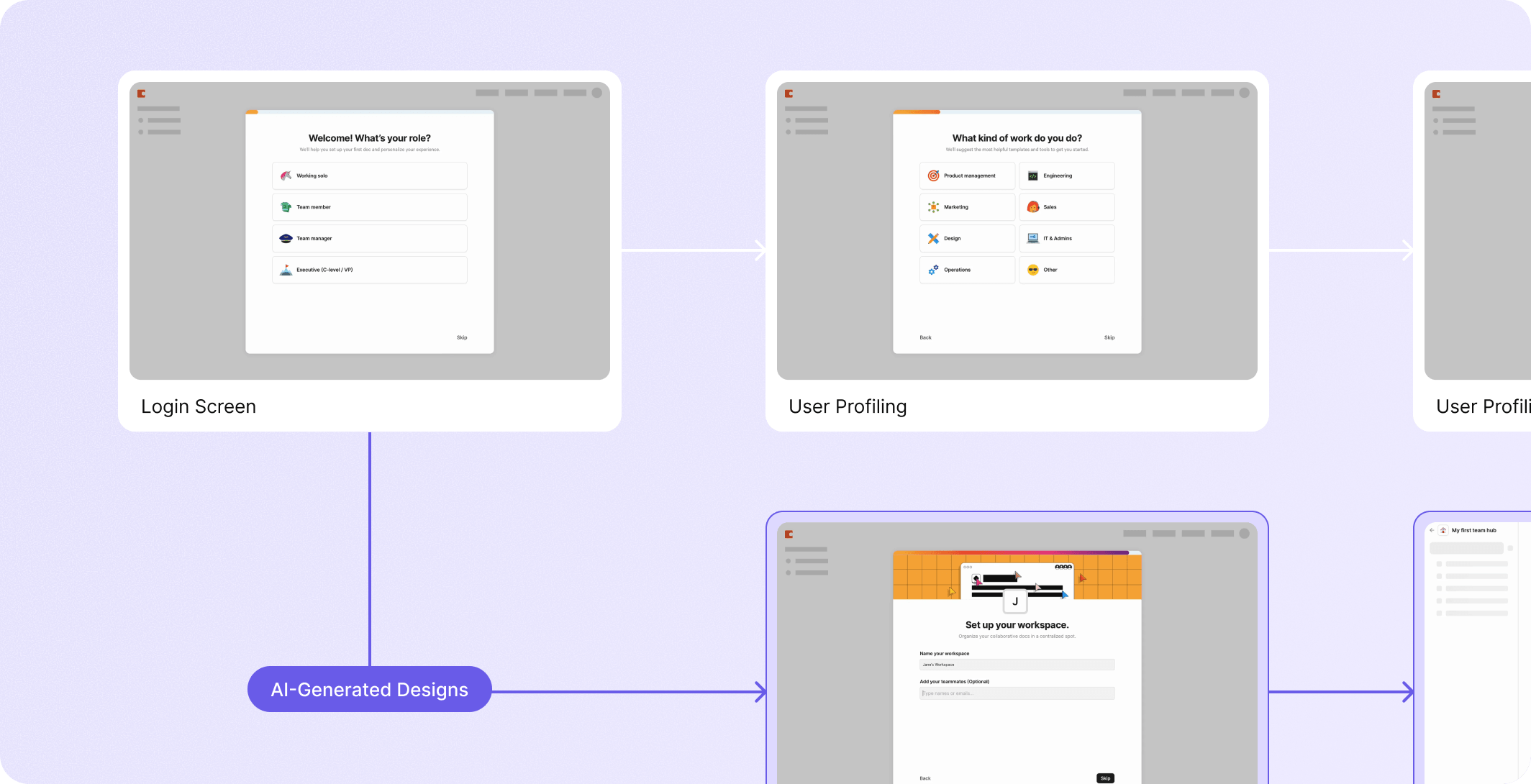
Keep wireframes, product context and design explorations together on the canvas. Copy wireframes as images to bring a concrete direction into your team’s discussions.
When you’re ready, develop the chosen direction into high-fidelity designs and prototypes. Export your prototype screens to Figma as editable layers for further refinement.
BEFORE YOU START
Wireframing a complex product?
See a demo with the Figr team ↗
Start with a short brief or PRD and the user’s goal. Add screenshots or an existing flow for more product context. Tell Figr which screens you need, what is changing and which constraints matter.
Yes. Share the current screens and explain the change you want to make. Ask Figr to use the existing navigation, product rules and surrounding flow as context for the new wireframes.
Yes. Wireframes live on the Figr canvas. Use Select & Edit to change specific parts without regenerating the whole wireframe. You can resize them, view them fullscreen and revisit version history.
Wireframes help you explore structure, content and the steps in a flow. Prototypes develop the design and interactions further. Start with wireframes to agree on the direction, then move into detailed design.
You can copy wireframes as images for review. When you develop a direction into a prototype in Figr, you can export its screens to Figma as editable layers and continue refining them there.
Yes. Create a free account and use the included credits to try a focused feature or flow. The free plan has usage limits; see the pricing page for current limits and paid-plan options.
Create a free account. Start with one feature or flow.